

Introduction: This Isn’t About Upgrading—It’s About Fit
Most people don’t start looking into mobile hotspots because they want another gadget.
They do it because their phone hotspot begins to get in the way.
A video call drops halfway through.
A second device connects, and everything slows down.
Your phone battery drains so fast that you stop trusting it for real work.

At that point, the question isn’t whether your phone hotspot works.
It’s whether it still fits how you’re using the internet.
This article isn’t about convincing you to buy anything.
It’s about helping you recognize when your usage has quietly crossed a line—where relying on a phone hotspot starts creating friction instead of solving problems.
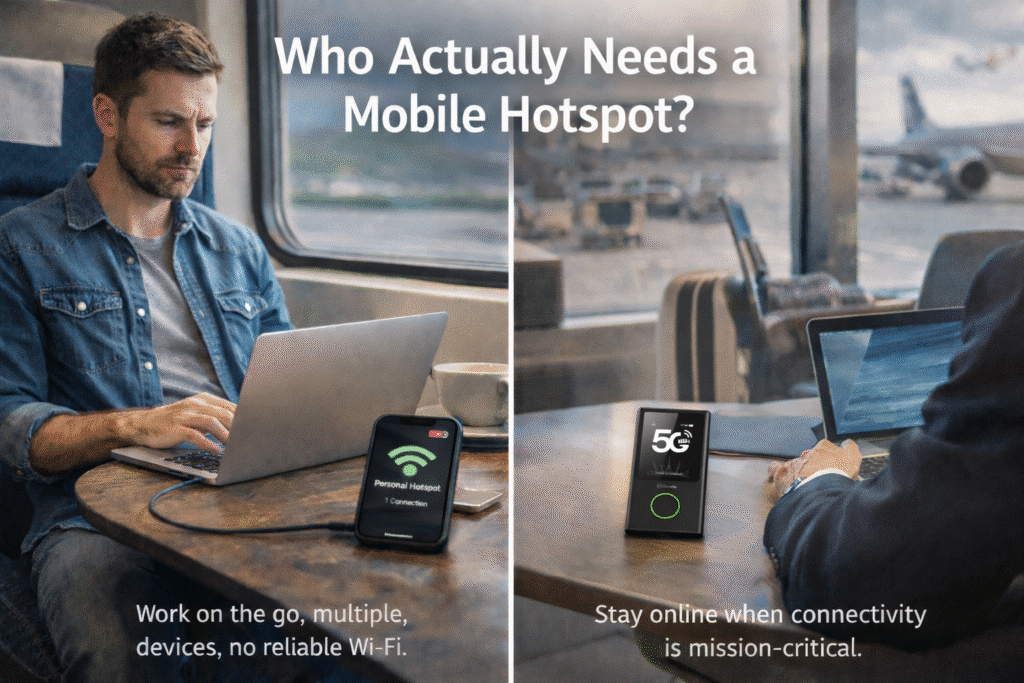
Who Actually Needs a Mobile Hotspot Device?
You don’t need a dedicated solution just because you travel occasionally.
But you may need one if several of the conditions below sound familiar.
Usage Frequency
- You rely on mobile internet multiple days a week
- Sessions often last an hour or longer
- Hotspot use is planned, not a backup
Number of Devices
- Two or more devices are connected at the same time
- Cloud sync, file uploads, or collaboration tools run in the background
Environment
- Frequent travel or mobile work
- Trains, airports, hotels, trade shows
- Unreliable or unavailable Wi-Fi
Dependency
- A five-minute disconnect would interrupt meetings, deadlines, or other people
- Internet stability affects outcomes, not just convenience
Phone Constraints
- Your phone stays plugged in mainly to keep the hotspot alive
- You hesitate to use your phone freely because it’s acting as your network hub
If three or more of these situations apply, you’re no longer using a hotspot casually.
At that point, the question isn’t whether your phone can share a connection—it’s whether it should.
This is typically the point where users begin to realize that their needs align less with a phone-based workaround, and more with what a dedicated
mobile hotspot device
is actually designed to support: sustained use, multiple devices, and consistent connectivity while working or traveling.
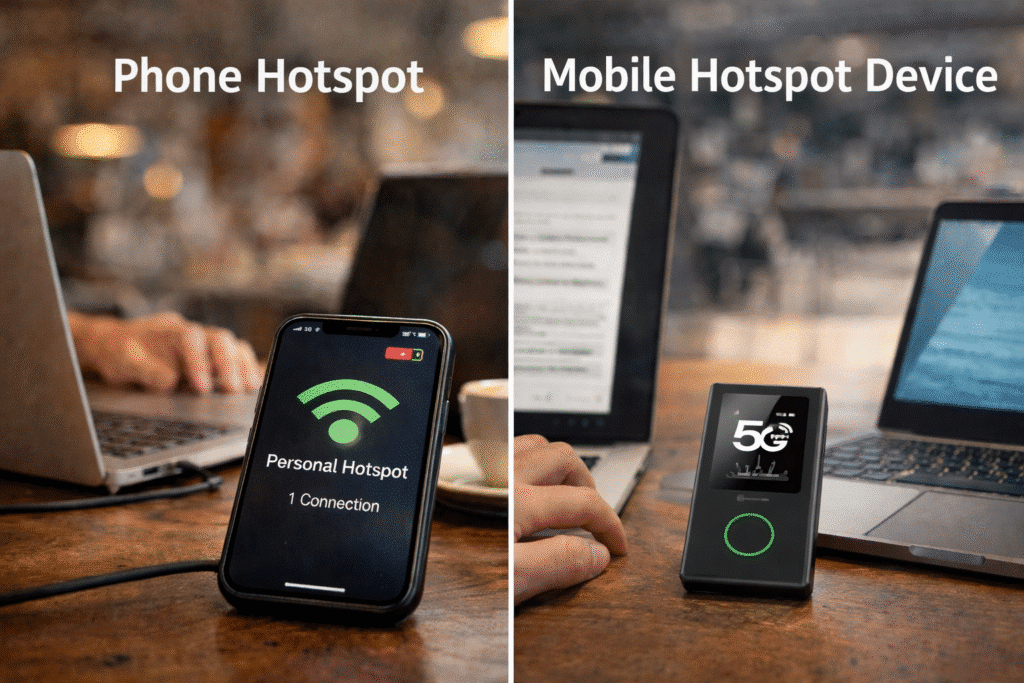
Phone Hotspot vs Mobile Hotspot Device: What Actually Breaks First
The real differences don’t show up on spec sheets.
They show up under sustained use.
| Factor | Phone Hotspot | Mobile Hotspot Device |
|---|---|---|
| Battery impact | Drains phone quickly | Separate power source |
| Multi-device use | Stability drops fast | Built for concurrency |
| Long sessions | Performance becomes unpredictable | Consistent behavior |
| System priority | Phone experience comes first | Network is the only task |
| Mental overhead | Requires constant checking | Largely hands-off |
The issue isn’t speed.
It’s how often you need to think about staying connected.
Real-World Scenarios Where Phone Hotspots Stop Being Practical
Phone hotspots usually don’t fail dramatically. They fade.
Long video meetings
Thirty to ninety minutes into a call, performance dips—just enough to distract.
All-day travel use
Mobile internet runs for hours. Your phone stays tethered to a charger. One forgotten cable becomes a real problem.
Multi-device workflows
A laptop handles the main work while a tablet and phone stay connected. Stability drops as background tasks compete.
Highly mobile environments
Trains, airports, and city-to-city travel mean frequent network handoffs. Reconnecting becomes routine.
Shared connections
Family members or teammates rely on the same hotspot. One failure affects everyone.
If two or more of these apply, your phone hotspot is already operating outside its comfort zone.
Why Portable Hotspots Exist as a Separate Category
Portable hotspots weren’t created because phones are inadequate.
They exist because the way people use mobile internet has changed.
Phone hotspots are built around short sessions, limited sharing, and low dependency.
That model works well when connectivity is occasional.
But once internet access becomes continuous, shared across devices, and critical to work, relying on a phone alone begins to introduce friction.
This shift in usage is exactly why an entire category of tools—commonly described as
portable hotspot
solutions—exists in the first place. They are designed to support sustained connections and multiple devices without forcing a phone to function as a router.
A phone hotspot multitasks.
A portable hotspot is purpose-built.
That difference rarely shows up in benchmarks or spec sheets.
It shows up in reliability over time.
What Actually Changes After Switching (And What Doesn’t)
This is where expectations matter.
What changes:
- You stop checking battery levels before meetings
- You stop monitoring signal strength constantly
- You stop planning around possible disconnections
Connectivity becomes background support instead of a recurring concern.
What doesn’t change:
- Internet doesn’t become magically faster
- Coverage limitations still exist
- It’s not a solution for every scenario
The improvement isn’t about raw performance.
It’s about predictability—and the mental space that comes with it.
Choosing a Portable Hotspot Based on How You Use It
The biggest mistake people make is comparing features before identifying their main use case.
Frequent travelers
Broad coverage and automatic network handling matter most.
Multi-device users
Look for consistent performance under sustained load.
Families or small teams
Predictable shared access is more important than peak speed.
All-day connectivity
Independent battery life keeps your phone free for personal use.
Once the scenario is clear, product choices become much simpler.
Why Common Fixes Rarely Solve the Real Problem
Most people try these first:
- Buying a newer phone
- Upgrading data plans
- Constantly changing locations
- Monitoring everything more closely
These may delay issues, but they don’t address the underlying mismatch.
If you’ve tried several of them already, the limitation is structural—not situational.
A Simple Decision Framework
Ask yourself two things.
How often do you rely on mobile internet?
Occasional use favors phone hotspots. Daily reliance doesn’t.
What happens if it drops for five minutes?
If the answer involves real consequences, reliability matters more than convenience.
When Connectivity Stops Demanding Attention
The real benefit of the right setup isn’t faster speeds. It’s fewer decisions. You stop checking. You stop preparing. You stop working around the connection.
At that point, connectivity becomes what it should have been all along:
invisible support, not a constant negotiation.
That’s when changing tools stops feeling like an upgrade—and starts feeling like a correction.











