
You don’t have to be a tech nerd to appreciate VPNs in this day and age. Everyone’s aware of security issues when going online, and if somebody mentioned a virtual private network, you’d immediately know it’s a VPN, right? In fact, they’ve been gaining in popularity over the last few years, with many to choose from, each offering different levels of protection when you go online. And as we’re all living online, you want to make sure you’ve got the right protection in place.
Why protect yourself?
With so much of our lives online, you want to make sure that it’s all protected. Personal data such as names and addresses, bank details etc. are just some of the basics you want to keep safe. Then there’s your searching history too. With so many websites and companies online, it can be tricky to keep track of which cookies you’ve kept on and finding out which websites are safe. This is particularly true when you’re using your iOS device. If you’re on your latest iPhone or iPad, the mobile versions of websites can sometimes hide the permissions, and occasionally you might not be aware that you’re on a bad website. However, if you’ve got a good VPN in place, then none of this should even worry you!
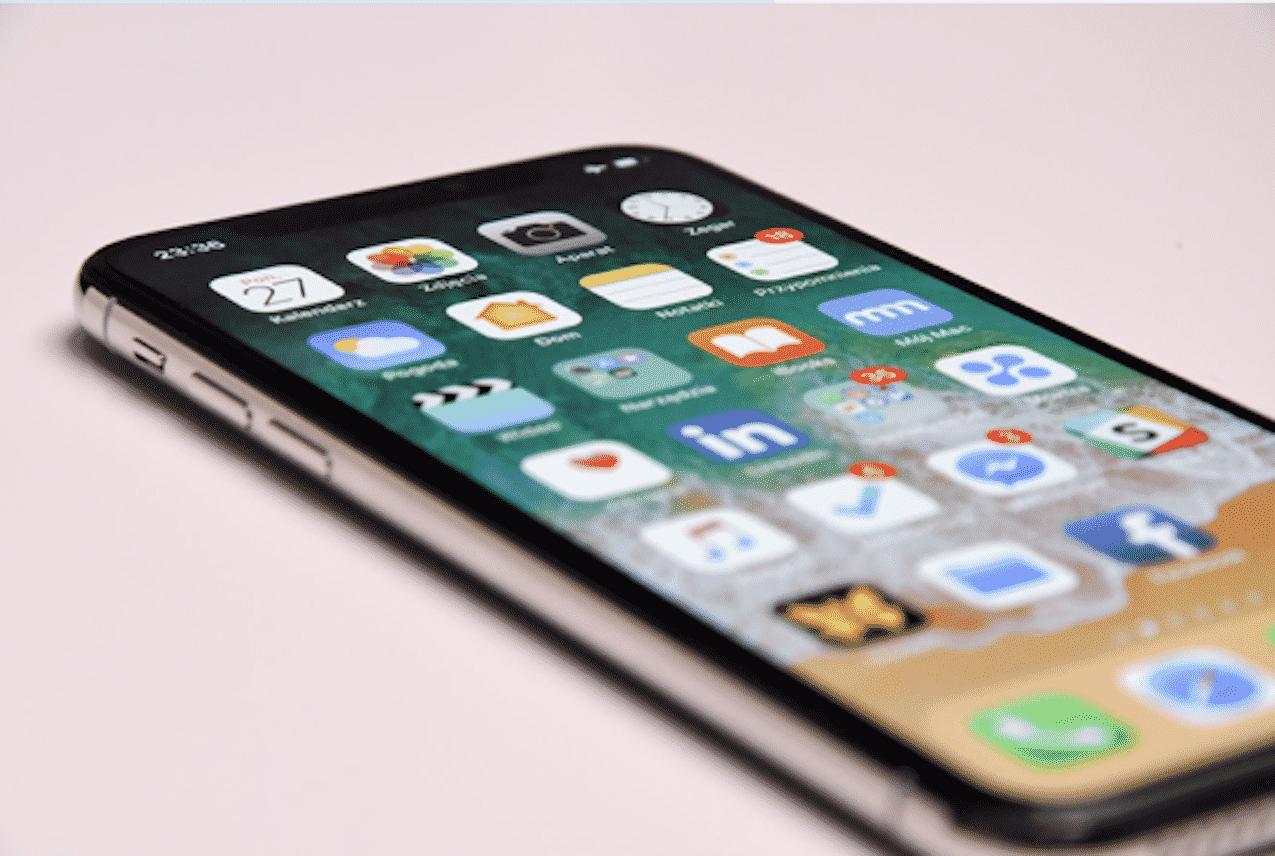
When you’re at home or work using your phone to peruse the web, you do know that your internet service provider (ISP) can see your activity? Maybe you’re looking for new jobs while at your current one or perhaps you don’t like the idea of the power that the provider holds over you. With a VPN easily installed onto your phone, you can work around all this, log on, go online and the ISP cannot find out what you’re looking up, giving you the anonymity you want.
As so many of us use smartphones for everyday life – you might even be reading this on yours – the risk of a data breach can be severe. This is especially true when you’re out and about and using public wi-fi. Coffee shops, bars, airports – they all offer free wi-fi, and you might even find some others available wi-fi when you’re scanning for a network to join.
But in a situation like this, that’s when you want the best iOS VPN for public places because you never know how safe these networks are. They’re designed for hundreds of users to go on; you don’t know the security measures in place or whether your details are safe and secure. However, if you’ve got a solid VPN, then you can whip your device out and start browsing confident in the knowledge that all your details are secure.
Another reason why using a VPN on your iOS device is so important is because of the evolving way voice and data works. We’re making a move to an all-digital world, and in just a few years, you can expect phone calls to be made over the internet rather than using phone lines. Already, the majority of providers allow you to make calls with voice over IP (VoIP) services. This just opens up another avenue for the best hackers out there. So how do you combat them? With a VPN service that can run in the background while you’re making a call over IP. It’ll have a different IP address each time you make a call, so nobody will ever be able to trace it back to you or your iOS device.
It’s not just voice that’s carried over the web. Every day people are using instant messaging from WhatsApp to Messenger to Skype and all the others available in the Apple Store. They’re all sent online with the potential for hackers to get access to your messages. These apps do their best to incorporate robust security technology, but as we saw years ago (and continue to see) with leaked messages and pictures, you can never be too sure. A VPN installed on your phone will give you that higher level of encryption to make sure your conversations and sent material are kept private.
No doubt you keep your phone on you most times. Which means Google could be tracking you and your location. Say goodbye to Big Brother with a VPN installed on your iPhone, and laugh as you use all of Google’s services without them getting hold of your information.
As we live through our iPhones, using it daily, our information is out there. But when you have a VPN installed, you can beat those prying eyes and continue doing what you’re doing. But in private, as it should be.











