
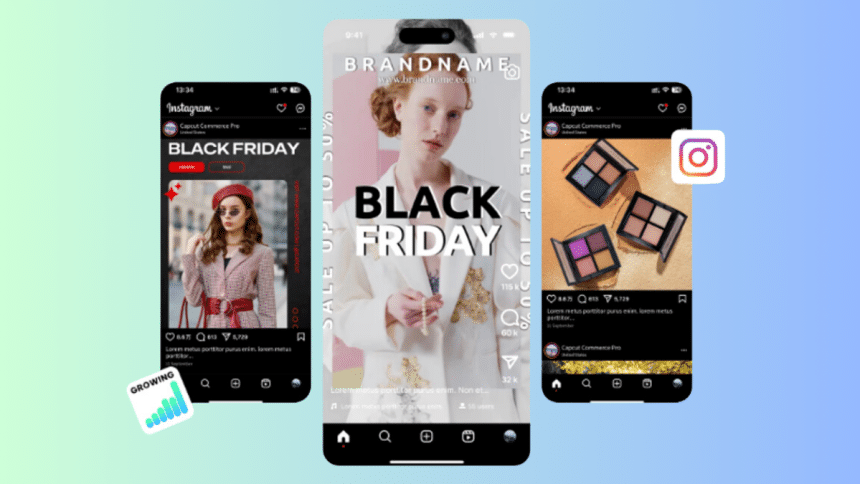
In the fast-paced world of digital content, trends and platforms are constantly evolving. Each platform demands unique video formats, sizes, and aspect ratios to capture viewers’ attention effectively. But resizing videos isn’t just about meeting technical requirements—it’s about transforming a single piece of content into a versatile storytelling tool that resonates with diverse audiences.
With a video resizer, content creators and businesses can reimagine how they engage audiences across platforms, tailoring each video to maximize reach and relevance. Paired with CapCut Commerce Pro, resizing becomes more than an editing task—it becomes a strategy to amplify creativity, maintain brand consistency, and maximize impact.
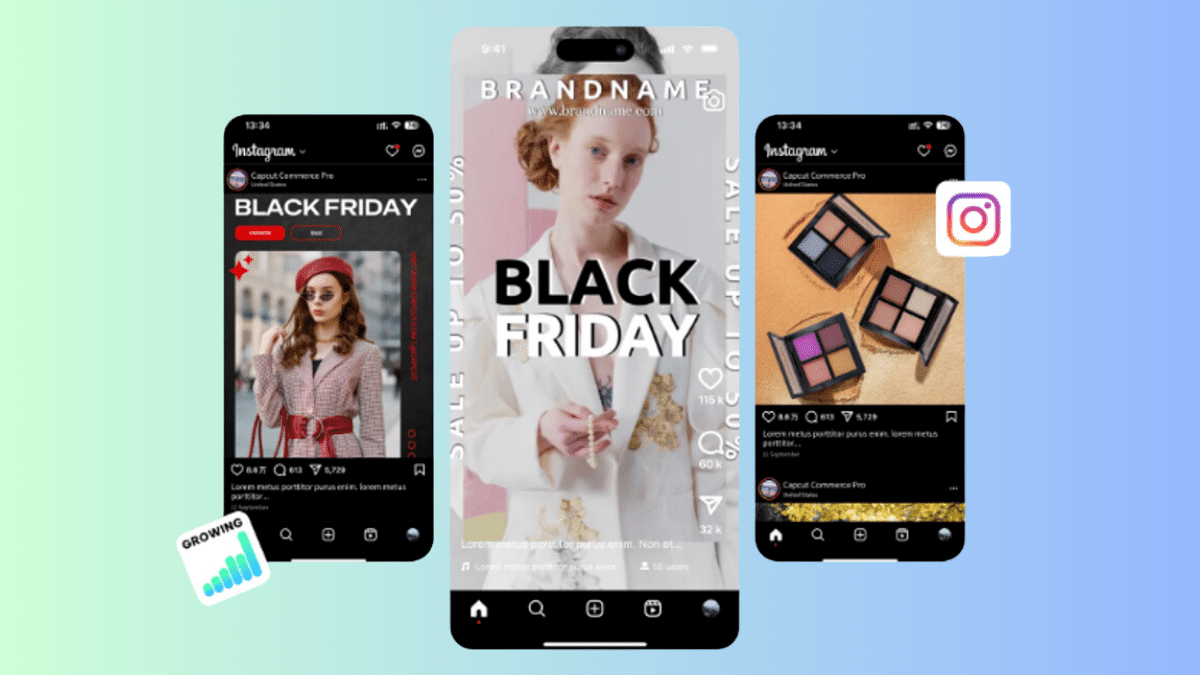
Let’s explore how resizing videos can unlock the hidden superpowers of your content creation process.
Repurpose to Multiply Impact
One of the most powerful benefits of resizing videos is the ability to repurpose content for various platforms and audiences. A single video can be transformed into multiple formats, each with its own unique purpose.
How to Repurpose Videos Effectively:
- Long-Form to Short-Form: Convert a YouTube video into short clips for TikTok or Instagram Reels.
- Multi-Purpose Snippets: Split a webinar into key takeaways and resize them for LinkedIn posts or email campaigns.
- Teasers and Highlights: Resize a promotional video into quick, engaging teasers for Stories or ads.
By resizing strategically, you maximize the lifespan and reach of your original content.
Enhance Storytelling Through Format
Different video formats evoke different emotions and engagement styles. Resizing videos allows you to tailor your content to fit the storytelling needs of each platform.
Examples of Resizing for Storytelling:
- Vertical Videos (9:16): Best for immersive, personal storytelling on platforms like TikTok and Instagram Stories.
- Square Videos (1:1): Ideal for attention-grabbing posts in busy social media feeds.
- Widescreen Videos (16:9): Perfect for cinematic narratives or professional presentations on YouTube or LinkedIn.
With each resized version, you can adapt your storytelling approach to suit the platform’s tone and audience.
Resizing for Brand Consistency
Brand consistency is key to building trust and recognition. Resizing videos ensures your content remains visually cohesive across all formats and platforms.
Tips for Maintaining Brand Consistency:
- Include Branding Elements: Ensure logos, watermarks, and brand colors are visible in every resized version.
- Design for Scalability: Use resizing to keep visuals balanced and readable across formats, especially on mobile screens.
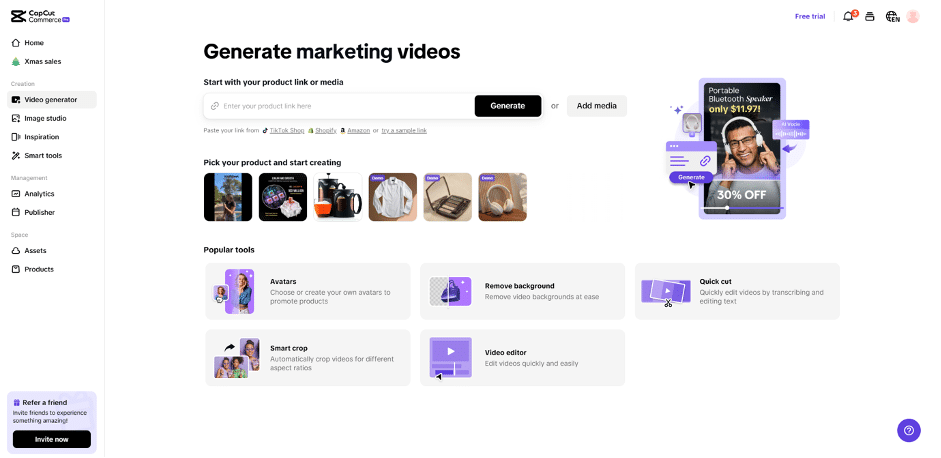
- Custom Templates: Use CapCut Commerce Pro to create reusable templates that maintain your brand’s identity across all videos.
- Consistent Font Styles: Stick to your brand’s typography guidelines when adding text overlays or captions to resized videos to maintain a cohesive look.
- Uniform Transitions and Effects: Use the same style of transitions, animations, and effects in all resized versions to reinforce your brand’s tone and style.
- Aspect Ratio Guidelines: Create a set of internal guidelines for resizing, ensuring that key branding elements like logos and taglines remain proportionally placed across different formats.
When resizing is done thoughtfully, your brand becomes instantly recognizable no matter where your content appears.
Creative Freedom with Resizing
Resizing videos doesn’t have to be a mechanical process—it can be an opportunity to explore creative ideas and experiment with new formats.
Creative Ideas to Try:
- Multi-Frame Designs: Resize and arrange videos into grid layouts or split screens for unique visual effects.
- Dynamic Comparisons: Use resizing to create side-by-side comparisons, such as “before and after” transformations or product features.
- Thematic Resizing: Adjust dimensions to match specific themes or moods, such as minimalistic square formats for clean designs or vertical formats for intimate storytelling.
CapCut Commerce Pro’s advanced tools make it easy to experiment with resizing while maintaining professional quality.
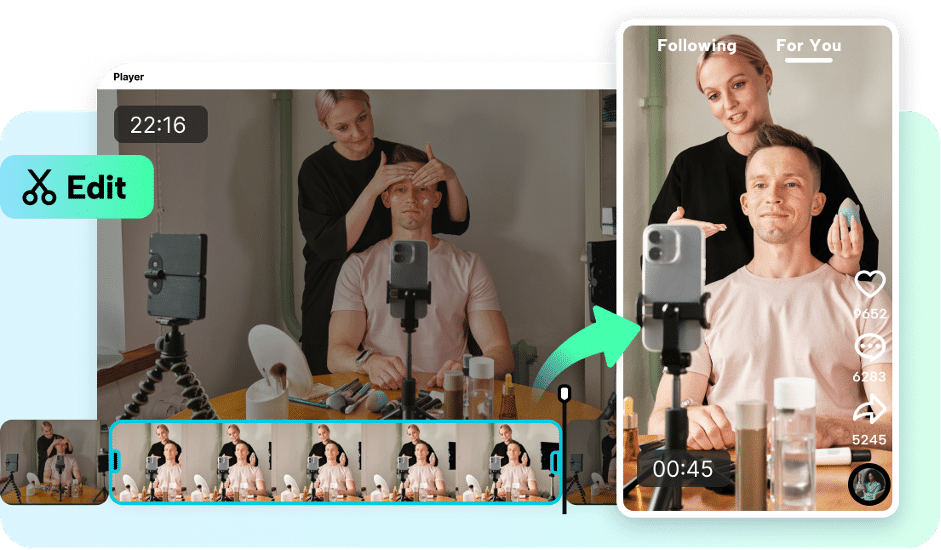
Resizing for Audience Personalization
Not every audience consumes content the same way. Resizing allows you to tailor videos for specific demographics, enhancing relevance and engagement.
Personalization Strategies:
- Localized Content: Resize videos for regional campaigns and add subtitles or overlays in different languages.
- Age-Specific Formats: Use vertical formats for younger audiences on TikTok and widescreen layouts for professionals on LinkedIn.
- Device Optimization: Resize for mobile-first audiences while ensuring compatibility with desktops and tablets.
By aligning resized content with audience preferences, you create more impactful and personalized connections.
Future-Proofing Your Content
As platforms and devices evolve, resizing videos ensures your content stays relevant. New formats, like interactive verticals or 360-degree videos, will demand adaptable content.
Resizing for Emerging Trends:
- Dynamic Resizing: Create videos that adjust dimensions automatically based on device orientation.
- Responsive Formats: Resize content for wearable devices like smartwatches or augmented reality platforms.
- Multi-Purpose Campaigns: Resize content for hybrid use cases, such as combining digital and physical displays.
Staying ahead of these trends ensures your content remains competitive and innovative.
Conclusion
Resizing videos isn’t just a technical necessity—it’s a creative and strategic superpower. With tools like a video resizer and CapCut Commerce Pro, you can adapt, enhance, and expand your content to reach its full potential.
From repurposing to personalization, resizing transforms how videos are used and experienced, turning them into dynamic tools for storytelling and engagement. Embrace the art of resizing and unlock new possibilities for your content!











