
An efficient document management system should include all the necessary tools for working with files in different formats. However, using numerous software applications to edit each format separately will only confuse you. In addition, subscriptions to numerous services will be very expensive. It would be more practical to choose a widely-used format as a base and convert the necessary documents into it for editing or other tasks.
The most versatile file format is Portable Document Format (PDF), which has proven itself as an effective standard for office work. If you choose PDF management for personal or business purposes, you will need a PDF converter. PDF Flex is the fastest and most efficient solution that will allow you to instantly convert all common formats to PDF or make a conversion in the opposite direction.
Overview: It’s Hard to Believe PDF Flex Is Free
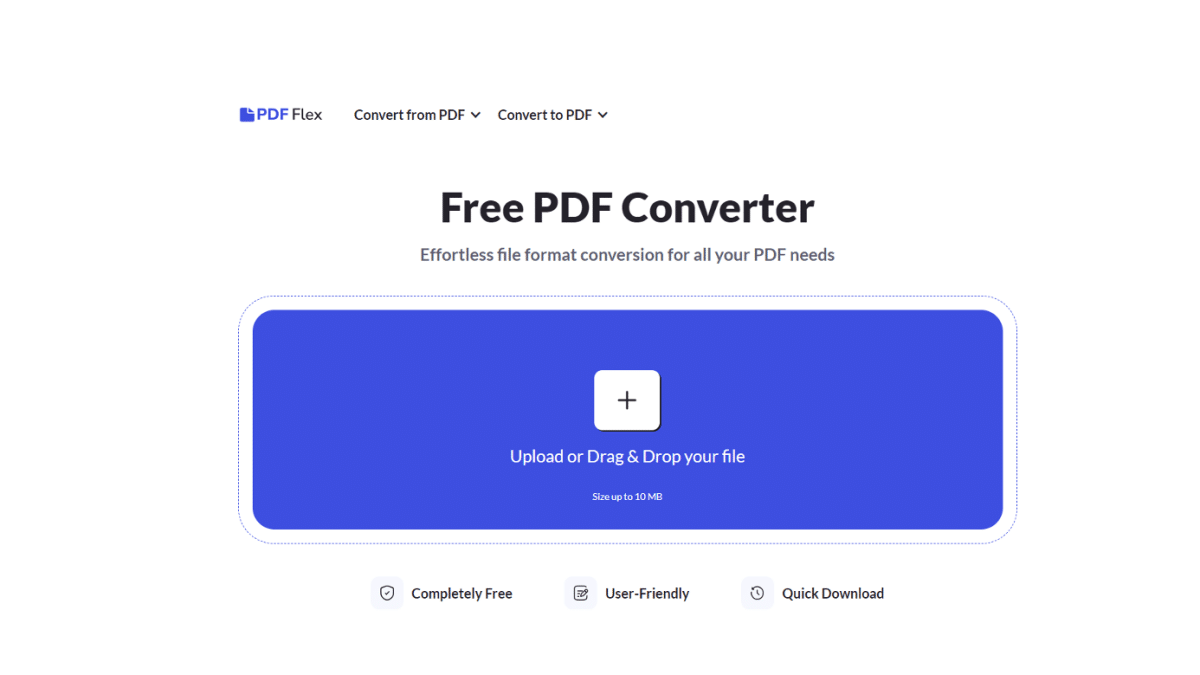
New technologies for working with documents make it possible to perform previously unthinkable actions in a matter of seconds. Moreover, they do not require significant investments to maintain the efficient operation of the service. As a result, many service providers offer the most commonly used PDF document functionalities as free online applications. An example of such an effective free PDF converter is PDF Flex, which is available to users all over the world.
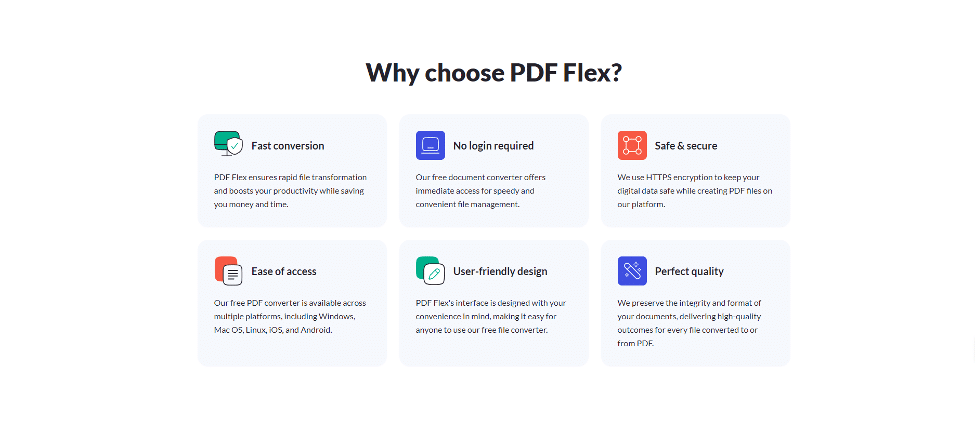
No Signup Required
To work with the service, you just need to upload a file that requires conversion. The platform will not ask you to subscribe or leave any personal information.
Easy Access
To complete document conversion, you need only an Internet connection. The online application is easily accessible from anywhere in the world and does not require downloading and installation on your device.
Support of Multiple Formats
The file to PDF converter offers a wide selection of formats for conversion in both directions. Word, Excel, JPG, PNG, and other file formats are among the most frequently requested by users. The range of formats is regularly expanded to embrace the most complete list of possible document formats.
Efficiency
By converting your documents with PDF Flex, you get instant results without quality loss. The application is adapted to work with mobile phones, so working with it will be comfortable in any condition.
Limitations
- There are few restrictions regarding the choice of format when working with a PDF converter. Free conversion is applicable to any of the proposed formats. However, the file size is limited to 50 MB file size, which is quite enough for daily PDF document management.
- The platform only offers a file conversion service, and for editing, merging, e-signing, and other tasks, you will have to use a multifunctional PDF maker.
How to Get Started with PDF Flex
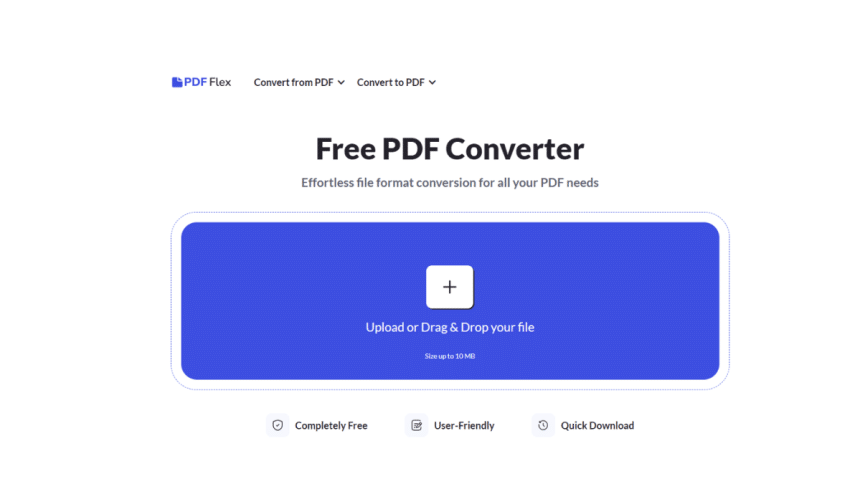
This free PDF converter performs all actions automatically. All you need to do is upload the file and confirm some commands:
- Select the type of conversion you need from the toolbar.
- Upload the desired file to the upload area.
- The system will immediately begin converting your file.
- Once the conversion is complete, the platform will offer you to download the converted file to your device or perform another conversion.
Explore Other Tools for Your Arsenal: PDF Editor, Cloud Storage, and More
For your PDF document management to be effective, you will need other tools. The most complete set of tools for implementing daily tasks can be found on the PDF Guru platform. This is a multifunctional PDF editor that fulfills many tasks:
- Merging multiple files into one;
- Editing PDFs;
- Compressing files for more efficient storage and faster transfer;
- E-signing of documents with various types of electronic signatures;
- Protecting files with a password;
- Limiting actions performed on a file for external users, etc.
Also, building your own document management system may require you to create a virtual office for storing documents. Such cloud storage services have many advantages:
- Saving you from the need to purchase expensive computers with large storage;
- Giving access to your documents from anywhere in the world;
- Containing the necessary tools for organizing documents and their effective classification;
- Providing 24/7 technical support.
Combined with a free file to PDF converter, this online document management system will provide you with all the necessary tools for working with files. Your workflow will be easy, fast, and comfortable. In addition, you will not have to worry about regularly updating the software. The service specialists will complete this task on time, providing you with more advanced services without having to pay additional money.
Conclusion
Even if you have never encountered PDF document management before, one day, the task of converting files will require using such a tool as a PDF converter. And then PDF Flex will come to your aid, offering high-quality and free service. This intuitive and easy-to-use application will become your reliable assistant anytime you need to build bridges between files of different formats. Being available online, PDF Flex will instantly perform the conversion and save you a lot of hassle and the need to pay for a subscription to other services.











