
Ask ten iPhone owners about battery life, and you will hear ten different stories. Apple publishes neat figures that promise a certain number of hours for video or audio, along with a small gain over last year.
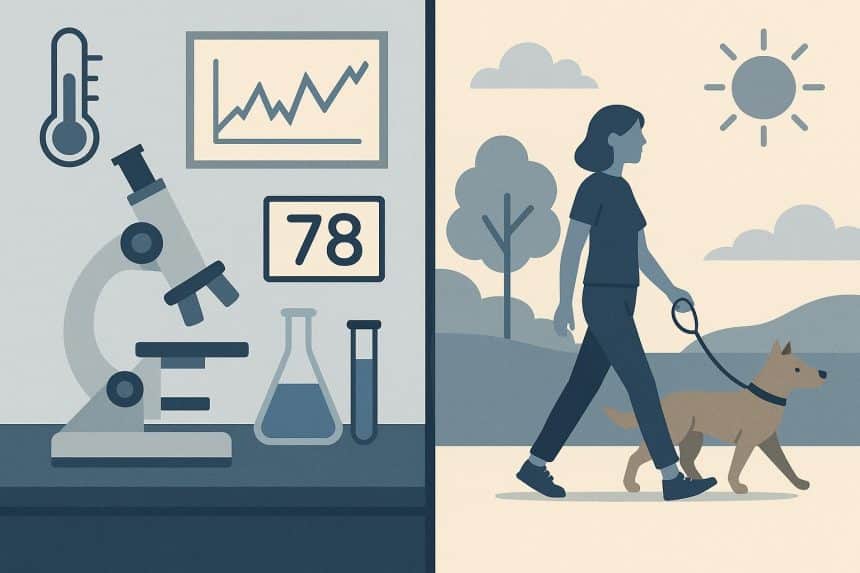
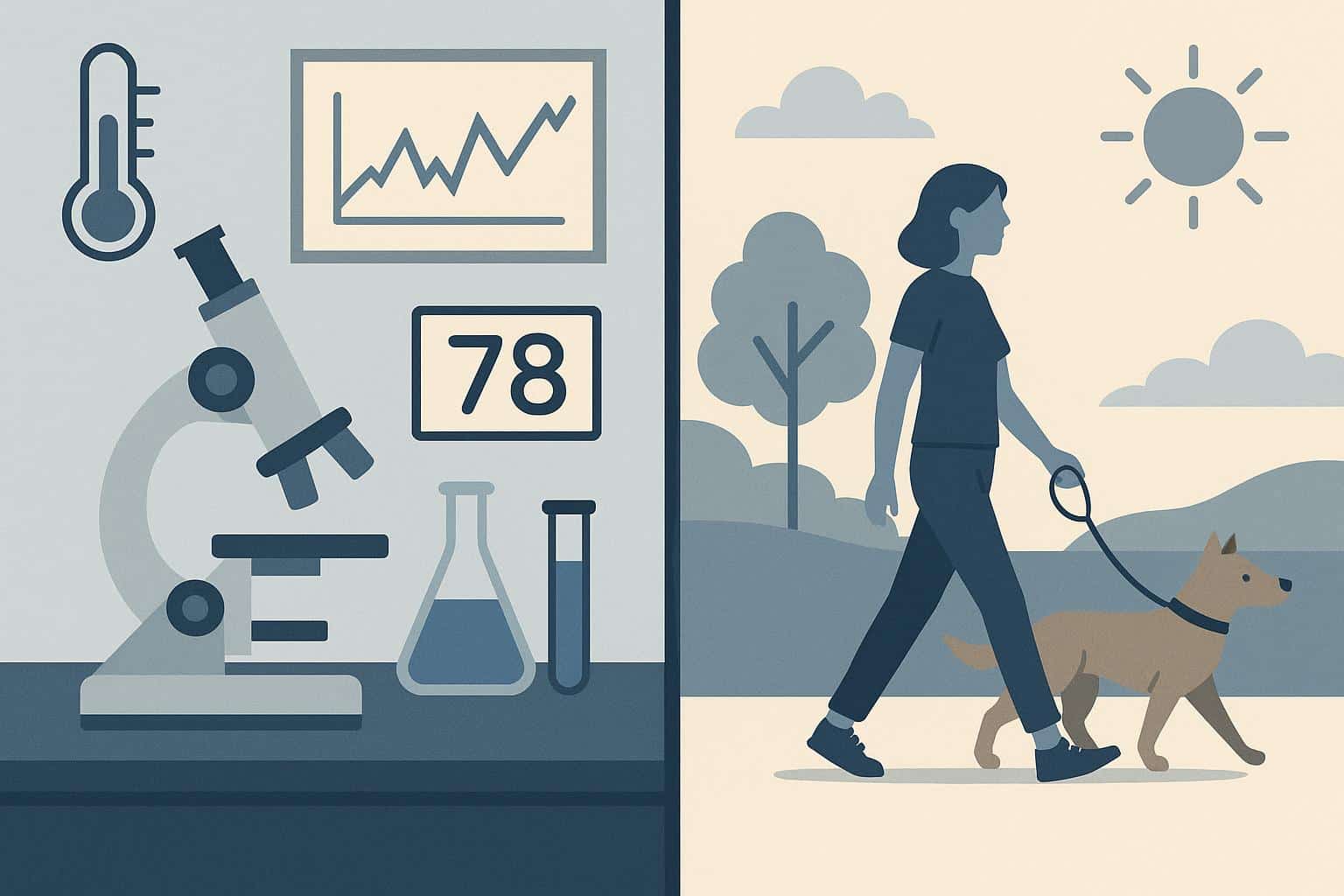
Those claims are not lies, but they are snapshots taken in a controlled room. Your day is not a lab. You move between bright sun and dim rooms. At other times, you may explore safe poker platforms not registered with GamStop to enjoy a more diverse gaming experience. Our guide explains why your iPhone’s battery life may feel better or worse than the numbers say.
Why Lab Numbers Rarely Match Daily Life
Testing tries to keep variables in one condition. Engineers fix brightness, lock the phone on one network, and run a repeatable script. Meanwhile, your day is different from the testing lab.
A quiet morning of messages barely sips power. Turn on Maps and Bluetooth in a car with shaky coverage, and the percentage begins to slide. Record 4K clips, and the slide turns into a drop. One number cannot reflect all of that.
The display is the loudest part of the power story. Brightness matters more than most people think. If you keep the slider high, the battery pays for the comfort. Auto brightness protects you, but we all override it at times. Refresh rate is another lever. A fast and smooth screen feels lovely, but extra frames need extra energy when you scroll endlessly.
The Impact of Networks and Connections
Connections can lift you or sink you. A weak signal forces the modem to amplify its signal, and that consumes power. Long stretches of video on 5G or tethering a laptop will drain even a large battery. Location services send a stream of background requests. A few checks are fine, but dozens together add up to a significant drain by evening.
Software Quietly Shapes Battery Life
Software often explains sudden swings. After a major iOS update or a new phone setup, the system indexes photos, files, and apps. It studies patterns so it can preload what you might open next.
Background App Refresh keeps timelines and feeds ready, which feels fast when you open them. Yet it means work continues while the screen sleeps. Photos, Music, Mail, and Notes sync in the background as well. Each task is small, but together they add a real load.
Heat, Cold, and the Role of Temperature
Temperature bends expectations. Lithium-ion cells prefer a moderate climate. Leaving the phone in a hot car or a sunny pocket may cause the system to reduce performance to protect the hardware. That makes the phone feel like it is working harder to do less. Whereas, on a cold morning, you might see the percentage fall suddenly.
Apps Are Not All Equal
Apps are not equal in appetite. A social video app, turn-by-turn navigation, a game, and the camera are hungry. While a notes app barely registers, autoplay, high-quality streaming, and constant notifications take their toll.
At the same time, widgets update throughout the day and consume some energy too. None of these are reasons to avoid the apps you enjoy. However, they are the levers that explain why two users may see very different days.
Ageing Batteries Change the Story
Time changes the math as well. Every full charge and discharge counts as a cycle. Over many cycles, the battery’s maximum capacity decreases. iOS shows this value in Battery Health.
When the number drops, a familiar routine may no longer be suitable. The phone that once lasted until midnight now needs a top-up by late afternoon. That is not a scheme. It is chemistry. Optimised Battery Charging helps by pausing around eighty percent at night and finishing before your usual wake time.
How Perception Shapes the Experience
There is also the psychology of the meter. The first ten percent feels precious, so we watch it closely and notice every dip. A morning of screen-heavy tasks makes the day feel short, even if the phone meets bedtime.
Hours in meetings with little screen time make the day feel long, regardless of the ending percentage. Memory plays a role, too. If your last phone struggled, any improvement feels large. If your last phone was a tank, small setbacks loom larger.
Practical Ways to Stretch Your Charge
If your results disappoint you, open Settings and visit Battery. The charts and ten-day view make patterns obvious. For improved battery performance, minimise notifications that are not essential. Keep auto brightness on. Prefer Wi Fi when you can. Review location access and pick “While Using” for apps that do not need constant tracking.
In addition, turn off “Background App Refresh” for apps you rarely open. Use Low Power Mode on long travel days. If the capacity number suggests ageing, a battery replacement can help. Remember, small habits like plugging in for a top-up before meetings or letting the screen rest add up over weeks and months. These habits shape the battery story you experience.
The Real Measure of iPhone Battery Life
The bottom line is simple. Apple gives you a baseline. Your routine writes the rest. Numbers help you compare models, but they cannot predict your day.
Treat the spec as a starting point and shape the phone around your life. Do that and your battery stops feeling mysterious and starts feeling dependable.











