
Being in college nowadays is not exactly the same as a decade or two ago. Back then, you went to campus with a notepad and a whole lot of textbooks. If you were really into your studies, you would get a voice recorder and record your lectures. Those days are over and a new technology has made its way into the college classroom.
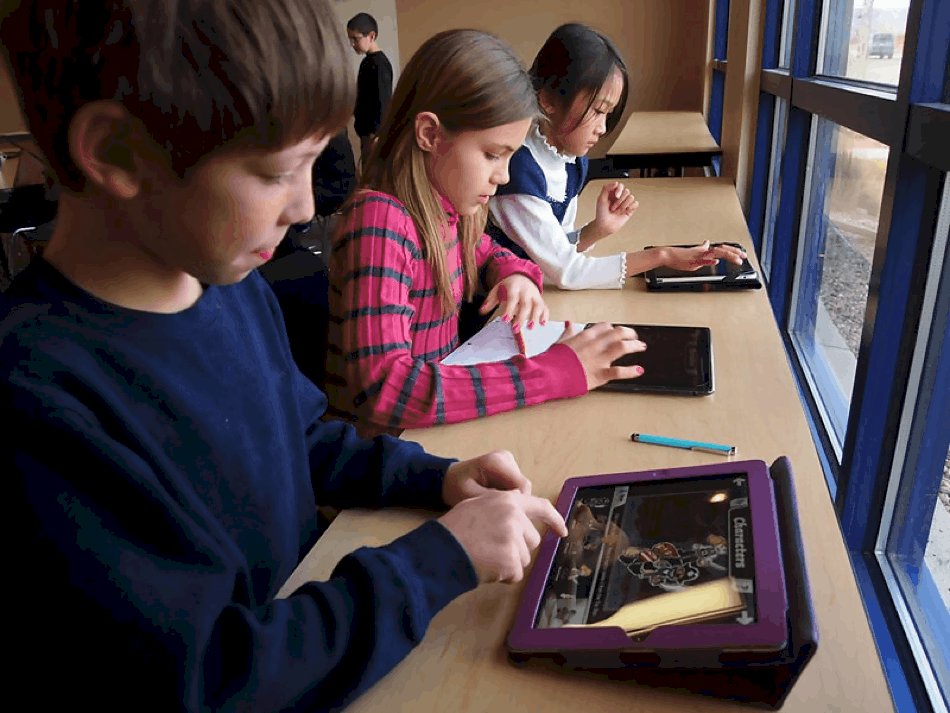
The MacBook and iPad education are the new tools of the student trade and there are many reasons why. The versatility of these devices makes them ideal for the diverse nature of student life.
Out with the textbook and in with the iBook
Remember all those textbooks that you had to lug around? With an iPad, textbooks have become redundant. In many cases, students are forced to buy expensive textbooks and, in the end, they only use a small portion of the book. Both lecturers and students love the iPad because of the customizable content that can be generated.
To be on the safe side, teachers can also use the online plagiarism checker at EduBirdie.com to make sure their content is original. The writers at EduBirdie and many students use it for checking their dissertation, thesis, term papers and all other writing work.
Lecturers can design their own coursework and textbooks and easily distribute them among the students. These are not static resources either. Students can interact and annotate their heart’s content and even insert content that they feel is relevant.
Immediate feedback
Tests and assessments are great and form a critical part of learning, but when it comes to feedback on your assignments and tasks, it is often slow.
iPads allow teachers to provide feedback on the fly or to set papers and assignments that provide immediate feedback upon completion. Not only is this beneficial for students, but teachers also find it to be a time saver when it comes to grading papers.
iPads in the classroom allow teachers to use various apps that make quiz creation easy. These little quizzes can be used to gauge what the students know in real-time. The communication gap or the time that it takes to let a student know that he or she is on track or not is ideal because students don’t get left behind.
The sheer volume and retention of resources
If you think about the size and the weight of an iPad, it is difficult to imagine that one could fit an entire library and then some on the physical storage of the device. That is not to mention the world of resources that the internet holds when connected to the web.
The only downside is that there is so much to choose from that it becomes difficult to determine what the best educational apps for iOS is.
Using an iPad in education also increases the retention of material. Students are much less likely to play the “I lost my assignment” card because everything is digital and can easily be retrieved. When these materials are on a learning management system, they cannot even say that the assignment was accidentally deleted.
Paperless reading and annotation
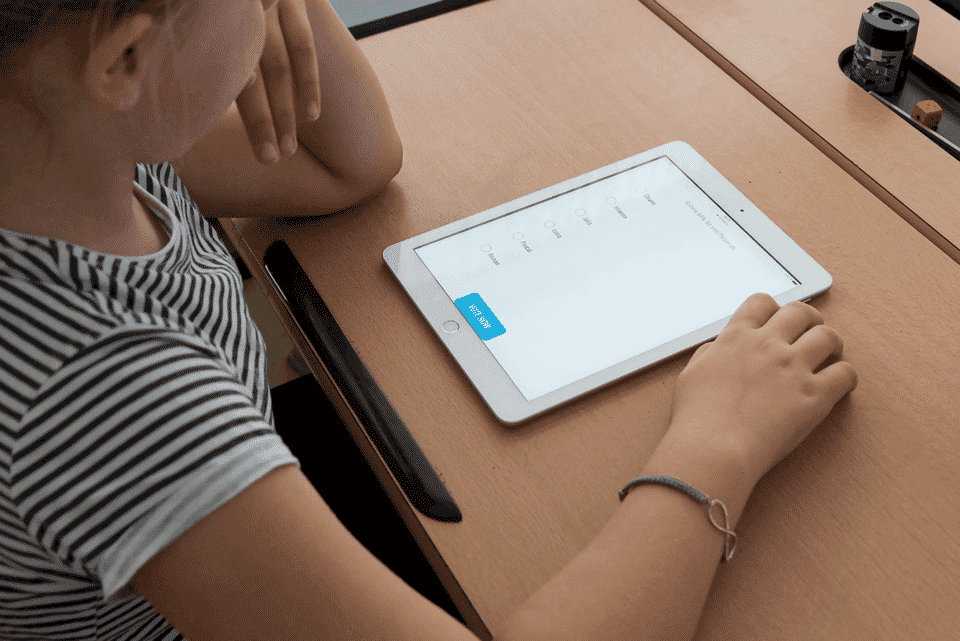
This is where the iPad really gets into its stride and surpasses the traditional hard copies by miles. Nearly all of a student’s books are available online or in electronic format and there are apps that enable a student to annotate these documents with ease.
However, the best feature is that when a book is not available in digital format, the student can take a photo of the work and the text is converted using sophisticated OCR apps. The iPad in the classroom has the ability to replace not only books, but cumbersome laptops as well.
Cost-effective
Although the iPad itself is a bit on the pricey side, you don’t have to replace it every year. But iPads in the classroom can replace every other piece of stationery that you would usually use, not to mention the textbooks and paper that you end up saving. One, can then say that iPads in education is good for the environment as well.
They say that the best things in life is free and when it comes to your iPad, it might also be the case. There are so many free books and apps available that you rarely have to buy anything.
The public domain is vast and it is growing daily. Then there are also Open Educational Resources that you can use. There are thousands of repositories on any topic that you can think of and these resources can be used to supplement your current materials.
The bottom line
Technology has changed the landscape of education forever and the iPad is one of the top contenders for the most influential device that has entered the classroom. iPads have made so many things possible and has extended the classroom beyond the four walls of the school.
Teachers and lecturers are able to communicate so much more efficiently with their students and students don’t need to rely on their teachers’ feedback alone. iPads in education has opened the doors of resources and students can finally take their education into their own hands. Whether they are bored with the coursework or need extra help, the iPad has all the answers.
Author Bio:
Jeremy Reynolds is a renowned academic and edutech consultant helping colleges and universities to develop teaching methodologies that uses technology to engage students to the fullest. This helps in improving their grades, setting their career goals, and achieving new milestones. In his free time, he plays golf with his friends, goes for camping and likes to swim in the ocean. He can be contacted via Twitter.











