
iLoungeiLounge
  • News
    • Apple
      • AirPods Pro
      • AirPlay
      • Apps
        • Apple Music
      • iCloud
      • iTunes
      • HealthKit
      • HomeKit
      • HomePod
      • iOS 13
      • Apple Pay
      • Apple TV
      • Siri
    • Rumors
    • Humor
    • Technology
      • CES
    • Daily Deals
    • Articles
    • Web Stories
  • iPhone
    • iPhone Accessories
  • iPad
  • iPod
    • iPod Accessories
  • Apple Watch
    • Apple Watch Accessories
  • Mac
    • MacBook Air
    • MacBook Pro
  • Reviews
    • App Reviews
  • How-to
    • Ask iLounge
Font ResizerAa
iLoungeiLounge
Font ResizerAa
Search
  • News
    • Apple
    • Rumors
    • Humor
    • Technology
    • Daily Deals
    • Articles
    • Web Stories
  • iPhone
    • iPhone Accessories
  • iPad
  • iPod
    • iPod Accessories
  • Apple Watch
    • Apple Watch Accessories
  • Mac
    • MacBook Air
    • MacBook Pro
  • Reviews
    • App Reviews
  • How-to
    • Ask iLounge
Follow US

Articles

Articles

Why and How to Track a Cell Phone Location

Last updated: Jul 4, 2022 4:33 am UTC
By Lucy Bennett
Why and How to Track a Cell Phone Location

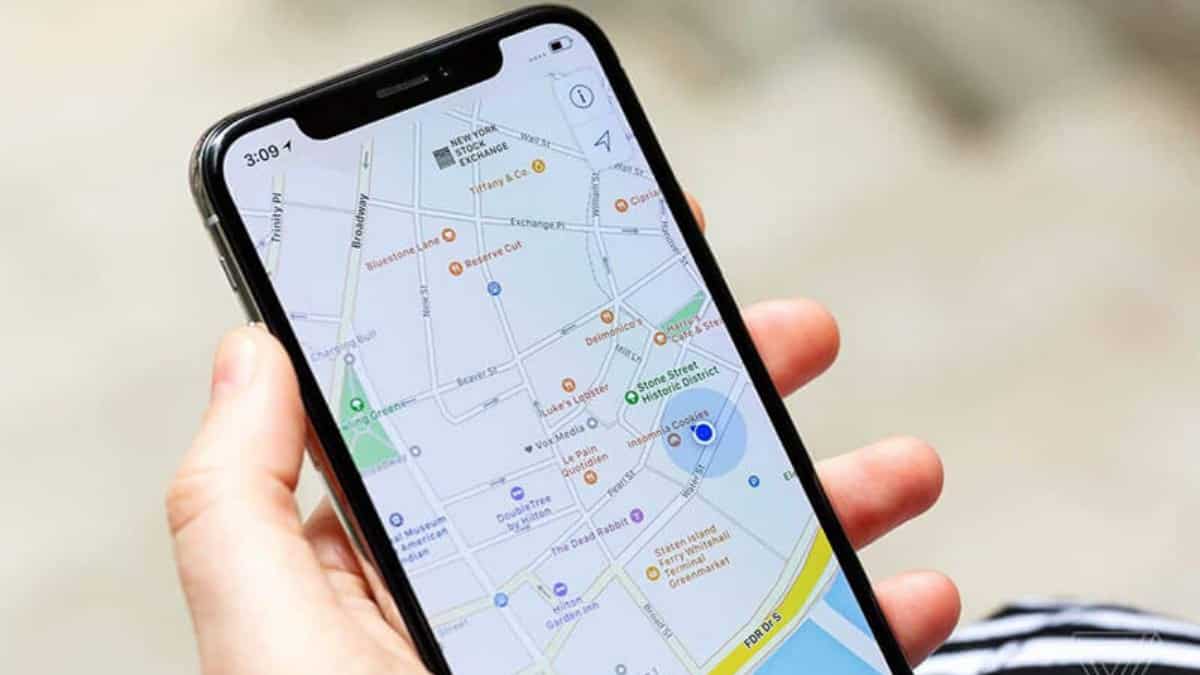
If spying comes to your mind when you hear the word “Location Tracker,” you’re probably not alone. Contrary to popular belief, however, tracking a cell phone location can be very beneficial to people. For instance, many people use it to find their device when it is lost or stolen, while some use it to ensure the safety of their loved ones.


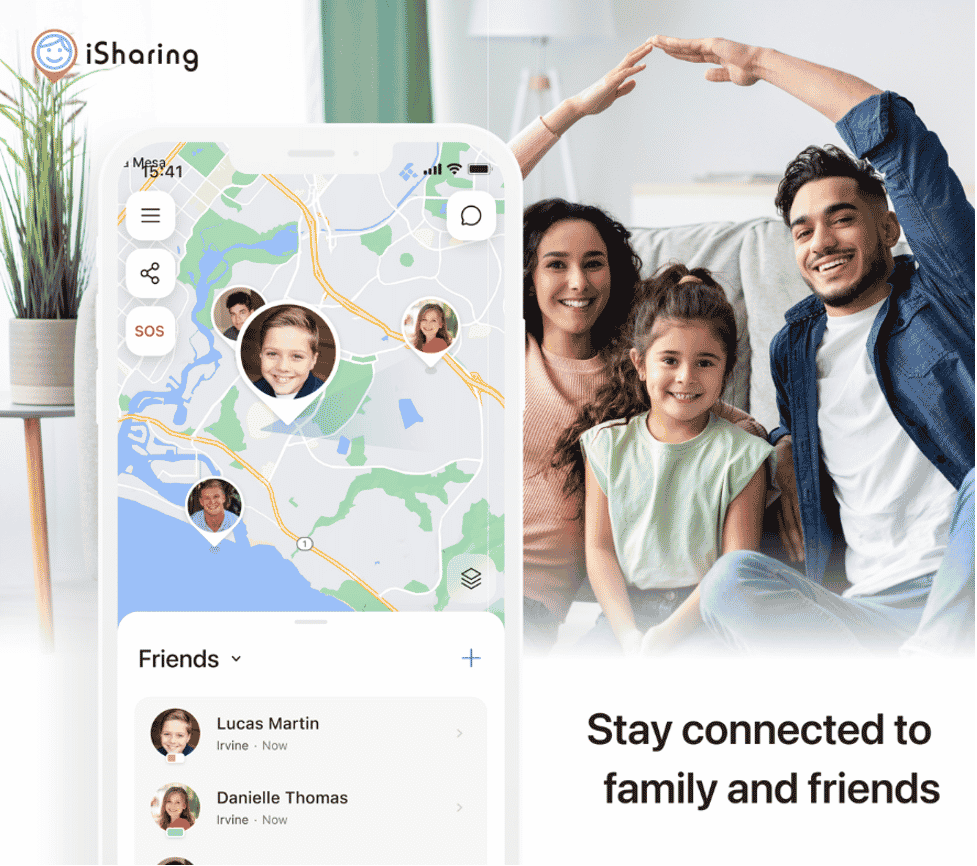
Regardless of why you may be looking for a solution to track a cell phone location for free, iSharing can be a great solution for you as a location tracking app and so much more!
Why and How to Track a Cell Phone Location

1. Find a Lost Device

There are so many scenarios where you can lose your device and having a GPS location tracker installed on your phone can help you find your phone much easier.

With iSharing, you can easily locate your lost device. On top of that, their team also helps you if you email their Customer Support center. Once you have lost your device and contact them, they help by sending you the last detected location of your phone.


2. Track Someone’s Location

Whether it’s a family member, a partner, or a close friend, tracking their location may be necessary. iSharing makes it easy for friends and family to do so with each other.

Once you create an account and add a friend, you will be able to see the location of the other person 24/7. Plus, iSharing has login integrations with Facebook, WhatsApp, Google, and more that it makes it easy for you to sign up and start tracking someone’s location.


3. Check the Location of Your Child

The world that the children today is now exposed to is entirely different from what the parents grew up in. This is why a location tracker app can help keep your child safe, while helping the parent have a peace of mind.

iSharing has built-in features like Panic Alert and Nearby Alerts that can help caregivers additionally. Panic Alerts notifies family members immediately when the child is in an emergency situation, while the Nearby Alerts sends a notification to the parent when the child leaves a set radius from them.


4. Track Your Teen

Location tracker apps, in fact, can be more useful for families with older children. As they grow older and gain more freedom, it might be helpful for the parents to keep track of their whereabouts.

With iSharing’s Place Alerts, parents can receive a notification when their teen leaves or arrives at a set location (think home, school, work, etc.). iSharing’s Driving Report, one of their most recent features, also tracks dangerouos events that might take place on a drive. This feature is intended to help new drivers and permit holders to gain safer driving habits.


5. See My Own Location History

If you are traveling or simply have a busy schedule, the ability to see your own location history can be a helpful tool. For instance, you can see your morning jog from last week or see your path on that destination trip.

While many apps offer location history and path visualizations, iSharing offers one of the longest date range of 90 days. That vacation you took two months ago? Oh, you can still check all the places you’ve been on the map.

There you have it – why and how to track a cell phone location. Give iSharing a try by downloading it on the Apple App Store or the Google Play Store!



Latest News
The AirPods Pro 3 is $20 Off
1 Min Read
Exynos 2600 Chip 2nm Process Revealed by Samsung
1 Min Read
New Celebrity Ad Campaign Featuring Travis Scott Released by Beats
1 Min Read
Australia Getting Hypertension Notification Feature
1 Min Read
The 14-inch MacBook Pro with M5 Chip 16GB RAM/512GB is $250 Off
1 Min Read
Noise and Static on AirPods Pro 3 Still Unfixed
1 Min Read
New iMac with 24-inch OLED Display May be Brighter With 600 Nits
1 Min Read
The 15-inch M4 MacBook Air 256GB Is $250 Off
1 Min Read
Internal Kernel Debug Kit from Apple Reveals Tests for a MacBook with A15 Chip
1 Min Read
Apple Currently In Talks With Suppliers for Chip Assembly & Packaging of iPhones in India
1 Min Read
Apple Allows Easier Battery Replacement For M5 MacBook Pro with 14-inch Display
1 Min Read
The Apple Watch SE 3 44mm GPS is $50 Off
1 Min Read

iLounge logo

iLounge is an independent resource for all things iPod, iPhone, iPad, and beyond. iPod, iPhone, iPad, iTunes, Apple TV, and the Apple logo are trademarks of Apple Inc.

This website is not affiliated with Apple Inc.
iLounge © 2001 - 2025. All Rights Reserved.
  • Contact Us
  • Submit News
  • About Us
  • Forums
  • Privacy Policy
  • Terms Of Use
Welcome Back!

Sign in to your account

Lost your password?








