
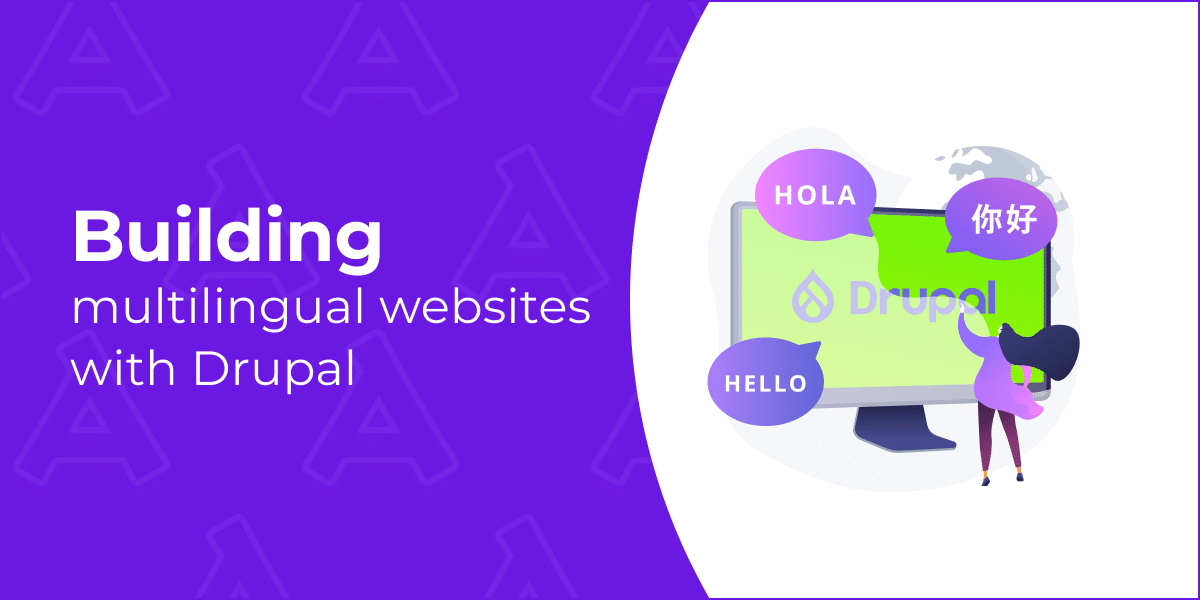
Today’s websites increasingly work for several markets at once — with different languages, cultures, and user expectations. Multilingualism gives you a real edge – it directly affects reach, conversion, and brand trust. Drupal is one of the few CMS where multilingual support is built into the core. No plugins, no hacks: not only are content translated, but also the interface, URL, forms, taxonomies, metadata — everything that the user sees and doesn’t see. This is why international organizations, large corporations, and government projects choose it.
Why multilingual support matters
People want to see information in their native language. It’s simply more convenient and understandable. In addition, for a website to be well-displayed in search engines and accessible to everyone, you need to consider where your users are and what their requirements are. Supporting multiple languages is not just fashionable; it helps businesses and protects against legal problems. Let’s figure out why this is so important — and how to add multilingual support the right way.
Global audience & SEO benefits
Research claims that only about a quarter of the internet audience is English-speaking, while 76% of online shoppers prefer to buy products with information in their native language. Moreover, 40% of them will never buy on sites in other languages.
Online shopping is just one of many examples of the importance of multilingual sites. If a site is available to users only in one language, the brand loses access to a large part of the global market. It’s not just about content — SEO is the name of the game, because search engines rank results by the user’s language and region, and a site without localization will not appear in local search results. For example, the French version of a site will have priority in Google.fr search results over the English version.
Global audience and SEO benefits are plain as day:
- Increased organic traffic in local searches (via hreflang, subdomains, paths, and meta information)
- Reduced bounce rate and faster user discovery
- Improved brand visibility in regional markets
Accessibility and user experience
Multilingual isn’t just about translating words — it’s about making sure your content feels right for the clients. That means adapting to their culture, habits, and language. Think about it: would you feel comfortable using a website where nothing quite makes sense?
Your users should be able to understand buttons, forms, and messages instantly — no guessing, no second-guessing. This matters even more in areas like customer support, government services, or ecommerce.
Here’s a simple truth: when a company takes time to respect local culture and values, not just language, their sales might increase by about a third. Isn’t that worth the effort? That’s why companies that figure out how to make multilingual websites properly usually see a direct business impact.
Legal or compliance considerations
In many countries, localization is not just a matter of convenience, but a legal obligation. Especially when it comes to the public sector, financial services, or working with a broad audience. In many cases, it’s not just nice to have — it’s the law.
The rules for digital accessibility in the EU are described in the EN 301 549 standard. This document is linked to the European Accessibility Act (EAA) and is directly based on the WCAG (Web Content Accessibility Guidelines) recommendations — international principles for accessible web content.
Simply put, all companies operating in the EU must comply with digital accessibility requirements — this applies to specific products and services.
But what about companies outside Europe? If you sell products or offer digital services in the EU, for example, a mobile app or a website, you must also play by these rules. In other words, your product must be accessible to all users, including people with disabilities, and comply with the WCAG standard.
Canada is a textbook example. The Official Languages Act is in effect here, according to which all federal websites must be available in two official languages — English and French. And let’s be clear — this is not a “nice-to-have” feature, but a must-have by law. And it’s not just about translating the text — the interface, forms, notifications, and structure of the site must also be adapted.
Ignoring this is like walking on thin ice. Violations threaten not only reputational losses, but also real legal consequences.
Overview of Drupal’s multilingual capabilities
Since version 8, Drupal has become truly “native” for multilingual projects: no crutches are needed, and all the key things are out of the box.
Built-in multilingual support
The site interface can be translated completely — from buttons and system messages to field names. In addition, the content becomes multilingual — nodes, menus, blocks, taxonomy, and even custom components support independent translations. Configuration is also under control — the names of views, blocks, and display formats are translated, so the site looks consistent in all languages.
New languages can be added and managed directly from the admin panel. Drupal allows you to configure language detection flexibly: by subdomain, by URL, through a user session, or even by the browser’s language settings.
Key Drupal core multilingual modules
For a site to “speak” in several languages, text translation alone is not enough. Drupal solves the problem totally: the core has four modules that are responsible for different parts of multilingualism. Together, they let you translate everything — from the interface and system messages, content, and site settings.
Language module
The Language module is responsible for ensuring that the site “understands” which languages it supports. With its help, you can add new languages to the site, select the primary language, and configure how the site will determine the language for the user — by the page address, subdomain, session, or browser language.
Locale (Interface Translation) module
This module is responsible for translating the site interface. With its help, you translate buttons, menus, system messages, prompts, and inscriptions in the admin panel. Simply put, it makes the site itself “talk” to the user in his language, and not just show the translated content.
Content Translation module
This module allows you to translate the site content itself — articles, pages, blocks, menus, taxonomies, and even custom entities. You can create a version of the material in each language and manage them independently. It is thanks to the Content Translation module that your blog, product catalog, and corporate site become truly multilingual.
Configuration Translation module
This module translates site settings. It can be used to localize names of blocks, views, display formats, and other configurations. Simply put, it makes your site look consistent in any language — without random “islands” in the admin language.
Real-world examples
Drupal’s multilingualism is not a theory, but a real tool for global companies. Large brands use it to speak to customers in their language and effectively manage content around the world.
Tesla
Tesla sells its electric cars all over the world, so its website immediately adapts to the user’s language. Drupal helps the brand display content in the desired language — from menus and buttons to pages with models. For the team, this means less manual work: all localized content is conveniently stored and updated in one admin panel. And for the client, everything looks natural, as if the site was created specifically for their country.
Jack Daniel’s
Jack Daniel’s relies not only on translation, but also on localization. Their sites take into account local laws and cultural peculiarities. For example, the Indian version has age restrictions on alcohol consumption and content adapted to the local market. Drupal helps the brand maintain a uniform tone globally and quickly update local content.
Attico’s case — Global provider of baby nutrition
Attico, a Drupal development company, united 50 sites on one Nutrition Platform with Drupal and completely switched to a modern digital infrastructure. Now, brand sites are managed from a single core, quickly created in different languages, and adapted to local markets. Modules and tools, including an AI engine with personalized recommendations, can be reused across all sites. This reduced development and support costs, accelerated scaling, and helped increase user engagement.
Attico’s case — University of Applied Sciences
The new Drupal 9 university website is modern, mobile, and SEO-friendly. It brings together faculties and institutes on one platform and offers convenient access to publications and podcasts through integrations with external services. A centralized deadline library has sped up editors’ work, and users have received a simple interface.
The project was large-scale: 15,000+ pages, 120 GB of media, and complex functionality were transferred from Drupal 7 to Drupal 9.
Conclusion
Drupal has proven itself to be suitable for any tasks related to multilingual sites — from interface localization to large-scale management of hundreds of sites and millions of pages. Its strengths for global projects:
- Translation of not only texts, but also buttons, menus, messages, and settings
- Management of all languages from a single admin panel, without the usual mess
- Easy adaptation of content to local markets and laws
- SEO-friendly and visible in the correct local search results
- Scaling the project without creating dozens of separate sites
Simply put, Drupal helps the brand speak to the client in their language without making life difficult for the team.
Final tips or best practices for the end
- Decide right away how the languages will live: subdomains, language path prefixes, or separate URLs — this will save nerves later.
- Translation is not a localization yet. Add a little local culture and rules: laws, currencies, user habits.
- Keep everything under control in the admin panel: translations, settings, interface — then nothing will get lost.
- Keep accessibility and legal requirements in mind from the start — it’ll save you from rework later.
And if you want to speed up the launch and avoid unnecessary complications, see how Attico helps to include multilingualism in projects of any scale.
Author: Alex Lyzo
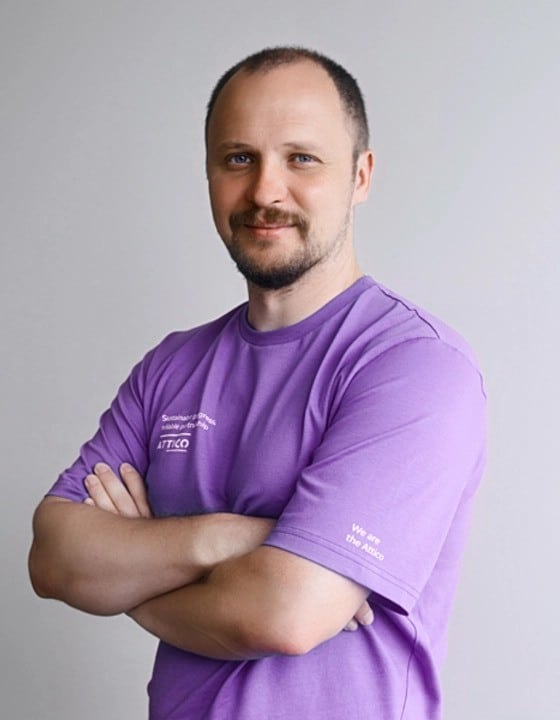
Alex Lyzo is an Acquia-certified specialist and Team Lead at Attico, with deep expertise in backend development and Drupal security.











