
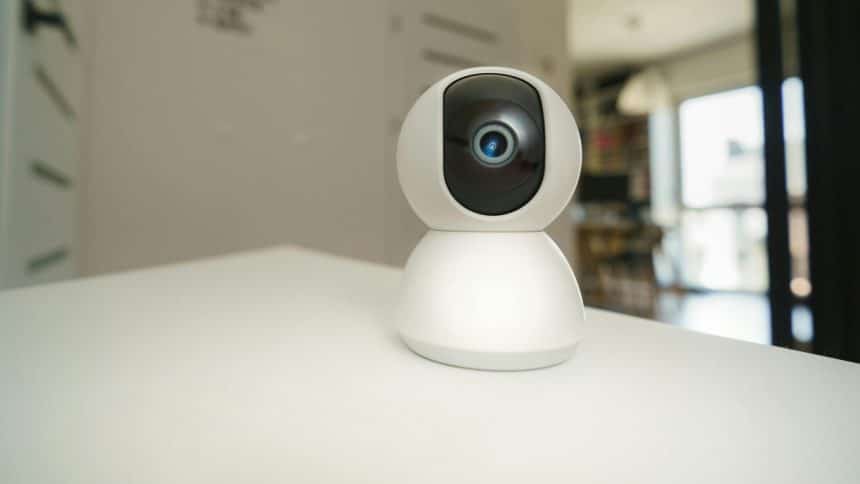
Security systems can provide peace of mind and protect your property, whether a home or a business, but choosing the right system takes careful consideration. Here are the main factors to think about when deciding whether to invest in a home security system.
Assess Your Home’s Security Risks
The first step is to objectively assess your home’s security risks based on factors like:
· Location – Homes in isolated or high-crime areas are at greater risk of burglaries. Crime statistics for your local area can give insights into risks. Check your local crime map on the Neighbourhood Watch Network – this tells you what crimes have been reported in the last month.
· Layout and access points – Homes with many doors, windows or other easy access points are more vulnerable. Consider how secure all your home’s entry ways are. Modern UPVC doors are more secure than older doors with Yale locks.
· Valuables – Expensive items like jewellery, electronics and artwork can attract burglars. Also, consider the sensitivity of information stored at home.
· Occupancy – Empty homes during the workday are prime targets. Also, consider times when you’re on holiday. People who regularly leave their homes empty are more of a target.
If your home has higher security risks, perhaps because you go away for several weeks a year or work away from home, especially at night, a home security system could be a smart investment to deter and detect intruders. Low-risk homes that are always occupied day and night may not need extensive security.
Choose the Right System Features
Home security systems typically include features like:
– Sensors – Motion detectors, door/window sensors and glass break detectors can all trigger an alarm if an intruder is detected. Consider optimal sensor placement.
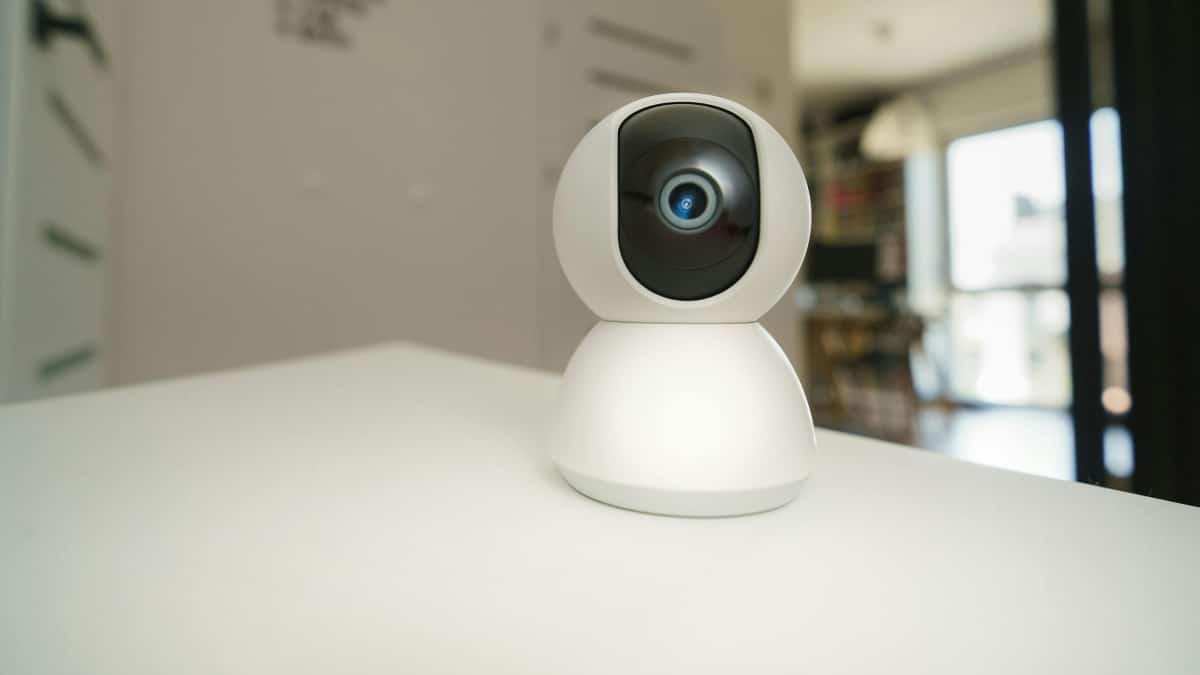
– Surveillance cameras – Indoor and outdoor cameras provide visual monitoring and recording. Features like night vision, cloud storage and motion activation are available.
– Alarm – Loud sirens deter intruders while also alerting neighbours and authorities to a break-in. Some systems auto-dial emergency responders when triggered.
– Monitoring – Professional monitoring services watch for triggered alarms and contact the police on your behalf. They may also verify causes of alarms via cameras.
– Smart home integration – Today’s systems can integrate with smart home platforms, allowing remote monitoring and home control from smartphones. So, if the alarm is triggered, you can log-in from somewhere to see what’s going on.
Choose features to suit your budget and needs. For example, cameras provide verification but are pricier, while alarm-only systems are budget-friendly deterrents.
Visit this website to find out more about the latest alarm systems.
Compare Professional vs DIY Installation
You’ll need to decide between professional installation or a DIY system. Professionally installed systems require a security company to survey your home, recommend a system, handle installation and provide ongoing monitoring services. The main advantages are the expertise gained, tailored system, and added convenience. However, the costs are higher.
DIY systems entail purchasing security equipment yourself and handling installation. DIY options are generally more budget-friendly and offer flexibility in setup. However, the reliance on your own knowledge during planning, equipment purchase, and installation can be a downside. DIY technical troubleshooting is also required.
Weigh Wireless vs Wired Systems
Wireless security systems use radio frequency to connect sensors and devices to a central control panel. This avoids the need to run wiring through your home. Wireless systems are typically quicker to install, easier to expand, and more cost-effective. However, data transmission can be interrupted by radio frequency interference. Wired systems send signals through powerline wiring or ethernet cables, making them less prone to interference. But wired systems cost more in initial installation.
Consider Smart Home Compatibility
Many modern security systems integrate with smart home platforms like Amazon Alexa, Google Home and Apple HomeKit. This allows you to arm, disarm or monitor your system using voice commands or a smartphone app. If you already own smart home devices, prioritise a security system that offers smart integration.
Research Monitoring Services
For professionally monitored systems, research options to find a reputable provider suited to your needs. Look for companies with strong customer service reputations, rapid response times and competitive pricing. Monitoring plans can vary, so compare contract terms and cancellation policies. Some providers offer smart home services beyond just security monitoring.
Check Certifications
In the UK, two key certification bodies indicate reputable security companies – the National Security Inspectorate (NSI) and Security Systems & Alarms Inspection Board (SSAIB). Check that a provider has up-to-date certification for design, installation and monitoring quality. Systems certified to British and European standards also provide assurance of performance and reliability.
Consider Installation Locations
Walk through your home to determine ideal locations for security cameras, motion sensors, control panels and other system components. Aim for comprehensive monitoring coverage without gaps while also avoiding false alarms. A professional installer can best advise on optimal placement and walk you through the layout.
Understand Contracts and Pricing
Scrutinise security system contracts and pricing, including:
· Equipment costs – Purchase prices for control panels, sensors, cameras, etc.
· Installation fee – Some companies provide free basic installation.
· Monitoring fees – Monthly costs for professional monitoring, often £20-£50.
· Maintenance charges – Some systems require ongoing servicing fees.
· Contract length – Typical initial contracts are 12-36 months. Consider longer terms for lower monthly rates.
· Cancellation fees – Fees often apply for early contract termination, sometimes over £100.
Doing thorough research ensures you understand all pricing details and can find a provider suited to your budget. Comparing quotes between companies helps find the best value.
Consider Expandability
Your security needs may grow over time. Check that the systems support expanding with extra sensors, cameras and components. Modular equipment makes adding capabilities easier. Systems with smartphone connectivity also allow remote upgrades and access.
By weighing all these key factors, you can make an informed decision about investing in a home security system tailored to your family’s budget and needs. Taking the time to thoroughly assess options will provide long-term peace of mind knowing your property is well-protected.











