
Businesses should have a substantial online presence in today’s interconnected digital world to boost customer engagement and achieve success. However, not all possess the expertise necessary to build and manage web pages and digital content effectively. This is where a Content Management System becomes invaluable. In this article, we will explore the concept of CMS and identify the three most effective free CMS options that you can use in 2025.
What Is a Content Management System?
Content management systems (CMS) allows you to create, edit, and manage digital content on your website. It also lets multiple users manage and publish content from a user-friendly dashboard. This way, CMS unifies multiple workstreams, allowing various users to effectively collaborate and create dynamic digital content.
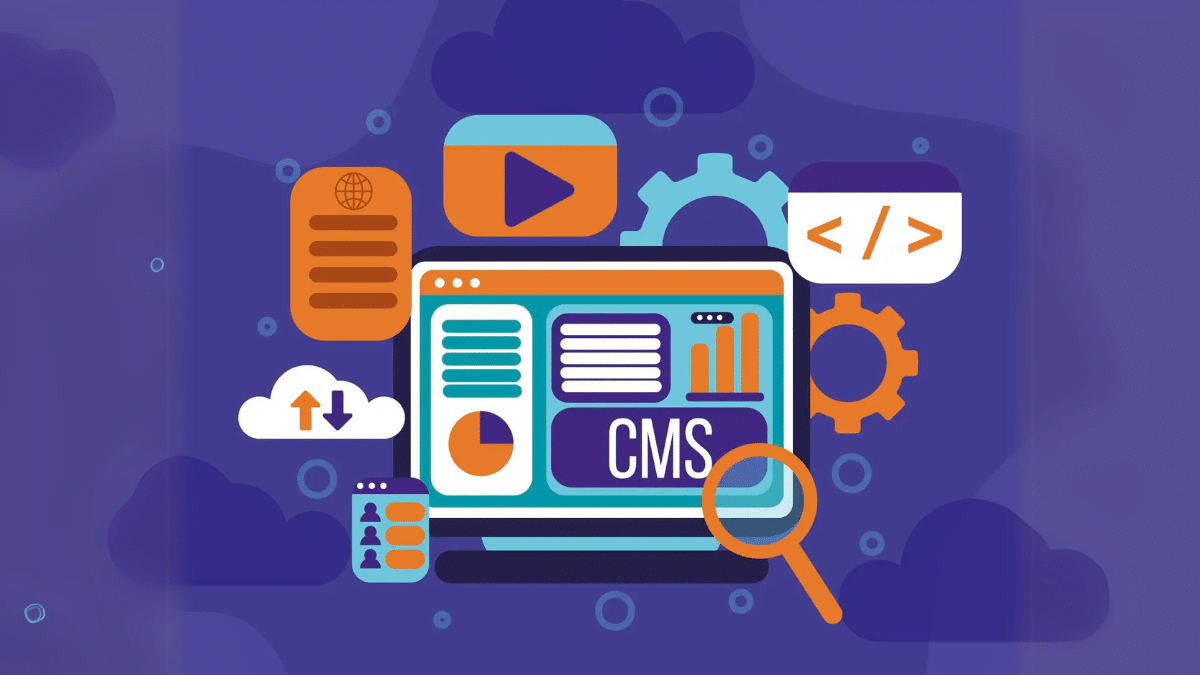
Furthermore, these CMS store digital content in a database and show it in a presentation layer like a website. It even lets you build a site without writing a line of code. Most companies depend on dynamic CMS models to effectively manage and scale content creation. A CMS is made up of two core parts: Content Management Application (CMA) & Content Delivery Application (CDA)
The CMA part allows users to add and manage content and the CDA part is the backend that takes the content in the CMA and makes it visible to your visitors.
How Does a Content Management System Work?
To get a comprehensive understanding of the functionality of a content management system, let us take the example of WordPress, a widely used CMS platform. A website that is worked manually needs coding or static HTML files from the ground up, which must then be uploaded to the server for each individual web page. This process demands substantial time and effort, as well as ongoing updates that can divert crucial resources from your team with already demanding schedules.
A more efficient alternative to this labor-intensive process is using WordPress or other CMS platforms. These systems are designed with established back-end and front-end functionalities, allowing you to engage with a user-friendly UI that allows necessary modifications for easy use. These CMS platforms are specifically structured to enhance the user experience for web content.
Furthermore, APIs represent a vital component of an effective CMS. APIs enable connectivity across diverse domains, allowing you to integrate content from the CMS into various applications, websites, and devices. The CMS serves not only as a back-end management tool but also ensures that all created content is presented to visitors in accordance with the desired specifications.
Features of CMS
CMS lets you have complete control over your digital content and autonomy. The features of CMS can vary, but they should include some core functions such as:
Content Creation and Publishing
A CMS should include powerful content creation and editing tools to create rich content. It should contain options to add images, videos, CTAs, and other interactive elements. Besides content creation tools, it also includes appropriate publishing tools and controls along with “drag-and-drop” features. Furthermore, having publishing controls allows businesses to have multiple people to manage and publish content. You can assign roles to different users with varying levels of access to the CMS. This way, you can have a clear workflow for content creation and publishing.
Analytic Tools
When you look for a CMS, it should incorporate an integrated analytics framework to assess performance metrics effectively. Key indicators, such as visitor engagement with content and the devices used for access, represent critical data points that the CMS should monitor. Also, you can go for a third-party analytics tool to enhance functionality and provide a broader range of analytical options.
Team Collaboration and Content Delivery
Your selected CMS should allow you to set a workflow for managing content. You can also give permissions based on user roles. Furthermore, CMS must include options for content creators to connect their live website to the CMS. This way, they can seamlessly schedule and publish to websites and various social media platforms.
Revision, Indexing, Search, and Retrieval Features
The revision feature allows you to update, edit, and tracks any changes you make to post after content publishing. Indexing Features lets you index all data for easy access through search functions. They also allow users to search by attributes such as modification dates, keywords, etc.
Top Free Content Management System in 2025
WordPress
WordPress is a popular, open-source CMS and you may already hear about it. It is used to build and manage sites and blogs. It is known for its user-friendly UI and extensive customization options. Since it is open-source, meaning its code is available for anyone to use, modify, and distribute. Furthermore, WordPress is designed to be easy to use, even for those with little to no tech knowledge. It offers a vast theme and plugin directory, allowing you to customize your websites to fit your specific needs. While originally designed for blogs, you can use it for various sites, including business websites, online stores, and more. It’s one of the most popular CMSs, powering a significant portion of sites online.
Drupal
Drupal is another free, open-source, and flexible CMS built on top of Drupal Core, designed to empower marketers, designers, and content creators to create and manage websites with ease. It offers a user-friendly experience with pre-configured features and tools. This CMS provides a streamlined administration experience with a modern UI using Gin for the admin theme, making it easier for users to navigate and manage their websites. Furthermore, it comes with ready-to-use tools, including advanced media management, SEO tools, AI-driven website building, consent management, analytics, search, and automatic updates. Drupal CMS offers the flexibility and power of Drupal Core, allowing users to extend and customize their websites with modules and themes.
Squarespace
Squarespace is a unified CMS and website builder designed for ease of use, allowing you to design and manage websites and their content without extensive technical skills. It offers features like drag-and-drop editing, templates, and built-in e-commerce capabilities. It also provides everything needed to build and manage a website, including hosting, domain registration, and e-commerce tools, all within a single subscription. Furthermore, the platform features professionally designed templates and a drag-and-drop interface to design and arrange content. Squarespace includes built-in e-commerce features and built-in analytics to track your store’s performance and understand your audience. You can also use its collaboration features to allow multiple contributors to collaborate on website projects, assigning different levels of access and permissions.
Conclusion:
Content Management Systems are available in various forms, each with distinct features and advantages. Some CMS platforms are specifically designed for bloggers, while others are optimized for web development and e-commerce enterprises, including functionalities for pricing and online retail operations. The selection of an appropriate CMS should be influenced by factors such as the size, needs, and resources of the organization. This approach ensures the selection of a system that aligns with the unique business requirements rather than simply opting for the most popular or widely favored option. Common objectives for CMS implementations include enhancing readership on blogs, boosting sales in online stores, and optimizing content for SEO.











