
Capturing video from the computer screen is the situation we often encounter in the daily life. You may need to create a video tutorial to share with others, record the online meetings or lessons for checking again, capture the video or audio from online, retc. Now with a third-party software, the recording task will not be a difficult task. VideoSolo Screen Recorder is the powerful screen video and audio recorder that can help you to record any video from the computer screen. What makes VideoSolo Screen Recorder so powerful? Read the detailed review below or directly get the free trial version from the product page and test by yourself.
The Best Screen Recorder – VideoSolo Screen Recorder
1. Create Video Tutorials
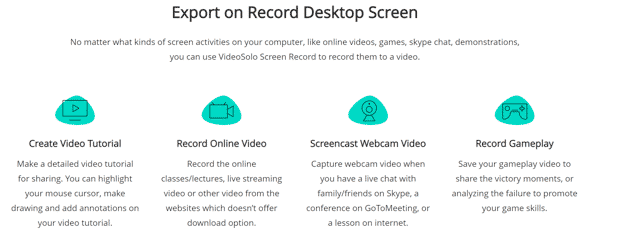
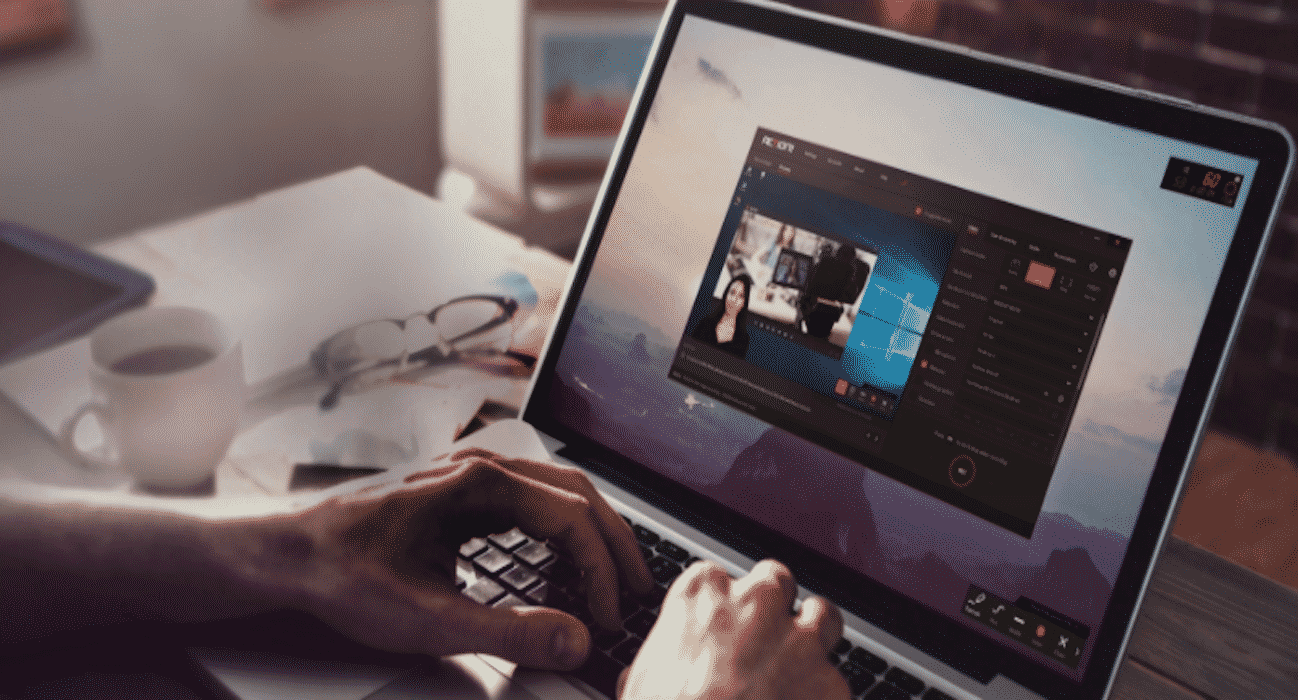
VideoSolo Screen Recorder can help you create an instructional video that include all the live actions on the computer screen. In addition, you can record the webcam to present your emotion, and express your thought by recording the sound from the Microphone. During the recording, you can draw on the screen to highlight the point or make annotations. It’s a perfect tool to create video tutorial, gameplay, presentation, and screencast video.
2. Record Audio from Microphone/System
When you find some background music on the internet but there is not a download option, you can use this program to record the sound from the computer system. Actually, it can help you record any sound from your computer including the live streaming, podcast, background music, etc. It also enables you to record your own sound via the microphone.
3. Take Snapshot
Not only are screenshots useful for demonstrating computer programs and accessing online resources when you don’t have an internet connection, but they are essential for keeping the important information or share the interesting thing with friends, etc. VideoSolo Screen Recorder offers the function to take snapshot easily on Windows & Mac.
Practical Features for Easily Recording
- Simple & Intuitive Interface
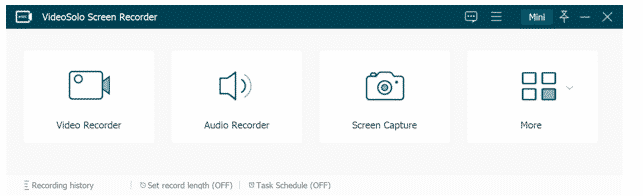
Although some screen recorders are complicated to use, VideoSolo Screen Recorder has been designed with simplicity. Anyone with some little knowledge can use it effectively. You don’t require to have any special system configuration or professional tech skills. Both beginners and professionals can use this software effectively. As a fact, the interface is user-friendly.
- Make Annotations during Recording (Windows only)
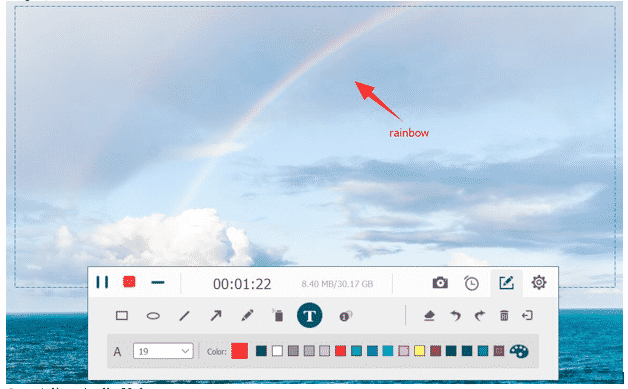
When you start a video recording, the annotation toolbar will appear in the bottom left corner of your recording area. This toolbar is where you can toggle each of the annotation tools. You can draw the shapes, add text, etc. on the screen.
- Adjust Audio Volume
Even during the recording, you can adjust the audio volume to meet your demand. You can also disable the system sound or microphone according to your need.
- Trim & Preview Recording
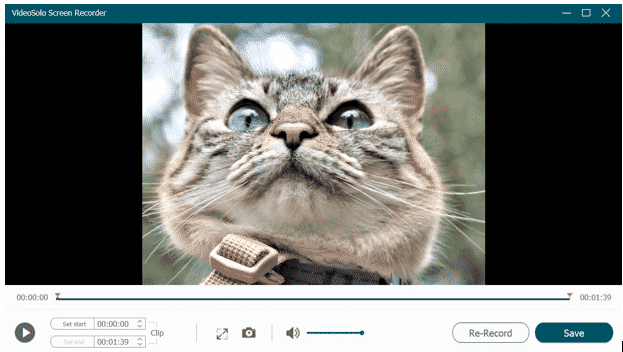
After clicking the “End” icon to stop the recording, you will go to the preview window. Here you can preview you recording and also trim the unwanted part.
- Save Recording to Multiple Formats
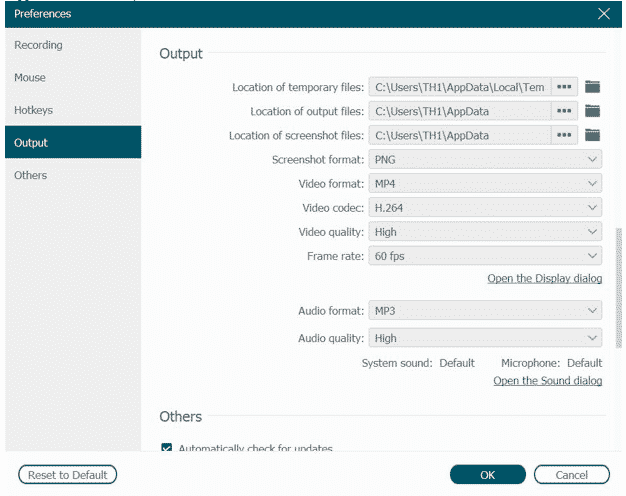
Recorded video can be saved in multiple formats including WMV, MP4, MOV and F4V. For the recorded audio, you can select the MP3, WMA, AAC and M4A as the output format (Mac version only supports M4A format).
Get the Free Trial Version
Now, users can download the free trial version of the VideoSolo Screen Recorder from the official website of VideoSolo. The trial version allows you to use all the features so you can test the program at ease. But there are also limitations listed below:
- Only allows to save 3 minutes of each recording video (No time limit to recording itself)
- Clipping video or audio before saving is not allowed.
Final Words
VideoSolo Screen Recorder is one of the best screen recording software. Compared with other programs, it’s powerful, intuitive, and stable. If you don’t want to spend much time to try other screen recorders, just download the VideoSolo Screen Recorder and have a try.











