
iLoungeiLounge
  • News
    • Apple
      • AirPods Pro
      • AirPlay
      • Apps
        • Apple Music
      • iCloud
      • iTunes
      • HealthKit
      • HomeKit
      • HomePod
      • iOS 13
      • Apple Pay
      • Apple TV
      • Siri
    • Rumors
    • Humor
    • Technology
      • CES
    • Daily Deals
    • Articles
    • Web Stories
  • iPhone
    • iPhone Accessories
  • iPad
  • iPod
    • iPod Accessories
  • Apple Watch
    • Apple Watch Accessories
  • Mac
    • MacBook Air
    • MacBook Pro
  • Reviews
    • App Reviews
  • How-to
    • Ask iLounge
Font ResizerAa
iLoungeiLounge
Font ResizerAa
Search
  • News
    • Apple
    • Rumors
    • Humor
    • Technology
    • Daily Deals
    • Articles
    • Web Stories
  • iPhone
    • iPhone Accessories
  • iPad
  • iPod
    • iPod Accessories
  • Apple Watch
    • Apple Watch Accessories
  • Mac
    • MacBook Air
    • MacBook Pro
  • Reviews
    • App Reviews
  • How-to
    • Ask iLounge
Follow US

Articles

Articles

Using an Online Music Video Maker on iPhone or iOS

Last updated: Dec 16, 2020 12:52 pm UTC
By Lucy Bennett
Using an Online Music Video Maker on iPhone or iOS

When you create music, you want to share it with the world. Did you know that 85% of the internet audience in the United States watch videos online? That means, if you want to get your music track heard by the masses, you should put a video with it.


If you aren’t sure how to turn your newly recorded track into a music video, it can be a lot simpler than you think. A quick online search will bring up a number of opportunities, but how do you know which one to choose?
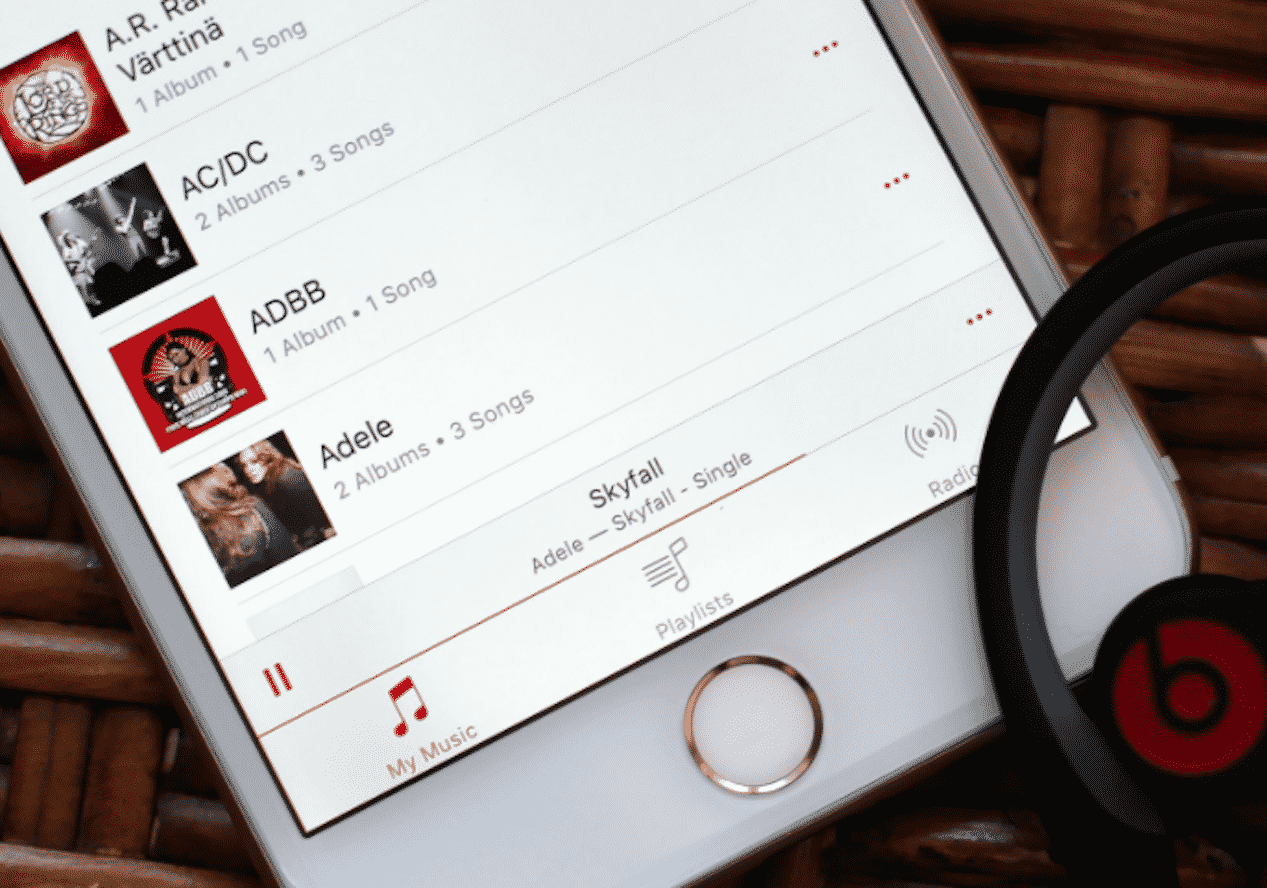
Using an Online Music Video Maker on iPhone or iOS

Choosing Your Online Music Video Maker

You don’t have to waste all of your resources on a music video. Using services that have premade templates can expedite the process, getting your music out there faster.

What is the process when using these online music video makers?


  • Pick a template – When using an online music video maker, the first step is to pick the template that best fits your vision for your music video. Scroll through a catalog of templates and begin the process.
  • Personalize – Personalize your music video by uploading images or videos that match the tone of your track. Change the aesthetic values of the template to match the mood for your music. Once you have it just the way you want it, upload your music to accompany your new creation.
  • Export – Once you have finished your video, you can preview it. Make the necessary changes that you think you need to make or go forward with exporting it. After exporting it in the desired quality, you can begin sharing it. Share on social media or video-sharing platforms. You can even download it onto your personal device.

Benefits of Using a Video Maker App on iPhone or iOS

Our world is extremely technologically advanced. We use our smartphones and tablets to create some of the most exquisite work on the market. There are even apps available for iPhone and iOS that can help you achieve your dream of creating your own online music video.


Using an online music video maker application can let you make your video from anywhere. You don’t have to sit down at a desktop to be able to make a video to go along with your music tracks. Consider it to be an on the go type of application for when the mood hits you.

Why You Need A Music Video Creator

Your video is more likely to be seen if you use a video creator application to put visuals with your audio. People are more attracted to musical tracks that have some type of video accompanying them. Choosing a template that gets your message across while enhancing your video’s overall effect can help you be seen. Now, you can do all of this from your iPhone or iOS platform.



Latest News
The 14-inch MacBook Pro with M5 Chip 16GB RAM/512GB is $250 Off
1 Min Read
Noise and Static on AirPods Pro 3 Still Unfixed
1 Min Read
New iMac with 24-inch OLED Display May be Brighter With 600 Nits
1 Min Read
The 15-inch M4 MacBook Air 256GB Is $250 Off
1 Min Read
Internal Kernel Debug Kit from Apple Reveals Tests for a MacBook with A15 Chip
1 Min Read
Apple Currently In Talks With Suppliers for Chip Assembly & Packaging of iPhones in India
1 Min Read
Apple Allows Easier Battery Replacement For M5 MacBook Pro with 14-inch Display
1 Min Read
The Apple Watch SE 3 44mm GPS is $50 Off
1 Min Read
20th Anniversary iPhone May Launch in Two Years
1 Min Read
Better Image Generation Capabilities and Apple Music Integration Coming to ChatGPT
1 Min Read
A20 Pro Chip Coming to Next Gen iPad Mini OLED
1 Min Read
Amazon has the AirTag 4 Pack Marked $29 off
1 Min Read

iLounge logo

iLounge is an independent resource for all things iPod, iPhone, iPad, and beyond. iPod, iPhone, iPad, iTunes, Apple TV, and the Apple logo are trademarks of Apple Inc.

This website is not affiliated with Apple Inc.
iLounge © 2001 - 2025. All Rights Reserved.
  • Contact Us
  • Submit News
  • About Us
  • Forums
  • Privacy Policy
  • Terms Of Use
Welcome Back!

Sign in to your account

Lost your password?








