
In the fast-paced world of technology, our smartphones have become indispensable tools that keep us connected, informed, and entertained. Among these devices, the iPhone is one of the most popular and iconic smartphones. However, as advanced as these devices are, they are not immune to wear and tear. To make the most of your investment and ensure your iPhone serves you well for years, here are some valuable tips to help prolong its lifespan.
Optimal Charging Habits
Battery health plays a crucial role in the overall lifespan of your iPhone. To maximize battery longevity, avoid extreme hot and cold temperatures during charging and usage. According to seasoned phone repair experts, avoiding letting your battery drain completely before recharging is best. Apple recommends keeping your battery charged between 20% and 80% for optimal health. Modern iPhones use lithium-ion batteries, which are sensitive to charging cycles. It’s better to charge your iPhone multiple times with short bursts rather than letting it fully discharge and then charging it to 100%. This practice can help prevent unnecessary battery stress and extend its lifespan.
Update Software Regularly
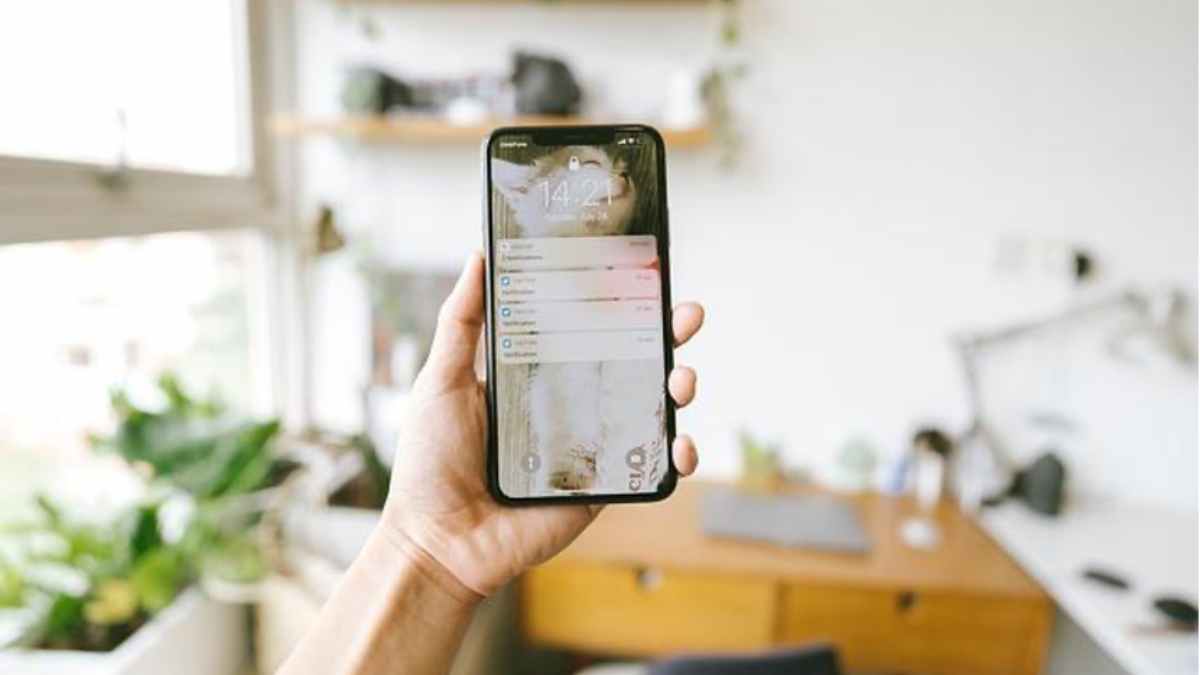
Apple consistently releases software updates for the iPhone, often containing improvements to performance, security, and bug fixes. Keeping your iPhone’s operating system up-to-date can significantly prolong its lifespan. These updates not only enhance your device’s overall performance but also help to address any vulnerabilities that may compromise its security.
Also, constantly running resource-intensive apps can strain your iPhone’s processor, increasing wear and tear. Close apps you’re not actively using to free up space and reduce the strain on your device’s hardware. Over time, apps accumulate cache and unnecessary data, slowing down your iPhone and consuming storage space. Regularly clear your browser and app cache, and delete files you no longer need to keep your device running smoothly.
Avoid Overexerting the Processor
While modern iPhones are powerful devices capable of handling demanding tasks, avoiding overexerting the processor with heavy multitasking or running too many apps simultaneously is wise. Excessive strain on the processor can generate heat and stress your device’s internal components unnecessarily. Constant notifications drain your battery and contribute to wear and tear on your device. Review and manage your notification settings to reduce the frequency of unnecessary alerts.
Use a Protective Case
While iPhones are designed with durability in mind, accidents can still happen. A good-quality protective case can help shield your device from scratches, dents, and even some impacts. Look for a case that balances protection and aesthetics well, ensuring it fits your lifestyle and personal preferences. Similarly, the iPhone’s display is one of its most vulnerable components. Applying a tempered glass screen protector can provide an extra defense against scratches and minor impacts. It’s a small investment that can potentially prevent a costly screen replacement.
Dust, dirt, and debris can accumulate in ports, speakers, and other crevices, potentially causing performance issues. Gently clean your device using a soft, lint-free cloth and, if necessary, compressed air. Be cautious not to introduce moisture into the device. When you’re not using your iPhone, store it safely away from direct sunlight, extreme temperatures, and humidity. Avoid exposing it to harsh environments that could potentially damage the internal components.
Taking care of your iPhone is an investment in its long-term performance and functionality. By following these helpful tips, you can extend the lifespan of your iPhone and enjoy its features for years to come. Each step contributes to maintaining your device in top-notch condition. Remember, a little maintenance and attention ensure your iPhone remains a reliable and indispensable companion in your daily life.











