
Companies and organizations of all sizes can benefit from improved computer protection where computer viruses are concerned. Most CEOs and C-suite members are acutely aware of this.
Still, for many business professionals with little to no information technology (IT) experience, the question remains: What is a computer virus in the first place?
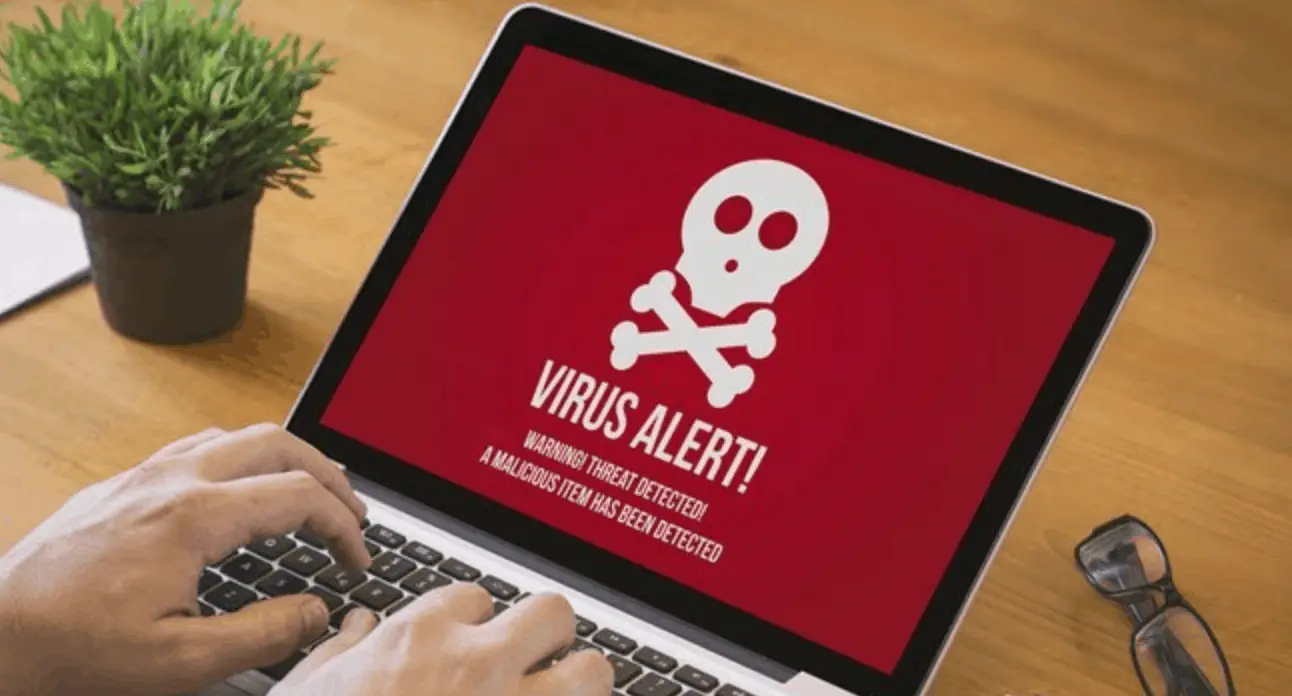
Furthermore, you may be asking:
- How will I know if my company has a virus?
- What can happen if we have a computer virus?
- What are the best preventive measures for stopping viruses in the first place?
Below, we answer all of these questions and more to ensure your business or organization stays safe from viruses and other types of malicious software.
What is a computer virus and what type of damage can it do?
In the tech world, terms such as “virus,” “malware,” and “spyware” are often thrown about and used interchangeably. While most people have a general idea of what these terms refer to, surely, there’s room for some additional clarification here.
Our main point of concern is viruses, so let’s start there. A computer virus or just virus is a piece of code or software that has a detrimental effect(s) on a computer or entire computer system.
More specifically, according to IT specialist Laith Pahlawan of Orange Crew, “A computer virus is any program installed on a workstation without the user’s consent. A virus can spread in many ways, either hidden within a document or in a program that acts as one thing but also includes a bad process.” He also states that “another person can install the virus manually, using a USB stick, CD, and in the old days, a floppy drive.” He even states that a virus can be in a picture attached to an email you receive.
“A virus is there for several reasons,” he continues, “either to gather information, blackmail, disrupt your operation for fun, use your processor and storage power, or spy on you.”
You may have also heard the term malware, which stands for “malicious software.” A virus is a form of malware; however, there are many forms of malware, so not all malware is made up of computer viruses. Other types of malware include worms, ransomware, adware, spyware, etc. Unfortunately, these terms are often used interchangeably, which can be confusing.
Basically, all you need to know is that your business’s computers and systems should be protected from all forms of malware, including computer viruses.
What are the latest trends in computer viruses?
According to Will Buchanan, President of Philantech3 Consulting Group, “Today’s virus is very different than the nuisance viruses that we may have seen in years past. They are extremely sophisticated and hard to detect.” Buchanan is talking most of other forms of malware, including:
Spyware: Software that spies on data and computer user behavior and activities without the individual’s knowledge.
Adware: Includes software-embedded ads and pop-ups. Adware is often bundled with spyware unbeknownst to the computer user.
Ransomware: Software that corrupts, encrypts, or locks a computer system and/or data. The ransomware creator/hacker demands a ransom in return for control of the system and data.
Worms: Code that consumes large amounts of bandwidth while harming networks and damaging host computers and servers.
Rootkits: Software that allows the creator/hacker to remotely access, manipulate, and otherwise control a computer or system without anyone noticing.
Signs you may have a computer virus
Ilan Sredni of Palindrome Consulting recommends looking for these signs, which may indicate you have a computer virus:
- Your computer is taking longer than average to start up or reboot.
- Opening an individual program takes longer than average
- You’re getting more pop-up windows than usual.
- Pop-up windows show up even when your Internet browser is not open.
- Certain files on your computer cannot be opened.
- Even when your computer is idle, you can see that your hard drive is constantly active.
- You notice emails you didn’t actually send in your “sent items” email folder.
- You receive “undeliverable” emails for emails you never sent.
How can you prevent a computer virus?
CEO of GO Concepts, Inc., John Gambill Jr., reminds businesses that not having an anti-virus software program installed on your computer at all times is “like leaving the strong door at your home unlocked and open … you are just inviting something to happen.”
Of course, anti-virus and anti-malware software in general is not going to prevent all viruses, but it’s a good start. Sredni has these additional tips for preventing viruses and malware:
- Be diligent about what emails and email-embedded links you click on.
- Avoid using public Wi-Fi in general.
- Avoid using public computers to access business accounts in the cloud.
What can you do if you’ve discovered you have a computer virus?
If you notice any of the signs listed above (or any other unusual symptoms), it’s possible your computer has a virus, and it’s crucial to take immediate action.
Start by disconnecting your machine from your main network. This can be done by turning off the Wi-Fi and/or unplugging your machine completely. Next, if it’s only one computer you are concerned about, run an anti-malware program to detect and clean out your computer.
If you have larger concerns or extremely sensitive data that may be at risk, leave your systems off until an IT specialist with expertise in cybersecurity can take a look.











