

For convenience, people go with outdoor-battery powered security cameras as they are wireless and can work even in power outages. However, having a smartphone app is necessary for optimal security.
In this article, we will explain how you can choose the best outdoor battery-powered security camera. We will share the factors you need to consider and some excellent camera options.
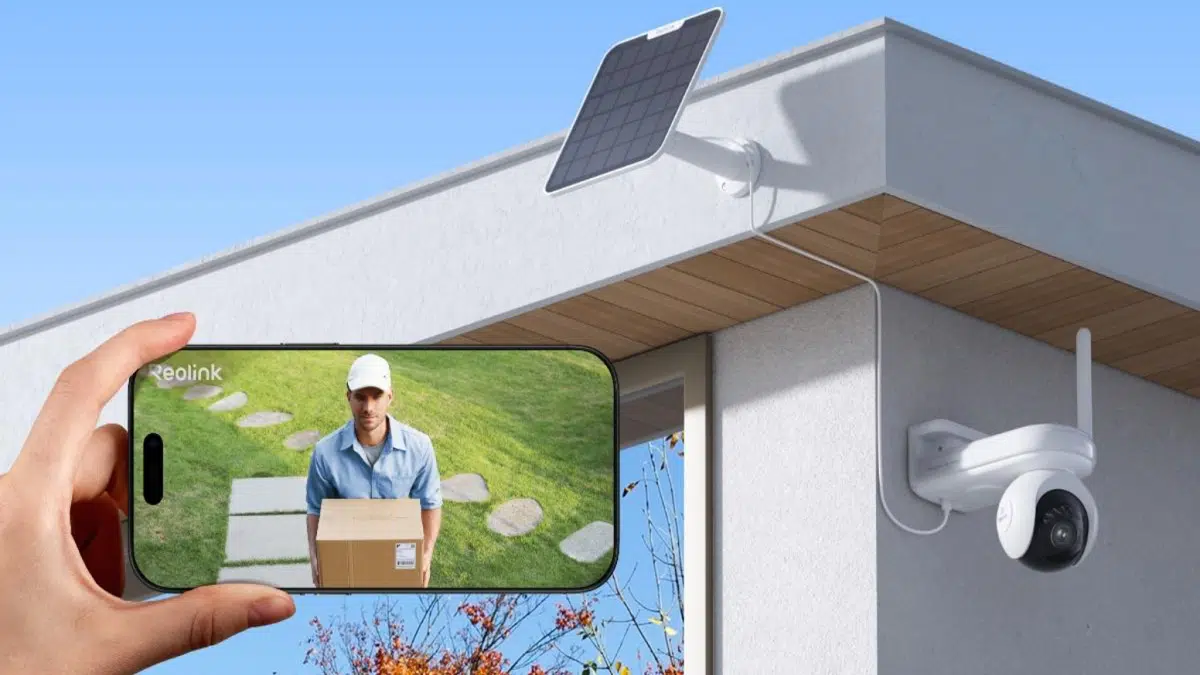
Is There a Battery Powered Security Camera with Smartphone App?
Yes, you can easily find a battery-powered security camera with the smartphone application. It’s a completely wireless security camera that makes installation a breeze and connects you remotely.
You can access the live preview from any location, control the pan & tilt, and talk directly to the person in front of the camera. You receive real-time alerts on the application to take immediate action if needed.
The best part is that when the battery is about low, it sends you a notification so that you can recharge it on time.
How to Choose an Outdoor Battery Powered Security Camera with Smartphone App?
Here are some important things you need to consider when buying an outdoor battery-powered security camera.
Choosing the outdoor camera with a free official app
The camera should offer a free application with all features. Moreover, it is better if there is no subscription fee. The app should be user-friendly and intuitive so that everyone can use it without any hassle.
Choosing the outdoor camera with high video quality
Make sure the camera resolution is high. It ensures optimal clarity and rich details. You should go with a 4K resolution camera for outdoor use. Plus, there should be night vision to capture clear videos at night.
Choosing the outdoor camera with long battery life
The battery life of the outdoor camera should be long enough. Otherwise, you will have to recharge it frequently, and it will not work as it should. On motion detection, it should last several weeks, and on the continuous recording mode, it should work for several days.
Choosing the outdoor camera with local storage
Local storage is a great option. You don’t need to pay for the cloud service, and you have more control over your data. Check the options for local storage. There should be a microSD card option and NVR.
Choosing the outdoor camera with smart feature
If you use smart home hubs, you should check the compatibility of the camera and smart features. Check if the camera is compatible with Alexa or Google Assistant for hands-free operation.
Note: Reolink security cameras will be available at massive discounts during the Black Friday Sales.
Top Picks for Outdoor Battery Powered Security Camera with Smartphone App
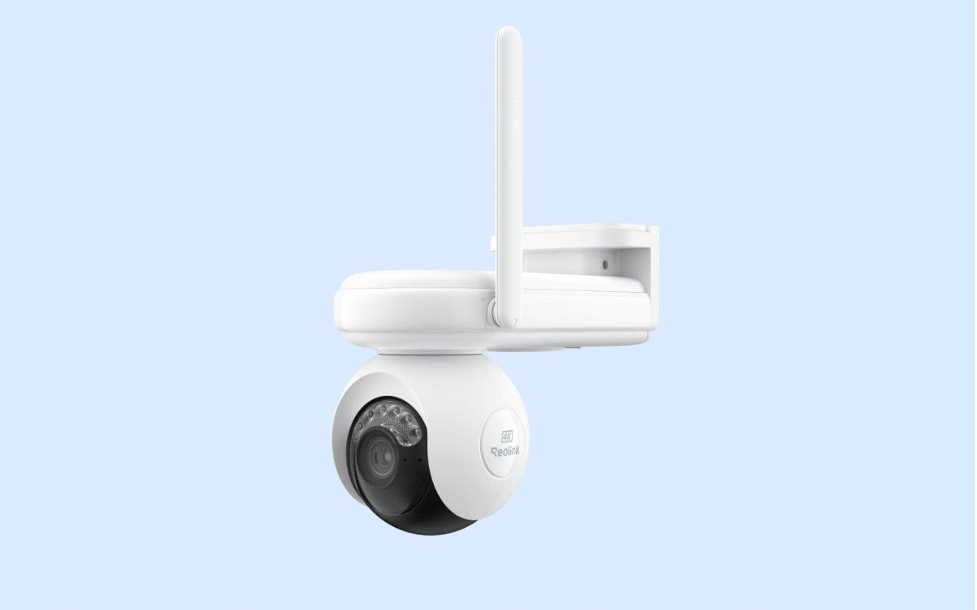
Reolink Altas PT Ultra
Reolink Altas PT Ultra is the industry-leading battery-powered that can record continuously. It has a massive battery of 20,000mAh, which allows it to last up to 12 days on eight hours of continuous recording each day. It records videos in 4K resolution to ensure optimal clarity and rich details. It’s equipped with Wi-Fi 6 technology and uses a dual-band to ensure a smooth, fast, and stable connection.
Pros:
- Long battery life suitable for continuous recording
- 360-degree coverage through pan and tilt motion
- ColorX night vision technology for true colors and clear videos at night
- Flexible storage options and supports up to 512GB microSD card
- Can be automatically charged using a solar panel
Cons:
- Non-removable battery
Reolink Argus 4 Pro
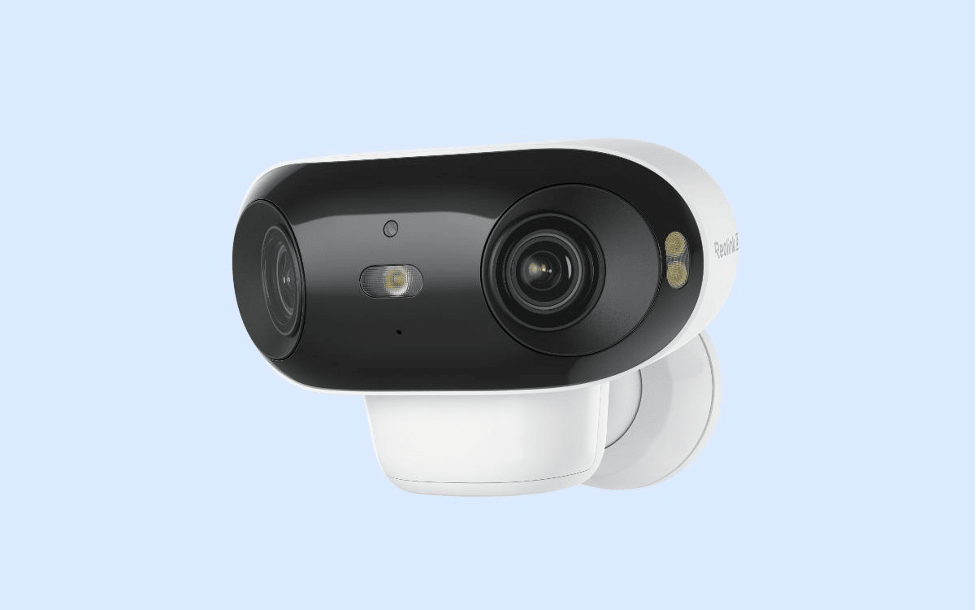
Argus 4 Pro is a dual-lens security camera that captures a 180-degree wide field of view without any blind spots. It records videos in 4K resolution for high-quality videos with fine details. One camera is enough for a massive area. It records true colors all day through the Reolink ColorX technology, even in the dimmest light conditions.
Pros:
- Wide field of view with no blind spots
- High resolution, rich details, and clear images
- 30% more battery life, which extends 12 days extra standby time
- Smartly detect objects and sends real-time alerts
- AI analysis and customer security for accurate alerts
- IP-66 rated and works in all weather conditions
Cons:
- No infrared (black-and-white) night vision
How to Access Your Smartphone to Battery Powered Security Camera?
You need to connect your security camera to your smartphone to access it remotely with the help of the application. Let’s take a Reolink camera as an example and see the process.
Step 1: Install the Reolink app on your smartphone. It’s available on the App Store and Play Store.
Step 2: Open the application. Tap the “+” button and scan the QR code at the back of the camera.
Step 3: Create a password for the device and complete the initialization setup.
Step 4: You will see the camera on the app. Tap it to see the live preview and control it.
FAQs
Is there an outdoor battery powered security camera with a smartphone app (no wifi)?
Yes, there are many outdoor battery-powered security cameras with a smartphone application. If you do not want to use Wi-Fi, you can go with a 4G LTE camera, such as Reolink Go PT Ultra. You just need to insert a SIM card, and it will work.
Can a CCTV camera be operated from a mobile?
Yes, you can see the live preview from your mobile and control the pan and tilt if it exists. You can also talk to the person in front of the camera through two-way audio.
What is the best app to turn your phone into a security camera?
You can use Alfred or AtHome Camera to turn your phone into a security camera. However, it will lack various features and won’t work like a professional security camera.
Final Words
Outdoor battery-powered cameras are easier to install, and their application allows you remote access from any location. You can enjoy incredible features without any subscription if you choose the right security camera. We have explained the factors you need to consider while buying it. You can consider the recommendations we have shared to save time.











