
Have you considered setting up an office in your home? Perhaps you enjoy the idea of reducing commute time and expenditures. Or perhaps you require the office for personal purposes. Whatever your motivation, selecting the appropriate equipment for your home office may be a time-consuming process. Here are some pointers to assist you in selecting the appropriate equipment for your home office. However, the issue isn’t only one of locating the appropriate location. Transitioning will be easier if you have the proper office equipment. These will make it easier for you to complete your tasks. Don’t worry if you’re not sure what to invest in. This article outlines important considerations to keep in mind when you select the proper equipment for your home office.
Check out the Room Space
Before choosing on for what to buy for your new home office, check out the room space. The area and draw everything. Check out if you have enough space for a good table, chair some other equipment. When you set a desk and chair in an empty home office, it appears to be enormous! Assess your room and factor in any windows or entrances that your furniture will need to fit through.
A Good Chair and Desk
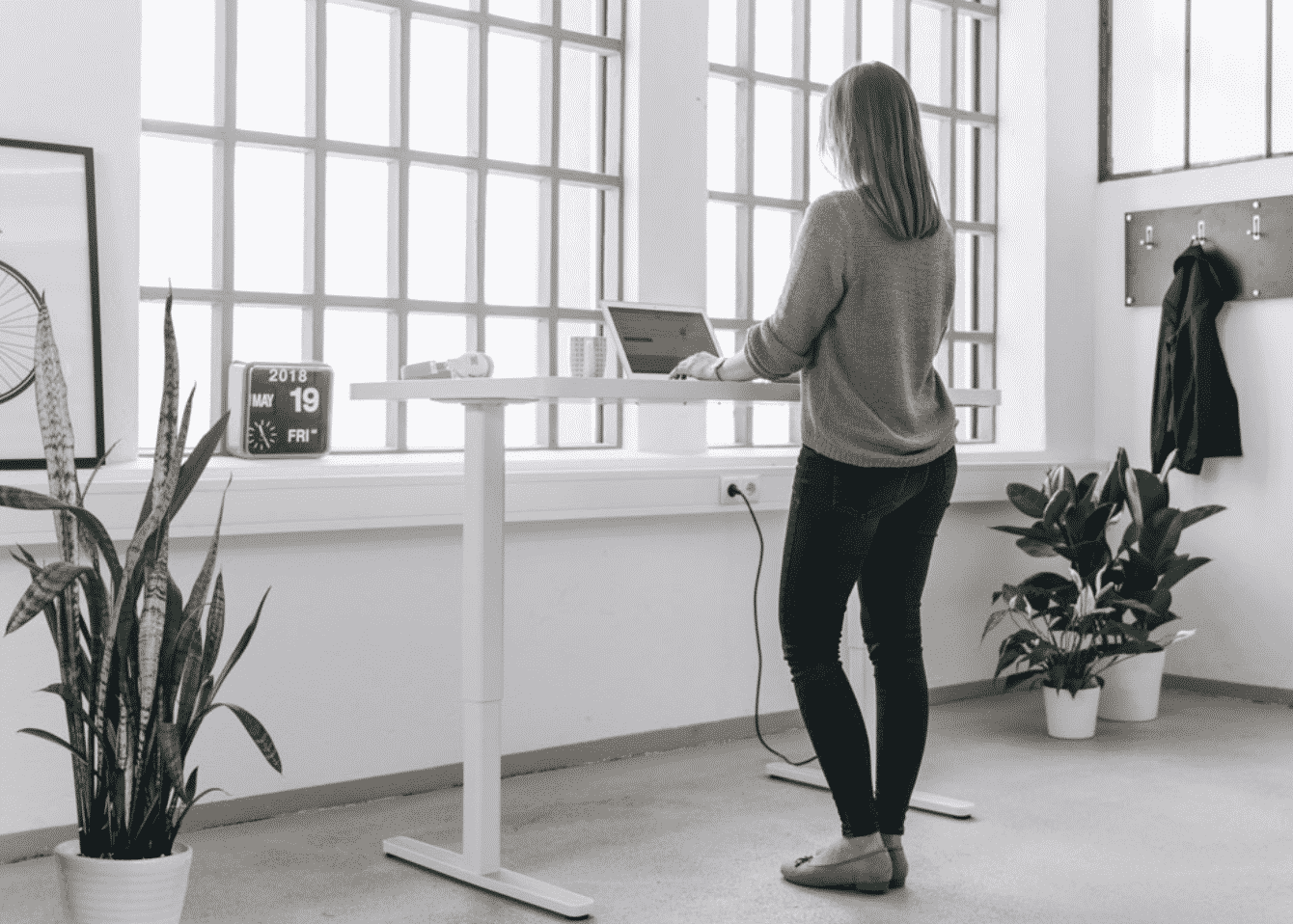
In order to set your home office the main thing to have in is the chair and the desk. A chair is not supposed to be something which makes you tired as you are going to spend half of your day sitting on it. It should be comfortable enough to spend your office hours on. Same is the case with the desk. A desk is also a main part of the office furniture and you should choose it very wisely. You can get your customized desk made by your carpenter too. The chair you choose should be sturdy, comfy, and adjustable in height. A desk should be wide enough to put your monitor, laptop and some stationary too.
Choose the Best Equipment
For most individuals, picking the correct printer is a difficult process. You must ensure that you have the correct printer for your needs as well as one that is within your budget. Printers come in a variety of forms and sizes, and each is built for a certain purpose. First and foremost, consider how much printing you will be doing. If you’re simply looking for a quick fix, go for a laser printer. Printers like Konica Minolta are a good choice for keeping in home office.
Choose the Best Monitor
The ideal monitor for a home office should be big and adjustable, allowing the user to adapt it to their own needs. You should also search for monitors with high resolution and contrast to ensure that the correct colors are displayed. For crisp pictures from both side perspectives and up and down, monitors must have a decent viewing angle.
Get a good internet connection
Running an online shop necessitates having a reliable internet connection at home. If your internet service is poor, consider switching to a different provider or purchasing and installing a Wi-Fi router before establishing a home office. When your workflow is constantly disrupted by a sluggish internet connection, it’s easy to become sidetracked.
Bottom Line
Making a home office is not an easy job. You get to have all that stuff you wish for having in your own office. Make it a place where you actually love to work and enjoy doing work. Add some planters in your office space to get a good vibe. Place some cool stuff to have a feeling of not getting bored.











