
iLoungeiLounge
  • News
    • Apple
      • AirPods Pro
      • AirPlay
      • Apps
        • Apple Music
      • iCloud
      • iTunes
      • HealthKit
      • HomeKit
      • HomePod
      • iOS 13
      • Apple Pay
      • Apple TV
      • Siri
    • Rumors
    • Humor
    • Technology
      • CES
    • Daily Deals
    • Articles
    • Web Stories
  • iPhone
    • iPhone Accessories
  • iPad
  • iPod
    • iPod Accessories
  • Apple Watch
    • Apple Watch Accessories
  • Mac
    • MacBook Air
    • MacBook Pro
  • Reviews
    • App Reviews
  • How-to
    • Ask iLounge
Font ResizerAa
iLoungeiLounge
Font ResizerAa
Search
  • News
    • Apple
    • Rumors
    • Humor
    • Technology
    • Daily Deals
    • Articles
    • Web Stories
  • iPhone
    • iPhone Accessories
  • iPad
  • iPod
    • iPod Accessories
  • Apple Watch
    • Apple Watch Accessories
  • Mac
    • MacBook Air
    • MacBook Pro
  • Reviews
    • App Reviews
  • How-to
    • Ask iLounge
Follow US

Articles

Articles

Tips To Choosing The Right Internet Connection For Your Home Office

Last updated: Jun 30, 2021 12:08 pm UTC
By Lucy Bennett
Tips To Choosing The Right Internet Connection For Your Home Office

Over the last 12 months, more of us have worked from home than ever before, as the worldwide pandemic and subsequent lockdowns took hold. What many of us may not have seen coming however was that even post-pandemic, working from home will become the norm for a huge number of people. There are just so many benefits to working from home, for both employer and employee. The key to us being able to work remotely and stay in touch is of course the internet, and making sure that you have the right connection for your home office is important.


When it comes to internet providers Perth for example offers numerous options, but how can you decipher which is the best value for you?
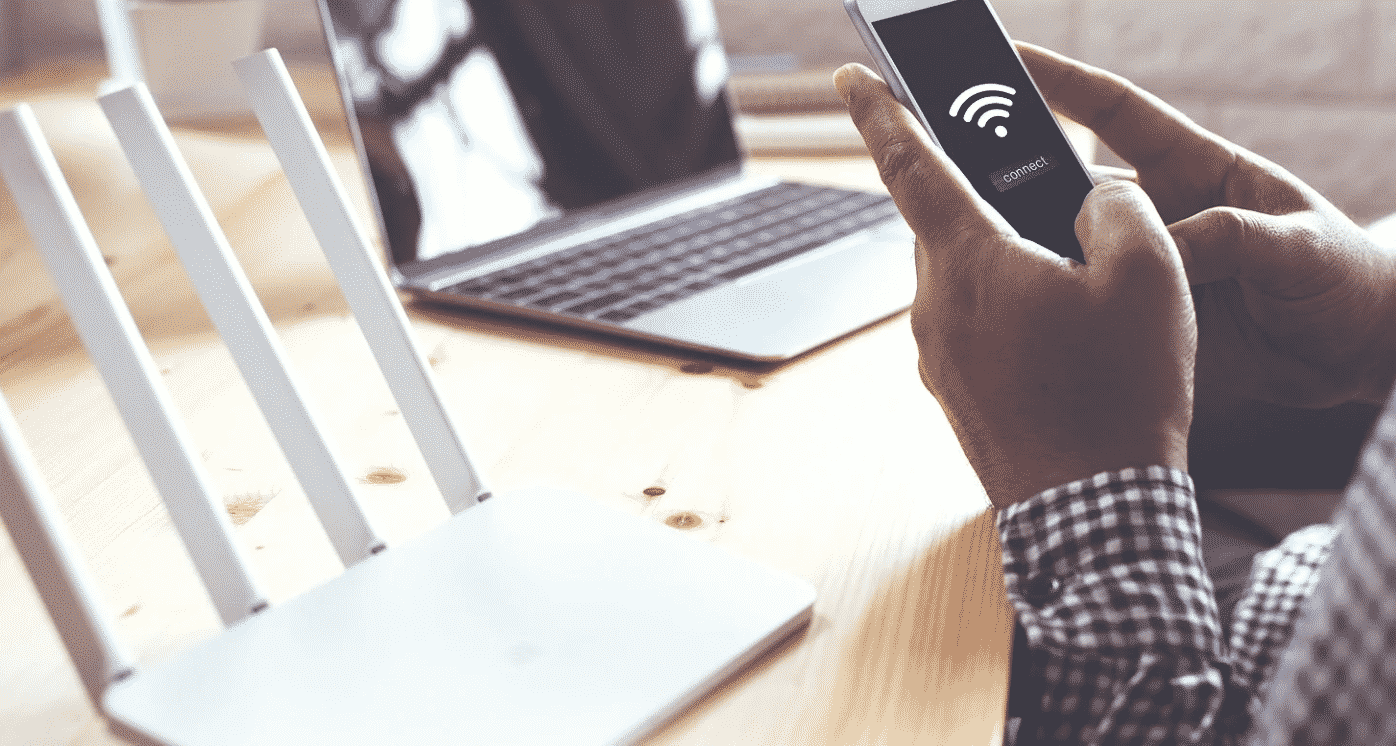
Tips To Choosing The Right Internet Connection For Your Home Office

Understanding What You Need

The first step is understanding exactly what you need in your daily life in order to work to the best of your ability. For example, there are some people who will only be using the internet to send instant messages and emails, which will not require a lot of speed or bandwidth. On the other hand, however, there are those who require high-speed internet which will be dependable when they are making video calls to clients and partners. There is little more embarrassing than a slow connection when you are in an important meeting, in such a situation, fast, fiber-optic internet is an absolute necessity.


Separating The Connection

Another factor which you will have to consider is whether you are going to have a single internet connection for the home, or if you wish to have a separate connection for home office work. In most cases, it would make sense for you to separate the connection, so that one is not able to interfere with the other. Many providers will offer dual lines of course but these will come with a variety of options and costs, which is what you will have to weigh up before making the choice.


Cost of Service

Given that remote working is still new for some companies, they are not yet in a position whereby they are paying for their employee’s connection costs. There are however some who are adding payments for their employees so that they can in fact cover these costs at home. If however you are in the former situation and paying for the internet connection out of your own pocket, this is going to be a key consideration. What many providers like to do is group-in internet packages with TV streaming deals on home phone options, and it may be that you don’t need this. And so when you are weighing up the various prices be sure to pay attention to these bundles, as they may look cheaper, yet end up being more expensive.

And finally, you should ensure that you pay attention to forums and reviews because there are many providers which don’t operate to a high level in certain geographical locations. Always ensure that you get the fastest connection for your local area.



Latest News
The Apple Watch Series 11 42mm GPS is $100 Off
1 Min Read
Apple Launching A New Education Hub In India Teaching Robotics and Swift Programming
1 Min Read
Women’s and Men’s Golf Added to Apple Sports
1 Min Read
Apple Adding Civilization VII and Other Games To Apple Arcade
1 Min Read
AirPods 4 ANC Is $59 Off
1 Min Read
Apple Using 2NM Process For Their M6 and A20 Chip
1 Min Read
iPhone 18 Models Will Not Have a Big Redesign
1 Min Read
Launch of MacBook Pro M5 Pro and M5 Max Models is Approaching
1 Min Read
Get the iPad Mini 7 256GB Wi-Fi at $99 Off
1 Min Read
Mozilla Now Allows Turning AI Features Off
1 Min Read
Barcelona Passeig de Gràcia Apple Store Temporarily Closing
1 Min Read
Apple’s Plans to Enter the Smart Glasses Market is Changing the Industry
1 Min Read

iLounge logo

iLounge is an independent resource for all things iPod, iPhone, iPad, and beyond. iPod, iPhone, iPad, iTunes, Apple TV, and the Apple logo are trademarks of Apple Inc.

This website is not affiliated with Apple Inc.
iLounge © 2001 - 2025. All Rights Reserved.
  • Contact Us
  • Submit News
  • About Us
  • Forums
  • Privacy Policy
  • Terms Of Use
Welcome Back!

Sign in to your account

Lost your password?








