
The world of architecture revolves around designs, diagrams, speculations, and a lot more. Being a good architect doesn’t just come from one’s thoughts, but a lot is going on behind the scenes of successful architects. With that being said, a good architect spends a lot of time around the designs printed on papers. We know the reason you are here, you want the best tabloid size (11×17 inches) printer. Although we won’t be discussing the best 11×17 printer for an architect like you, after reading this out, you’ll be ready to make the perfect choice of printer for your needs.
First things first, 11×17 is the common size used in the architecture and engineering drawing field. So, a good printer that meets all your needs an absolute necessity. And all the additional features in certain printers will only make your work easy. Here are a few things for you to consider before moving on to buying a printer.
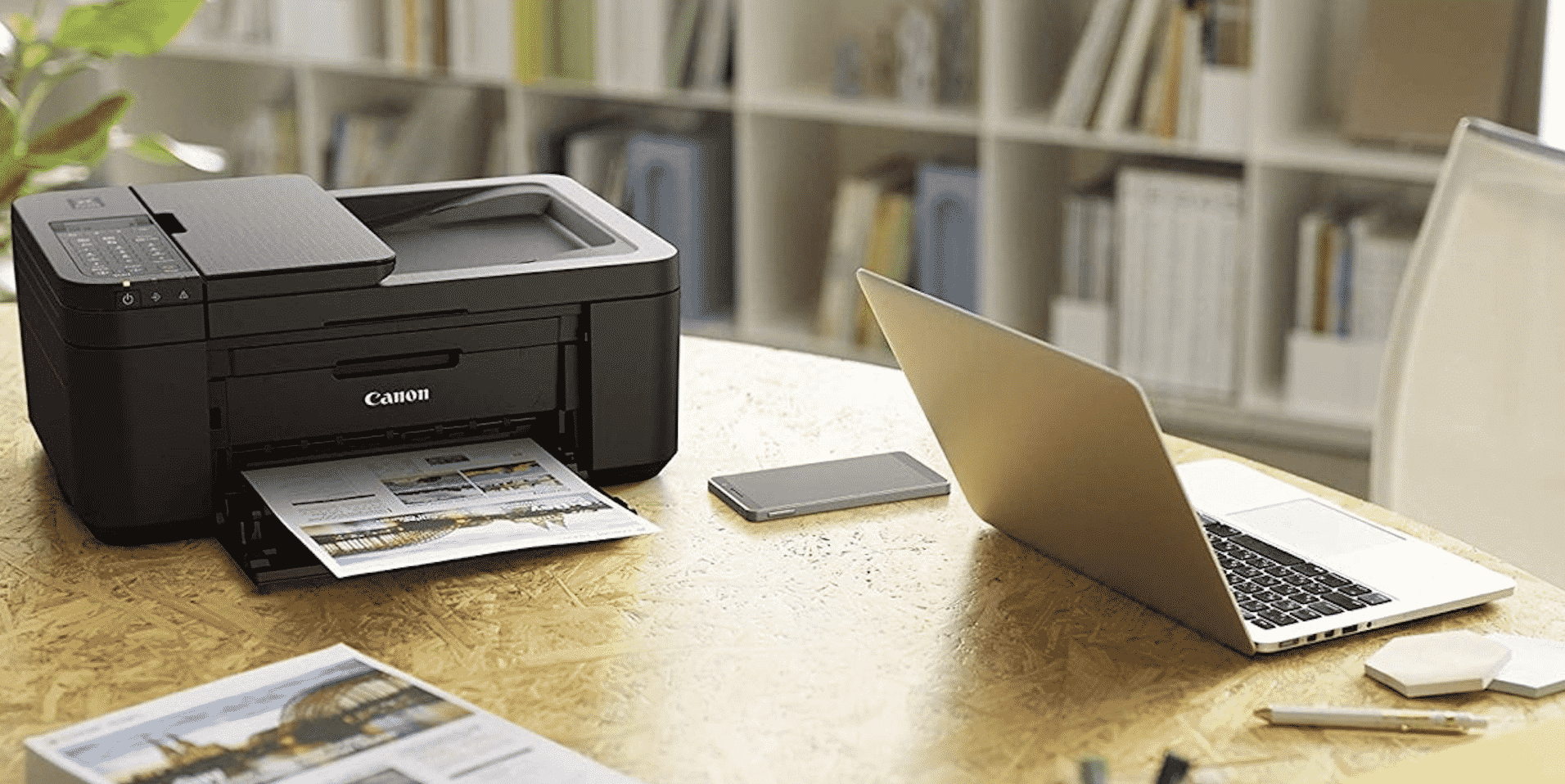
Inkjet or Laser printer?
Among these two, laser printers are always on the higher side of the price along with added features. Do they come in support for different sizes? Yes, they do. But things get expensive with a laser printer because you are not just printing the final versions of your work, everything has to be put on paper, so it’s you who knows the number of prints you’ll be taking.
Compared to Laser printers, Inkjet printers are cheaper, easier to maintain thus making them ideal for architectures. With the work involving a lot of designs and details, Inkjet printers do the perfect job even though they are slow. Laser printers are mostly recommended for printing documents.
Budget
Architecture is one of the industries where a lot of money is involved. Because, in the end, be it either for you or your client, quality is everything. If you are looking to just get a cheap one that just does the work you, do not expect much from it. Investing in a good printer doesn’t just make you a better architect but also makes your job easier.
So, it is always recommended to invest a decent amount of money while buying a printer for your needs.
Variable media size
Since the size you are looking for is 11×17 inches, it’s always suggested to go with printers that can print in various sizes because it makes your work easier. What printer is better than a good all-rounder printer? Some printers can go up to 13×19 inches. So, it’s better to go with the best and quality option.
All-in-one or Standalone?
This depends on your needs again. If you also have other work to do such as scanning, copying, and fax, you can go with an all-in-one printer that does everything. Also, you can save up space by buying an all-in-one rather than having multiple machines. Again, if you already other machined lying around you that can do the job, you can a great standalone printer for the same budget.
Connectivity
The thing with tech is, no matter how expensive your machines were back in the old days, the new tech always has advanced and simpler solutions for your problems. Wireless connectivity is a boon for our generation especially in a world that has wires and cables under the sea as well. Gone are the old days where you have to turn on the printer, plug it into your PC and then print. You can be at one corner of your home or office and still print whatever you want wirelessly.
So, always check for good connectivity solutions while choosing your printer.
Conclusion
There are a lot of decent printers out there that might meet your needs. But before you step into choosing, make sure to check all the boxes for the above points. If you are an individual you can go with budget options that give decent outputs but if it’s for business purposes, the more the investment, the better. All in all, investing in a good printer is always a plus for you as an individual or for the firm. After you decide on a printer that you want to buy, make sure to check out its reviews as well. That will most certainly help you in narrowing down the company.











