

Your iPhone is an indispensable part of your daily life, keeping you connected, entertained, and informed. However, its screen is vulnerable to scratches, cracks, and breaks, which can significantly affect its functionality and resale value. Protecting your iPhone screen is crucial to maintaining its longevity and ensuring it continues to serve you well. Here are some essential tips to help safeguard your device’s screen.
Use a Protector
One of the most effective ways to protect your iPhone screen is by applying a screen protector. The experts working behind Mobile Screen Fix explain how these thin layers of plastic or glass are designed to cover the surface of your device, acting as a barrier against physical damage. Screen protectors absorb shock and can help prevent scratches or cracks resulting from everyday use, accidental drops, or contact with sharp objects. Modern protectors are engineered to fit the screen perfectly, ensuring functionality and touch sensitivity remain unaffected.
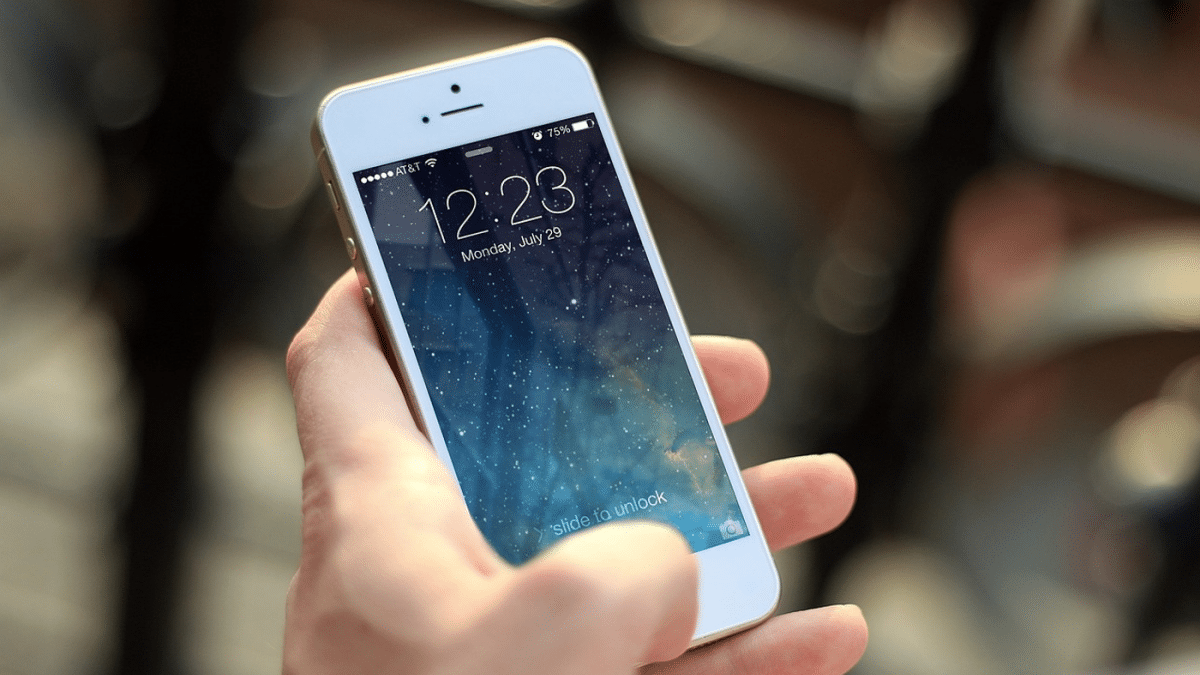
They come in various types, including tempered glass which offers a high level of scratch resistance and clarity, and plastic films that provide a basic level of protection against scratches. Installing a screen protector is a straightforward, cost-effective measure that significantly extends the life of your iPhone’s screen by shielding it from direct damage.
Get a Sturdy Phone Case
A sturdy phone case acts as a fortress for your iPhone, providing an essential second line of defense beyond the screen protector. These cases are designed to absorb the impact when your device accidentally falls or hits hard surfaces, minimizing the risk of screen damage. They often feature raised edges that elevate the phone’s screen slightly above flat surfaces, preventing direct contact and scratches when placed or dropped face down.
Additionally, the best phone cases extend their protective material around the corners and back of the iPhone, dispersing the force of impact away from the screen. By encasing your iPhone in a robust case, you’re significantly reducing the chances of catastrophic screen damage, ensuring your device remains in pristine condition for longer, thereby safeguarding your investment in technology.
Keep Your Phone Away from Sharp Objects
Throughout the day, various sharp objects come close to your phone and can severely damage it. Keeping an eye at all times is challenging, but taking preventative measures can save your screen from disaster. Watch out for the following:
- Keys
- Coins
- Pens and pencils
- Paper clips
- Jewelry
- Zipper pulls
- Tools
- Sand or dirt
Sharp objects like keys or pens can easily cause damage when they come into contact with the phone’s surface in bags, pockets, or tables. By avoiding these common hazards, you ensure the screen remains clear, functional, and aesthetically pleasing.
Avoid Placing Your Phone Face Down
Placing the phone face up protects its screen from unnecessary scratches and potential damage. When you place your phone with the screen touching a surface, even minor particles or grit on that surface can cause scratches, which over time can accumulate and degrade the screen’s clarity and touch sensitivity.
By choosing to place your iPhone upright, either by leaning it against an object or using a phone stand, you ensure that the screen remains safe from direct contact with potentially damaging surfaces. This simple practice extends life and preserves the functionality of your iPhone screen, keeping it free from the unsightly marks and scratches that can occur from everyday use.
Clean Your Screen Regularly
Dust, oil, and fingerprints can accumulate on the surface, not only making the screen look unsightly but also potentially interfering with touch sensitivity. These residues can create abrasion against screen protectors or the screen itself, leading to micro-scratches that weaken the screen’s integrity over time.
To clean your screen, switch off your iPhone and use a soft, lint-free cloth, slightly dampened if necessary, to gently wipe the surface. Avoid using household cleaners or abrasive cloths, as these can strip away protective coatings and cause further damage. This simple maintenance routine helps keep your screen clear, responsive, and less susceptible to damage.
Be Cautious with Liquids
Water and other fluids can seep into the smallest openings and under the screen protector, potentially leading to short circuits that may permanently damage the touch sensitivity or display functionality. Accidental spills, rain, or even high humidity can introduce moisture to the device.
To protect your iPhone screen, it’s essential to be vigilant around liquids. Avoid using your phone with wet hands, and never place it on wet surfaces. Consider using a waterproof case if you frequently find yourself near water or in damp conditions. By taking these precautions, you shield your iPhone screen from the irreversible effects of liquid damage, ensuring its longevity and optimal performance.
In conclusion, safeguarding your iPhone’s screen requires a blend of vigilance and preventive measures. By employing a screen protector, investing in a sturdy case, steering clear of sharp objects, wisely placing your phone, regularly cleaning the screen, and cautiousness with liquids, you can ensure the longevity and continued high performance of your device. Protecting your iPhone is ultimately protecting your investment.











