

TikTok Live is a streaming tool which offers creators a fantastic opportunity to engage with their audience in real-time. Unlike standard TikTok videos that target a broad audience, live streaming enables a more personal and interactive experience. This platform is perfect for interacting with followers, addressing their questions, and providing entertainment in innovative ways.
Keeping your audience engaged is crucial for expanding and sustaining your presence on TikTok Live. A successful strategy is incorporating interactive games. These games not only add entertainment value to your live streams but also motivate viewers to actively participate and remain involved throughout the broadcast.

How to Set Up a Good Stream
1. Equipment Basics
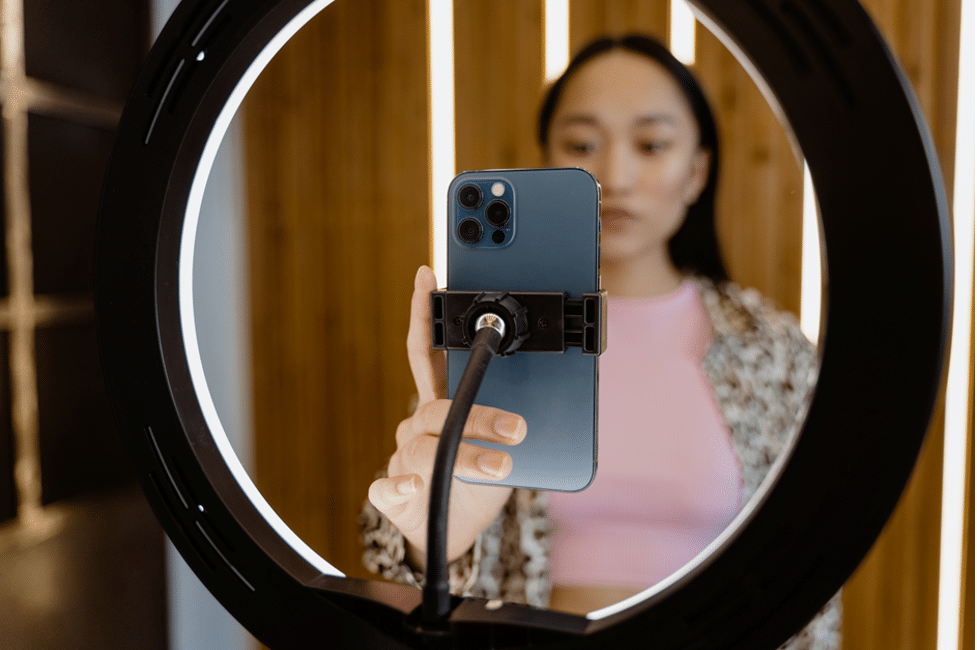
- Having fancy equipment is helpful but absolutely not a requirement. A good smartphone and decent lighting will do the trick. Natural light works well, but if you’re streaming in the evening, a ring light can help illuminate your face.
2. Plan Your Content
- Have a general guideline of your stream. There is no need to go into details as this is just there to help keep you organized and prevent random tangents that might decrease interest. Knowing what you want to achieve with your session is crucial.
3. Catchy Title
- Think of a catchy title that reflects the summarized content of the stream. For example, “Trivia Night with [Your Name] – Win Prizes!” will attract viewers interested in playing and winning.
4. Spread the Word
- Announce your stream through posts or reels on every social media platform you participate in. If you’re a new streamer, consider using services to boost your viewer count the initial moment you go live. This will help the algorithm notice your stream and have it recommended to a wider audience.
Interactive Game Ideas
Now that you have a general understanding of how to make people tune in, let’s discuss some game ideas:
1. Trivia Night
- Who doesn’t love a good trivia game to test their knowledge and competitiveness? You can make up questions about your account and content or use flashcards on specific topics that your viewers can decide on through a poll. This ensures more people show up excited and ready to interact.
2. MadLibs or Story Building
- Letting the audience complete MadLibs will result in a funny experience for everyone involved. You can use multiple-choice polls to streamline answers or let viewers answer freely. For story building, start a story and let your community add to it one sentence at a time, creating a fun and chaotic narrative.
3. Follow Alongs
- If you are a fitness or yoga influencer, set up follow-along workout TikTok Live streams. People love to get healthy but often don’t want to do it alone. Having a guiding figure to imitate will motivate and make them appreciate you more. During rest periods, take a minute to answer questions from viewers in real time.
These are a few examples but the options are only limited by your imagination and efforts. Remember, this should be an enjoyable experience for everyone, including you.When everyone’s having a good time, you’ll naturally see your community grow and receive tokens of appreciation for your entertaining content.
How to Ensure Everything Goes Smoothly
1. Keep It Simple
- Especially if it’s your first time trying this kind of stream on TikTok. Set some ground rules to keep you on track. The more complicated it gets, the less focused you will be on providing a fun, engaging experience.
2. Keep Spirits High
- Try to be as energetic as you can without burning yourself out. Stay positive and encourage participation.
3. Be Flexible
- Be ready to adapt if something isn’t working. Sometimes you might need to switch gears to keep the momentum going. A backup plan is worth having just in case.
4. Keep Up with The Comments
- If people are commenting, it’s a sign that they are open to participating in the stream. Acknowledging their answers is very important to show that you do care about their experience and input. This in turn will drive more interactions.
Educational Twist: Teachers Take Note
While these strategies are great for any TikTok creator, they can also be incredibly effective for educators. With many kids as young as 10 years old on TikTok, live sessions could be a great way for online teachers to provide educational yet entertaining experiences. Here’s how teachers can use interactive games to make learning more engaging:
1. Reinforce Learning and Assess Understanding
- Set up quiz games to review concepts in a relaxed setting. This will motivate even the shy students to participate, helping you gauge which areas need more attention.
2. Build a Community
- Organizing interactive games reduces pressure and helps create healthy competition. This can help build a sense of community among students, where they cheer each other on and learn collaboratively.
Conclusion and Final Thoughts
Setting up interactive games on TikTok Live can significantly boost engagement for both small and large influencers. These strategies not only add excitement to your live sessions but also help build a dedicated community of followers. Whether you’re a creator looking to grow your audience or an educator aiming to make learning more interactive, TikTok Live offers a versatile platform to achieve your goals. So, plan your next live stream, keep it interactive, and watch your engagement soar!











