
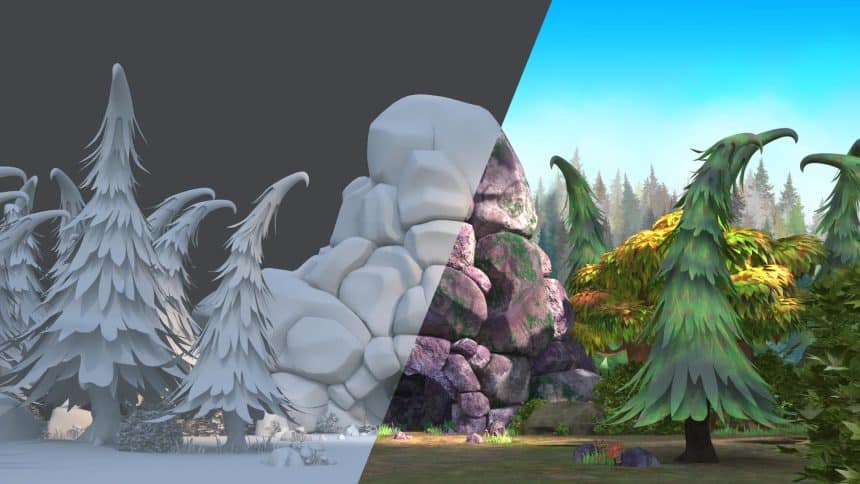
Characters and scenes in animation come to life with the magic of 3D texturing and shading. These two elements work together to add details and colors, transforming simple images into captivating animated worlds. In this article, we’ll break down the magic behind 3D texturing and shading, exploring why they matter and how they turn simple images into captivating animated worlds.
The Basics: Rendering Farms and Animation Magic
At the core of every animated masterpiece is a render farm, a powerhouse that transforms digital plans into moving images. It’s like a busy workshop where each frame of an animation is carefully crafted. These farms are the unsung heroes, making sure every detail, texture, and shade is just right, bringing our favorite characters and scenes to life.
Bringing Things to Life: 3D Texturing Explained
What is 3D Texturing?
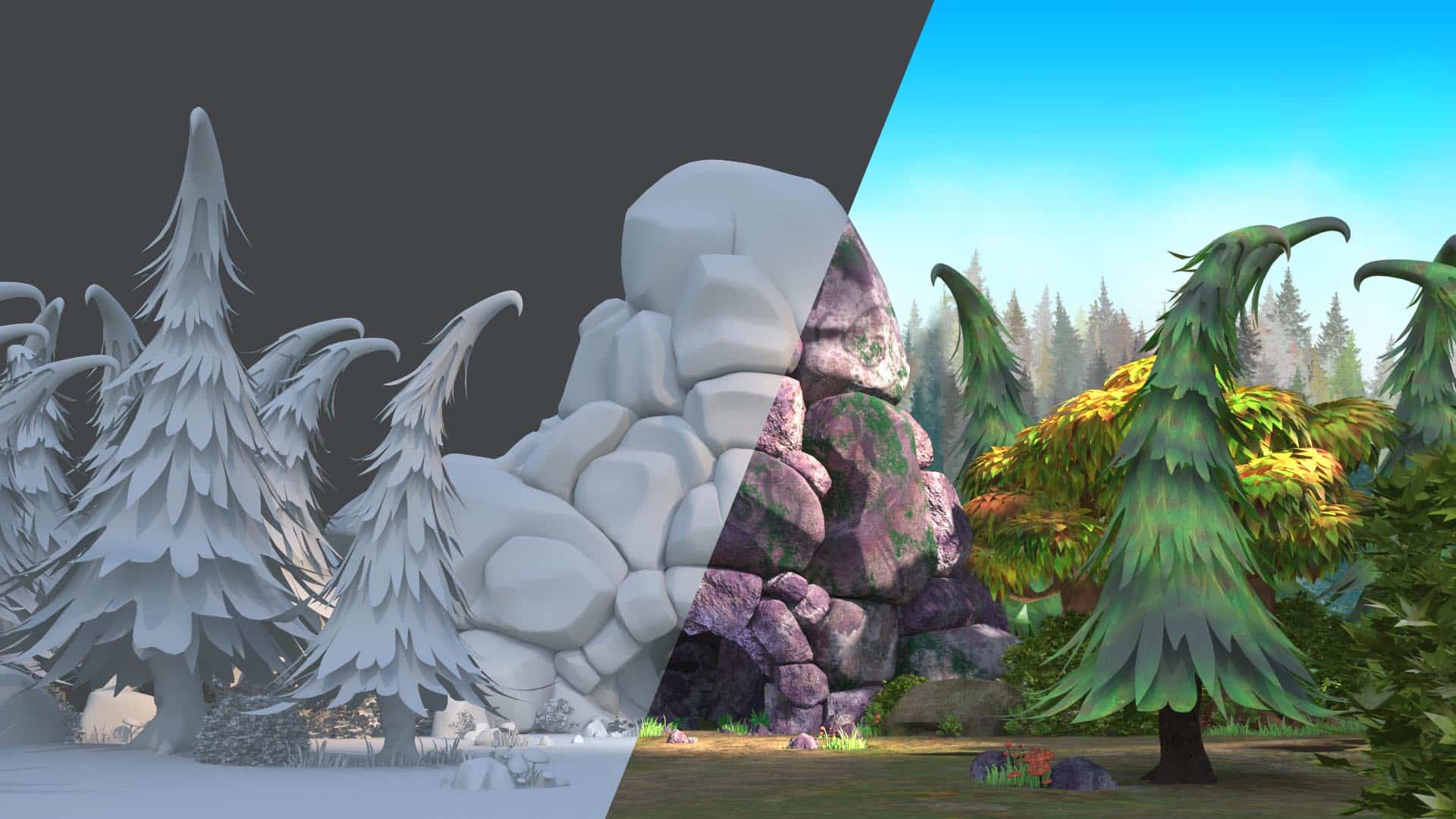
Think of 3D texturing as adding color and texture to a sculpture. It’s the process of putting digital textures on 3D models to make them look real. Artists use this digital paintbrush to make surfaces soft, rough, or anything in between.
How Texturing Works in Animation
Let’s say there’s a dragon flying through a fantasy world. Without the right textures, its scales wouldn’t sparkle in the sunlight, and the rocks below wouldn’t look rugged. 3D texturing makes animated worlds feel real by adding unique touches to characters and environments. Artists use different techniques, like digital painting and clever algorithms, to make these textures shine.
Playing with Light: The Art of Shading
Understanding Shading in Animation
Shading is like the lighting director of animation. It decides how surfaces react to light, making things look real and three-dimensional. Picture an animated forest at sunrise – the glow on leaves and the shadows – all thanks to shading.
The Dance of Light and Shade
Shading is the choreography between light and materials. Artists use special tools called shaders to simulate how light bounces off surfaces. This dance determines if something looks shiny or matte, smooth or rough, turning a series of pictures into a compelling story.
Teamwork in Action: Texturing and Shading Together
How Texturing and Shading Work Hand in Hand
Imagine a waterfall in an animated world. Texturing decides how the water looks, and shading creates the play of light on its surface. It’s the teamwork of texturing and shading that turns still images into dynamic, lively animations.
In animation, texturing and shading are like two best friends, working together to create immersive experiences. Textures set the stage, deciding how surfaces feel, while shading adds life by playing with light. Together, they are the backbone of animation, turning simple 3D models into characters and environments that feel real.
Behind the Scenes: The Technical Side
The Tech Stuff: From Artists to Computers
While artists use special software to craft textures, there’s some technical stuff happening too. Think of it as artists using digital paintbrushes on a computer canvas. Shading involves even more technical magic with things like shaders and rendering engines. These tools make sure everything looks just right, from reflections to shadows.
Final Thoughts: The Magic of Animation
When you watch your favorite animated film, think about the unseen artists in rendering farms, the digital painters creating textures, and the shading experts playing with light and shadows. Every piece in animation comes together to create an enchanting spell that captures our hearts and transports us to new and exciting places.











