
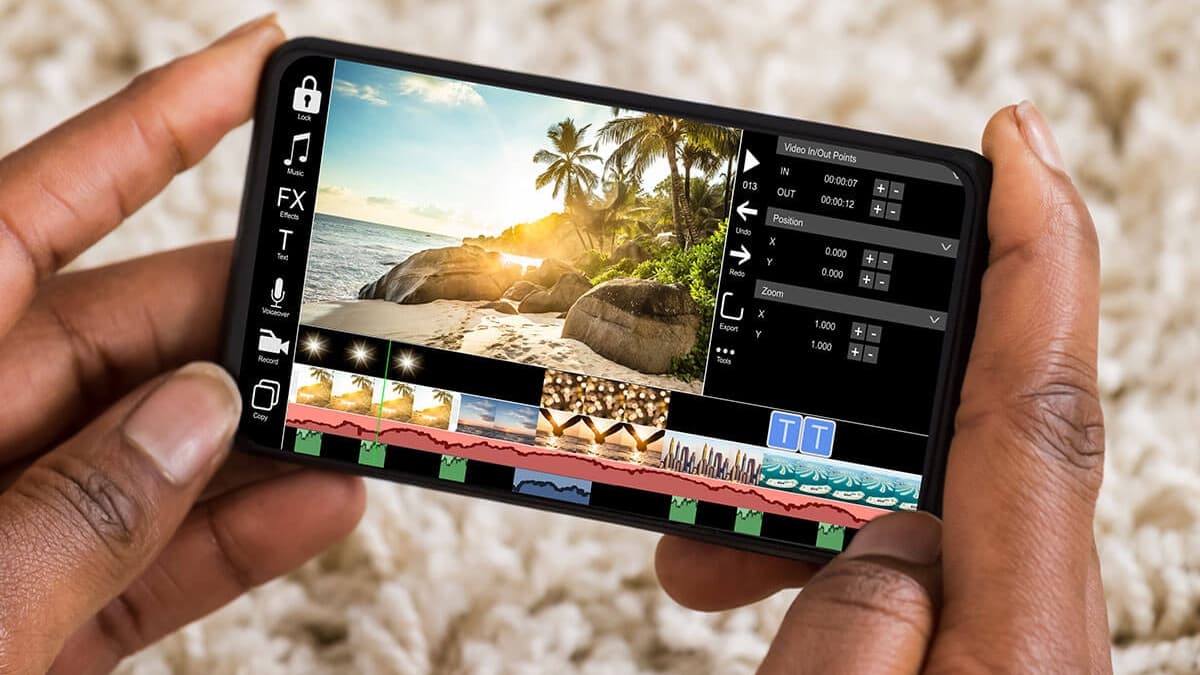
The days of sitting hunched over your computer to edit videos are over. The latest mobile video editing apps allow you to create cinema-quality productions with nothing but your smartphone (or tablet) and your thumbs.
Below, we’ll give you a run-down of our favorite video editing apps on mobile devices, including apps for Android, iOS, beginners, and advanced filmmakers.
Let’s get shooting!
1. KineMaster (iOS, Android, ChromeOS)
KineMaster is one of the best video editing apps on mobile because it’s just so easy to use with nothing but your thumbs. Unlike other apps that feature tiny difficult-to-click tracks and icons, KineMaster allows you to select and scroll using an intuitive trackpad-like navigator. You can manage your tracks, files, effects, overlays, and much more with just one hand.
KineMaster has one of the most robust free versions of any mobile video editor. You’ll get a decent number of effects, fonts, overlays, and even some free music from the KineMaster store.
To get the entire package, you’ll need to pay up. But it’s only $39.99 a year to unlock unlimited overlays and remove the KineMaster watermark from your work.
We especially recommend KineMaster to Android users who don’t have access to top editing tools like iMovie and LumaFusion.
2. LumaFusion (iOS)
If you’re serious about editing on iPhone or iPad, get LumaFusion. It’s the closest thing you’ll get to having a desktop-level pro editor on your phone. It includes 6 video and audio tracks as well as a huge library of special effects, sound effects, transitions, and so much more. LumaFusion is also about twice as fast as other mobile editors, so video editing on mobile feels really smooth.
Basically, if you’ve ever wished you could put Final Cut Pro in your pocket, this is the app for you.
Keep in mind that there is a learning curve if you don’t already have some editing experience. That’s because there are just so many creative options to explore. You’ll also need to buy the app, but it only costs $29.99. As a one-time purchase, it’s well worth it.
3. VideoShow (Android)
VideoShow is a video editor for beginners who don’t like messing with tracks, clips, and timelines. The app turns video editing into a quick and easy step-by-step process.
Start by shooting a video within the app. Then, select the video and VideoShow will guide you through a few steps to add text, video overlays, images, music, and more. By following the steps, you can turn raw footage into a viral sensation in minutes.
We like that you can easily add stock video, video overlays audio, and images to your library to spice up your social videos. VideoShow also has a separate editor within the app for making slide shows, which makes it really easy to turn your still images into dynamic videos.
If you love posting on social media but are not an aspiring filmmaker, VideoShow is probably the right mobile video editor for you.
4. iMovie (iOS)
iMovie is an incredibly solid video editor for iOS users. It’s been a legend for decades, and we still love it. It’s free, it’s fast, it’s feature-packed—it’s everything that most amateur filmmakers need.
One of the best things about iMovie is its comprehensive tutorial for beginners. It teaches you how to use video editing software in a hands-on way, and it doesn’t overwhelm you with effects and complex tools. This way, you can start editing fast and learn as you go.
Because it’s made by Apple, you can expect an excellent user interface with intuitive controls. Moving clips and tracks with a swipe of the thumb feels natural, as does zooming in and out on the timeline with a thumb and forefinger.
iMovie is a great starter editor, but experienced editors will find it a bit basic. If you’re not new to editing, get LumaFusion for more tracks and effects.
5. Adobe Premiere Rush (iOS and Android)
Adobe produces some of the best video editing software in the industry. Its editing tools have been used to create some of the biggest Hollywood movies, including Gone Girl, Deadpool, and Avatar.
Adobe’s mobile app, Premiere Rush, brings many of its pro-level tools to your smartphone. The free version is impressive, giving you access to unlimited exports, tons of graphics templates, 30 soundtracks, multiple video and audio controls, and some cool SFX such as speed controls and lighting effects.
The paid version unlocks unlimited storage and premium features.
We love that Adobe will auto-sync your video and audio tracks if you want it to. With this feature, you can create videos quickly, which is great if you’re just trying to post to social media or YouTube.
Edit Like a Pro, On the Go
Mobile video editing apps make it easy to become an aspiring filmmaker or social media star without spending loads of money on software and studio equipment. All you need is your phone and one of the apps above (most of which are free!) to start rolling.
If you’re a beginner, make sure you choose a simpler app to avoid getting overwhelmed. We recommend iMovie for iOS users and KineMaster for Android.











