
As you know, video content is literally everywhere now, especially on YouTube, and accurate transcripts make a difference. They help make content accessible, with SEO, and by turning videos into usable text. If you’ve ever tried manually transcribing a video, you know how time-consuming it can be. AI-powered YouTube transcript generators can quickly convert spoken words into text, saving time and effort. Whether you create educational content, tutorials, or marketing videos, having a reliable transcript can make your workflow smoother and more organized. Below is a look at some tools and how they work.
Why Use a YouTube Transcript Generator?
Before diving into the top tools, it’s worth taking a moment to understand why these generators have become so useful. YouTube videos carry a lot of information, but getting that information into written form isn’t always easy. A transcript generator bridges that gap; it takes the spoken content you’d normally have to replay over and over and turns it into something you can search, skim, quote, or reuse without effort.
1. Time-Saving – Transcribing videos by hand can take hours, especially for long content. A good transcript generator can do it in minutes, giving you that time back to focus on creating and sharing ideas.
2. Accuracy – Today’s transcription tools do a solid job handling different speakers, accents, and even background noise. The result is text that closely reflects what was actually said.
3. Accessibility – Transcripts also help make your videos easier for everyone to enjoy. People who are deaf, hard of hearing, or who simply prefer reading can follow along without missing anything.
4. SEO Benefits – Transcripts can make your videos easier for search engines to understand. When the text is indexable, search engines have more information to work with, which can improve how your content appears in search results
5. Content Repurposing – Finally, transcripts are great for repurposing. You can convert them into blog posts, social media content, e-books, or study material, which gives your work a longer life without extra effort.
Overall, using a transcript generator isn’t about replacing creativity. It’s about handling the repetitive work so you can focus on the parts that really matter.
Top AI YouTube Transcript Generators
There’s no shortage of tools that promise to convert YouTube videos into clean, readable text, but each one works a little differently. Some focus on speed, others on accuracy, and a few offer extra editing or subtitle features. Please take a look at these options to understand their features and identify which one suits your preferences or needs.
1. RecCloud
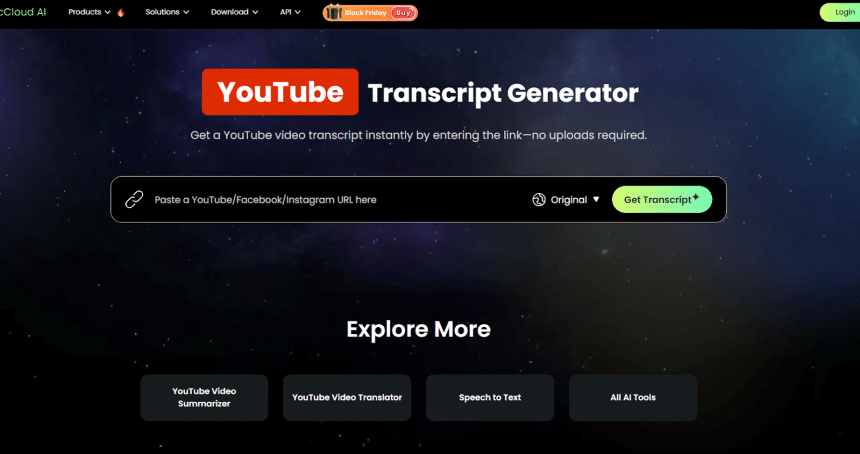
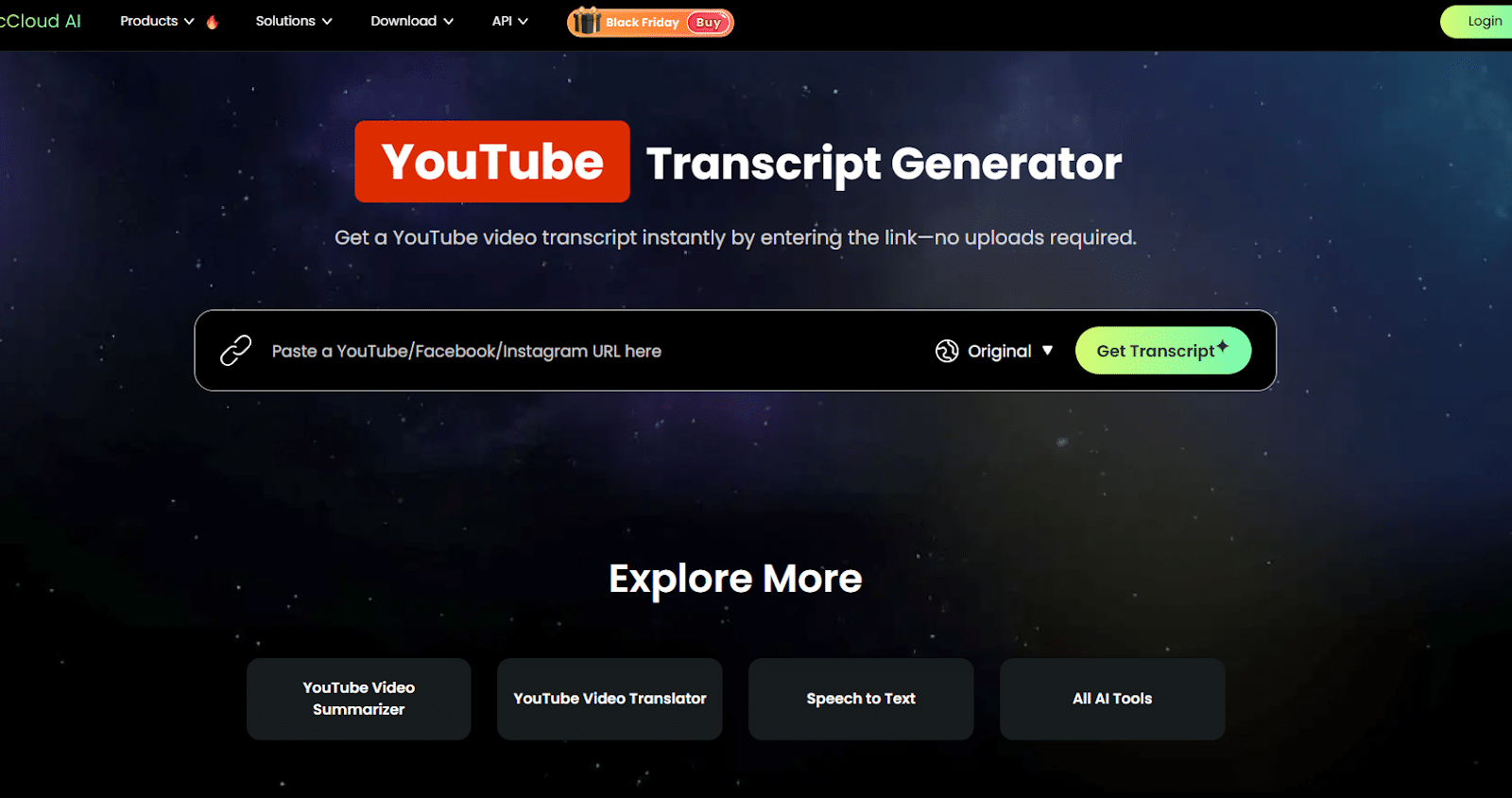
The best YouTube transcript generator you must take a look at. This web-based tool can quickly convert YouTube videos into accurate text transcripts. Its AI technology ensures high accuracy even for videos with multiple speakers. One of its key advantages is the ability to provide transcripts for long videos in different languages, making it easier to produce transcripts in different languages for accessibility. Learn more about RecCloud https://en.wikipedia.org/wiki/RecCloud
Features:
- High-accuracy AI transcription.
- Supports multiple languages.
- Export video and subtitle or transcript options.
2. Notta
Notta can transcribe YouTube videos by pasting the video link or uploading a file. It supports multiple languages and can identify different speakers in recordings, which helps make transcripts clearer. You can also translate transcripts into other languages if needed, useful for reaching wider audiences.
Features:
- Supports 58+ languages and bilingual translation.
- Speaker identification
- Export as TXT, SRT, PDF, etc.
3. Maestra
Maestra is focused on video creators and works directly with YouTube videos to generate transcripts and subtitles. It supports over 125 languages, and you can edit the transcript or subtitle text before exporting. The tool also provides live captioning for presentations or streams.
Features:
- Transcribe videos with accurate punctuation and assigned speakers.
- Subtitle editor with SRT export.
- Basic AI voiceover options.
4. Descript
Descript combines transcription with a text-based video editor so that you can edit the transcript and the video together. Its transcription separates speakers and adds timestamps automatically, and it can remove filler words like “um” or “uh.” The platform also allows minor audio corrections with the Overdub feature.
Features:
- Text-based video editing
- Create a YouTube Shorts transcript for each project.
- Filler-word removal
5. Transkriptor
Transkriptor can create transcripts directly from YouTube links without needing to download the video. It supports over 100 languages and identifies different speakers for better clarity in interviews or discussions. You can also generate subtitles and export searchable transcripts.
Features:
- Generate a transcript in SRT.
- Label the generated text output with speakers.
- Share output through a link.
Tips for Choosing the Right YouTube Transcript Generator
Choosing a YouTube transcript generator isn’t just about picking the one that can turn audio into text. It’s more about finding a tool that fits smoothly into the way you already work. Different tools offer different strengths, so taking a moment to think about your workflow, the type of videos you handle, and how you plan to use the transcripts can help you make a more practical choice.
1. Accuracy – Consider how well the tool handles different speakers, accents, and background noise, especially if your videos aren’t recorded in controlled environments.
2. Export Options – Check whether it offers the formats you actually use, like SRT for subtitles or TXT/PDF for written documents, so you don’t have to convert files later.
3. Language Support – If your content reaches viewers in different regions, it’s important to pick a tool that can transcribe and recognize multiple languages accurately.
4. Ease of Use – A clean, straightforward interface makes a big difference, especially when you need to edit mistakes or quickly export a transcript.
5. Cost – Some tools offer limited free plans, while others use subscriptions or pay-per-minute pricing. Choose one that fits your budget without complicating your workflow.
Who Is Each Tool Best Suited For?
With so many YouTube transcript generators available, it helps to know which one matches the type of work you do. Each tool has its own strengths, and choosing the right fit often depends on your workflow, the kind of videos you handle, and how much editing you plan to do afterward. Here’s a quick look at which tool works best for different needs.
RecCloud – A practical option for anyone who often works with long YouTube videos or needs transcripts in different languages. It suits creators who want a simple, reliable way to turn YouTube content into text or subtitles without a complicated setup, and only accessible via a web browser.
Notta – Great for people who regularly pull transcripts from YouTube for study, research, or note-taking. Its speaker identification makes it especially useful for lectures, interviews, or panel discussions where you need to keep track of who’s talking.
Maestra – A strong fit for YouTube creators who also plan to refine or adjust subtitles. If you frequently publish videos and want the ability to edit timing or wording before exporting, Maestra offers a workflow that supports that style of content creation.
Descript – Best for creators who want more than transcription. If you plan to turn your YouTube transcript into short clips, edit dialogue, or clean up audio, Descript is handy because the transcript doubles as your editing timeline.
Transkriptor – Ideal for users who prefer quick, no-frills transcription directly from a YouTube link. If you mainly need readable, searchable text from a video, without additional editing tools, Transkriptor keeps things simple and efficient.
Conclusion
Transcribing YouTube videos doesn’t have to be a slow, repetitive task anymore. With tools like RecCloud, Notta, Maestra, Descript, and Transkriptor, you can turn long videos into readable text in a fraction of the time and choose the one that fits the way you work. Whether you want cleaner subtitles, searchable scripts, or material you can quickly repurpose, having a reliable transcript generator removes a lot of the manual effort and helps you stay focused on your actual ideas rather than the busywork behind them.











