
When it comes to digital tools and utility apps AWZware is a strong contender offering a variety of software for productivity and enrichment purposes. Aside from the AWZ AnyPorter and SwiftDoo PDF, AWZ Screen Recorder remains a popular solution for those who are looking to record their screens, take screenshots, and edit videos on the fly.
Need a Screen Recorder? AWZware Has You Covered
The ability to record and take screenshots of your screen is useful in many scenarios. You may need to revisit the video or image for later, including sharing with others, uploading on social media, or capturing one-of-a-kind moments.

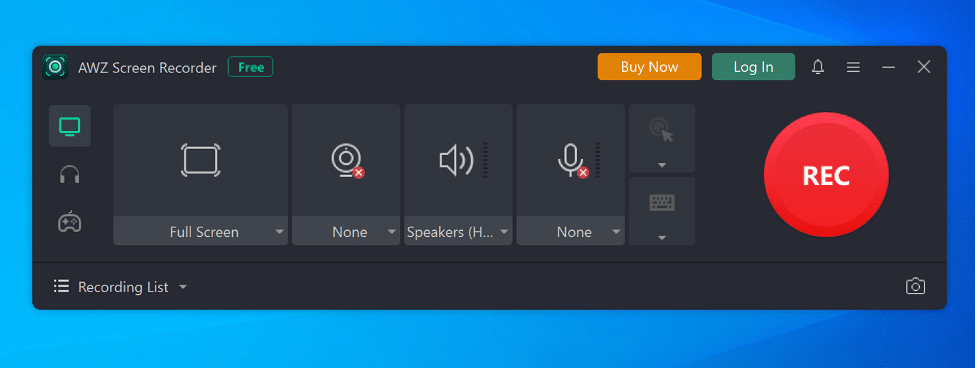
Not all screen recording tools are the same, with some being easier to use than others. AWZware manages to bridge the gap between user-friendly and robust with an intuitive interface and features that make it an all-in-one recorder. What’s even better is that the AWZware screen recorder has a built-in video and audio editor so you can finetune the content before sharing it online.
User experience is kept in mind when developing the screen recording tool. As such, it’s easy for anyone to get started and realize their content creation dreams. The lower learning curve, coupled with various functions is a primary reason for AWZware Screen Recording’s popularity with users around the globe.
AWZware Screen Recorder Features
Record Audio and Mic Feed
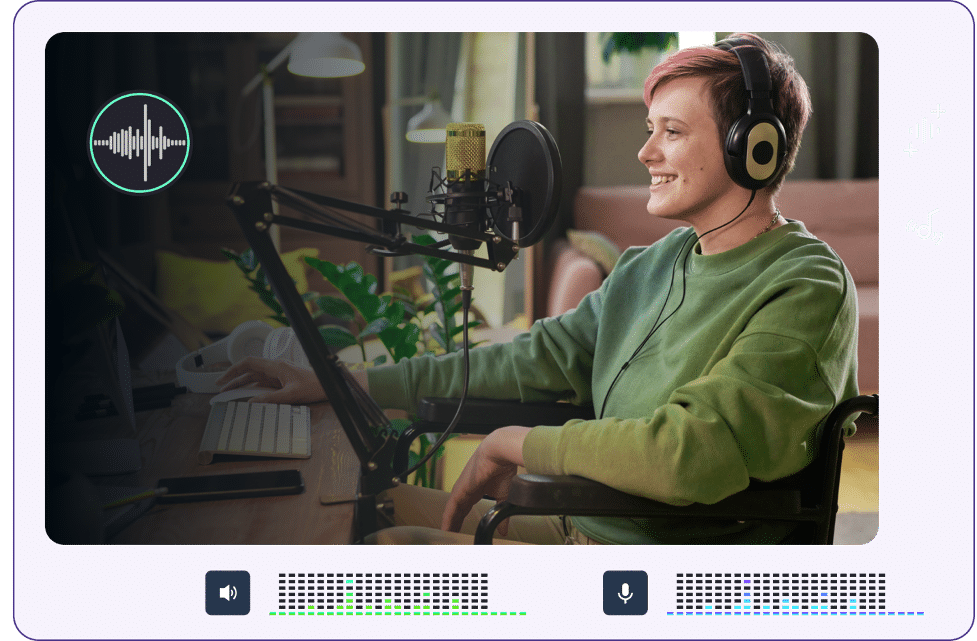
AWZware Screen Recorder isn’t just a screen recording app with a singular function- you can also capture other media, such as conversations and audio along with video. If you’re looking for a utility tool to capture screens with audio, you’ve come to the right place. This function is especially useful for streamers, voiceover artists, narrators, and those working with podcasts and similar niches. To block out environmental noise you can turn the noise reduction function on and get an immediate jump in audio quality.
High-Resolution Webcam Recording
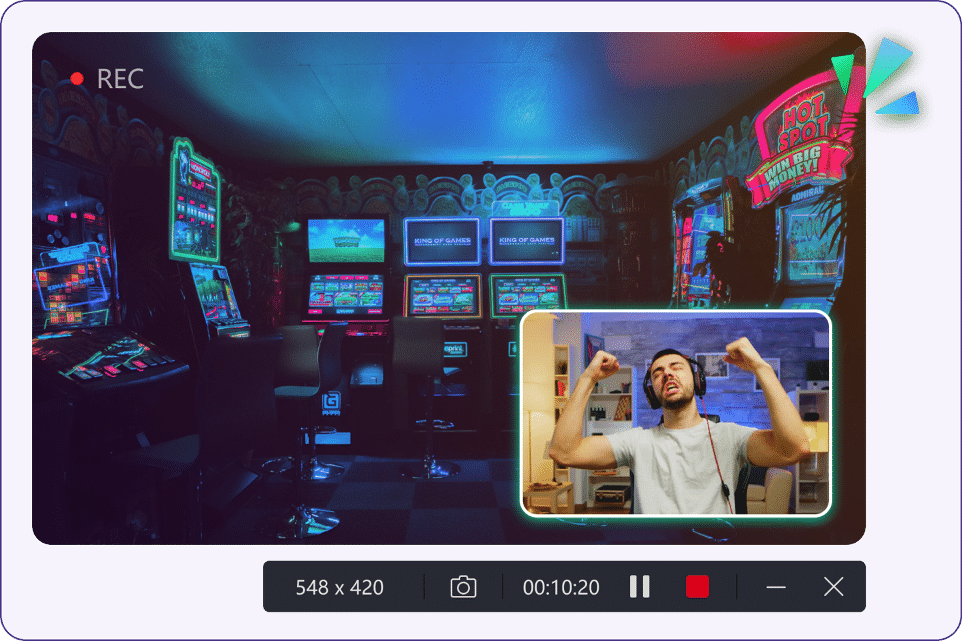
The ability to record your webcam comes in handy in situations such as when you’re streaming to an audience or taking visual notes on a presentation or webinar. Also, streaming live videos and gameplay recording are options included in the software. In cases where you need to upload a game achievement or a video on YouTube for later, AWZware Screen Recording can get the job done. The output resolution remains the same, whether it’s in full HD or 4K. The tool’s webcam recording allows for virtual images and blurring as your background environment.
Multiple Recording Modes
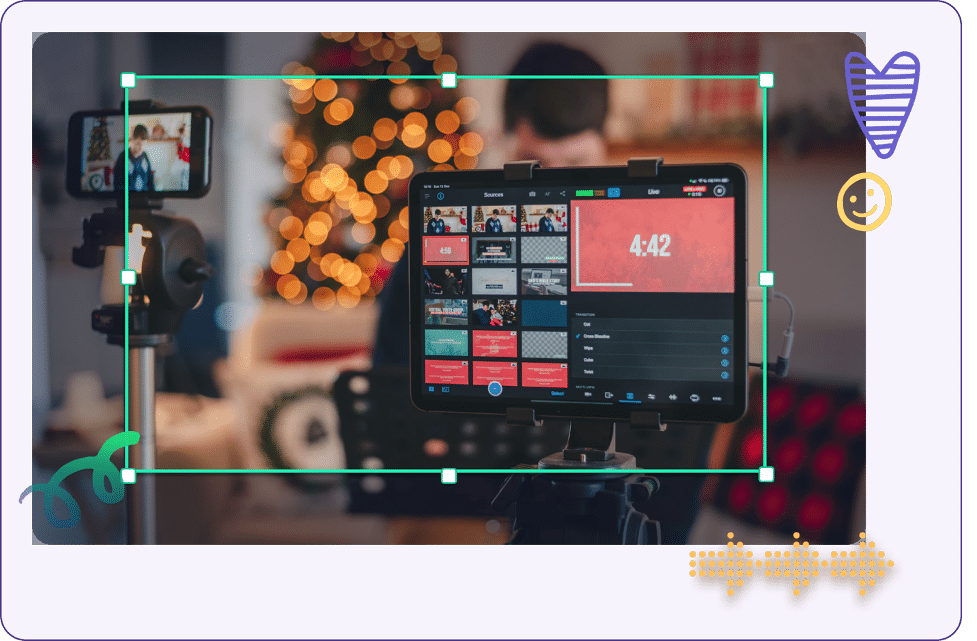
Multiple recording modes are available depending on what you need. You can choose to record your whole screen or certain parts, as well as auto-record and annotate where it could be helpful for you or your audience. Scheduled recording is also supported in the event that you don’t want to set up in advance. Once the video is captured you can then do some basic video editing for highlights and to eliminate dead spaces.
Built-In Video Editor
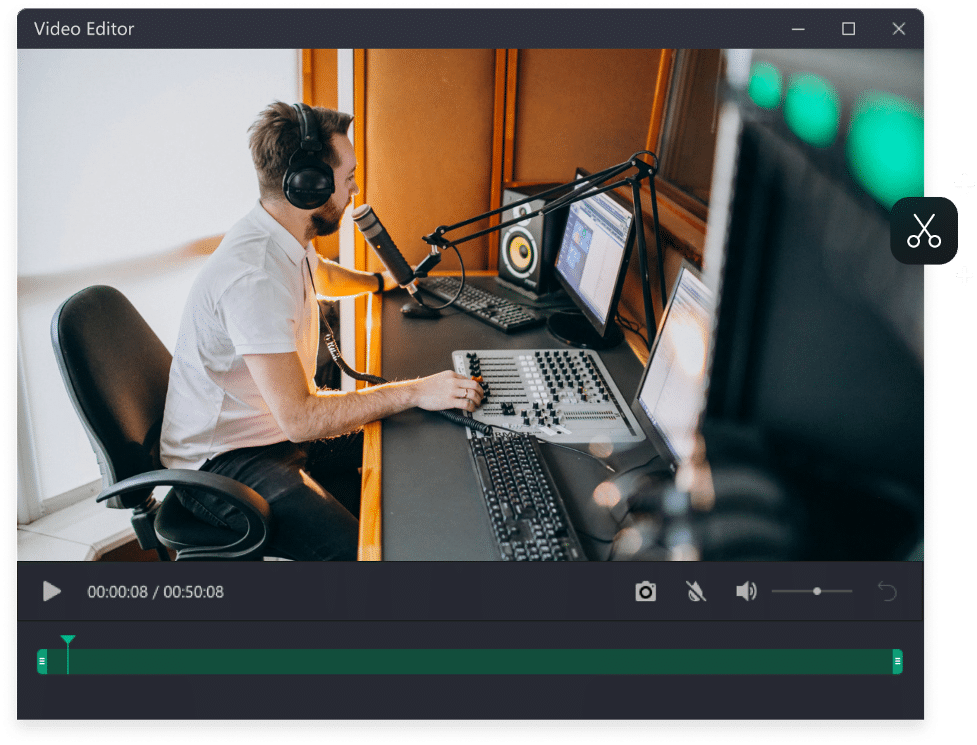
Instead of having to export the recorded video to another tool for editing purposes, you can do it inside AWZware Screen Recorder. This saves you more time, and with the built-in sharing options you can direct the edited content straight to social media channels, YouTube, and more.
Recording Screen with Audio Using AWZware
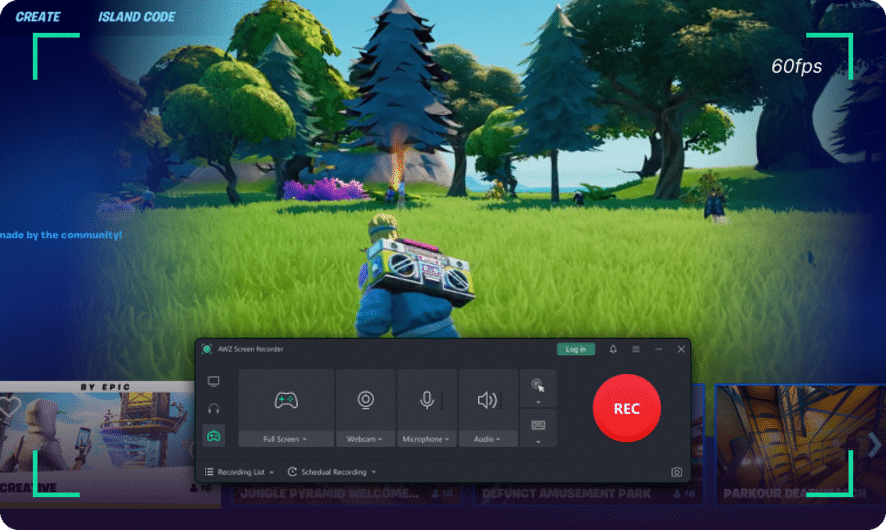
There are many ways to record on iPad and Windows computers, but AWZware takes things a step further. The utility tool offers a complete experience with audio, annotations, and screenshots. In the event that you wish to record audio-only for podcasting and audiobook purposes, the software allows for mic and audio recording with little to no background noise.
AWZware Screen Recording For All Your Media Recording Needs
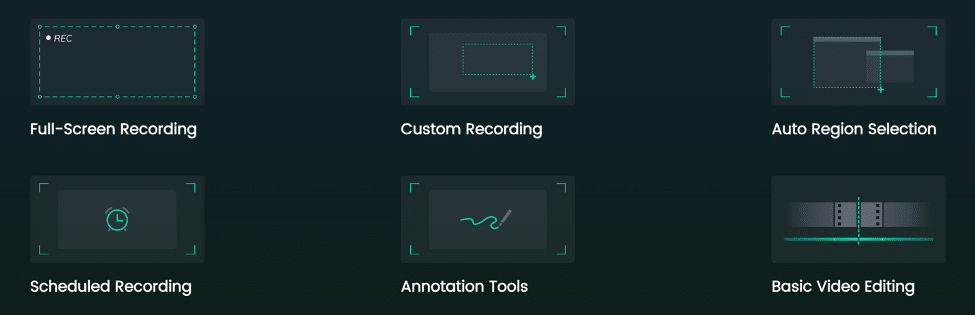
AWZware stands as a prominent solution for those who want a complete recording solution. It has many features and functions, including a basic video editor and instant sharing options for greater efficiency and productivity. AWZware is offering both a free access and paid access to those who wish to give it a try.











