
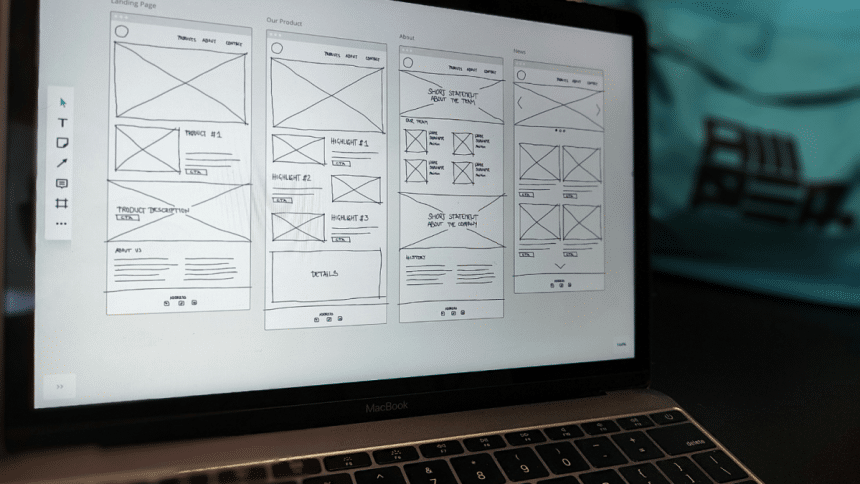
In the digital age, the terms “UX” (User Experience) and “UI” (User Interface) design have become ubiquitous, reflecting a critical aspect of product development. Despite their frequent pairing, UX and UI are distinct disciplines, each playing a crucial role in creating user-friendly digital environments. Together, they ensure that digital products are not only aesthetically pleasing, but also functional and enjoyable to use. This article delves into the essentials of UX/UI design, exploring their differences, intersections, and the impact they have on the digital landscape.
Understanding UX Design
User Experience (UX) design takes a human-centric approach to product creation, considering every facet of a user’s interaction with a company, its services, and its products. It’s not solely focused on the product’s usability but also on the comprehensive experience a user encounters.
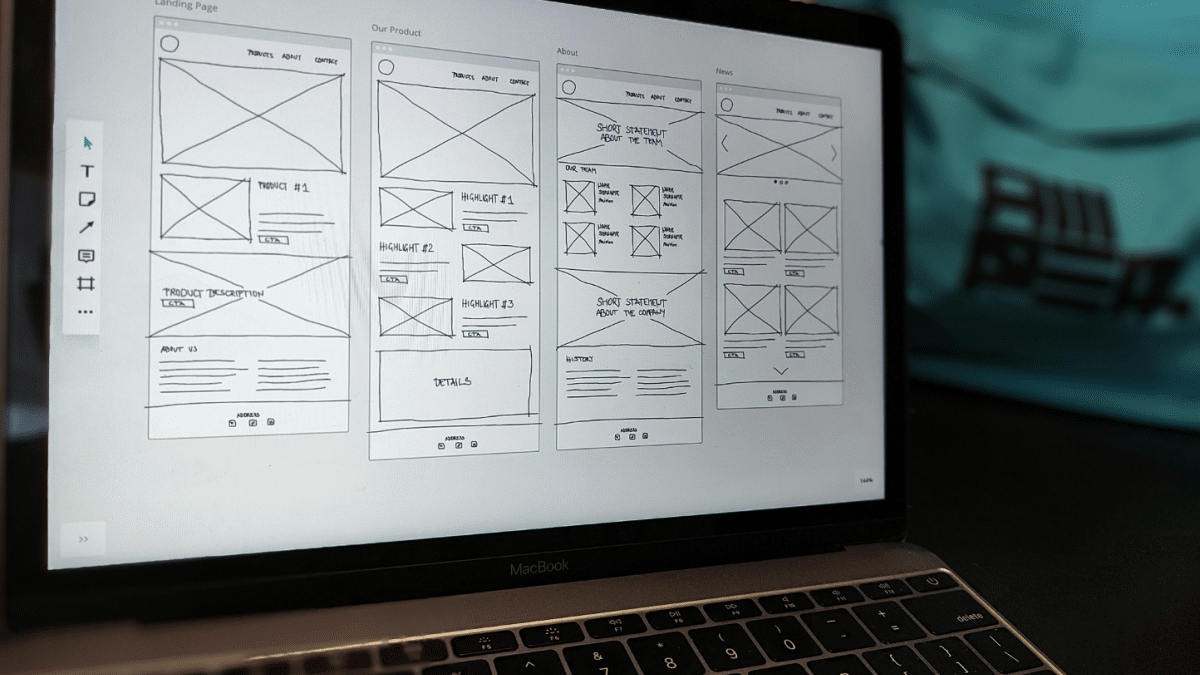
Key Elements of UX Design:
- User Research: Understanding the needs, behaviors, and motivations of users through various methods such as surveys, interviews, and usability testing. This research is foundational in creating a user-centric design.
- Information Architecture: Structuring and organizing content so that users can find information easily. It involves creating a clear and logical flow within the product.
- Wireframing and Prototyping: Building basic blueprints (wireframes) and interactive models (prototypes) of the product to visualize its structure and functionality before the final design and development.
- Usability Testing: Observing real users as they interact with the product to identify any usability issues and gather feedback for improvements.
- Interaction Design: Crafting the interactions between the user and the product, focusing on creating intuitive and engaging user flows.
The Essence of UI Design
User Interface (UI) design focuses on the aesthetics and interactive components of a product. It involves crafting software or device interfaces with an emphasis on visual appeal and style. The goal of UI design is to create interfaces that are both visually attractive and highly functional.
Core Components of UI Design:
- Visual Design: The look and feel of the product, including color schemes, typography, and overall aesthetic appeal. It ensures that the design is visually cohesive and aligns with the brand’s identity.
- Interactive Elements: Designing buttons, icons, and other interactive components that users will interact with. This involves creating elements that are not only functional but also engaging and intuitive.
- Responsive Design: Ensuring that the product provides a consistent experience across various devices and screen sizes. This is crucial in today’s multi-device world.
- Consistency: Maintaining a uniform design language throughout the product to create a seamless experience. This includes adhering to design guidelines and standards.
- Animation and Motion Design: Using animations to guide users, provide feedback, and enhance the overall user experience. This includes micro-interactions, such as button presses, transitions, and loading animations.
The Intersection of UX and UI
While UX and UI design are distinct disciplines, their collaboration is essential for creating successful digital products. UX design focuses on the overall experience, ensuring that the product meets user needs and is easy to use. UI design, on the other hand, focuses on the specific visual and interactive elements that facilitate these interactions.
How UX and UI Work Together:
- Research and Analysis: UX designers conduct user research to understand the needs and pain points of the target audience. This research informs the UI design process, ensuring that visual elements align with user expectations and requirements.
- Prototyping and Testing: UX designers create wireframes and prototypes to map out user flows and interactions. UI designers then apply visual and interactive elements to these prototypes, which are tested with real users to gather feedback and make iterative improvements.
- Feedback Loop: Continuous feedback from usability testing informs both UX and UI designers, allowing them to refine the product. This iterative process ensures that the final product is both functional and visually appealing.
The Impact of Good UX/UI Design
Investing in quality UX/UI design has a profound impact on the success of digital products. It not only enhances user satisfaction and engagement but also contributes to business goals by improving conversion rates and customer loyalty.
- Enhanced Usability: Products that are easy to use reduce the learning curve for users, leading to higher adoption rates and better user retention.
- Increased Accessibility: Inclusive design practices ensure that products are accessible to a broader audience, including those with disabilities, thereby expanding the user base.
- Brand Perception: A well-designed product reflects positively on the brand, creating a strong impression and fostering trust with users.
- Competitive Advantage: In a competitive market, exceptional UX/UI design can set a product apart from its rivals, offering a distinct advantage.
- Cost Savings: Identifying and addressing usability issues early in the design process can save significant development costs by reducing the need for extensive post-launch fixes.
Conclusion
The realms of UX and UI design, though distinct, are intrinsically linked in creating digital experiences that are both functional and delightful. By focusing on the needs and behaviors of users, and meticulously crafting the visual and interactive aspects of digital products, UX and UI designers play a crucial role in shaping the way we interact with technology. As the digital landscape continues to evolve, the importance of these disciplines will only grow, underscoring the need for a user-centric approach in all aspects of product design. If you are looking for UX/UI service, check this site: https://www.efigence.com/ux-ui-design/.











