
Preface
With worldwide free access to the marvels of artificial intelligence, we are collectively witnessing a new era of digitalization, where AI is taking the world by storm. Many professionals now rely on AI to handle automated tasks, allowing them to focus on more critical work. AI has broadened our capacity for knowledge and execution across various fields, benefiting people in many professions.
WPS AI is no exception. Integrated within WPS Office, I use it to perform many of my tasks, including brainstorming and generating ideas for new topics to write about. In this article, I will show you how you too can use this AI-powered Office Suite to enhance your productivity in professional and academic settings.
What is WPS?
WPS Office has established itself as a recognizable name among the office suite industry, renowned as a great alternative to Microsoft Office. It features a similar interface and advanced features while being extremely accessible and free to use. This all-in-one suite allows you to open Writer, PPT, Spreadsheet, and PDF files within a single window.
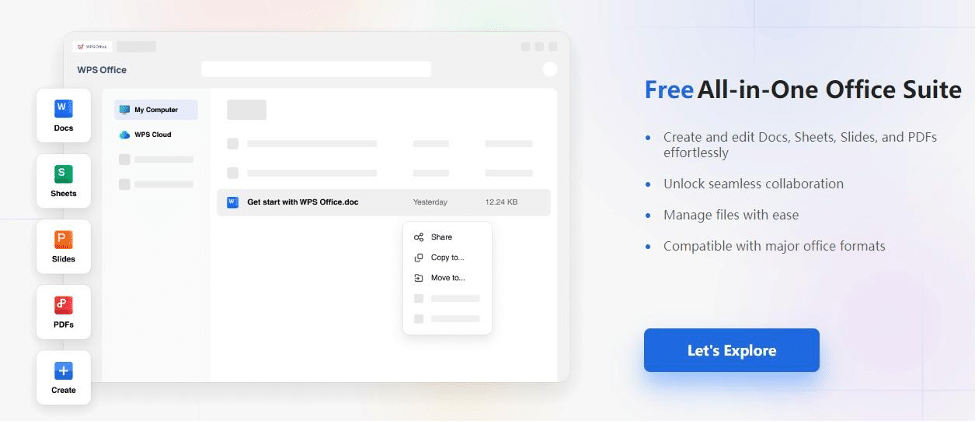
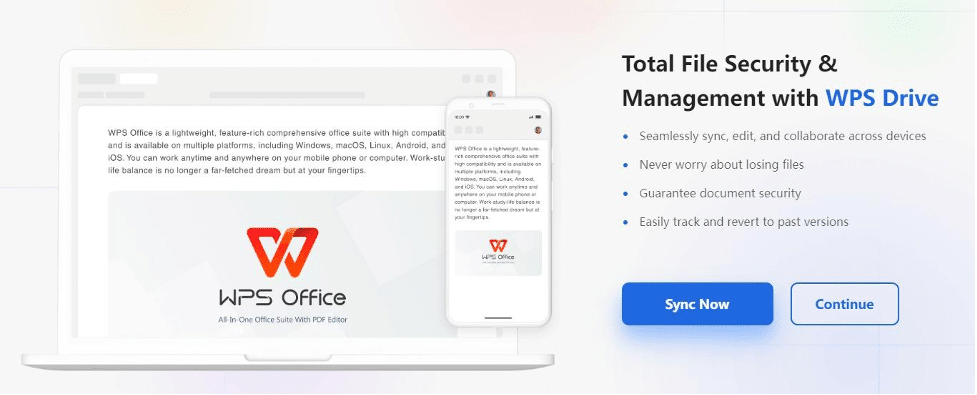
It is a secure office suite option with built-in drive and cloud storage support, ideal for users looking to download a free and secure office suite for PC. WPS Office supports multiple languages, offers cross-platform file management, and provides creative templates, making it an efficient and versatile choice for various productivity needs.
And of course, what is an office suite these days if it does not have AI? WPS Office offers a competitive AI tool with features that are nothing short of excellent. It includes:
- AI Spell Check
- AI Parallel Translation
- AI Writer
- AI Slides
- AI Chat with PDF
These inbuilt AI features allow you to use AI seamlessly with whatever work you are doing, so you don’t have to constantly update the AI on your tasks. The files remain integrated, and WPS Office thrives on giving you the accessibility of having everything under a single umbrella window. Whether you’re looking to download Word, Excel, or other essential tools, WPS Office ensures you have what you need in one place.This means you don’t have to switch to other chatbots and AI tools to utilize AI, making your workflow more efficient and streamlined.
WPS AI– Reshape your Workflow in an Office Suite
With WPS AI integrated within WPS Office Suite, you have access to AI abilities across all WPS tools—Writer, PDF, Spreadsheet, and Presentation—all within a single window. Essentially, you have everything you need to perform your best anytime, anywhere.
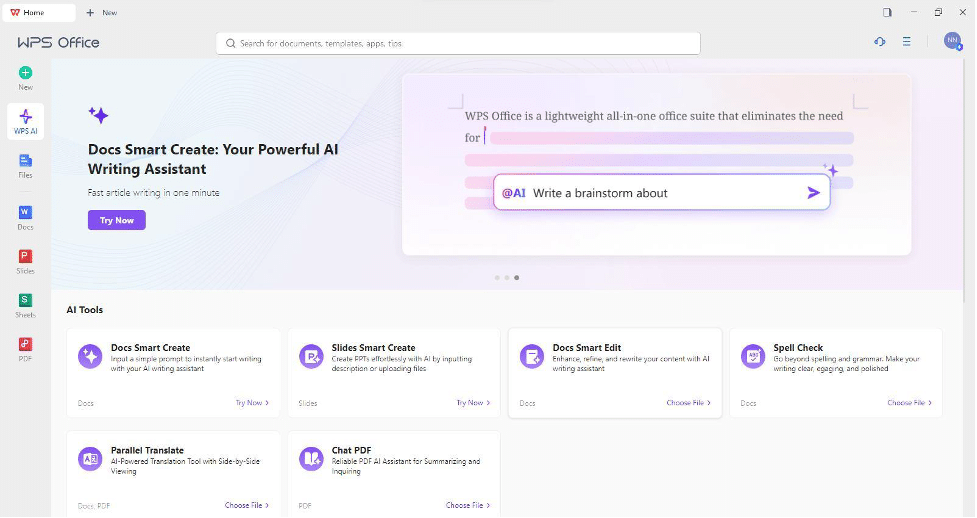
Writer
The Writer tool is where all your document management begins, giving you both the creative freedom to start a document on essentially anything and the support to overcome writer’s block with WPS AI. Along with that, WPS AI can help you with many more tasks such as:
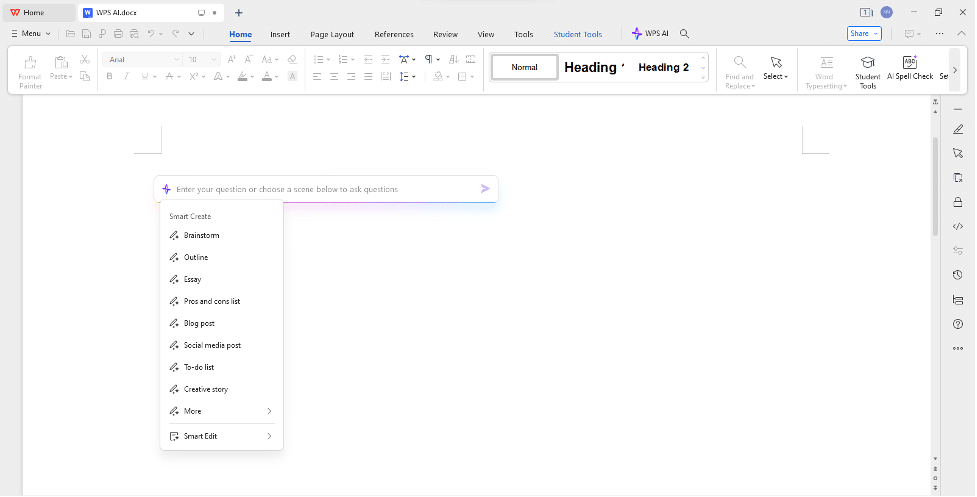
Spell Check
With the spell check feature, WPS Office goes beyond merely correcting spelling mistakes.With the help of AI, the writer tool will also help you adjust to the document’s tone, clarity, and overall formatting, ensuring your document is well-presented and easy to read.
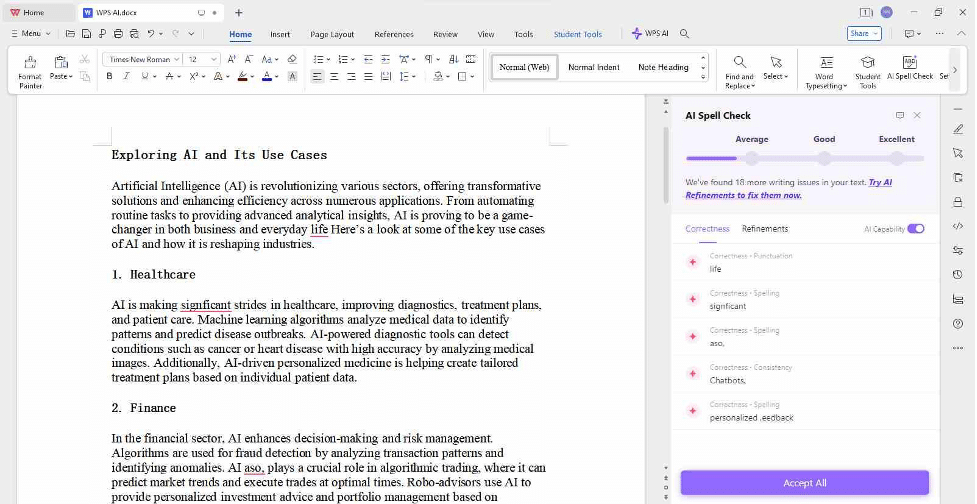
Create with AI
This feature assists you from the ground up, whether you need to brainstorm ideas, write a story, or develop content for a project. It provides creative inputs and structure.
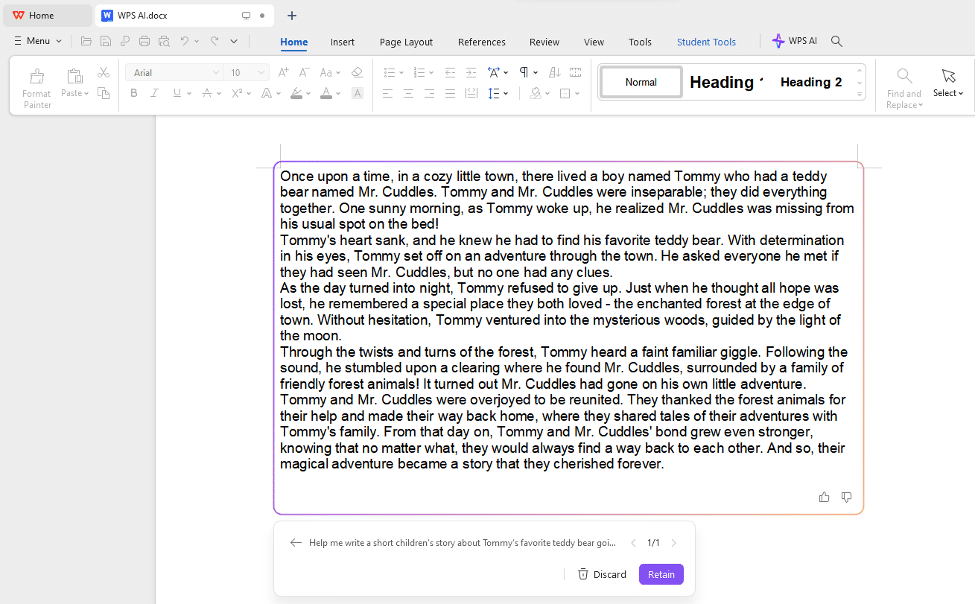
Chatbot
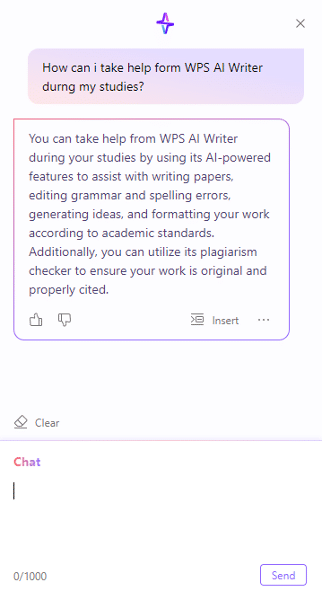
The interactive chatbot is always available to answer your queries, provide real-time assistance, and guide you through tasks, making your work process smoother and more efficient.
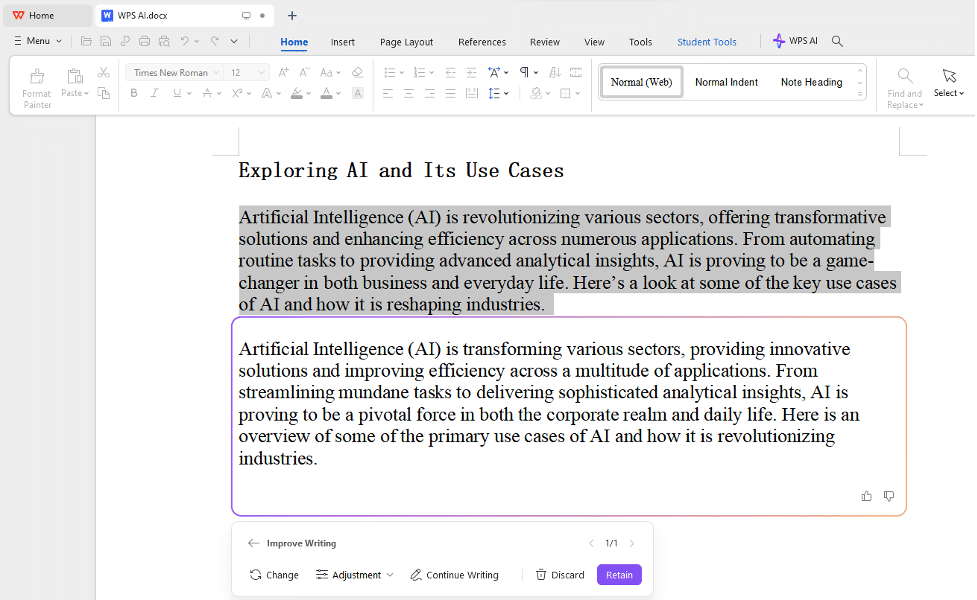
Improve your content
WPS AI offers specific suggestions to enhance the quality and impact of your writing, ensuring your message is clear and compelling.
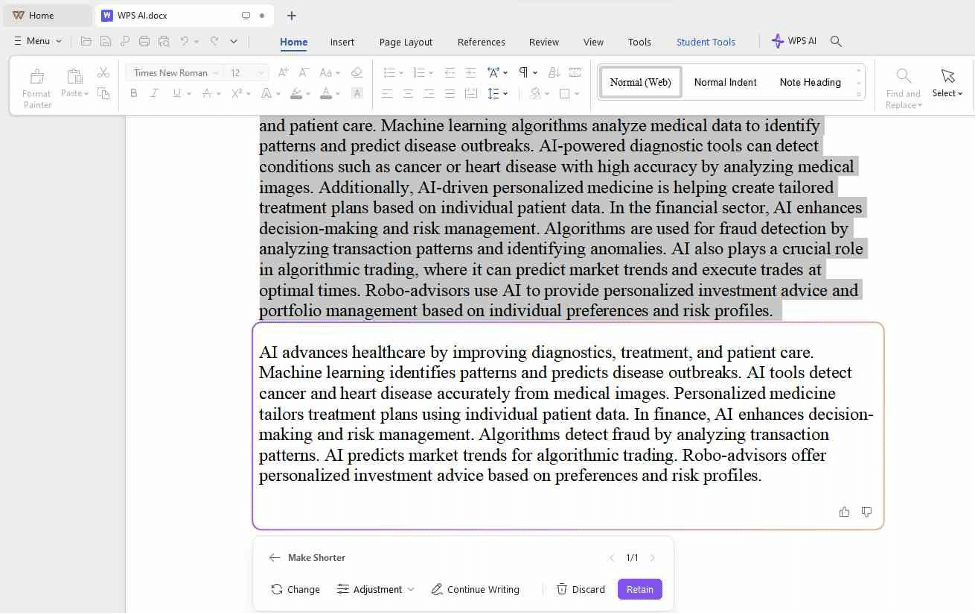
Change the length of your Content
Need to condense or expand your document? WPS AI can adjust the length of your content to meet specific requirements, maintaining coherence and quality.
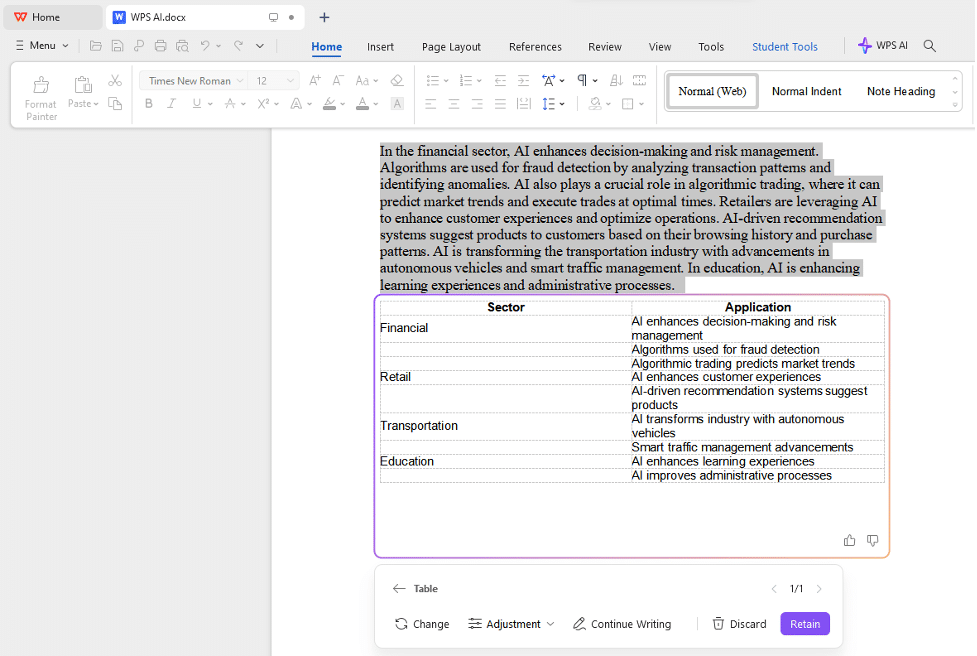
Change layout with a click
With just a click, you can modify the layout of your documents, making them look professional and well-organized without manual formatting effort.
Presentation
The frustration of moving a single item in your presentation and watching your formatting fall apart is all too common. Now, imagine being able to generate a world-class presentation with just a single prompt or by simply uploading a document file that serves as a foundation for your presentation. With WPS AI integrated into the presentation tool, you can achieve this effortlessly. It ensures your formatting remains intact and your presentation looks polished and professional every time.
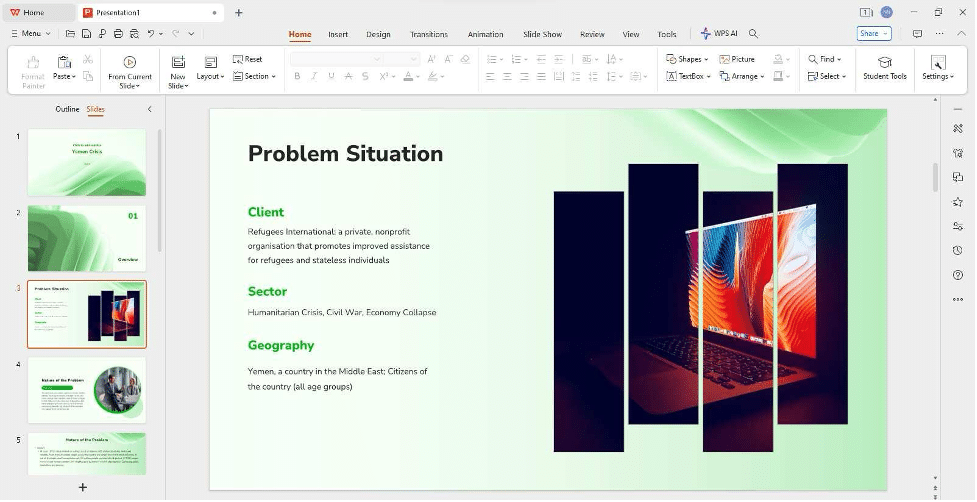
Prompt
By simply entering a prompt that outlines the key points or theme of your presentation, WPS AI can create an entire slide deck for you. The AI ensures that each slide is well-structured, visually appealing, and cohesive with the overall theme. This feature saves you time and effort, allowing you to focus on fine-tuning the content and delivery of your presentation rather than worrying about the formatting.
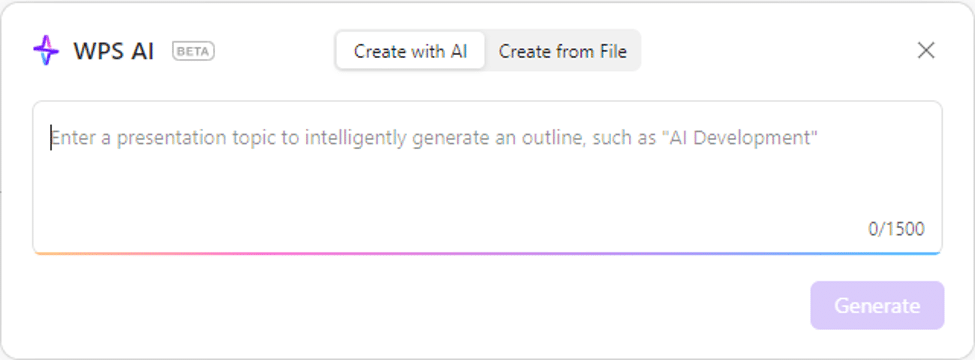
Upload File
If you already have a document file that serves as the foundation for your presentation, WPS AI can take that file and transform it into a professional slide deck.
By uploading your document, WPS AI analyzes the content and automatically generates slides based on the key points, sections, and structure of the file. It ensures that your formatting remains intact and that the presentation looks polished and professional every time. This feature is particularly useful for converting reports, proposals, or any other text-based documents into compelling presentations quickly and efficiently.
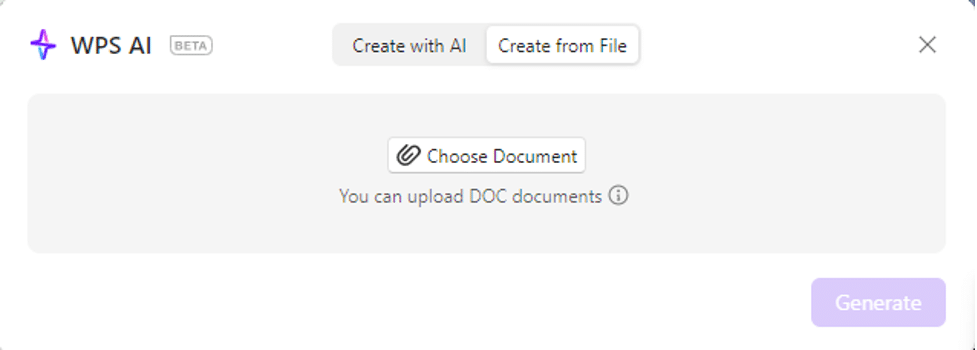
WPS AI and PDF create a powerful combination. As essential tools for both students and professionals, here’s how WPS Office integrates AI capabilities within its PDF tools to provide a complete AI suite experience.
Parallel translate
The translation features of WPS Office have not only been enhanced with AI but also upgraded to include parallel translation. Users can now translate their PDF files with WPS PDF and get a more accurate translation while viewing the original PDF alongside the translated version.
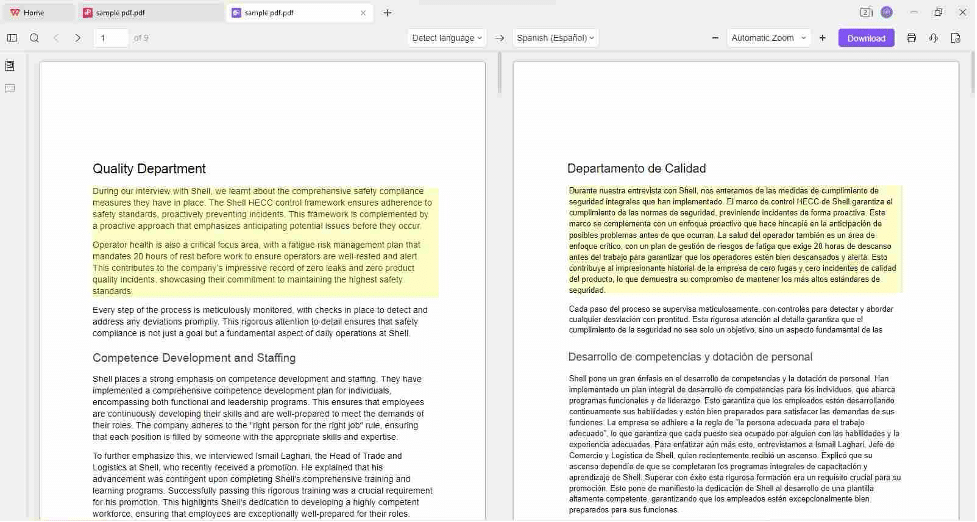
Insights
Working with PDFs often involves extracting key information and gaining insights from extensive documents. WPS AI’s PDF feature makes this process seamless and efficient. By simply uploading your PDF, WPS AI can quickly analyze the content and provide you with valuable insights.

Inquiry
When you have specific questions about the content of a PDF, WPS AI can assist you with its Inquiry feature. Instead of manually searching through pages of text, you can ask the AI specific questions, and it will find and highlight the relevant information for you.
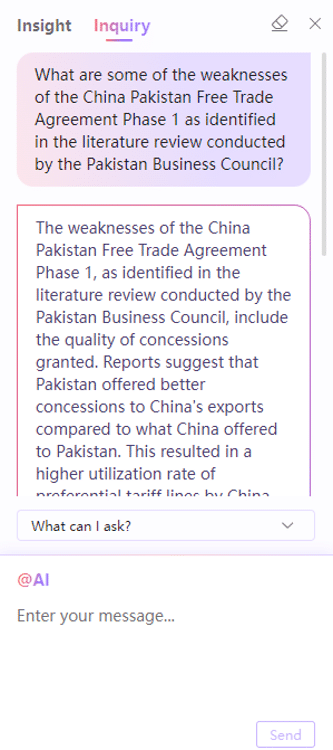
Ever since WPS AI has been integrated with WPS Office, my whole and soul devotion has been towards WPS Office. The integration spares you the trouble of switching from one tab to another to access various AI tools, creating a seamless and efficient workflow.
With WPS AI, you have a powerful suite of tools right at your fingertips. Whether you’re drafting documents, or creating presentations, the AI capabilities are embedded within each application. This means you can brainstorm, refine content, and get creative assistance all within a single window. No more juggling between different applications or losing your train of thought; everything you need is right there, enhancing your productivity and creativity.
How to Download WPS Office Suite?
To install WPS Office on your system, whether you’re using Windows or macOS, follow these simple steps:
Step 1: Let’s start by opening a browser and visiting the official WPS Office website.
Step 2: On the WPS Office homepage, click on the “Free Download” button to begin the automatic download.

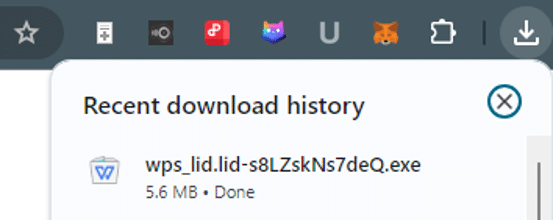
Step 3: Once the download is complete, locate the “wps_wid.cid” file in your Downloads folder to begin the installation process.
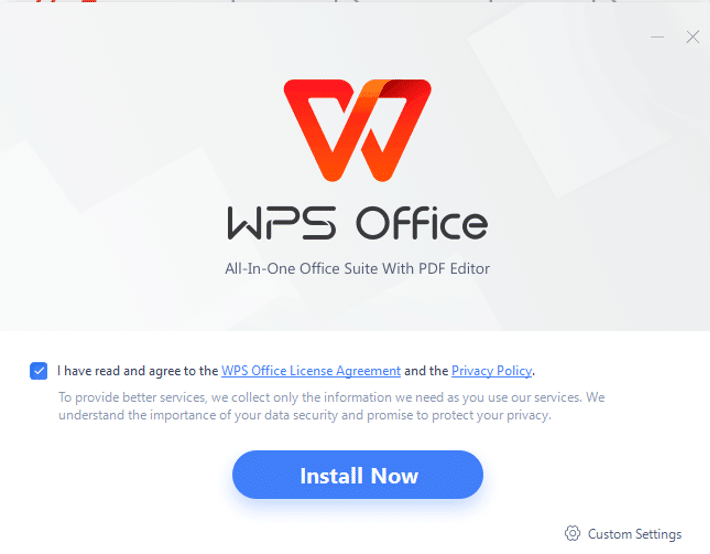
Step 4: Upon completion, a window displaying the terms of use will appear. Please accept these terms and click “Install Now”.
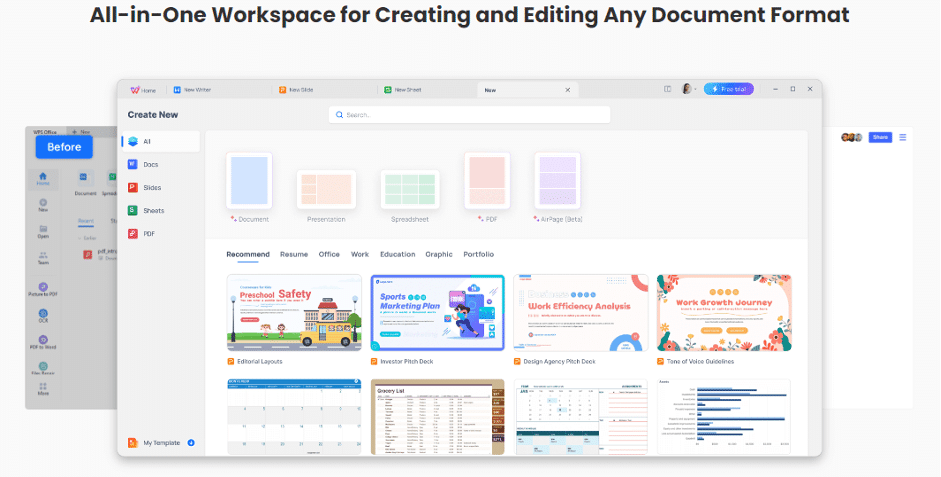
Step 5: All done! The WPS Office tools are now available for your use.
FAQs
1. How to activate WPS AI?
If you happen to be located in a country where the open version is available, you can activate WPS AI by downloading WPS Office and clicking on the robot icon in the top right corner of the interface. However, If the open version is not available to you, you may not have access to the AI features at this time.
2. How is WPS AI different from other AI tools?
Although WPS Office has AI integrated within, there are some major differences that differentiate it from traditional AI tools and chatbots. Notably, WPS AI is included in all its office suite programs, including Writer, Presentation, Spreadsheet, and PDF, each with unique abilities to help users perform tasks using AI. This integration allows users to utilize AI seamlessly across various document types without switching between different tools or platforms.
Experience the Future with WPS Office AI
WPS Office alone was a phenomenal tool, and as a great free alternative to Microsoft Office, it quickly gained widespread popularity among office suite users. Knowing the potential you can achieve with this, especially with the AI integration, WPS Office is the best option in town. From refining your content to helping you brainstorm your ideas, you have everything under one window to help you perform at your maximum. So, download WPS Office now and discover the AI-powered office suite.











