
The classroom has changed. The days of dusty chalkboards and heavy textbooks are rapidly being replaced by Zoom links, digital whiteboards, and cloud-based assignments. Whether it is full-time virtual schooling, a hybrid model, or supplementary online tutoring, technology has become the backbone of modern education.
For parents and online tutors, this digital shift brings a complicated mix of relief and worry. On one hand, technology opens doors to incredible learning opportunities that were previously impossible. On the other hand, it introduces a minefield of distractions that can derail a child’s focus in seconds.
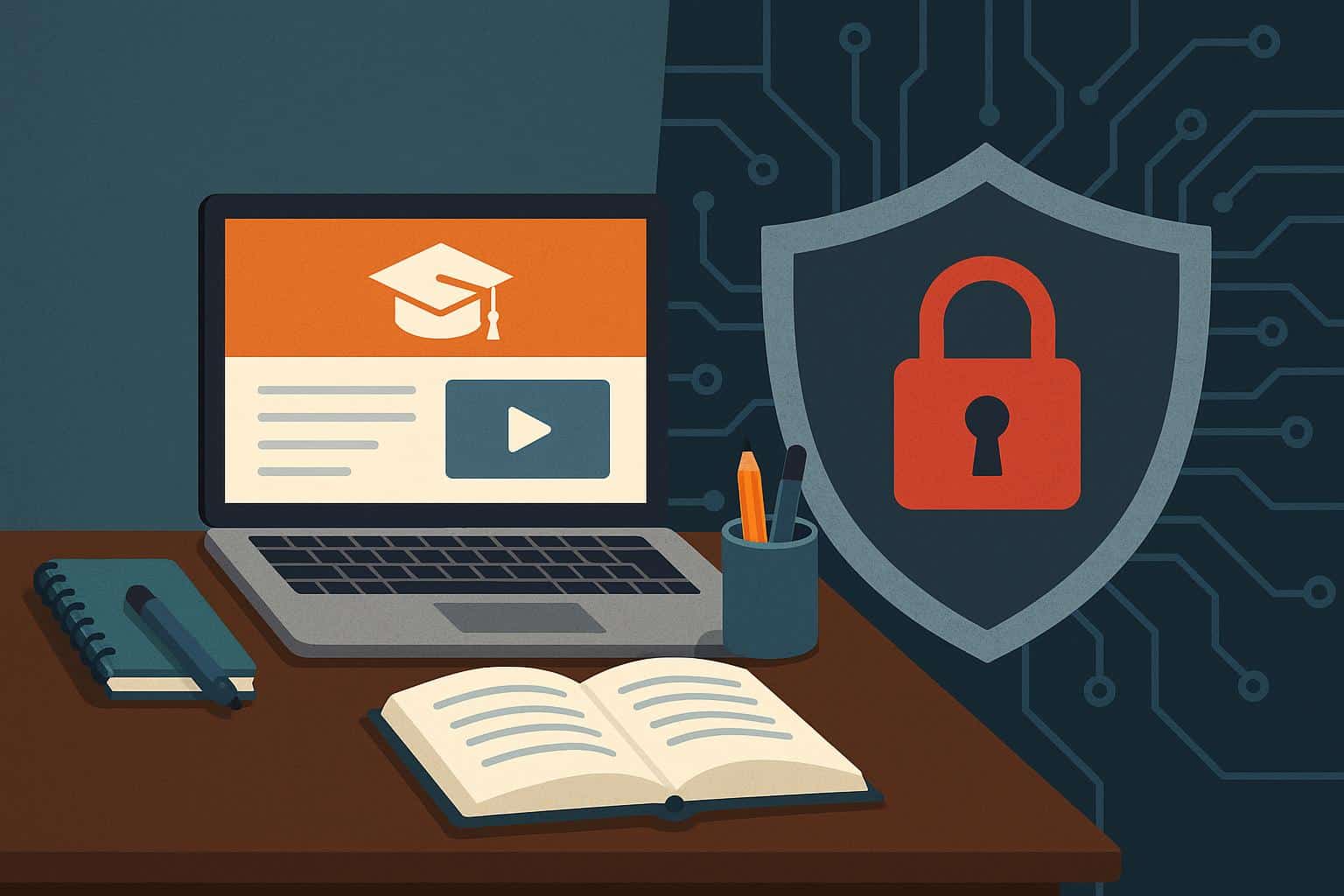
Is technology a superhero sidekick or a villain in your child’s education? The answer, as it turns out, is a bit of both. Let’s explore how technology helps students soar, how it holds them back, and the specific tools they need to strike the right balance.
The Pro: How Technology Supercharges Learning
When used correctly, technology doesn’t just replace traditional methods; it enhances them. Here is why the digital classroom is a game-changer for kids.
1. Breaking Down Geographical Barriers
In the past, if a student struggled with calculus or needed a French tutor, they were limited to whoever was available in their immediate neighborhood. Today, online platforms connect students with expert tutors from around the globe. A student in a rural area can learn coding from a Silicon Valley engineer or practice Spanish with a teacher in Madrid. This democratization of expertise ensures that every child has access to top-tier education, regardless of their postal code.
2. Personalized Pacing and Accessibility
In a traditional physical classroom, the teacher moves at the pace of the average student. If a child falls behind, they stay behind. If they are ahead, they get bored. Technology solves this “one-size-fits-all” problem.
- Rewind and Replay: Recorded lectures allow students to revisit complex topics as many times as needed.
- Adaptive Learning: AI-driven apps adjust the difficulty of questions in real-time based on the student’s performance, ensuring they are always challenged but never overwhelmed.
3. Gamification of “Boring” Subjects
Let’s be honest: rote memorization is dull. Technology transforms dry subjects into engaging challenges. Apps like Duolingo or math platforms like Prodigy use video game mechanics, points, levels, and rewards to trick the brain into enjoying the learning process. When a student is “playing” to unlock the next level, they are often doing more math problems voluntarily than they ever would for a worksheet.
4. Preparation for the Digital Workforce
We are preparing children for jobs that may not even exist yet, but we know they will be digital. Navigating Learning Management Systems (LMS), collaborating on shared Google Docs, and managing digital calendars are soft skills that will be crucial in their future careers. Online schooling acts as a sandbox where they can master these tools early.
The Cons: The “Alt-Tab” Problem
For all its benefits, a computer connected to the internet is the ultimate distraction machine. It is like trying to diet while working inside a candy shop. Here is how technology can sabotage the very learning it is supposed to support.
1. The Multitasking Myth
Children (and many adults) believe they can listen to a lecture while checking Discord or watching a muted YouTube video. Research consistently shows that humans cannot truly multitask; we just switch tasks rapidly. This “task switching” comes with a cognitive cost. When a student tabs out of a Zoom class to answer a text, it takes an average of 23 minutes to fully regain their deep focus.
2. Notification Overload
Modern apps are engineered to be addictive. The “ding” of a social media notification triggers a dopamine hit that is hard for a developing brain to resist. During an online tutoring session, a single pop-up from Instagram or a game invite can break a student’s train of thought, turning a productive hour into a fragmented mess of half-attention.
3. Screen Fatigue and Physical Strain
“Zoom fatigue” is real. Staring at a screen requires a different type of cognitive load than looking at a teacher in a room. Combined with poor posture (slumping over a laptop on the couch) and blue light exposure, this leads to physical discomfort. Students often finish their school day feeling drained, irritable, and headache-prone, which kills their motivation to do homework.
4. The Loss of Non-Verbal Cues
In a physical classroom, a teacher can see if a student looks confused or checks out. Online, if a student turns their camera off or simply nods while looking at a different window, those cues are lost. It is much easier for a student to “hide” in a digital classroom, letting their mind wander without the teacher noticing.
Strategies for Parents: Taming the Digital Beast
You cannot just hand a child a laptop and hope for the best. Success requires “Digital Hygiene.” Here are three actionable steps for parents:
1. The “Digital Commute.”
Create a physical distinction between “home mode” and “school mode.” Even if the commute is just walking from the kitchen to a desk in the corner, that dedicated workspace tells the brain it is time to focus. Never allow online classes to happen from bed.
2. Use “Focus Mode” Features
You don’t need to hover over their shoulder. Use technology to fight technology.
- Cold Turkey or Freedom: These apps block distracting websites (like YouTube, Roblox, or Reddit) during school hours.
- Guided Access (iPad): Locks the device to a single app, so a student cannot swipe away from their Zoom lesson.
3. The 20-20-20 Rule
To combat screen fatigue, teach your child this habit: Every 20 minutes, look at something 20 feet away for 20 seconds. This resets the eye muscles and prevents strain.
Conclusion
Technology in education is not going away. It is a powerful tool that can customize education in ways we never dreamed of a decade ago. However, it requires discipline. By acknowledging the distraction risks and equipping students with the right gadgets and habits, we can ensure that the screen remains a window to the world, rather than a wall blocking their potential.











