
Surface enthusiasts, rejoice! Microsoft has revealed three new Surface products, each one more exciting than the last. What caught our attention was the shiny Surface Pro 7, successor to the Surface Pro 6. The question is, what’s the significant difference between the two, aside from the jump from one number to the next?
In the Surface event, it certainly looks like the Pro 6 and Pro 7 are similar on the outside. There’s the premium finish and the slim form factor that we know and love. Inside is an entirely different thing altogether, as Microsoft has made sure that the hardware is powerful enough to handle any task.
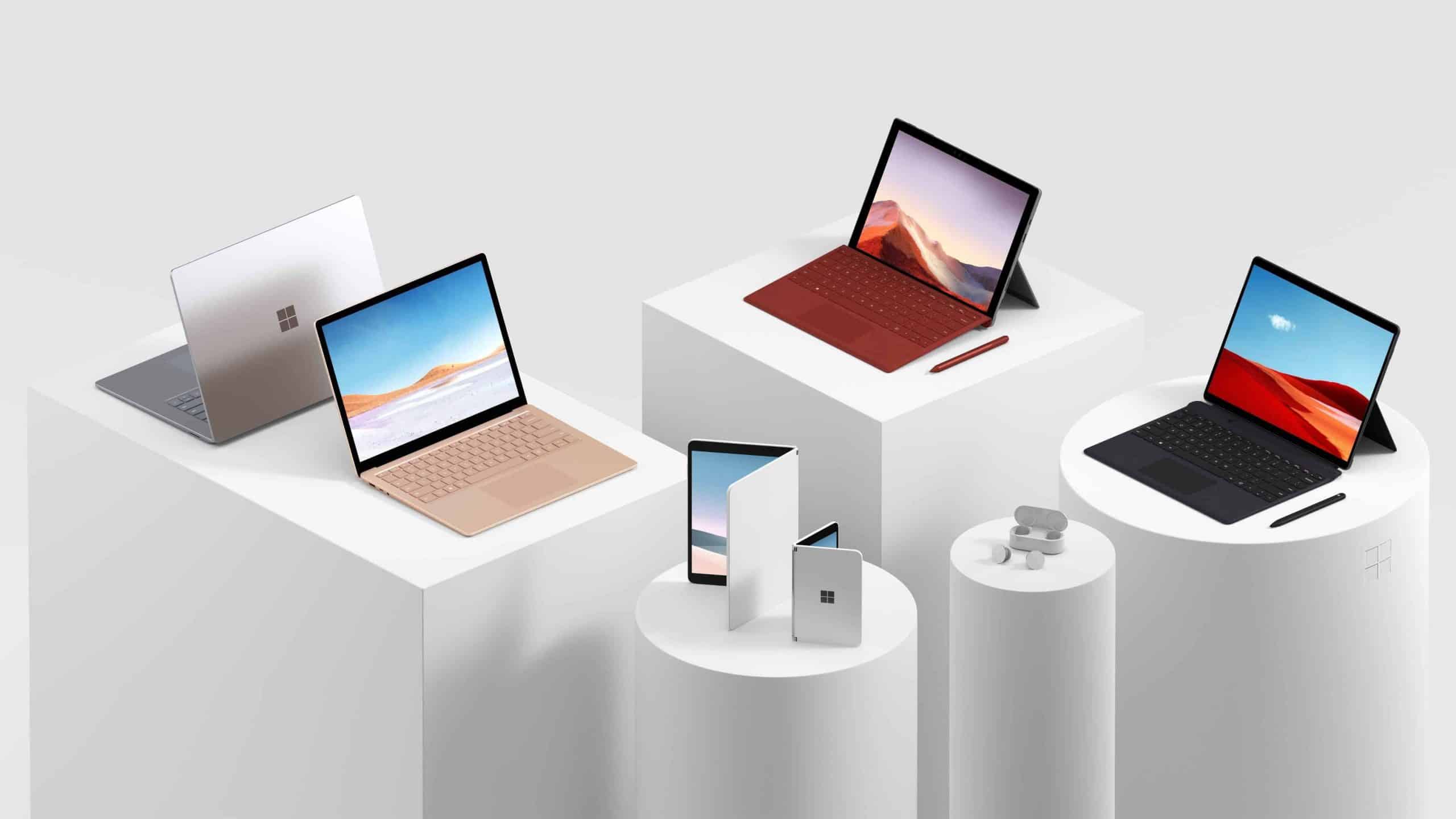
Should you trade in Microsoft Surface for a brand new one? Let’s go ahead and find out.
Processor
The Surface Pro 7 has received a significant processor upgrade over the Pro 6. Instead of 8th gen, the new Surface Pro touts the Ice Lake Intel chip. In terms of improvement, Microsoft is saying that the Pro 7 will be twice as fast compared to previous Surface models.
You can customize the processor according to need and budget. First, there’s the i3 10th gen Intel, the i5 processor and the i7 Intel chip, supported by the UHD graphics chip for the i3 core or the Iris Plus graphics for the i5 and i7 variant.
New Features
You may be wondering if the new Surface Pro 7 has new features that the Pro 6 doesn’t. One notable tidbit is that the Surface Pen will have more to do here. You can erase or write directly in MS Word and Excel, for instance.
The replacing of microSD slot to MicroSDXC means the new 2-in-1 machine should be able to accommodate higher storage cards. You should be able to slot in either a microSD or microSDXC card in the Pro 7, but you won’t be able to slot a microSDXC in the Pro 6.
A quick look at the computer’s side reveal a wealth of I/O options, e.g., the headphone jack, Mini Display port, USB A, a Surface Connect port and a USB-C port. The older Pro has them as well, except for the USB-C, which means it’s not as useful when you have a USB-C monitor and similar accessories. It may sound petty, but the inclusion of USB-C is a game-changer, especially in the future where almost every device will have USB-C instead of microUSB or USB-A.
Battery
It’s not a huge jump, but those who are always on the go will appreciate the extended life on the Surface Pro 7. The Surface Pro 6 normally lasts around 8 to 10 hours in battery tests, while the new Surface model is expected to have a battery life of 10.5 hours. Keep in mind that this comes at no extra weight, heft or physical size, which is impressive to say the least.
Memory and Storage
Interested buyers can choose from four SSD options at 128GB, 256GB, 512GB or 1TB, depending on what you need. Remember, you can always add more storage via microSD or microSDXC later, but it’s better to invest in a huge space especially if you’re planning to install apps, software and others.
In terms of RAM, you can get 4, 8 or 16GB depending on how you intend to use it.
The addition of USB-C and a host of hardware upgrades make the Surface Pro 7 a must-buy. The Ice Lake processor, coupled with LPDD4X RAM should make short work of anything you run on it. You’ll be able to run photo or video editing software and the latest games with nary a hitch. If you have the budget, then it makes sense to upgrade to the newer, refreshed model.











