
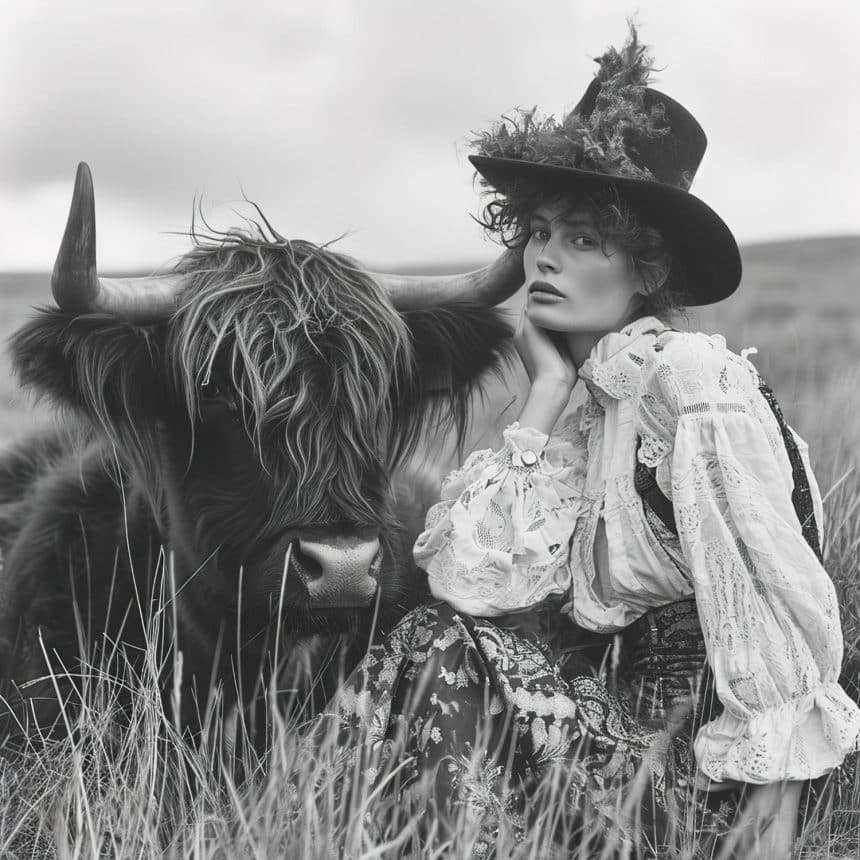
Learn how to create animated pictures online with this step-by-step guide. Explore tools, tips, and apps to bring your photos to life.
Still photos are timeless and capture moments forever, but in today’s world, animated pictures grab more attention and tell richer stories. There’s something captivating about a photo where someone’s eyes blink or their hair moves in the breeze. It’s just so fascinating, and that’s partly the reason why Photo Animation is such a huge trend these days.
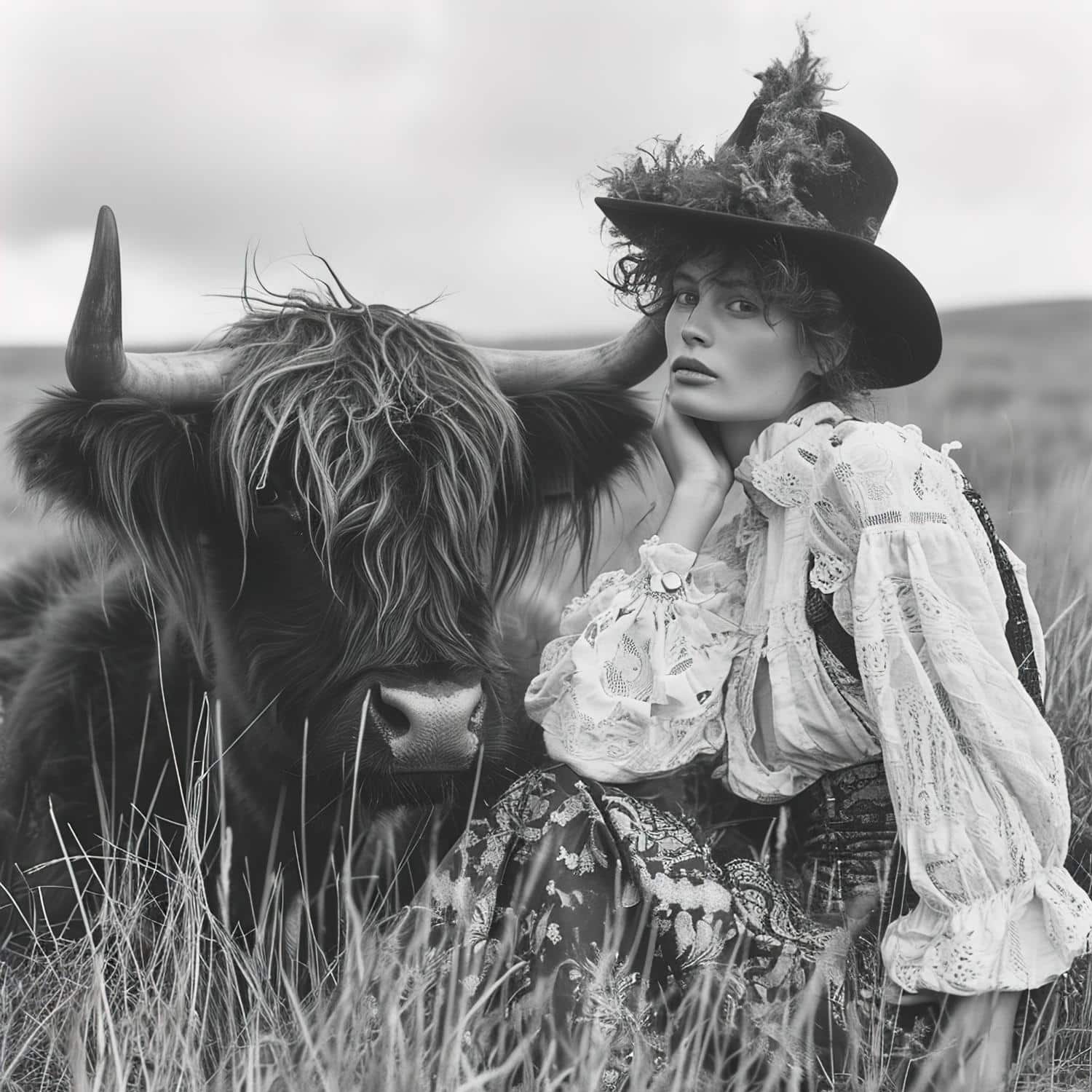
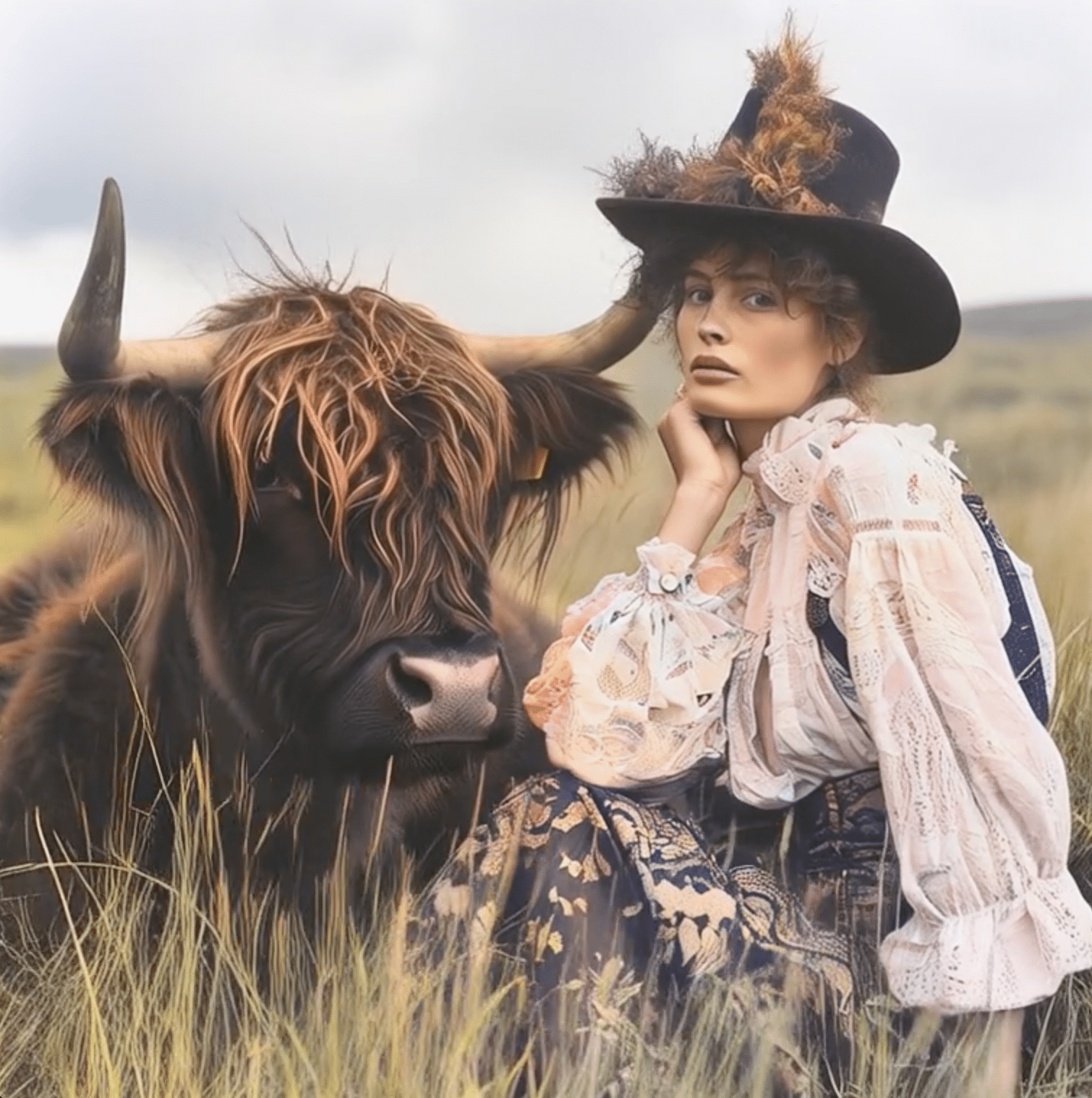
From social media feeds to business presentations and even family archive projects, people everywhere are using animation to bring their old photos back to life and to tell more engaging stories. The best part is that you can now animate your pictures online with simple tools that don’t require any technical skill.
This step-by-step guide shows you exactly how to create animated pictures online. You’ll learn the basics of photo animation, the best online photo animation tools to use, and tips to make your photos stand out.
What is Photo Animation?
Photo animation is the process of adding movement to a still image, making it come alive. Think of it as creating moving pictures online from your still photo. Photo animation isn’t just for facial animations; you can make landscapes, pets, or objects come alive, thereby making your memories even more special.
For instance, you can make portraits blink or smile, add movements like flowing water to landscapes, or create subtle effects like hair moving in the wind. With online photo animation tools, you can turn your still pictures into beautiful memories.
Why Create Animated Pictures Online?
- Accessibility: You don’t need heavy software or any advanced skills. All you need is an internet connection and a simple photo animation tool like AliveMoment
- Cost-friendly: Many online photo animation tools offer free versions to get you started.
- Beginner-friendly: They give instant results without complex steps. These pictures are quite easy to create.
- Entertainment and Business Use: Animated pictures are perfect for social media posts, family history projects, or even marketing.
Step-by-Step: How to Create Animated Pictures Online
Here’s a step-by-step process on how to create animated pictures online:
Step 1: Choose a high-quality photo
Pick a clear, well-lit picture. The sharper the photo, the better the animation.
Step 2: Select an online photo animation tool
Use a beginner-friendly option like AliveMoment for smooth and realistic results. AliveMoment handles facial animations beautifully, and it is perfect for old family photos.
Step 3: Upload your photo
Drag and drop your image or click upload, and it will be up in seconds.
Step 4: Pick an animation style
Choose any animation style you want. Add facial motions like a blink or head turn for portraits, gentle movement for landscapes, or subtle head movements for social media posts. Start simple for natural results.
Step 5: Adjust settings for smoothness and quality
Adjust animation intensity and speed to ensure realistic results. Over-animated photos don’t look natural.
Step 6: Export and save in the right format
Save as MP4 for social media or GIF for messages and emails. MP4 gives better quality for family photos.
Step 7: Share your animated results
Post on social media platforms, share with loved ones, or use in digital storytelling.
Best Online Tools for Creating Animated Pictures
Choosing the right photo animation app depends on the result you’re trying to achieve. Here are some of the best online photo animation tools worth trying:
- AliveMoment: AliveMoment is the best online photo animation tool for creating animated pictures. It is beginner-friendly, makes animation easy, produces smooth and realistic results, and is perfect if you’re new to photo animation.
- Motionleap: Ideal app for those who want more creative control, such as adding subtle effects to landscapes or adding movements to specific parts of an image.
- Pixaloop: This app is best for artistic effects like light rays and abstract movements. It’s particularly great for social media lovers who want to create moving pictures online with a dramatic touch.
- MyHeritage: The perfect app for animating old portraits, especially family history projects. This tool can bring historic or black-and-white photos to life.
Whether you want to create moving pictures online for social media, family history projects, business presentations, or just personal fun, AliveMoment currently stands out as the best online photo animation tool to use.
Tips for Making High-quality Animated Pictures
These tips below will ensure you get the best results when you animate pictures online:
- Always start with clear, high-quality photos: A sharp image gives you a smoother photo animation.
- Keep animations natural: Subtle movements like a smile, blink, or flowing background make pictures look realistic and engaging; great for sharing on social media.
- Experiment with Effects: Try out different animation styles to find the best fit for your photo.
- Export in high resolution: Export at the highest quality your animation tool allows. This ensures neat results across all platforms.
- Test on different devices: Check your animated picture on mobile, laptop, and tablets to ensure it looks the same everywhere.

Frequently Asked Questions (FAQs)
- What is the easiest way to animate a picture online?
The easiest way is to use an online photo animation tool like AliveMoment. Upload your picture, choose an animation style, and download the result.
- Are online photo animation tools free?
Yes, some tools offer free photo animation with basic features and simple effects. For the best results, premium subscriptions work better. Especially for professionals.
- Can I animate old or blurry photos?
Yes, you can, but clearer photos give better animations.
- Do animated pictures work well for social media?
Of course. Animated pictures grab more attention and are perfect for social media posts.
- What’s the difference between GIFs and video formats for animated photos?
GIFs are short, looping animations that usually have lower quality. Video formats (like MP4) offer continuous motion and work better across platforms.
Creating animated pictures online is easier than ever now. It’s also very accessible and affordable. With simple photo animation tools, you can bring old memories or your favorite pictures to life, adding personality and depth to each image. Try out different animation styles and watch your pictures come alive.
Get started with AliveMoment for smooth, natural animations, and discover just how easy and fun it is to create animated pictures online.











