
A Practical Framework for Turning AI into Clearer, Faster Decisions
Everyone talks about the explosion of AI tools — and that’s exactly the challenge.
Teams keep experimenting, subscribing, and collecting apps that promise to “streamline” everything.
But when you ask which ones actually improve decision-making, the room goes quiet.
The truth is, using AI isn’t the same as deciding with AI.
It’s easy to understand what a tool can do; it’s much harder to turn that ability into a repeatable process for making confident decisions.
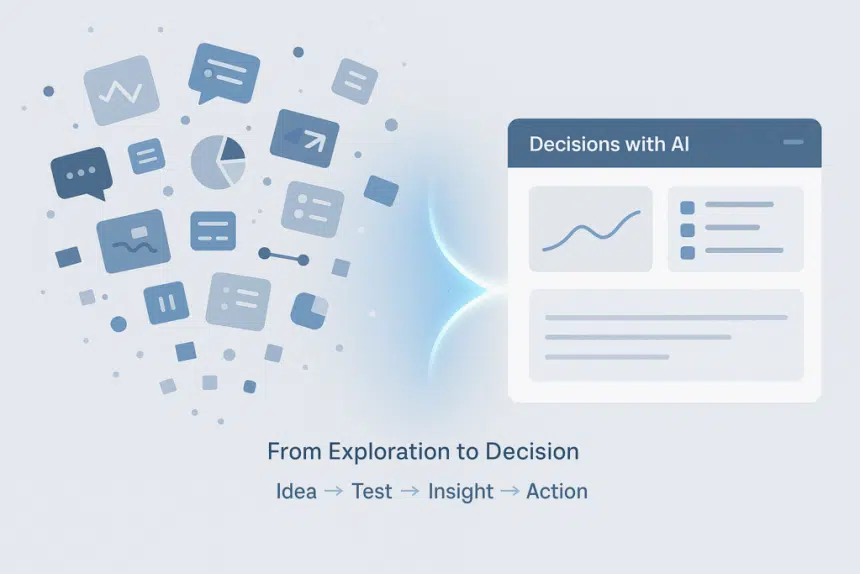
Most teams jump from excitement to frustration because they lack a clear bridge from idea → test → insight → action.
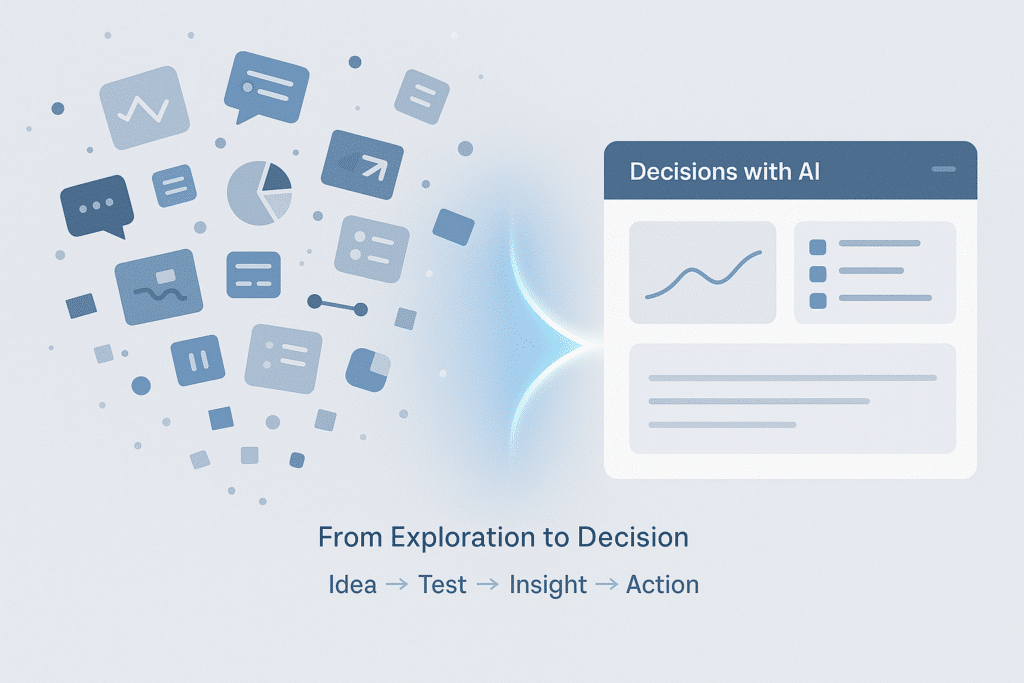
This article is your step-by-step AI tools guide — a grounded manual for turning experiments into reliable decision systems.
No jargon. No hype.
Just practical methods to help your team decide smarter and move faster.
Because the real advantage isn’t knowing more tools.
It’s knowing how to use a few of them really well.
From Curiosity to Clarity: Why “One-Click AI” Fails in Real Work
For the past year, we’ve all been chasing the dream of “AI that just works.”
A new tool launches, screenshots flood Slack, and everyone wonders,
“Could this replace what we’re doing now?”
But the shine fades fast.
A marketer spends hours cleaning up an “instant” campaign draft.
An analyst connects another dashboard — yet still can’t explain the data behind it.
The speed is there, but the clarity isn’t.
The issue isn’t the tools themselves; it’s the missing structure.
Most teams treat AI as a parade of demos, not as part of a decision loop.
They test outputs instead of measuring outcomes. They collect results but forget to collect learning.
To move from curiosity to clarity, you need rhythm — a steady way to turn exploration into judgment.
You don’t need dozens of tools. You need a system that helps you decide what matters.
Step 1 — Hands-On Decision Framing: Define the Decision, Not the Tool
Many AI projects falter long before they start. Often, the issue isn’t a weak model, but a failure to clearly define the specific decision the tool is meant to support.
Teams rush to test prompts, compare outputs, and debate features,
but they rarely stop to ask:
“What decision are we actually trying to make?”
Without that anchor, even great data turns into decoration.
You might automate a problem that doesn’t really matter.
Take two quick examples:
- A marketing lead wants AI to “optimize campaign copy.” The real decision? Which message drives conversions.
- A product manager asks AI to “analyze feedback.” The real decision? Which feature deserves priority.
Framing the decision turns AI from an assistant into a partner.
Success becomes clear: not “the output looks good,” but “the outcome helped us choose better.”
That aligns with what Skywork emphasizes through its platform — tools should fit your thinking rhythm, not force you to adapt to them.
For a deeper look, explore hands-on decision-making use cases — examples from ChatGPT Pulse that show how structured prompts, clear goals, and human review transform raw output into real insight.
Once your decision goal is clear, everything else — workflow, measurement, improvement — falls into place.
Step 2 — Build a Decision Loop, Not a Dashboard
Once you know what you’re deciding, the next question is how you’ll learn from it.
That’s where many teams stumble — they build dashboards, not loops.
Dashboards tell you what happened.
Loops help you improve what happens next.
A simple decision loop looks like this:
Input → AI Process → Human Review → Decision → Reflection
- Input: Define the right context and data — garbage in, garbage out still applies.
- AI Process: Decide how the tool helps — summarizing, generating, comparing, or predicting.
- Human Review: Validate before acting.
- Decision: Approve, reject, or iterate.
- Reflection: Capture what worked and feed it back into the system.
That rhythm — test, review, refine — is what turns automation into adaptation.
A dashboard might show you trends; a loop helps you act on them.
Step 3 — Run One Workflow Pilot (and Measure the Lift)
Now put structure into motion.
Start with one task, one metric, one workflow.
Think of it as a decision pilot, not a product demo.
Write down:
- What you’re deciding
- What input the AI uses
- How you’ll define “better” — accuracy, time saved, or confidence in the result
Track everything visibly — in a shared workspace or a tool such as Skywork Skypage.
You can log those experiments there — not for reports, but for reflection.
After 3–5 runs, look at what’s changed:
Are decisions faster? More consistent? More trusted?
If not, that insight still matters — it tells you where the process breaks down.
Progress, not perfection, is the goal.
Measure the lift, not the noise.
Step 4 — Scale What Works, Drop What Doesn’t
When a pilot succeeds, the temptation is to automate everything.
Don’t.
Scaling isn’t about doing more — it’s about repeating what actually works.
Turn proven workflows into decision templates:
- What problem they solve
- What input they use
- How they’re validated
- When to apply them
Before automating, make sure people understand why it works.
Otherwise, you’re just moving mistakes faster.
Pruning is progress too.
Review which tools or prompts still add value — and which ones just add noise.
Let data, not enthusiasm, guide what stays.
Scaling what works isn’t about complexity.
It’s about culture — one that values reflection as much as results.
Step 5 — Learn from Pulse: Curate Decisions Like You Curate Data
Eventually, the problem stops being too little data and becomes too much.
You’re not short of input — you’re buried in it.
That’s what makes ChatGPT Pulse valuable as a concept: it doesn’t chase every update.
It filters, curates, and brings rhythm to relevance.
You can apply that same mindset:
- Filter before you feed. Not every dataset deserves your attention.
- Curate your prompts. Context and clarity matter more than creativity.
- Document the “why.” Every strong decision leaves a trail of reasoning.
Curation isn’t control; it’s clarity.
The more deliberate your filters, the sharper your judgment.
If you explore the hands-on decision-making use cases, you’ll see how this idea plays out in practice — through structured prompts, contextual inputs, and consistent human checkpoints.
Each turns complexity into a system of learning.
You don’t need more data.
You need better taste — and the courage to use it.
Step 6 — Beyond Metrics: What Real Decision Quality Looks Like
It’s easy to measure what AI does.
It’s harder to measure what it improves.
Teams love metrics — speed, accuracy, cost — but those numbers tell only part of the story.
They reveal performance, not progress.
A quick decision that leads to confusion a week later isn’t efficient. It’s fragile.
Decision quality lives where two intelligences meet:
- Computational intelligence — what machines bring: speed, scale, and pattern recognition.
- Contextual intelligence — what humans bring: judgment, values, and priorities.
AI can help you decide faster.
But only humans decide what good means.
Numbers without purpose are noise.
Context turns them into mirrors of understanding.
Real decision quality isn’t about perfection — it’s about awareness.
Conclusion — Build Your Decision Rhythm
Being data-driven isn’t about adding dashboards. It’s about rhythm — the steady habit of testing, refining, and learning. That rhythm turns scattered AI tools into a system. Every loop, every pilot, every reflection — they form the pulse of how your team thinks. Start small. Pick one workflow, one metric, one decision.
Repeat until clarity becomes second nature. From what Skywork showcases across its platform and content, clarity doesn’t come from scale — it comes from structure.
The teams that win aren’t those using the most tools, but those deciding better with them. In the end, AI doesn’t replace judgment. It refines it. And that rhythm — not speed, not volume — is your real edge.











