
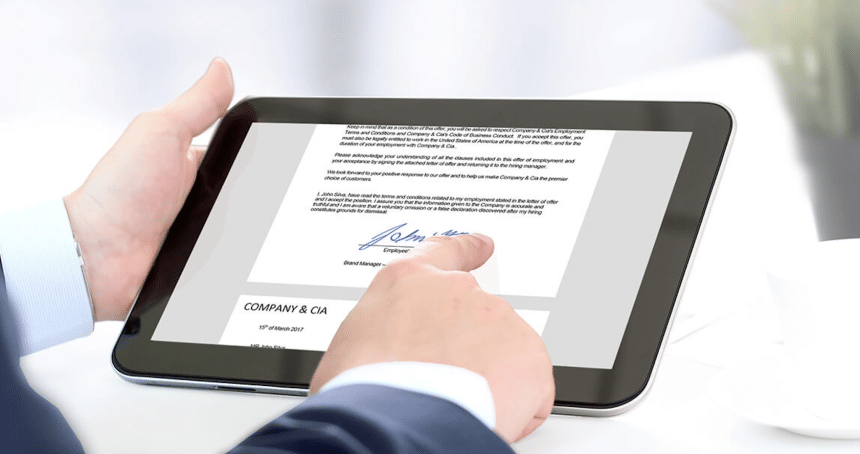
A sales and purchase agreement is one of the key documents in business and legal relations. This document describes the agreement between the seller and the buyer regarding the sale of a certain object. The importance of correct drafting of such an agreement cannot be overemphasized, as it establishes the rights and obligations of both parties.
Characteristics of Standard Purchasing Contract Templates
Standard purchasing contracts templates represent a formal document with a structure that includes the following main elements:
- Information about the parties to the contract. Names, details, and other identification data of the seller and the buyer.
- Description of the object of sale and purchase. A detailed description of the transaction object, including its condition, parameters, quantity, and other features.
- Terms of the transaction. Price, terms, payment terms, delivery terms, and other important aspects of the transaction.
- Guarantees and liability of the parties. Definition of warranty obligations, liability for failure to fulfill the terms of the contract, and methods of resolving possible disputes.
- Other necessary sections. It includes additional terms and conditions that may be important for a particular transaction.
Key Software Solutions for Purchase Agreement Sample
When it comes to creating and signing sales contracts, there are several software solutions that simplify this process. Let’s take a closer look at some of them, identifying their characteristics and features.
Microsoft Word
Microsoft Word is a widely used office application that allows you to create and edit purchase agreement samples. You can use templates to draft purchase agreements, enter the necessary data, and customize them to fit the specific terms of the transaction.
The advantages of Microsoft Word include its ease of use and intuitive interface, making it accessible to many users. It also offers flexibility and customizability, enabling you to create custom templates and adapt documents to meet specific needs.
However, Microsoft Word has limited capabilities for complex legal tasks, especially for documents that require specific structures or features.
Google Docs
Google Docs can help to draft a free purchase agreement. This software is designed for creating and editing text documents. The tool also offers the possibility to use ready-made templates or create your own for faster preparation of sales contracts.
The advantage of Google Docs is its accessibility and mobility. Documents are stored in the cloud, which enables users to work with them from any location with internet access. Also, the platform has a collaboration feature that enables several users to work on a document at the same time.
However, compared to its local counterparts, Google Docs has limited capabilities, especially in some of the features available in Microsoft Word.
Adobe Sign
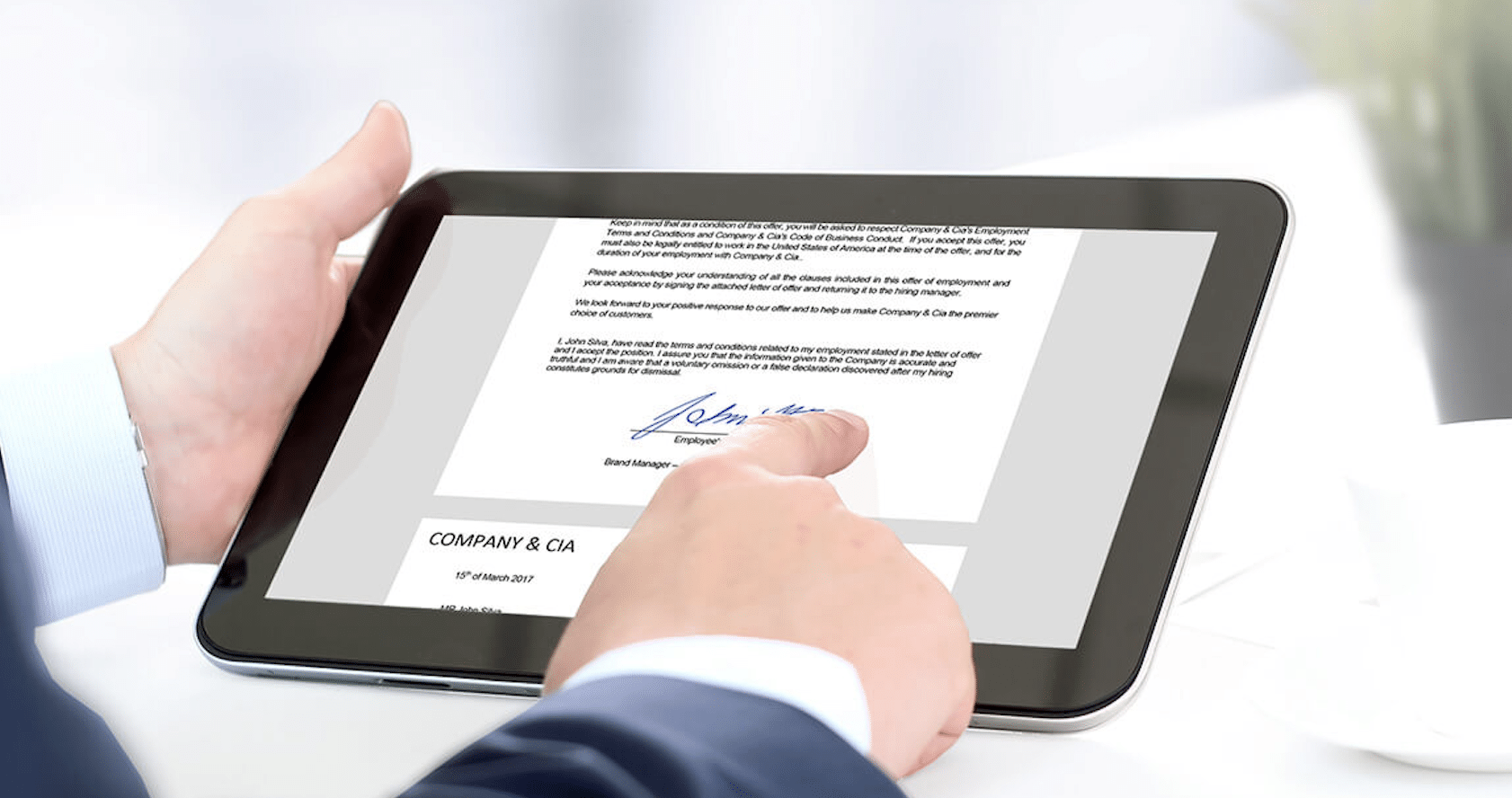
Adobe Sign is an online platform that specializes in managing electronic signatures and approving documents, including sales contracts. It provides a secure and convenient signing process.
The benefits of Adobe Sign include guaranteed security of electronic signatures and document confidentiality. Also, the platform integrates well with other applications and platforms for convenient use.
However, it should be noted that Adobe Sign is a paid software and requires payment for full access to all its features.
DocuSign
DocuSign is a platform for electronic signing and approval of documents, including sales contracts. Its benefits include efficiency and convenience in the approval process, as well as many integrations with other business tools.
However, the free version of DocuSign has limited features, which may limit functionality for small businesses or individual users. In addition, full functionality requires a paid subscription, which can increase the overall cost of using the service.
PandaDoc
PandaDoc is an online platform for creating, sending, and signing documents, including sales and purchase agreements. It provides efficient drafting of professional documents through templates.
The PandaDoc benefits include user-friendly document creation tools, integration with other tools, the possibility of adding electronic signatures, and real-time document management.
However, the free version of PandaDoc has limited features and functionality, and advanced features require a paid subscription. Also you can find free templates like purchase agreement at Pandadoc.
How to Choose a Platform for a Simple Purchase Agreement
The process of drafting and signing sales contracts using software solutions has its own peculiarities and advantages. Let’s draw some conclusions based on the above information.
First of all, Microsoft Word is a widely known and frequently used tool. It is attractive with its simplicity and familiar interface, which makes it easy to master for many users. However, it is not always suitable for complex legal tasks due to its limited capabilities in creating specific structures.
With Google Docs, we have the advantage of mobility and accessibility, as simple purchase agreements are stored in the cloud. This is convenient for teamwork, but the limited functionality compared to Word can be a disadvantage for more complex agreements.
Adobe Sign and DocuSign offer electronic signing solutions. They provide security and integrate with other tools to simplify the signing process. However, their cost may be a barrier for some users, especially smaller companies.
Finally, PandaDoc is a comprehensive online platform for creating, sending, and signing documents. Its advantages include user-friendly tools for generating professional documents and integration with other tools. However, advanced features can be accessed via a paid subscription only.
Thus, when choosing a software solution for drafting and signing sales and purchase agreements, you need to consider the balance between usability, functionality, accessibility, and cost. Each of the reviewed tools has its advantages and disadvantages, and the choice depends on the specific needs and capabilities of the organization or user.











