
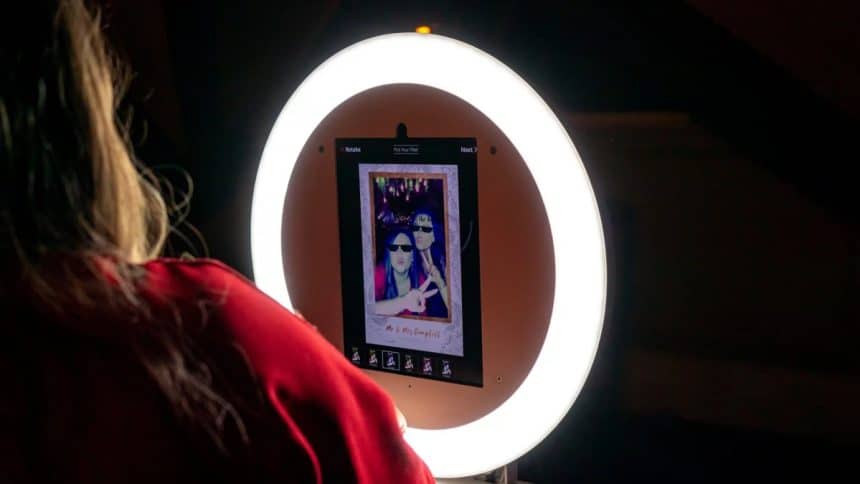
If you haven’t yet heard of them, then take note: Snappic is revolutionizing the photo booth industry with its 360° photo booth app. This review will explore Snappic’s innovative features, user-friendly design, and seamless setup process, so you can determine whether it is the choice for capturing and sharing immersive event experiences given your particular preferences and commercial requirements. Whether you’re an event organizer or a photo booth owner, Snappic’s advanced capabilities and excellent performance have the potential to elevate your photo booth offerings to new heights.
Features and Capabilities
The app’s standout feature is its ability to capture 360° photos and videos, offering a dynamic and immersive experience that traditional photo booths can’t match. This capability allows users to create full-circle content that brings events to life in a visually engaging way.
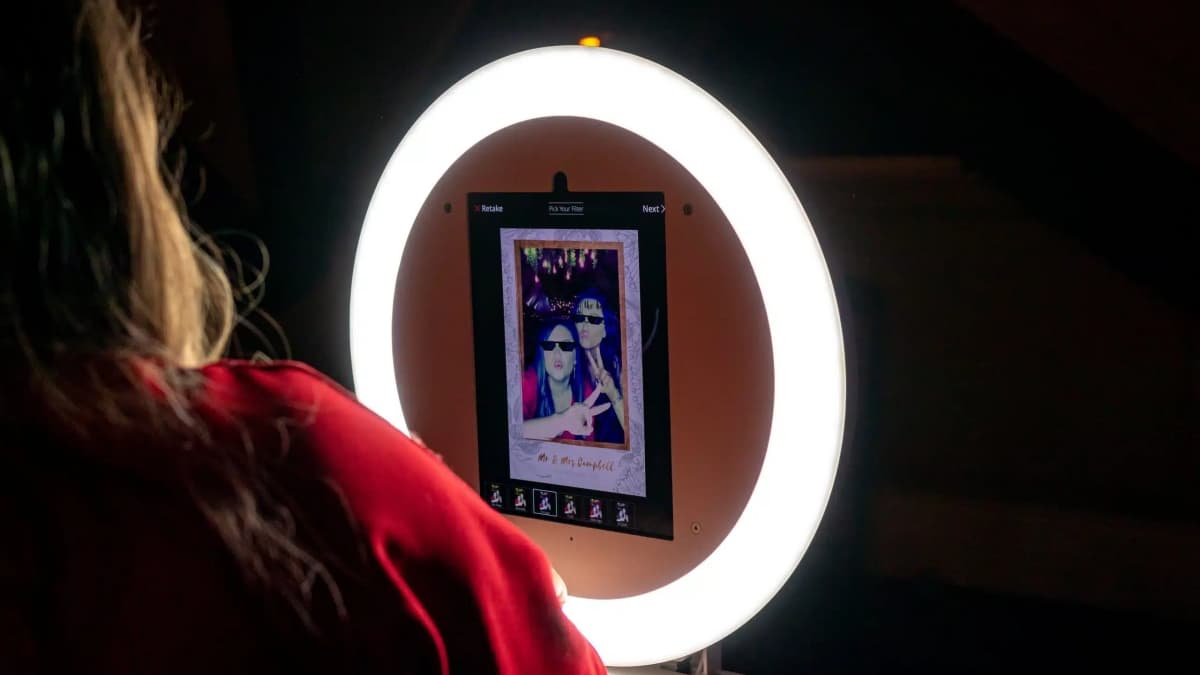
Customization is another strong suit of Snappic. The app allows users to personalize their photo booth sessions with branded overlays and virtual backgrounds. This is particularly beneficial for corporate events that want to utilize 360° image-making technology, where branding is essential. It can also help at themed parties, for example, where customized backgrounds could enhance the ambiance.
Snappic also includes advanced analytics tools that provide detailed insights into user engagement and social media reach. These analytics are invaluable for event organizers looking to measure the impact of their events and adjust their strategies accordingly. By offering such a comprehensive suite of features, this choice of photo booth software ensures that users have all the tools they need to create memorable, shareable moments at any event.
A Standout User Experience
The app features a clean and intuitive interface that simplifies navigation and operation, making it the best 360° photo booth app available. From the moment you open the app on iPad, iPhone or Mac, it’s clear that user experience was a top priority in its development. The setup process is straightforward, with clear instructions guiding you through each step. This ensures that even those with minimal technical expertise can get the app up and running quickly.
Interacting with Snappic during an event is equally user-friendly. The touch-screen interface is easy to use, allowing guests to engage with the photo booth without any hassle. Whether they are selecting backgrounds, choosing overlays, or sharing their creations on social media, the process is smooth and enjoyable. The app also offers interactive elements that keep guests engaged, such as live previews and instant playback of 360° videos.
In addition to its simplicity, Snappic runs efficiently on iPads, iPad, iPhone and Mac, leveraging their high-resolution cameras and robust processing power. This ensures that the app performs reliably, providing a seamless experience from start to finish. Overall, Snappic’s user-friendly design and smooth operation make it a strong contender for anyone looking to add a modern, interactive element to their events.
Setup and Installation
As mentioned, setting up Snappic is designed to be a straightforward process. How does this work, though?
- Download and Installation: The first step is to download the Snappic app. Once installed, the app guides you through the initial setup with clear, step-by-step instructions.
- Account Setup: Create a Snappic account or log in if you already have one. This account will be used to manage your photo booth settings and access your captured media.
- Hardware Integration: Snappic integrates several hardware solutions to enhance its photo booth experience, including support for DSLR cameras (Canon and Nikon) via USB connection to iPads, iPhones or Mac for high-quality photos, GIFs, and videos.
- Configuration Settings: Customize the app settings to match your event needs. This includes setting up photo and video capture options, sharing settings, and any branding elements you wish to include.
Performance and Reliability
Once set up, we found Snappic’s performance is one of its strongest attributes. For one thing, the app leverages the unique features of iOS devices to deliver high-quality 360° photos and videos without blurriness or fuzzy end results. Users will appreciate the app’s responsiveness and the minimal lag time between capturing and viewing images, which is crucial during busy events.
In terms of reliability, Snappic has proven to be a robust solution that handles the demands of continuous use without crashing or freezing. This stability is essential for maintaining the flow of events, ensuring that guests can continuously interact with the photo booth without interruptions.
Moreover, Snappic’s cloud storage feature ensures that all media is securely stored and easily accessible post-event. This not only safeguards against data loss but also allows event organizers to review and utilize the media for future promotional purposes. Overall, Snappic’s combination of high performance and reliability makes it a dependable choice for any event setting or even for a permanent installation.
360° Photo Booth Pricing
Snappic offers a choice of pricing plans to accommodate different needs and budgets. Here’s an overview of their main packages supporting 360° photo booth setups:
- Pro Plan: This plan is designed for users who require basic functionalities. It includes features such as still photos, GIFs, bursts, basic customization, and sharing options. It’s ideal for small events or personal use. Additional licenses for multiple events or sharing stations can be added at an extra cost. This option is compatible with Dzen Tech and Dreamboat 360° integration.
- Enterprise Plan: Aimed at professional event organizers, the Enterprise plan includes all Pro features plus advanced customization, analytics, green screen, surveys, and VideoFX.This plan is ideal for larger events and those who need more advanced features and support.
Conclusion
Snappic’s innovative approach means it is the best 360° photo booth app around, offering a user-friendly, reliable solution for capturing and sharing immersive event experiences. With flexible pricing plans and robust features, it constitutes an excellent choice for all types of users looking to elevate their photo booth services.











