
The iPad and the iPad Pro- what are the differences between the two Apple devices, and should you upgrade your iPad to the Pro model?
A lot of people assume that because of the ‘Pro’ tag, the iPad Pro is something that only professionals and content creators should get. But if you have the budget, then by all means upgrade to iPad Pro. You can offset the cost by first doing an Apple iPad trade in before purchasing the new unit.
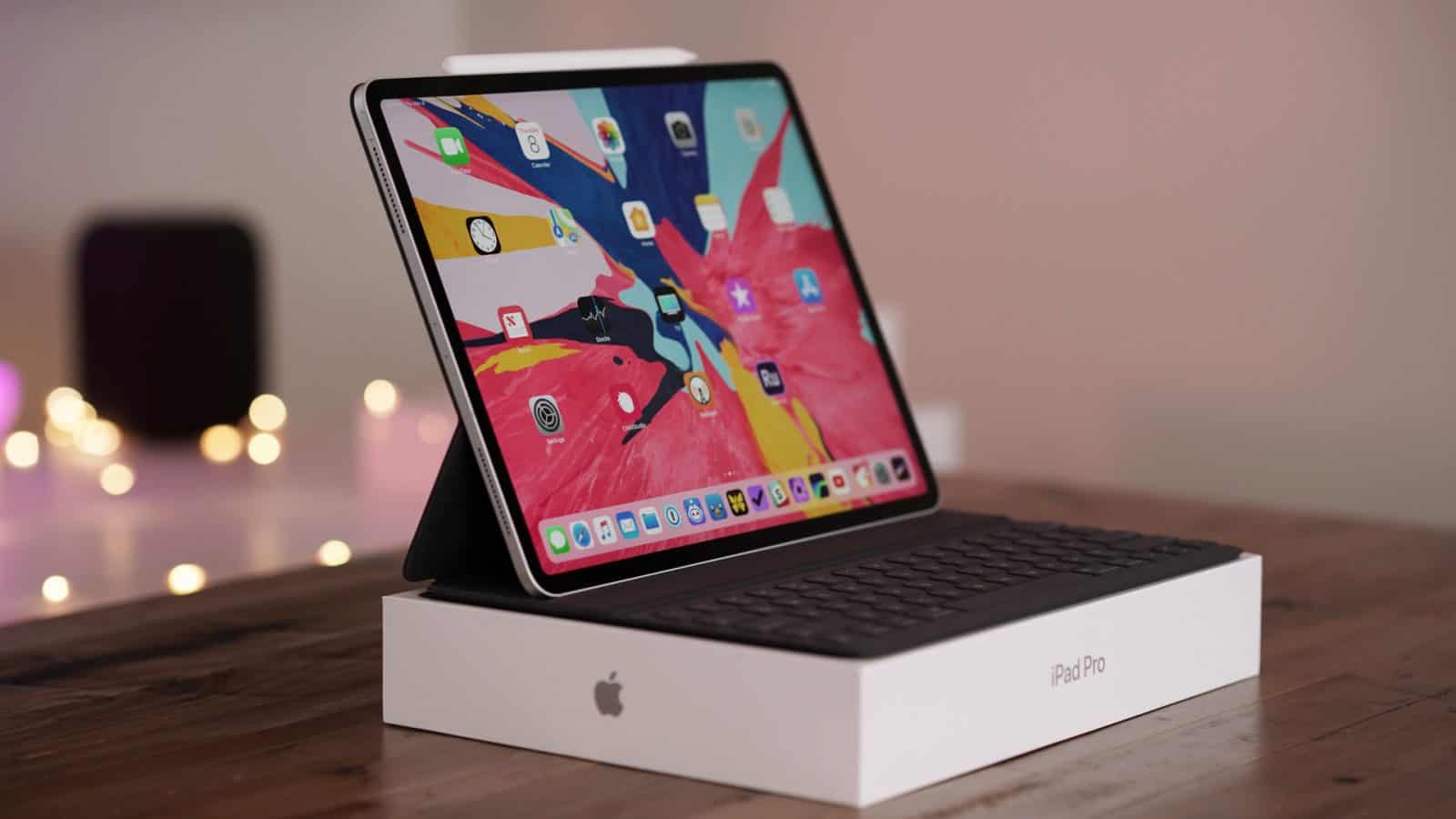
Let’s take a quick look at a comparison of the Apple iPad to the iPad Pro.
The iPad
The iPad is Apple’s most popular tablet in their lineup. It’s the default option for people who are shopping for a multi-purpose device.
The newest model has an A10 chip processor, which is more than enough for everyday productivity tasks and entertainment purposes. With it, you’ll be able to open up several apps at a time, e.g., Safari browser and an email client when you’re on work mode, a social media and photo editing app, or Netflix and a document app, for example.
It sports an HD+ resolution of 2048 x 1536 in a 9.7 inch display and a rear 8MP and front 1.2MP camera. The iPad is actually thinner and lighter than an iPad Pro, making it a more portable option. You also get a whole-day battery life on a single full charge.
The iPad only has the 9.7 inch variant, which can be a compromise if you’re looking for a larger screen to replace your traditional laptop. Plus, the bezels aren’t pretty compared to the iPad Pro’s all-screen design. If you need anything larger than 128GB or 256GB storage then you should definitely consider upgrading and trading in your current iPad.
The iPad Pro
The iPad Pro is a more powerful evolved form of the Apple’s traditional iPad. It’s a bit bigger and heavier compared to the former, but that’s its only weakness.
The model is truly a viable laptop replacement as it comes in 11 inch and 12.9 inch options. A larger screen means there are many more pixels to fill in, and Apple gives it the high-end treatment, e.g., a 2224 x 1668 resolution, True Tone technology, anti-reflective coating and a wider color representation. Your eyes will immediately notice the difference, especially if you’re used to working with colors for photo and video editing and watching 4K movies and TV shows.
The iPad is already impressive with the A10 chip, but the Pro has a co-motion processor, which is essentially a secondary chip that helps with Apple Pencil features and tracking. Moreover, it improves the Pencil’s refresh rate for seamless content creation.
While being larger, the iPad Pro actually looks better than the traditional iPad. Gone are the thick bezels and in its place is more screen real estate. You’ll be able to use the full display size to your advantage, whether you’re working on a spreadsheet, a document, photo editing, playing games or watching YouTube videos.
It’s easy to connect a Bluetooth keyboard or other accessories for increased efficiency and productivity. Power users can choose to get the model with cellular connectivity and 1TB of storage, eliminating the need for a portable laptop. The 12MP rear and 7MP front cameras are better than the iPad for FaceTime and video conference purposes.
Which iPad Should You Get?
It’s safe to say that upgrading to the iPad Pro will give you more bang for your buck in the long run. It future-proofs your devices, meaning its hardware and features will still be relevant 2-3 years down the line. The iPad Pro is simply a better machine when it comes to work-related purpose, as well as for casual use, e.g., when browsing the web, posting on social media, gaming or consuming entertainment.











