
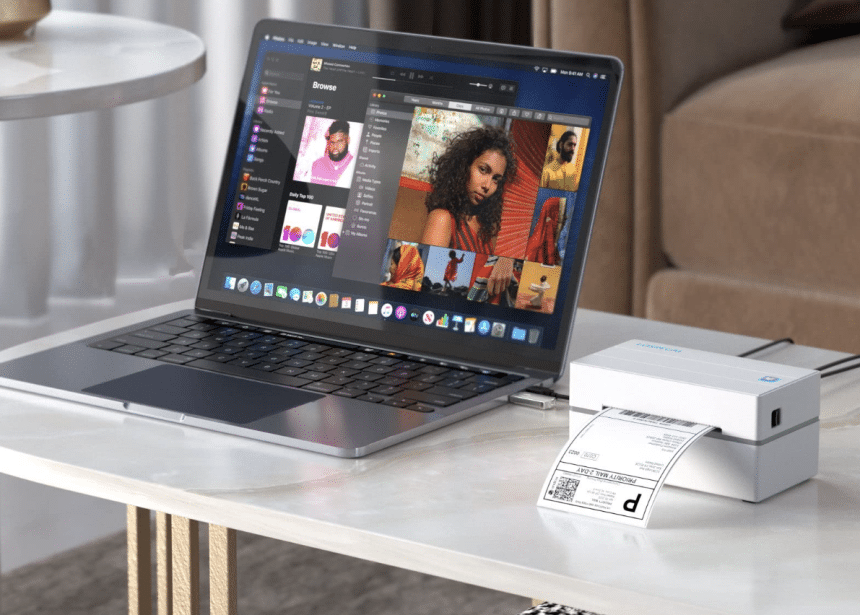
Shipping labels are the unsung heroes of the logistics world, quietly ensuring packages reach their intended destinations smoothly and efficiently. Whether you’re a seasoned e-commerce entrepreneur or a casual seller, understanding how shipping labels work and learning to print your own can significantly streamline your shipping process. In this comprehensive guide, we’ll delve into the intricacies of shipping labels, exploring how they function and providing step-by-step instructions on printing your own labels with the innovative AirPrint label printer.
The Basics of Shipping Labels
What Are Shipping Labels?
Shipping labels are adhesive tags containing vital information about a package’s origin, destination, and contents. They serve as a crucial communication tool between shippers, carriers, and recipients, ensuring that everyone involved in the shipping process has the necessary information at their fingertips.
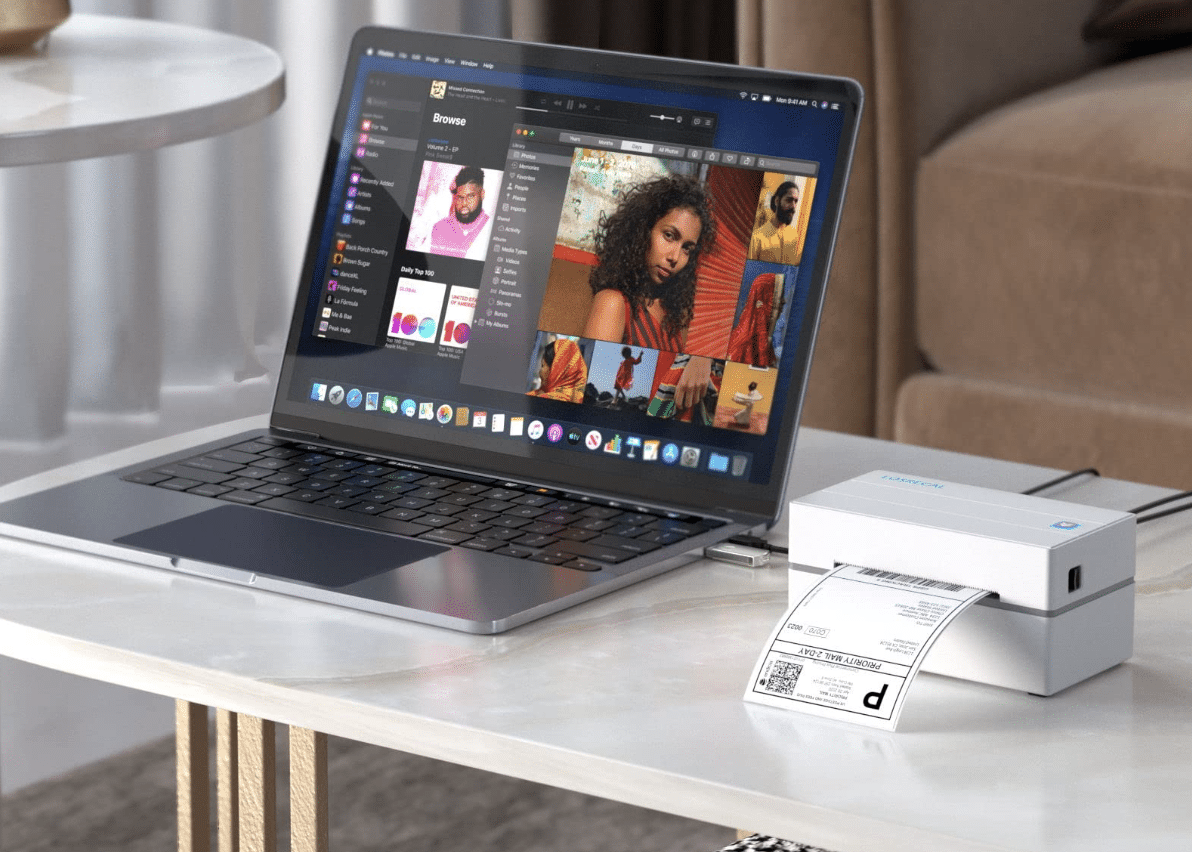
Components of a Shipping Label
A typical shipping label comprises essential elements such as the sender’s address, recipient’s address, tracking number, barcode, and shipping service details. Understanding these components is key to creating accurate and effective shipping labels.
How Shipping Labels Work
Barcode Technology
Central to the functionality of shipping labels is barcode technology. Barcodes encode information in a visually scannable format, allowing carriers and logistics partners to quickly and accurately process packages. We’ll explore the significance of barcodes in enhancing the efficiency of the shipping process.
Tracking and Visibility
Modern shipping labels often come equipped with tracking numbers that enable both the shipper and the recipient to monitor the package’s journey in real-time. This level of visibility ensures transparency and helps in addressing any potential issues that may arise during transit.
The Importance of Printing Your Own Shipping Labels
Cost Savings
Printing your own shipping labels can lead to significant cost savings in the long run. By eliminating the need for third-party printing services, you not only save on printing fees but also gain greater control over your shipping operations.
Customization and Branding
Printing your own labels provides an opportunity for customization, allowing you to incorporate your brand elements such as logos and taglines. This not only reinforces your brand identity but also adds a professional touch to your packages.
Choosing the Right AirPrint Label Printer
Understanding AirPrint Technology
AirPrint label printers offer a convenient and efficient way to print shipping labels wirelessly. We’ll delve into the technology behind AirPrint and explore the advantages it brings to the shipping label printing process.
Features to Look for in an AirPrint Label Printer
Choosing the right AirPrint label printer is crucial for seamless label printing. We’ll discuss key features to consider, such as compatibility, printing speed, and connectivity options, ensuring you make an informed decision.
Step-by-Step Guide on Printing Shipping Labels with AirPrint Label Printers
Setting Up Your AirPrint Label Printer
We’ll guide you through the initial setup of your AirPrint label printer, ensuring it is properly configured and ready for use. This step is essential for hassle-free label printing in the future.
Designing Your Shipping Label
Discover tips and tricks for designing an effective shipping label that not only meets carrier requirements but also aligns with your brand aesthetics. We’ll provide insights into designing a clear and scannable barcode, among other essential elements.
Printing Your First Shipping Label
Follow our step-by-step instructions on printing your first shipping label using your AirPrint label printer. We’ll troubleshoot common issues and ensure you have a smooth printing experience.
Troubleshooting and Common FAQs
Troubleshooting Printing Issues
Even with the most advanced technology, printing issues may occasionally arise. We’ll address common problems and provide solutions to ensure you can troubleshoot effectively.
Frequently Asked Questions
Explore a curated list of frequently asked questions related to shipping labels and AirPrint label printers. From label size compatibility to troubleshooting errors, we’ve got you covered.
Best Practices for Shipping Label Management
Organization and Storage
Effective label management extends beyond printing. We’ll discuss best practices for organizing and storing your shipping labels, ensuring you can retrieve and use them efficiently when needed.
Integrating with Shipping Platforms
Discover how to seamlessly integrate your shipping label printing process with popular e-commerce platforms and shipping management systems. This integration can save time and enhance overall efficiency.
Conclusion
In conclusion, navigating the world of shipping labels is an essential skill for any business owner or e-commerce enthusiast. Understanding the intricacies of how shipping labels work and learning to print your own with advanced technology like an AirPrint label printer can significantly streamline your shipping process. By taking control of this crucial aspect of logistics, you not only save costs but also enhance the overall efficiency and professionalism of your business.
As you embark on the journey of mastering shipping labels, consider incorporating Munbyn shipping labels and Munbyn AirPrint label printers into your toolkit. Munbyn’s commitment to quality and innovation makes them a reliable choice for your business needs. The seamless integration of Munbyn products into your shipping operations can elevate your printing experience, providing you with the tools needed to create professional and customized labels effortlessly.
Empower yourself with the insights shared in this comprehensive guide, and consider Munbyn as a trusted partner in your quest for shipping efficiency. With the right knowledge and tools at your disposal, your shipping process can become a well-optimized system, delivering satisfaction to both you and your customers. Take the leap into efficient shipping label management with Munbyn, and watch your business thrive in the dynamic world of e-commerce.











