
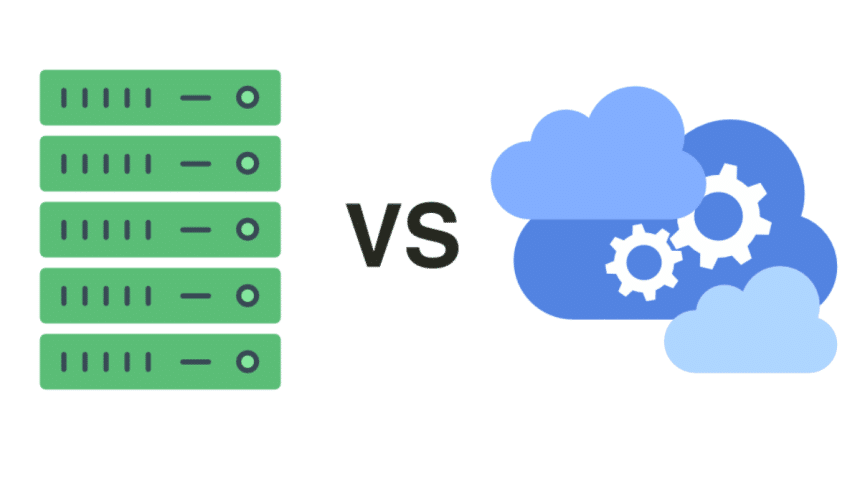
With data privacy becoming a central concern, many individuals and businesses are rethinking where and how they store their files. Box and similar cloud-hosted services offer convenience but may not provide the level of control some users desire. In this article, we’ll explore the pros and cons of self-hosted and cloud-hosted file storage solutions. We’ll help you decide which might be better for your needs based on factors like control, privacy, and cost.
Cloud-Hosted File Storage: The Convenience Factor
Cloud-hosted storage solutions like Box, Google Drive, and Microsoft OneDrive are popular for a reason. They offer incredible ease of access, allowing users to store, share, and retrieve files from virtually anywhere with an internet connection. With these services, there’s no need to worry about maintaining hardware or dealing with software updates. The cloud provider handles all that, giving users a hassle-free experience.

Cloud services also shine when it comes to collaboration. Many cloud providers include built-in tools for real-time editing, commenting, and sharing, making team collaboration smooth and effective. This ease of use is hard to beat, particularly for individuals and small teams that prioritize convenience.
However, the convenience comes with trade-offs, especially around control and data security. When you store data on a cloud provider’s server, you’re placing a lot of trust in that company. While many cloud providers use robust security measures, there’s always a risk, especially if the provider is targeted by a cyberattack or faces legal orders to release information. This brings us to a primary benefit of self-hosting: control.
Self-Hosted Storage: Maximum Control Over Your Data
For those who prioritize control over convenience, self-hosted solutions can be incredibly appealing. With a self-hosted file storage system, you own the servers or storage devices where your data is kept, giving you complete oversight over how files are managed, accessed, and protected. Solutions like Nextcloud and ownCloud are popular for self-hosting because they offer flexibility, allowing you to customize security settings, control user permissions, and manage updates on your own schedule.
Self-hosted storage can be configured with the highest security standards, including encryption protocols and user access controls that fit your specific needs. Plus, since your data is stored locally, you eliminate the risk of third-party access—a crucial consideration for businesses handling sensitive or proprietary information.
On the downside, self-hosting demands technical expertise and requires ongoing maintenance. If you’re not tech-savvy or don’t have an IT team, the setup and maintenance can be challenging. In addition to purchasing hardware, you’ll need to regularly back up data, update software, and manage security patches to keep the system secure.
Comparing Privacy: Where Does Your Data Stay Safe?
For many users, privacy is the deciding factor when choosing between self-hosted and cloud-hosted storage. With cloud-hosted solutions, your data resides on external servers, managed and monitored by the cloud provider. While most reputable cloud services encrypt data both in transit and at rest, some users remain uncomfortable knowing that their files are stored by a third party. In some cases, these companies may even comply with government or corporate requests to release stored data.
Self-hosted solutions, on the other hand, offer complete control over data location and access. You get to decide who has access to your servers, minimizing the risk of unwanted third-party access. For users handling highly sensitive information, such as healthcare records or financial data, this level of privacy can be essential. With self-hosting, you won’t need to worry about data being shared with outside entities or used for analytics purposes.
That said, self-hosting doesn’t automatically mean invulnerability. The responsibility of protecting data falls entirely on you or your IT team, and if your security protocols are lax or outdated, your data could be at risk.
Costs: Balancing Upfront and Ongoing Expenses
Cost is a major consideration, especially for small businesses or individual users who may have limited budgets. Cloud-hosted services typically operate on a subscription basis, with monthly or annual fees. These fees cover storage space, data backup, and security updates, and for many, this is an affordable option given the convenience and features included. You pay only for the storage you need and can usually scale up or down as your requirements change.
Self-hosted storage has different financial considerations. While you avoid subscription fees, you’ll need to invest in hardware and potentially software licenses upfront. High-quality servers, network equipment, and storage drives come at a cost, and maintaining these systems also requires time and expertise. Additionally, if you’re running a large setup, you may incur costs for power consumption and cooling. For small-scale users, the cost may balance out over time, but for large enterprises, self-hosted solutions can require substantial financial commitment.
In the long run, however, self-hosted storage might be more economical if you’re storing massive amounts of data. Once the infrastructure is set up, there are no monthly costs, and you won’t face price hikes or restrictions on data use.
Scalability and Future-Proofing: Will It Grow with You?
For growing businesses, scalability is a vital factor in choosing a storage solution. Cloud-hosted solutions are highly scalable by nature. Most providers offer flexible plans, allowing you to increase storage and add features as your needs evolve. This makes them suitable for businesses expecting growth, as there’s no need to worry about hardware limitations or space constraints.
With self-hosted solutions, scalability is more challenging. If you anticipate rapid growth, you’ll need to ensure that your hardware can support increased storage needs. Scaling up often means purchasing additional hardware and dedicating more resources to maintenance, which can be costly and time-consuming. That said, if you’re confident that your needs will remain consistent, a self-hosted setup could offer sufficient storage for years without the need for frequent upgrades.
Finding the Balance
Ultimately, choosing between self-hosted and cloud-hosted storage depends on what matters most to you. Cloud-hosted solutions provide a ready-made system that prioritizes ease, while self-hosted storage offers control and privacy at the cost of additional responsibility. Both approaches have their strengths and can serve different types of users well. Consider your data needs, budget, and technical resources to decide which option will give you the peace of mind and functionality you’re looking for in a Box alternative.











