
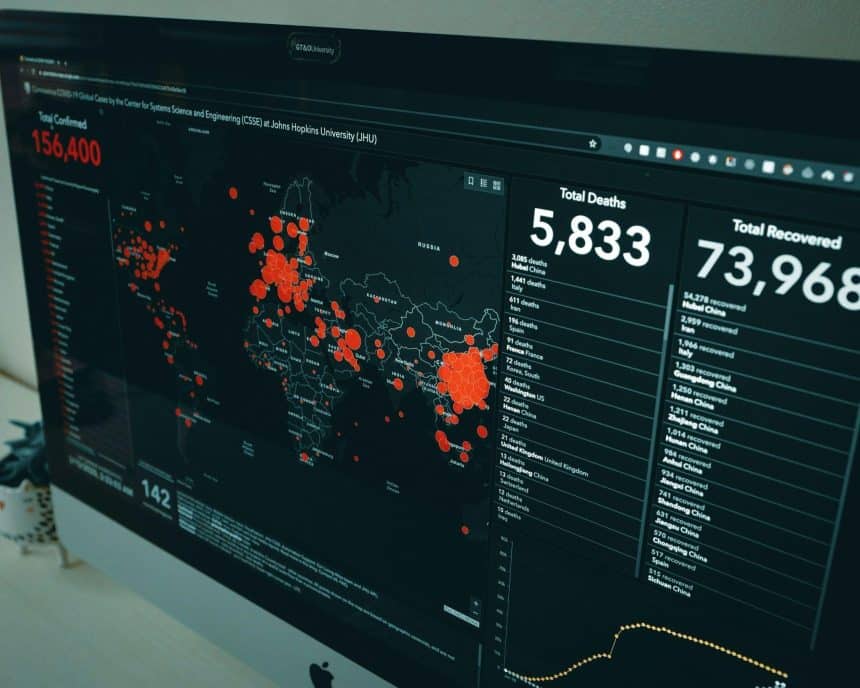
Status pages are one of the most visible ways for a security or engineering team to communicate with customers. Users want information when system or platform outages happen, whether planned or unplanned incidents. They want clear information delivered quickly that tells them what’s going on. They want to know if it’s being worked on and when it will be resolved.
Simultaneously, teams need to avoid publishing internal details, which can lead to risks. Oversharing can lead to IP leaks, internal system revelation, or showing sensitive system identifiers. These can all potentially be used to find exploits.
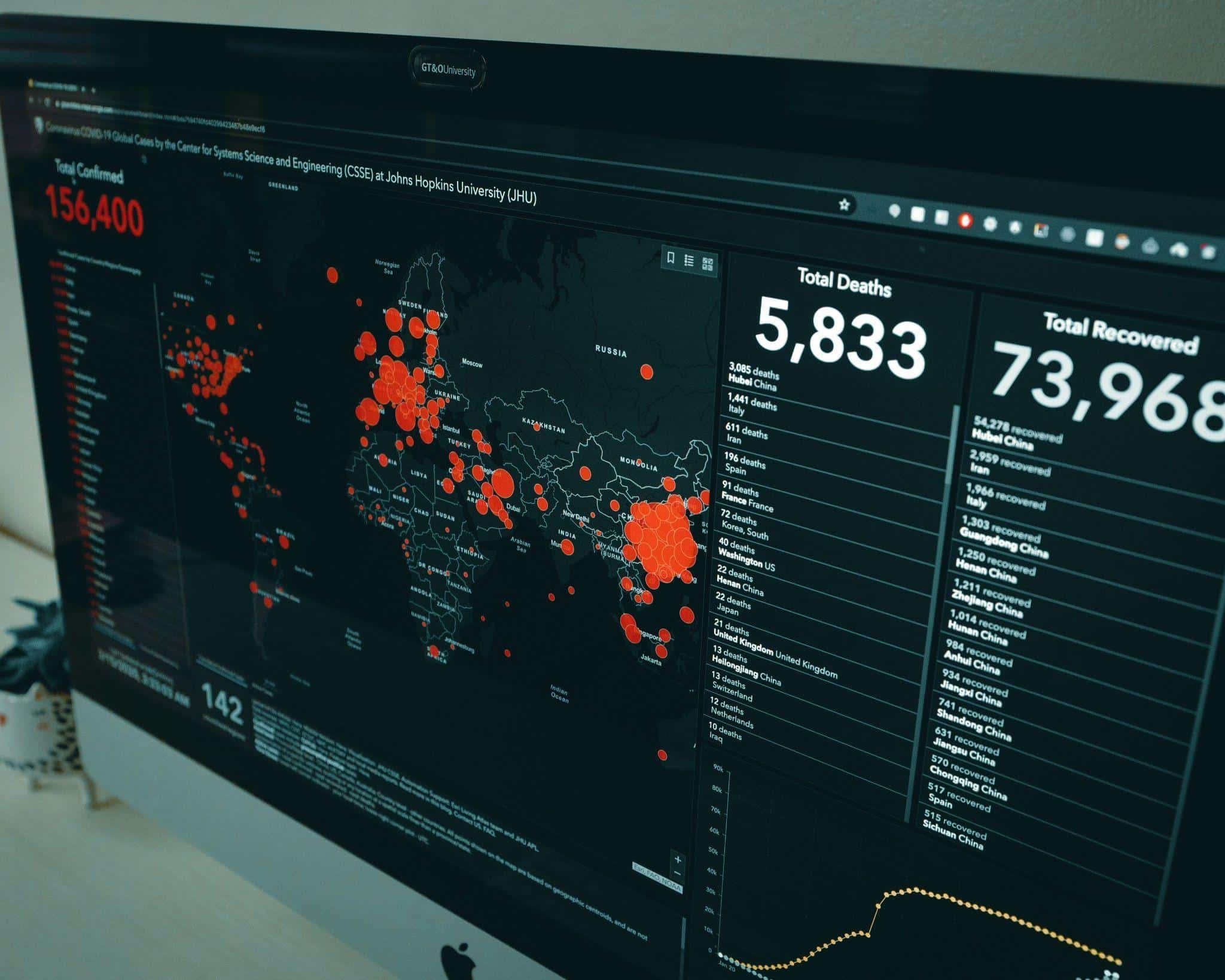
The challenge is to find the right balance between protection and transparency. When done well, a status page can reassure customers, demonstrate accountability, and support compliance goals. However, when implemented poorly, it can be devastating. It can damage trust and potentially leak sensitive data. Building a solid process for secure updates keeps your customers updated while keeping systems secure.
What Customers Need to Know
Customers look to a status page to give them clarity. They aren’t looking for a tech deep-dive. The most critical details to get across are the impact, scope, and timing. It means they want to know what system is down, how it affects them, and how long it will last. Providing an estimated time until the next update can help build confidence that the issue has your focus.
Equally important is describing mitigation steps in plain language. Customers don’t need code snippets, but they do want to understand that the team is working toward a resolution. A short summary of the cause can be shared later, once it has been confirmed. This approach keeps updates useful while protecting sensitive operational details.
What to Leave Out of Public Updates
The fastest way to undermine a secure status page is by oversharing, and the internet never forgets. There are tons of details that should never make it to public-facing status pages. This category includes things like internal URLs, IP addresses, API tokens, log files, and individual email addresses. All PII, like usernames or customer emails, should also be kept from updates. Even the smallest slip with the wrong fragment of information could be just enough to help an attacker.
When too much technical data is shared, it can also create a very different problem: confusion. The average customer can’t make heads or tails of logs or error routines. Putting any of that information in the update could cause confusion or misinterpretation.
It’s much safer to simply keep internal diagnostics for engineering teams and publish only what customers need to make informed decisions. Infrastructure is protected from exposure, and communications are aligned with regulations. In short, clear, concise updates show professionalism without risking sensitive data.
Best Practices for Secure Status Pages
Safe Redaction and Sanitization Practices
Redaction is more than blacking out some account numbers and customer information. Teams need to make sure that anything hidden cannot be recovered through copying or inspection. Tools created for secure sanitization should be used to remove sensitive data from various sources such as text, images, and even PDFs.
When describing technical incidents, replace identifiers with generic descriptors. Instead of “db069.intra.company.com” just say “a company database server”. Also, try to get a second-person review or proofread. Getting another set of eyes on it can help check redactions and lower the chance of missed details. With thinktanks like Thousand Eyes aggregating massive amounts of outage data from major platforms, you can comfortably leave the deep dives to others.
Screenshots and Visuals that Don’t Expose You
Visuals can make status updates easier to understand, but they carry their own risks. Screenshots should never reveal internal dashboards, system names, or customer records. Always use staging environments, not production data.
Watermarks can help prevent out-of-context use, and scrubbing metadata can keep other sensitive data out of the public eye. Forgetting about metadata is common, but metadata can reveal important data about the systems on which it was created.
Staged Updates and Post-Incident Summaries
Status pages are most effective when updates are staged. The first message should confirm awareness of the incident and note which systems are affected. Follow-up updates can provide progress reports regularly, even if the root cause is not fully known. This steady pace reassures customers that the issue is being managed.
Once resolved, a final post-incident summary should be published. It can outline the cause, the steps taken to restore service, and the actions planned to prevent recurrence. By keeping the summary high-level and free of sensitive details, teams show accountability without introducing risk.
Reusable Templates and Checklists
Status updates are a lot easier to manage when teams use standard templates. Templates and standardization can help create consistency and lower the risk of omission.
A simple template structure might have four fields: impact, scope, mitigation, and timeline. By keeping this pattern the same, updates stay clear and predictable.
A checklist can be a great pre-publishing safety net. It can include questions like “Has sensitive data been redacted?”, “Are timelines realistic?”, and “Is there too much jargon?”. Running through this list can help avoid mistakes while under pressure.
Reusable tools also speed up response time and let teams keep their attention on resolution. That focus, however, doesn’t come at the cost of accuracy or security.
Customer Communications
Your status page isn’t just a living technical document. It’s a major customer-facing communication tool. Keep the tone professional, clear, and calm. Cut out jargon that will confuse, but don’t oversimplify into vagueness. Customers want reassurance that their concerns are being taken seriously and that the problem is being addressed.
Build Trust Without Creating Risk
Secure status pages are about balance. Keep your customers informed, but safeguard internal systems and sensitive identifiers. By using redaction, templates, and staged updates, teams can share the right level of detail without creating new vulnerabilities. Adding safeguards, such as online VPN services, strengthens this process even further.











