
Ever felt lost in a sea of scattered PDF files, desperately searching for an important document? Don’t worry; you’re not alone. In today’s digital age, PDFs are everywhere, used for work and personal matters alike. But handling many PDFs can be tough.
The good news? There’s a solution: merging PDFs. This article will guide you step by step, helping you say goodbye to the chaos of scattered PDFs.
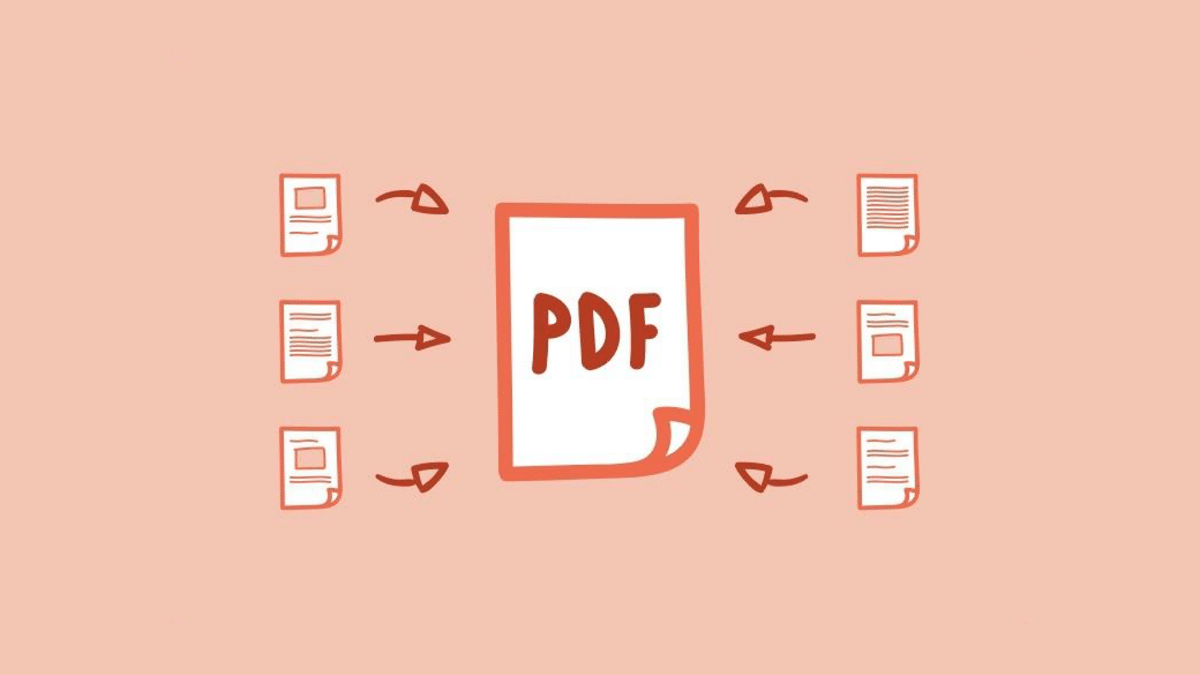
Why Merging PDFs Matters
Before getting into the how-tos, let’s ponder why merging PDFs is essential, especially in the context of the evolving digital landscape. Imagine having several PDF files, each containing different parts of a report, and desiring to create a comprehensive document.
Or perhaps you have a stack of invoices or receipts that you want to consolidate for easy reference. Merging PDFs not only declutters your digital space but also makes managing and sharing information significantly more convenient.
Additionally, in the era of digital signatures, merging PDFs seamlessly integrates the process of Esign, allowing you to create, sign, and share documents in a streamlined manner.
Choosing the Right Tool
Now that you recognize the importance of merging PDFs, let’s explore your options. There are two primary methods to merge PDF files: utilizing online PDF merger tools or dedicated software.
Dedicated Software
For individuals dealing with substantial volumes of PDF files frequently, dedicated software might be the ideal choice. These applications provide advanced features such as batch processing, encryption, and file compression.
They offer a more tailored and customizable experience, catering to the specific needs of professionals and businesses.
Online PDF Merger Tools
Online tools offer a hassle-free, quick solution for those who prefer simplicity. They require no downloads or installations, enabling you to merge your PDFs directly from your web browser.
Just upload your files, arrange them in the desired order, and with a click, your merged PDF is ready for download.
How to Merge PDFs Using an Online Tool
Let’s navigate through the process of merging PDFs using a popular online service.
Visit An Online Website
Begin by opening your web browser and visiting any website.
Upload Your Files
Click on the ‘Merge PDF’ tool. Drag and drop your PDF files into the designated area or click ‘Choose File’ to upload them from your computer, Google Drive, or Dropbox.
Arrange the Files
Once your files are uploaded, arrange them in the order you wish for them to appear in the merged PDF. You can easily drag and drop the files to rearrange them according to your preference.
Merge and Download
Click the ‘Merge’ button, and the website will diligently process your files. Once the merging is complete, a simple click on ‘Download’ will save the merged PDF to your device, ready for use.
Tips for Effective PDF Merging
File Organization
Before you embark on merging, take a moment to organize your PDF files into folders based on categories or projects. This practice streamlines the merging process and saves you valuable time.
File Naming Convention
Adopting a consistent file naming convention helps avoid confusion. Incorporate dates, project names, or other relevant information into the file names for easy identification.
File Size Consideration
Be mindful of the file size limitations of the tool or software you’re using. Some platforms may impose restrictions on the total size of files you can merge at once, so it’s wise to check beforehand.











