
You will love StreamFab Disney Plus Downloader’s simplicity and features. It can download any show or movie from Disney’s streaming service.
Do you want to download the shows and movies that you want to download from Disney Plus Downloader? You can use a StreamFab Disney Plus Downloader. Before you use it, read our comprehensive review to learn what it has to offer.
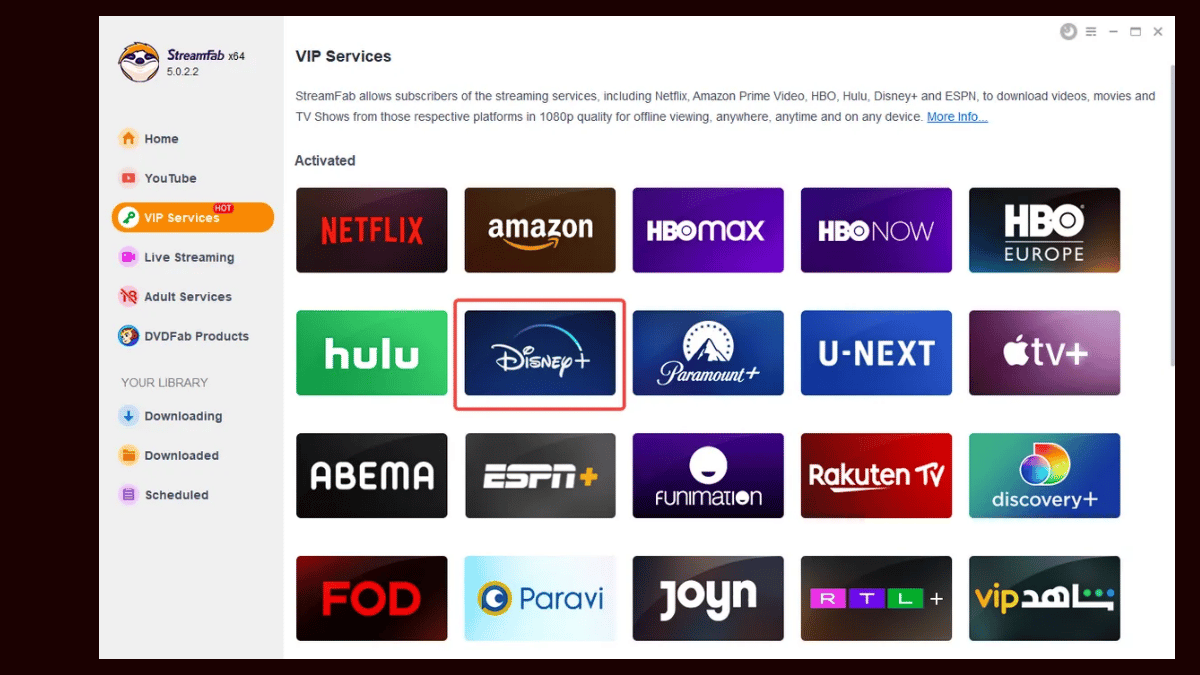
Can You Download from Disney+?
Disney Plus allows you to download the content to watch it offline. However, you can only download content in the app. However, the downloaded content is only available for 72 hours, and once you start to watch it, the content is only available for 24 hours.
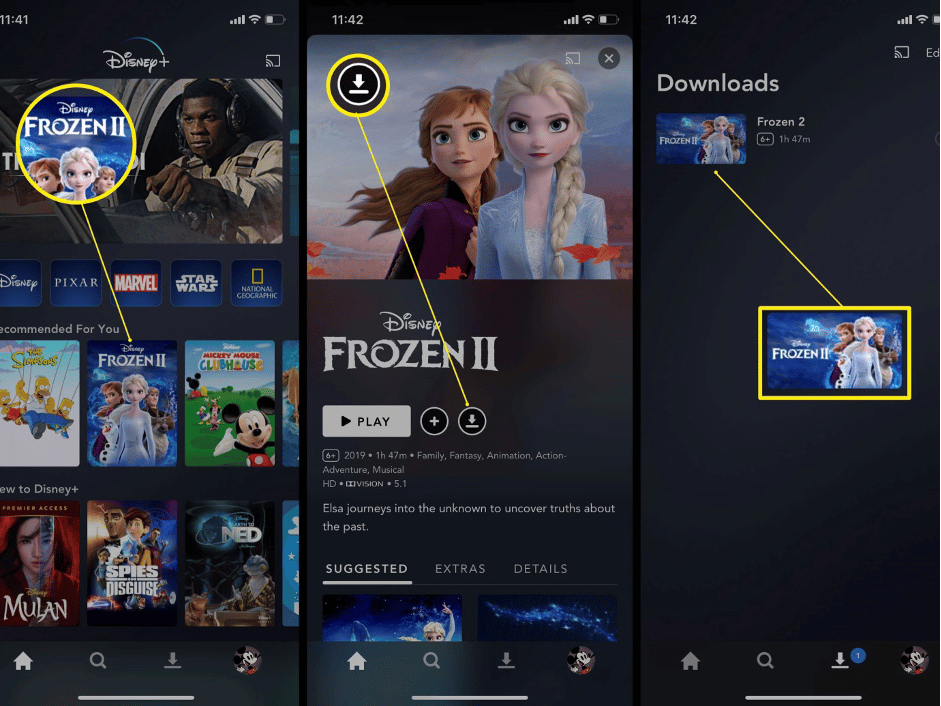
The steps that you have to follow to download Disney+ content are given below;
- Download and install the app on your smartphone and tablet.
- Launch the app on your device and log into your account using the login credentials.
- Search and select the content you would like to download.
- Tap on the download button given on the details page to start downloading. Once you are done, you can check the progress of the download.
- The device icon with a check mark will display as soon as the download is complete.
The Restrictions and Limitations of the Official Download Method
Even though Disney Plus allows you to download its content, it comes with a few limitations. Let’s take a look at them.
- You will not be able to download the content on your desktop as you can only download it if you have the app.
- The download is available to you only for 72 hours. When you start to watch the videos, they will be available to you for just 24 hours for offline viewing. If you fail to watch the video within this time, the content will not be available to you anymore.
- If the download section gets filled, you will not be able to download more content unless you delete some of the videos.
StreamFab Disney Plus Downloader
If you have to keep your downloaded content, permanently, you can use a third-party downloader. One of the best downloaders to use for this purpose is the StreamFab Disney Plus Downloader.
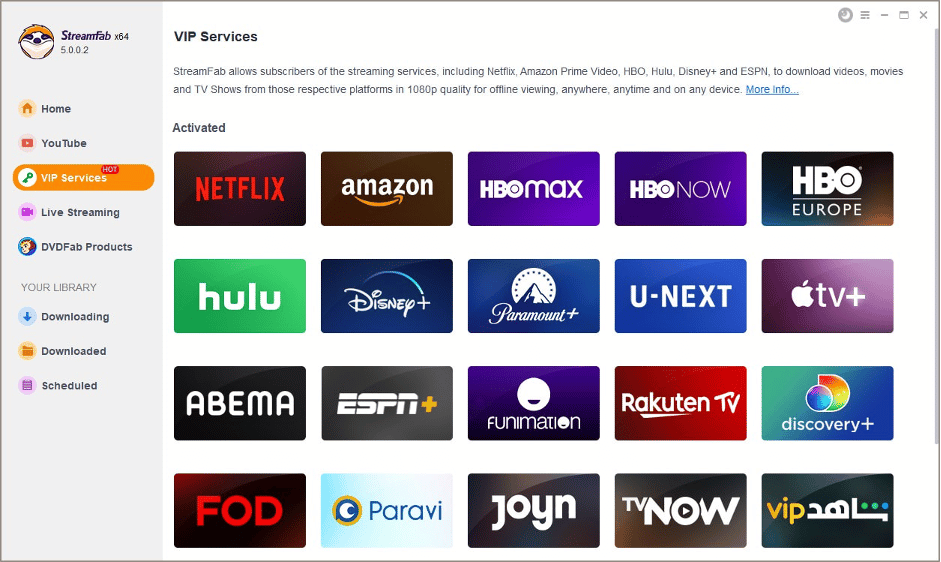
StreamFab Disney Plus Downloader is one of the best downloaders you can use. It lets you download the content you prefer from Disney Plus on your desktop and then transfer it to any device you want. StreamFab is an all-inclusive downloader with incredible features. So, it takes the downloading process to a whole new level.
Key Features of StreamFab Disney Plus Video Downloader
Take a look at the top features you can enjoy with StreamFab Disney Plus Downloader.
- High audio and video quality of EAC3 5.1 and 720p resolution.
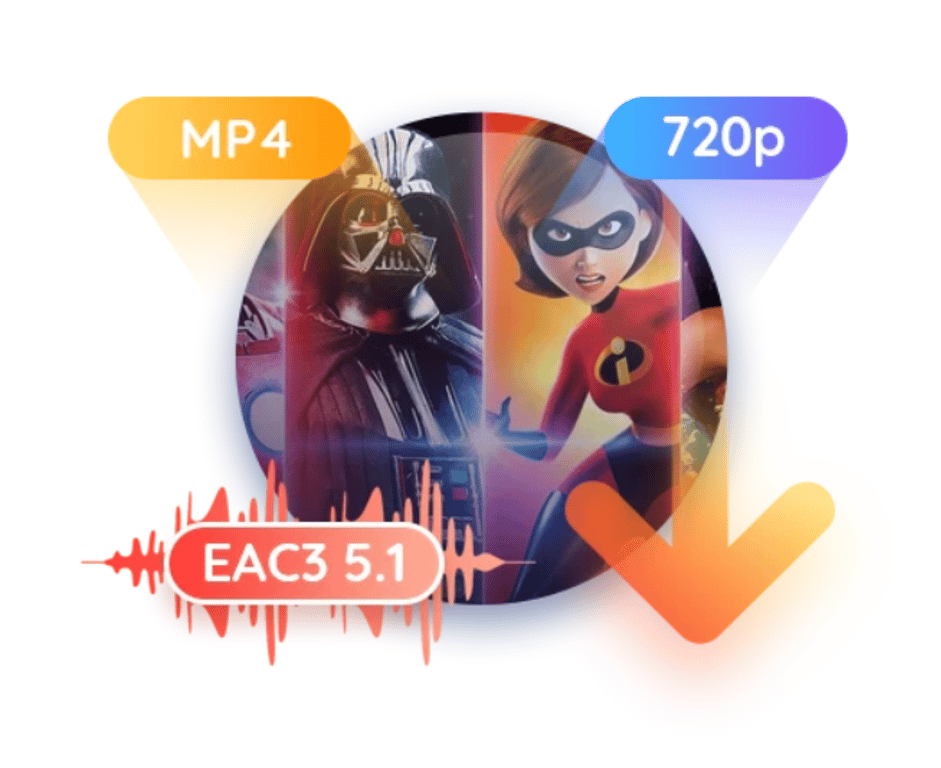
- The video that you download will be compatible with all devices as it is available in MKV or MP4.

- You can customize the language and audio based on your needs and preferences.
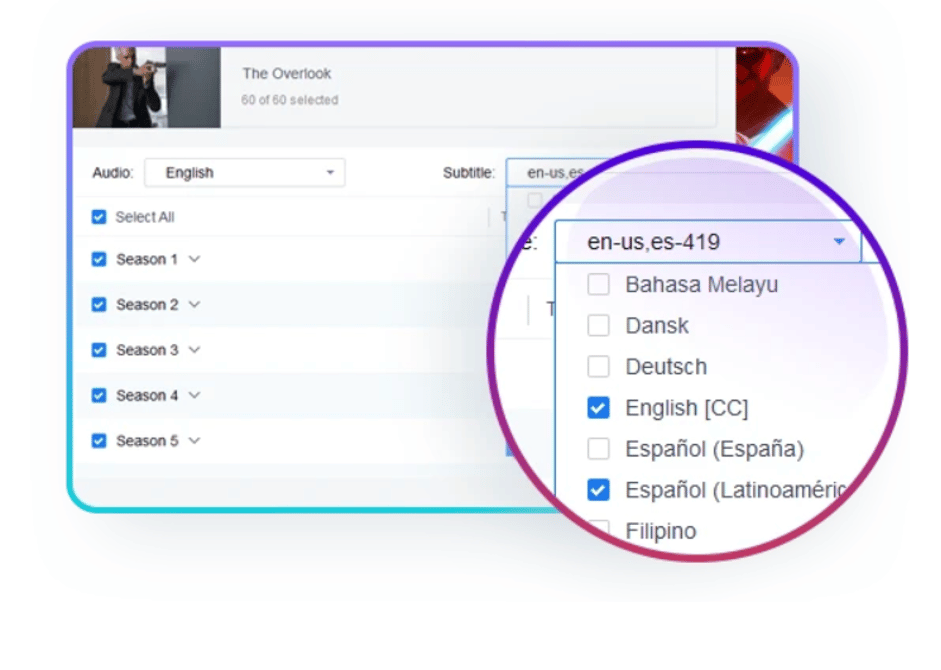
- It comes with a ‘Batch Mode’ feature for downloading multiple sets of your preferred movies and shows in one go.
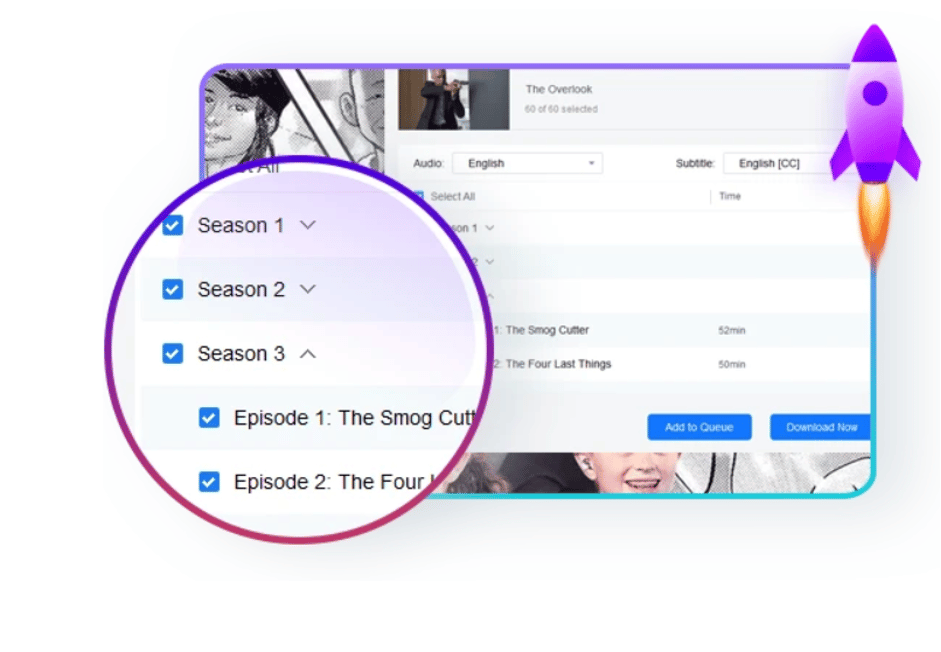
- The Fast Mode feature of the tool will allow you to download a whole movie in just 20-minutes.
How to Download Disney+ Videos?
To get started with StreamFab Disney Plus Downloader, you will have to follow the steps given below.
- Download and install the StreamFab Disney Plus Downloader.
- Launch the downloader and move to Disney Plus from the in-built browser.
- Log into your account and search for the content you would like to watch from the plethora of shows available.
- Play the video and you will notice a pop-up window asking you to download the video. Click on “Download Now” to start downloading the video.
Once the video has been downloaded, you can watch the content anytime you want.
Final Verdict
As we have come to the end of the guide, you might already know that Disney Plus is a streaming service that has a lot of content for you to watch. You can use the Disney Plus app to download its content but it comes with some limitations. For the best experience, you should use the StreamFab Disney Plus Downloader.











