
High-quality images are more than just beautiful in the current digital era; they are necessary. Possessing the appropriate tools might be crucial whether you are an influencer, content producer, owner of an online store, or just someone who enjoys sharing high-quality images. Remaker AI and Nano Banana (Gemini 2.5 Flash picture) are two AI-powered picture editing programs that are currently making waves. Together, they provide a potent arsenal for realising almost any creative concept, each with its own advantages.
What is Remaker AI?
An online collection of AI Background Remover tools called Remaker AI was created to streamline processes and make difficult tasks easier. Among its exceptional qualities are:
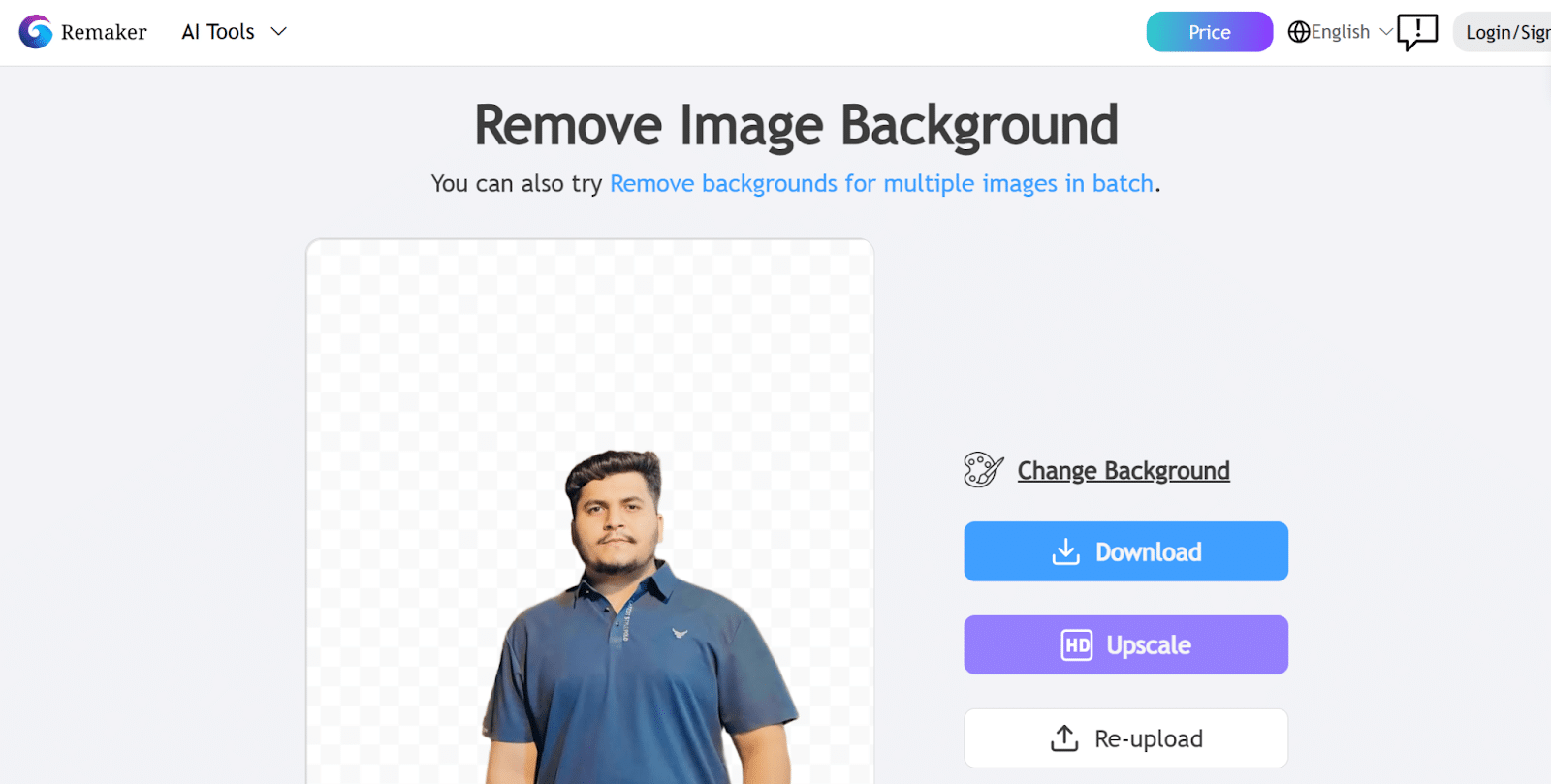
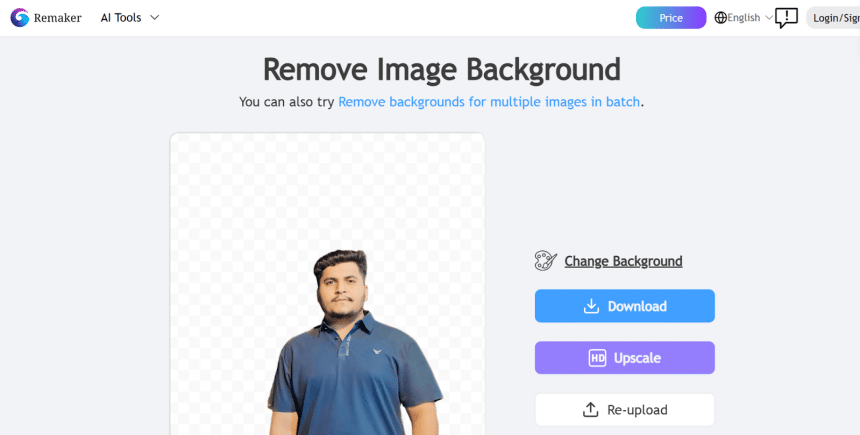
- Background Remover: This tool removes backgrounds with a single click, producing clear, transparent images that are perfect for overlays or product photos.
- Use an image upscaler to increase resolution without sacrificing detail.
- Among other things, Studio Ghibli-style filters and Magic Eraser allow for creativity without requiring much editing knowledge.
- Cross-platform compatibility (PC, Mac, iOS, Android), credit-based pricing (no recurring subscriptions), and ease of use.
When you need quick, dependable adjustments for things like upscaling, deleting items, removing backgrounds, or adding a stylised filter to your images, Remaker is fantastic.
What is Nano Banana?
The codename for Google’s Gemini 2.5 Flash Image image editing model is Nano Banana Photo Editor. This cutting-edge technology, which was just introduced, pushes the limits of AI-powered content creation and image manipulation. Important characteristics:
- Prompts in Natural Language for Accurate Edits: You can instruct it to “blend two scenes together,” “put the subject in vintage clothing,” or “change the background to a sunset.”
- Consistency in Character: Even when you alter the hairdo, attire, location, etc., it maintains the likeness of individuals or objects during revisions. By doing this, the “not-quite-the-same” impression is avoided.
- Multi-Image Fusion: To create a single, coherent image, upload several images and blend elements or concepts together.
- World Knowledge & Context Awareness: Nano Banana’s integration with Google Gemini and DeepMind allows it to comprehend semantics, meaning, and background context. For instance, it can recognise the relationships between various aspects (lighting, perspective, and style).
- incorporates watermarking (“SynthID”) to identify content produced by artificial intelligence.

How They Compare & When to Use Which
How to Leverage Both in Your Workflow
Instead, consider Nano Banana and Remaker AI to be complimentary tools rather than rivals. To get the most out of both, consider the following workflow:
- Start with Clean Base Edits using Remaker AI.
Remaker can be used for basic colour correction, increase resolution, background removal, and erasing minor flaws. You can work with a clear, polished image as a result.
- Bring inside Nano Banana for Inspiring Changes
Bring the image into Nano Banana after it is clear (transparent backdrop or fixed base photo). To switch styles, mix scenes, experiment with new backgrounds, or maintain the same topic between themes, use prompts.
- Iterate & Refine
Because Nano Banana supports multi-turn editing and character consistency, you can refine the edits: e.g., change lighting, adjust style or background without losing resemblance.
- Finalize and Polish
If needed, send the output back through Remaker AI to polish small details: touch up edges, refine the blend between subject and background, or upscale further.
- Refine and Iterate
You can fine-tune the adjustments by changing the lighting, style, or background without sacrificing likeness because Nano Banana allows for multi-turn editing and character consistency.
- Complete and polish
Send the output back to Remaker AI if necessary to enhance minor elements, such as enhancing the subject-background blend, adjusting edges, or upscale even more.
Practical Use Cases
- E-commerce/Store Products: utilise Remaker to acquire clear product photographs by removing the background; utilise Nano Banana to showcase products in various settings, backgrounds, and styles for marketing photos.
- Content Creators & Social Media: Use Nano Banana to experiment with various styles, eras, themes, figurines, and 3D-like effects. To swiftly remove distractions or tidy up images, use Remaker.
- Branding & Consistent Visual Identity: In order to keep the same appearance (face, product, subject) throughout campaigns, make use of Nano Banana’s consistency features. Clean presentation is guaranteed by Remaker.
- Restoration/Nostalgic Themes: Apply Nano Banana on old photographs to colourize or alter their backgrounds, and then use Remaker AI to finish cleaning them.
Things to Watch Out For
- AI Ethics & Authenticity: There is a chance of abuse, particularly with identity-preserving tools like Nano Banana (deepfakes, inappropriate manipulations). Respect image ownership and always apply watermarking.
- Over-reliance on Automation: Although AI is incredibly powerful, manual touch-ups are still necessary for extremely fine-grained tasks (such as colour grading and precise masking).
- Costs & Limits: Costs may increase with extensive use, particularly when using Nano Banana via API or pro levels. Nano Banana offers pricing per usage through the Gemini API or AI Studio, while Remaker employs one-time credit transactions.
- Maintaining Style/Quality: Styles or lighting may not always match when merging. Always preview prompts and modify them as necessary.
Conclusion
Nano Banana and Remaker AI both embody the state-of-the-art in AI-driven image editing. Remaker AI is great if you want fast edits, clear backdrops, and simple corrections. However, Nano Banana excels when you strive for more ambitious, imaginative, and stylistic changes—maintaining subject consistency, fusing scenes, or altering backgrounds or themes.
When combined, they can improve your workflow’s speed, quality, and innovation while expanding your creative and imaginative possibilities. In summary, combining both technologies gives you a competitive edge if you value both creativity and quality in your pictures.











