We keep hearing about how AI is getting better at managing tasks, and how AI-powered apps, software, and websites could help automate tedious and repetitive work. Now, we get to see one in action, thanks to this Picwish review.
PicWish AI photo editor is an AI-powered photo editing platform available on the web and as an app. We take a look at its features, ease of use, and ability to enhance images to the one you want.

What is PicWish?
The AI photo editor comes in two forms- one as a website at picwish.com, and the other as an app that you can download on the Play Store and App Store.
If you’ve ever used Adobe, Canva, or any other popular photo editing tool then you’ll know what PicWish is. However, it’s worth noting that instead of having to manually clean up the image, such as removing the background or objects, unblur, and enhancing, you can just click or tap a button and PicWish takes care of the rest.
While removing backgrounds and objects are the most common use case for photo editors like PicWish, the versatile tool has other functions you’d want to use every now and then. Ultimately, you can do everyday photo editing tasks for personal or professional use with the PicWish app or website.
PicWish AI Photo Editor Features
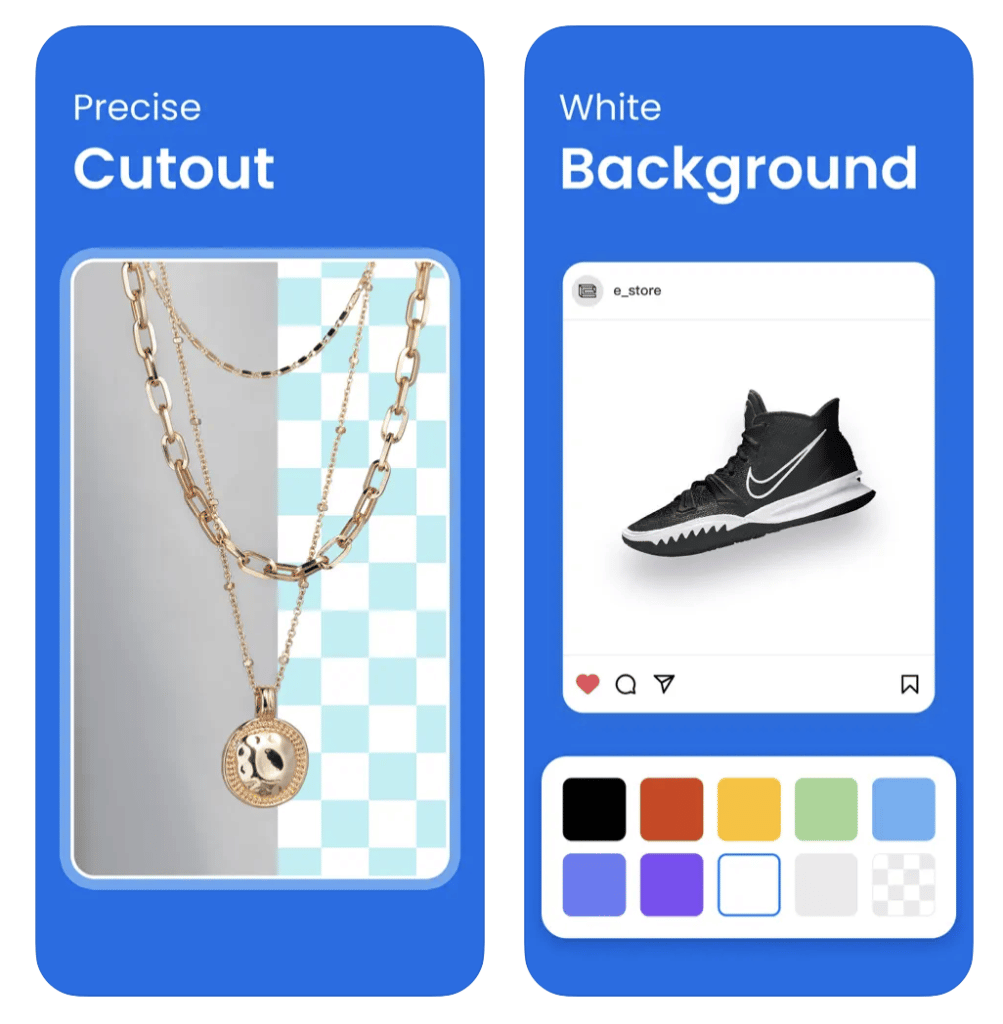
Superb Background and Object Removal Accuracy.
With PicWish you won’t have to worry about the final object missing limbs or important pieces, as the AI tool detects and has a large database of real-world images it draws on to do the work.
Instant Photo Enhancement.
PicWish can increase an image’s resolution to ‘unblur’ photos and enhance them, all in just several clicks. You can get professional-quality enhancements without having to learn the skill at all.
Colorize Any Old Picture.
The ‘colorize’ option is a nice touch, especially if you have some old black-and-white pictures you’d like to modernize.
Works on the Web.
PicWish web is great for one-offs and when you want simple image re-touches. However, the app is better if you’re looking to do batch processing or if you want to access all the tool has to offer.
Crop and Enlarge As You Like.
Though not as used, the ability to enlarge and crop can come in very handy to those who want to eliminate certain elements in their images.
Image Compression Tool.
Compress your finished image to a fraction of what it was before.
Batch Background Removal.
Batch background removal of more than one image is also supported.

How to Remove Background Using PicWish Tool
Step 1. Upload Your Image on PicWish.com or the Official App
Step 2. Open the Image and Wait for It To Load
Step 3. PicWish Auto-Removes the Background
Step 4. Refine By Using Draw or Brush Tools
Step 5. Download the Finished Image
Keep in mind that to download the image you will need to sign up or log in at the PicWish website. You can download it as well if you plan on using the tool several times in the foreseeable future.
The Bottom Line – Should You Try PicWish?
PicWish’s greatest strength lies in the fact that it’s intuitive, readily accessible, and very easy to use. You can have an enhanced image in just a few minutes, as well as have an object ready for selling on an e-commerce website or social media.
The bonus features make it a photo editor tool that you can use on a daily basis. Plus, it’s AI-powered and thus eliminates some of the learning curves in photo editing.
Being able to use a photo editor via a web browser is a noteworthy mention.