
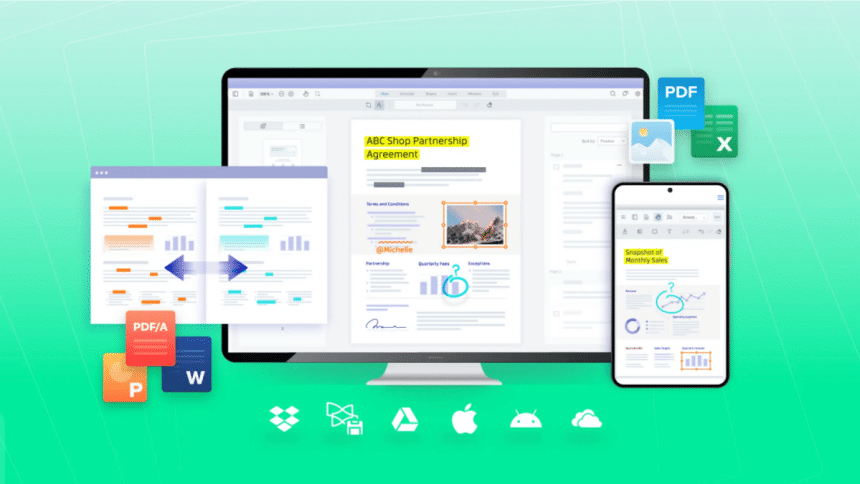
Portable Document Format (PDF) files are quite a popular format for people to share online documents. This document format is easy to create, share, and view on any device without downloading numerous software. Besides text and images, these files can have other interactive features like hyperlinks. Additionally, they can be opened on any device without compromising quality if the user has a PDF reader. The PDF infrastructure supports security features such as adding a password to restrict access to information. This feature helps to ensure the document does not get unauthorized access. Also, users can protect their documents using encryption. This security feature decodes the file and can only be opened with a specific key. However, a challenge many people face when using PDF files is that, at times, the document can get so big. This will take up more space when this happens, making sharing challenging. Those who get the file also struggle to download it. For those in this dilemma, here are ways they can reduce their PDF file size.
Use Online PDF Size Reducer
Those searching for a reliable way to reduce their files to share, store, or email easily can use an online PDF size reducer. There are various options online; some are free, and others will require them to pay a fee. Though the free version is effective, it might be slow, and those using it must only download one file at a time. On the other hand, the paid version offers immediate access to the user and enables them to download as many files as they want simultaneously. The choice of whether to pay or use the free version is personal, but those who send or receive many PDF files should use the paid version to save time.
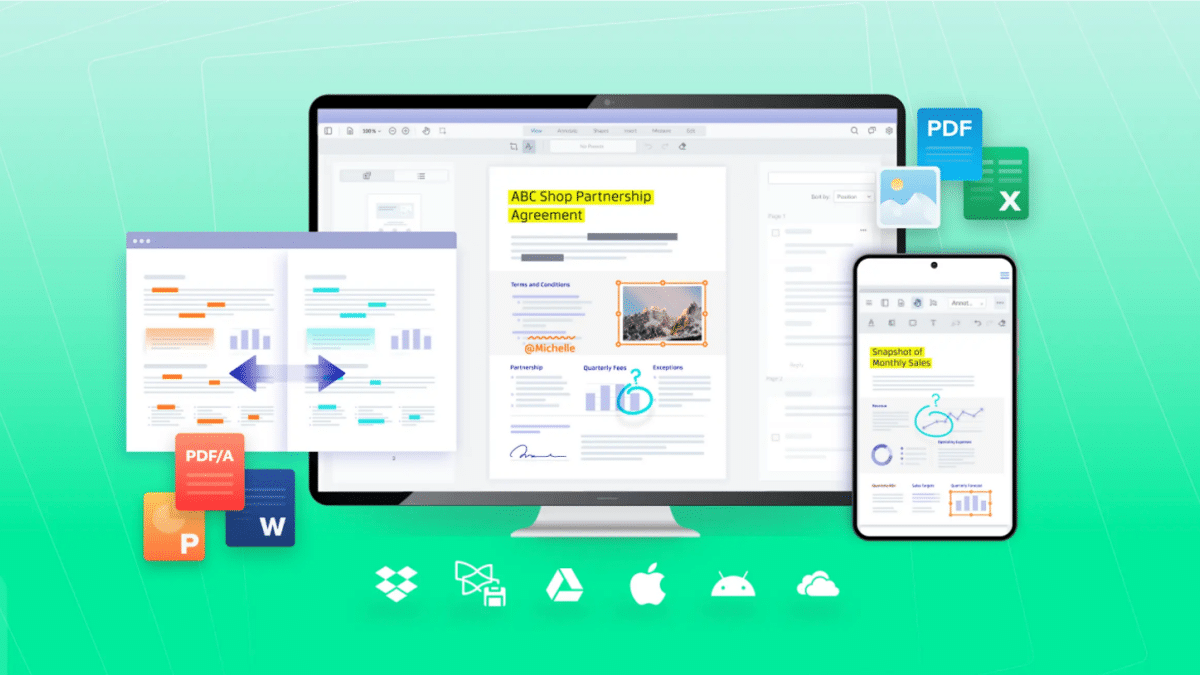
Some software allows download and installation on specific gadgets, making it easier to access the reducer when necessary. With the right software, users can easily compress a PDF file on Mac and boost their productivity. Some of the software will offer both compression and a high compression option. Before choosing software to compress files, it is prudent for the users to ensure it is safe, reliable, and easy to use. They should also check if the compression company has other crucial PDF features.
Make Use of Adobe Acrobat Pro
Another way people can compress large files is by using Adobe Acrobat Pro. This software is easy to use. They only need to select the file they want to use and drag it to the PDF file drop zone. After uploading the file, the user should choose the option “Make it Smaller,” and the PDF size will be reduced. Once this is completed, the user can download it or sign in and share the file. With this application, users can choose to compress the file in the browser, meaning they do not have to download Adobe Acrobat Pro from their gadgets to use it. It also offers them different compression options, such as a high level, if they want to get the smallest size possible. The other options available are Medium and Low compression for those who want to reduce the file size without compromising quality. The reason that users prefer using Adobe is that it respects privacy. Unless the user saves the file, it will be automatically deleted from the server once they are done with the compression.
Use an Archiver
People working with large files who do not want to lose the quality by reducing the size can choose to compress it using an archiver. Turing the document into a zip file is one of the best ways to compress it, and the best part is that it is free. To reduce the use of PDF files in an archive, users must find a suitable achiever, download it, and install it on their gadgets. The next step is to choose the document they want to reduce and then choose the archive they have downloaded. This will prompt them to choose the compression format and level, such as the higher compression yields or the smaller files.
If users want to protect their data, they can set a password. Then click on the OK to initiate the process of reducing the file. Once the process is complete, the compressed file will appear in the same folder as the original PDF. The challenge of using this format is if the user is planning to send the file to another person, they will need to make sure the recipient has an achiever to open the document. Another challenge of this system is that users cannot directly edit the file while it is achieved; they have to extract it first, make edits, and then compress it. However, this compression method offers up to ten times smaller PDF compression ratios.
Check the Image
One of the reasons why people like using PDFs is that they allow them to attach images without compromising on quality. However, if they use extensive documents with numerous photos, it may be too big. Users can reduce the file size by lowering the image resolution within the PDF. This simple step involves dropping the image’s quality by exporting the photos using lower dots per inch (DPI) before attaching them to the PDF file. The users can extract all the pictures in their PDF file and resize them all simultaneously. That will help save time and effort. Another way that users can reduce the size of their images is by replacing them with vector illustrations. These are equations used to represent images. It allows for scalability without losing the quality. They are used to define lines, shapes, and colors. Due to this, the vector files do not need ample storage space, and using this option to represent images in the PDF files means the PDF file size will be reduced. Additionally, this is an excellent way to save pictures used in illustration since vector images will maintain their resolution when zoomed.
Most people use PDF because it offers high-quality documents. But that does not mean that the file has to be large. If a user notices that their file is larger than they want, they can reduce the size by making a few adjustments. The best part is that anyone can do this if they know what they want. What’s more, most compression applications are free.











