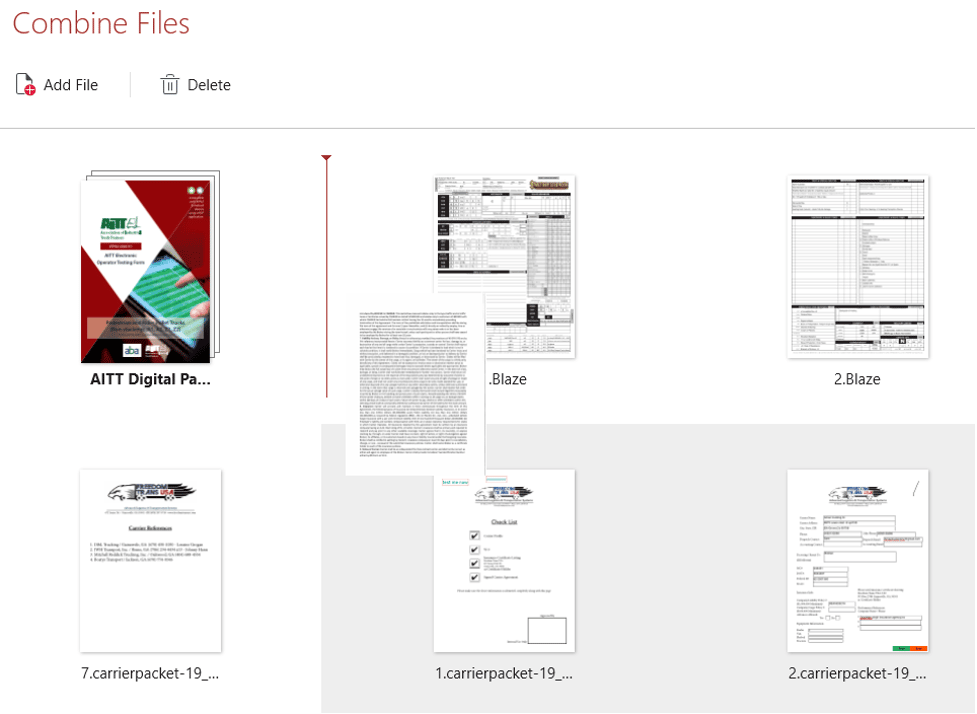
Combine multiple PDF files into a single, ready-to-use PDF. Arrange all of your files and pages into the perfect combination to get the best-looking PDF possible
What is a PDF combiner and why do you need one?
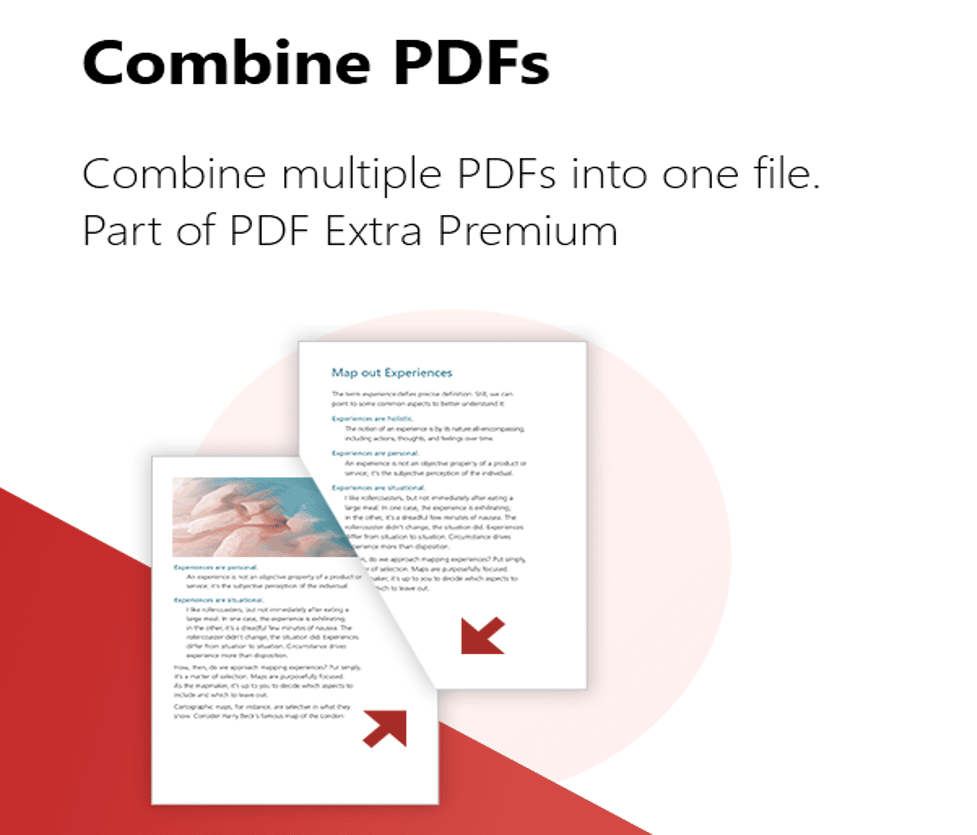
A PDF combiner is a software tool that can be used in order to obtain a single PDF file from multiple input files which are also usually PDF files themselves. This is incredibly useful when you want to reduce the clutter and share or protect just a single file instead of juggling an entire myriad of messy and oddly named documents. Attaching a single file to an email is orders of magnitude easier and more convenient for both you and your recipient. Not to mention that some clients straight up do not allow you to attach multiple files and you will avoid the awkward possibility of having to archive all of your files only to then find out that the person receiving those does not have the precise software needed to unzip and use the files!
There are other very real and practical implications where having a PDF combiner is incredibly useful, for instance, if you’re digitally signing documents with another party and want to have those signed in by a Cloud provider like DocuSign you would definitely benefit from having less total files. Furthermore, combining almost always means you also want to rearrange the pages and reorganize the file so you make it just right for your audiences.
A great PDF combiner is a perfect tool to help you build a great-looking portfolio, CV, or project that you can share with confidence with your customers or partners. Making a great first impression by having a professionally assembled properly secured PDF file that leaves confidence if its readers is the cherry on top.
Edited to perfection and beautifully arranged
With PDF extra you can do more than just combine a couple of files. The software allows you to manipulate the pages from any number of input documents in almost any way imaginable. You can completely change the sequence of pages, the orientation and content of the pages, or even make crucial additions and annotations via the strong editing capabilities prior to combining your work into a finished product. The PDF files you have are merely a suggestion, waiting for you to unleash your creative side to polish and perfect them into a document you’re proud of.
Intuitive controls and a slick UX
The UI that PDF Extra provides is intuitive and allows you to directly drag and drop any number of files you want before starting a combine. This is not limited to just a few files and you can add files from any location on your device or from MobiDrive’s cloud storage. Unlike many other combiners, you can easily preview all of the pages inside the document in order to disease how to arrange those and are given quick and easy drag & drop controls directly into the combine window itself. You are able to expand all of the pages inside a file for more fine-grained control over them and then retract them back once you’re done with your work. In addition, removing or cutting pages from documents is always an option, frequently trimming some sensitive or private content from a document is incredibly valuable.
Also, note that you’re not required to add all files to the combine upfront and can keep adding files as you go. Furthermore, all files that you’ve used in the combine will be preserved on your device and a brand new combined file will be created, this way all of your data is still safe and you can go for another combine if you wish to.