
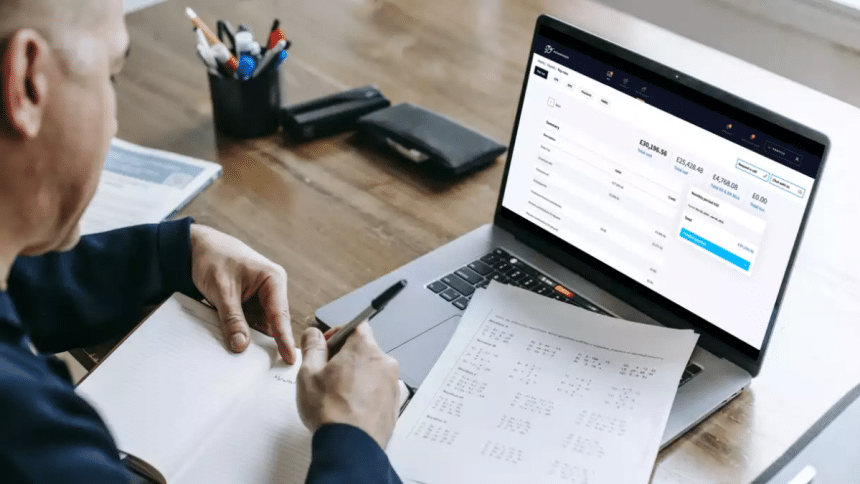
In today’s mobile-driven world, business owners and HR professionals don’t want to be tethered to a desk when it comes to handling payroll. With remote work, global teams, and flexible work arrangements becoming the norm, the ability to manage salaries and track employee hours from an iPad has transformed payroll from a time-consuming chore into a streamlined, on-the-go process.
This article explores how iPads and payroll software are redefining efficiency, the key benefits of mobile payroll, and what businesses should look for when choosing the right tools.
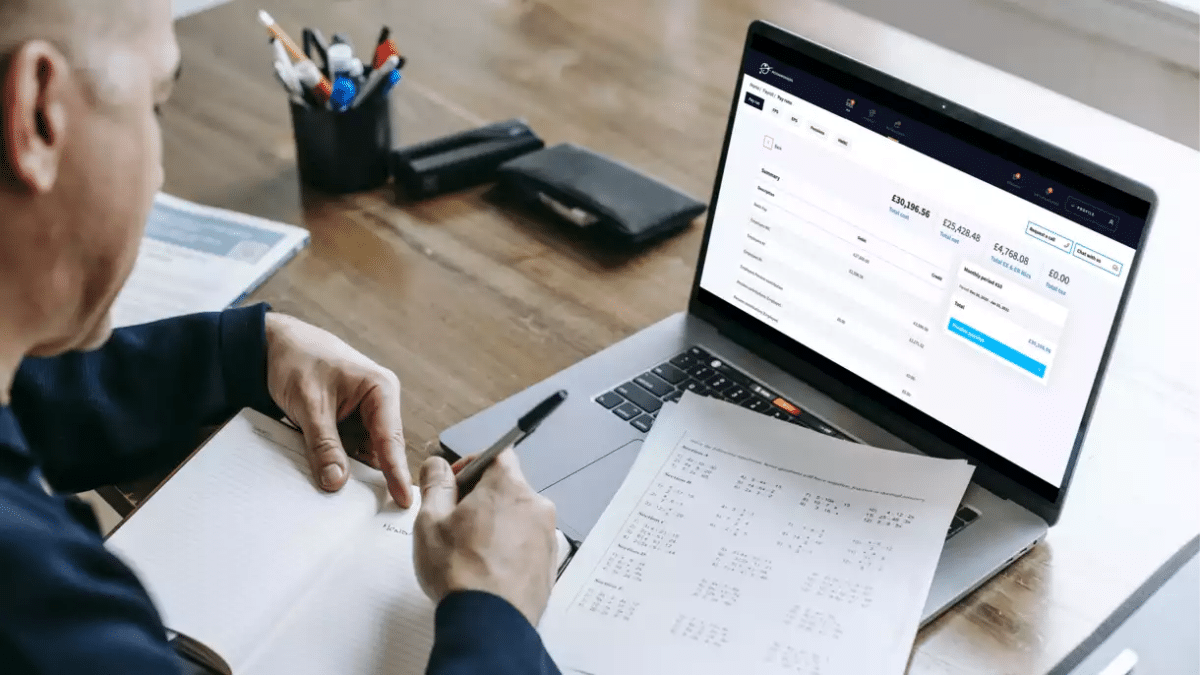
Why Mobile Payroll Matters
Payroll isn’t just about paying employees; it’s about ensuring accuracy, compliance, and timeliness. Traditionally, this required bulky desktop systems or manual spreadsheets. However, mobile devices like iPads now bring that same power into the palm of your hand.
For small business owners who wear many hats, or managers overseeing distributed teams, mobile payroll means:
- Flexibility: Process payroll from anywhere, whether at home, in the office, or while traveling.
- Real-time updates: Track employee hours, time-off requests, and overtime instantly.
- Faster approvals: Review and approve timesheets without delays.
In essence, mobile payroll gives leaders the freedom to keep business moving without waiting until they’re back at their desks.
Key Benefits of Managing Payroll on an iPad
1. Accessibility Anytime, Anywhere
Your iPad becomes a portable HR hub. You can review timesheets during your commute, process payroll while traveling, or approve employee reimbursements before a meeting. This accessibility helps avoid payroll delays that can affect employee satisfaction and trust.
2. Streamlined Time Tracking
Modern payroll apps integrate with time-tracking systems, allowing employees to clock in and out digitally. From your iPad, you can view attendance records, see who’s working overtime, and ensure hours are recorded accurately, reducing errors that often lead to payroll disputes.
3. Compliance Made Easier
Payroll involves more than just wages. Taxes, deductions, and labor laws vary by region. Many payroll apps available on iPad offer built-in compliance features, automatically updating tax rates and generating reports required for filing. This ensures you stay compliant without manually tracking regulation changes.
4. Improved Security
iPads support biometric authentication like Face ID and Touch ID, adding an extra layer of protection when accessing sensitive payroll data. Combined with encrypted payroll apps, business owners can rest assured that employee financial information remains secure.
5. Reduced Administrative Load
By automating repetitive tasks like generating pay stubs, calculating deductions, or distributing direct deposits, mobile payroll reduces the burden on HR teams. This efficiency frees up time for more strategic tasks such as employee engagement and growth planning.
Features to Look for in a Mobile Payroll Solution
If you’re considering managing payroll from your iPad, the right software makes all the difference. Look for solutions that offer:
- User-friendly dashboards: A clean, simple interface that’s easy to navigate on a tablet.
- Integration with time-tracking tools: To ensure accurate payroll based on real employee hours.
- Cloud-based storage: So payroll data syncs seamlessly across devices.
- Automated tax filing: To stay ahead of compliance obligations.
- Pay stub generation: For employees who want instant access to proof of income.
- Scalability: The ability to grow with your business, whether you have five employees or five hundred.
Practical Scenarios for Payroll on the Go
Imagine a retail manager with multiple store locations. Instead of driving to the office computer to run payroll, they can pull out their iPad and approve timesheets in real time.
Or consider a business owner traveling abroad. They can still ensure employees back home are paid on schedule with just a few taps. For freelancers and contractors, iPad-based payroll tools allow them to create pay stubs instantly, helping streamline income verification for loans or rentals.
These scenarios show how payroll on the go isn’t just convenient, it’s becoming essential.
Overcoming Common Concerns
Some business owners hesitate to adopt mobile payroll due to concerns about data security or reliability. However, most modern solutions address these issues with:
- Automatic backups: Preventing data loss in case of device damage.
- Two-factor authentication: Protecting accounts from unauthorized access.
- Regular updates: Ensuring apps meet evolving compliance and security standards.
By choosing trusted providers, businesses can enjoy mobility without sacrificing peace of mind.
The Future of Payroll: Fully Mobile
The shift to mobile payroll is part of a larger trend toward digitization in HR. As artificial intelligence and automation advance, iPad-based payroll apps may soon offer predictive insights such as forecasting overtime costs or flagging compliance risks before they become issues.
For businesses embracing hybrid and remote work, mobile payroll ensures that no matter where leaders or employees are, payroll remains seamless, accurate, and efficient.
Conclusion
Managing salaries and hours from an iPad is no longer a futuristic idea; it’s a practical solution reshaping how businesses handle one of their most critical functions. With the right payroll tools, business owners and HR professionals can save time, improve accuracy, and stay compliant, all while enjoying the freedom of mobility.
Whether you’re a small business owner juggling tasks, a manager overseeing a remote team, or a freelancer needing quick access to pay stubs, payroll on the go delivers flexibility without compromise. The message is clear: the future of payroll fits right in your hands on your iPad.











