
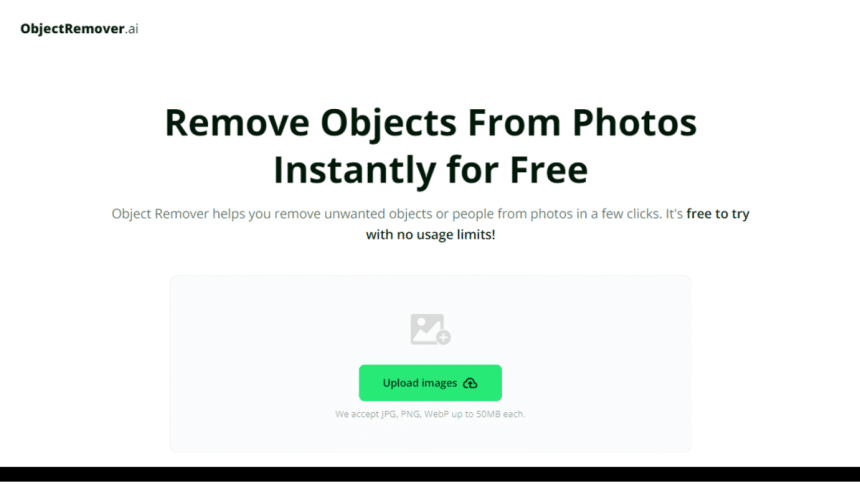
Image editing has revolutionized the way we interact with visual content, and tools like Object Remover are at the forefront of this change. Designed to effortlessly eliminate unwanted elements from your photos, this tool boasts a blend of efficiency and simplicity that appeals to both novices and experts alike.
In this detailed review, we take a closer look at what makes Object Remover stand out in a crowded market. From its intuitive interface to its powerful performance, we examine every aspect to help you determine its value. Join us on this journey to discover how Object Remover can transform your editing workflow, and don’t hesitate to engage with us.
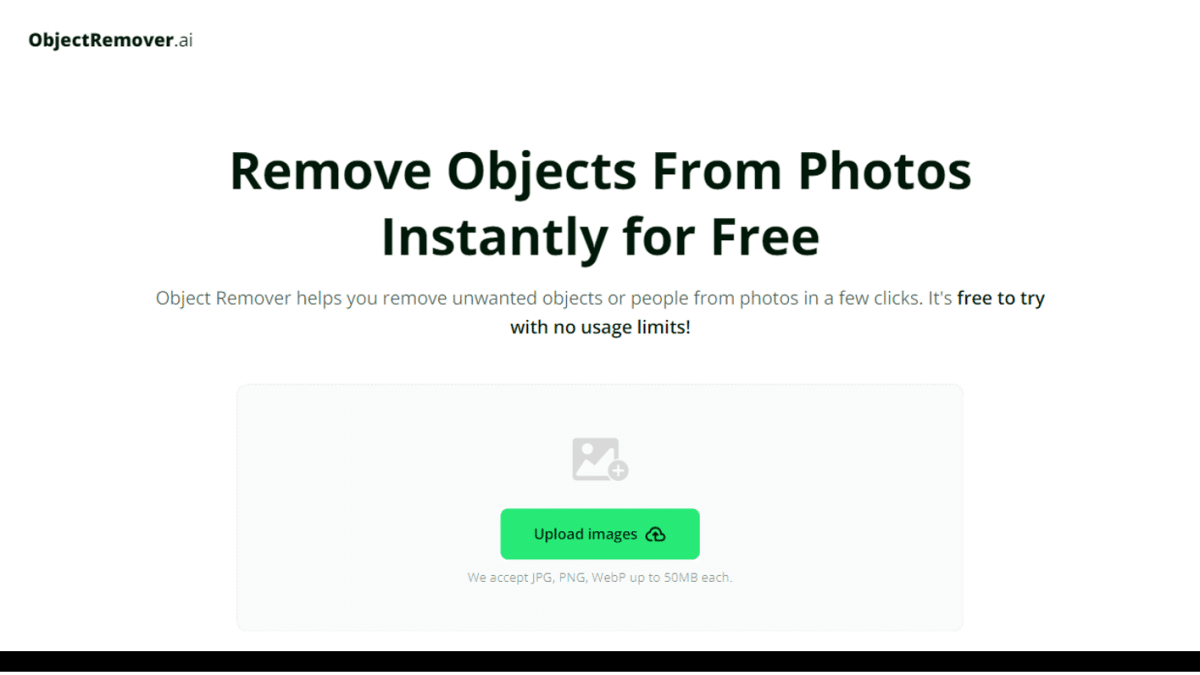
Overview of Object Remover
Object Remover is an AI-powered tool designed to eliminate undesired elements from photos, resulting in cleaner images. Using advanced algorithms, it seamlessly replaces pixels around the removed object, ensuring no rough edges or imperfections. This makes it ideal for various editing needs, from product photography to landscapes.
The tool’s greatest advantage is its accessibility for both beginners and experts. With a fully automated process, no specialized hardware or technical skills are required. Simply upload your image, let the tool work, and within seconds, you’ll have a refined version free from distortions or artifacts.
Practical Application Scenarios
Remove Objects From Photos of Travel
If a random passerby or stray object has ruined a perfect shot, users can easily remove those distractions with Object Remover. This tool allows for the effortless elimination of unwanted elements, ensuring that the beauty of the journey is captured unobstructed. This results in a cleaner, more refined photo that truly reflects the intended scene.
Achieve Pristine Product Photography
Users can create focused and professional product photos designed to boost sales with the help of Object Remover. This AI-powered tool eliminates distracting or unrelated elements, ensuring that the product remains the focal point. By seamlessly blending the surrounding pixels, Object Remover enhances the overall quality of the image.
Craft Impeccable Social Media Images
Object Remover assists users in creating flawless images for their social media posts using advanced AI technology. By erasing photobombers and distracting elements, it ensures that each image stands out and captures the viewers’ attention. Consequently, these refined images are more likely to attract likes and engagement from followers.
Simplify Design Workflow with Precision
Users can streamline their design process with the AI-powered Object Remover, which simplifies the creation of perfect compositions. By eliminating unwanted objects from stock photos, this tool ensures that the final design meets the project’s exact requirements. As a result, designers can achieve a polished and professional look effortlessly.
Enhance Real Estate Images
Creators can refine their property photos by removing unwanted objects such as vehicles, power lines, or trash cans with Object Remover. This tool allows for the creation of clean and appealing images that attract potential buyers. By focusing on the property itself, the images become more inviting and professional.
Restore Old Photos to Original Quality
Using Object Remover, users can rejuvenate old photos to eliminate blemishes or marks. This advanced tool helps in removing imperfections, thereby restoring cherished memories to their original, pristine condition. As a result, users can preserve and enjoy their valuable photographs with enhanced clarity and quality.
How Object Remover Works
Step 1: Upload your targeted photo to Object Remover and let the advanced AI technology handle the rest of the work.
Step 2: Select the objects or people you want to remove from your photo. The intuitive interface allows you to easily highlight and mark the unwanted elements.
Step 3: You will then receive the edited photo with no distortion or any artifacts after a single moment.
Suitable Users of Object Remover
General Users
Object Remover is capable of enhancing various types of photos, from travel pictures to family portraits. It efficiently removes any unwanted objects or persons from the images. This technology ensures that the final photos are cleaner and more aesthetically pleasing. Users can then share these improved images with their friends and family confidently.
Enhancing Visual Appeal for Marketers and Advertisers
A clear visual message is crucial for promotion, and Object Remover assists marketers and advertisers in achieving this goal. It helps remove any distractions from images, ensuring that the focus remains solely on the products or services being promoted. By doing so, it enhances the overall visual appeal of promotional materials.
Streamlining Image Editing for Graphic Designers
Object Remover assists graphic designers in cleaning up the images they select for their projects. By removing unwanted elements, it allows designers to create more focused and impactful designs. This tool enhances the quality of their work, ensuring that the final output is visually compelling.
Perfecting Shots for Photographers
Object Remover supports photographers by eliminating unwanted elements from their images, whether they are shooting landscapes, portraits, or events. This AI tool can effectively remove people and other distractions while maintaining the quality of the photo. It ensures that the final images are clean and professional.
Conclusion
Object Remover stands out as an essential tool for professionals across various fields, including marketers, advertisers, graphic designers, and photographers. Its powerful AI-driven capabilities streamline the process of removing unwanted elements from images, ensuring the final output is clean, focused, and visually appealing.
Whether you’re enhancing promotional materials, refining design projects, or perfecting photographic shots, Object Remover offers the precision and efficiency needed to elevate your visuals to the next level.











