
iLoungeiLounge
  • News
    • Apple
      • AirPods Pro
      • AirPlay
      • Apps
        • Apple Music
      • iCloud
      • iTunes
      • HealthKit
      • HomeKit
      • HomePod
      • iOS 13
      • Apple Pay
      • Apple TV
      • Siri
    • Rumors
    • Humor
    • Technology
      • CES
    • Daily Deals
    • Articles
    • Web Stories
  • iPhone
    • iPhone Accessories
  • iPad
  • iPod
    • iPod Accessories
  • Apple Watch
    • Apple Watch Accessories
  • Mac
    • MacBook Air
    • MacBook Pro
  • Reviews
    • App Reviews
  • How-to
    • Ask iLounge
Font ResizerAa
iLoungeiLounge
Font ResizerAa
Search
  • News
    • Apple
    • Rumors
    • Humor
    • Technology
    • Daily Deals
    • Articles
    • Web Stories
  • iPhone
    • iPhone Accessories
  • iPad
  • iPod
    • iPod Accessories
  • Apple Watch
    • Apple Watch Accessories
  • Mac
    • MacBook Air
    • MacBook Pro
  • Reviews
    • App Reviews
  • How-to
    • Ask iLounge
Follow US

Articles

Articles

New Gadget? 5 Tips to Lock Down Your Privacy

Last updated: Oct 29, 2025 4:47 pm UTC
By Lucy Bennett
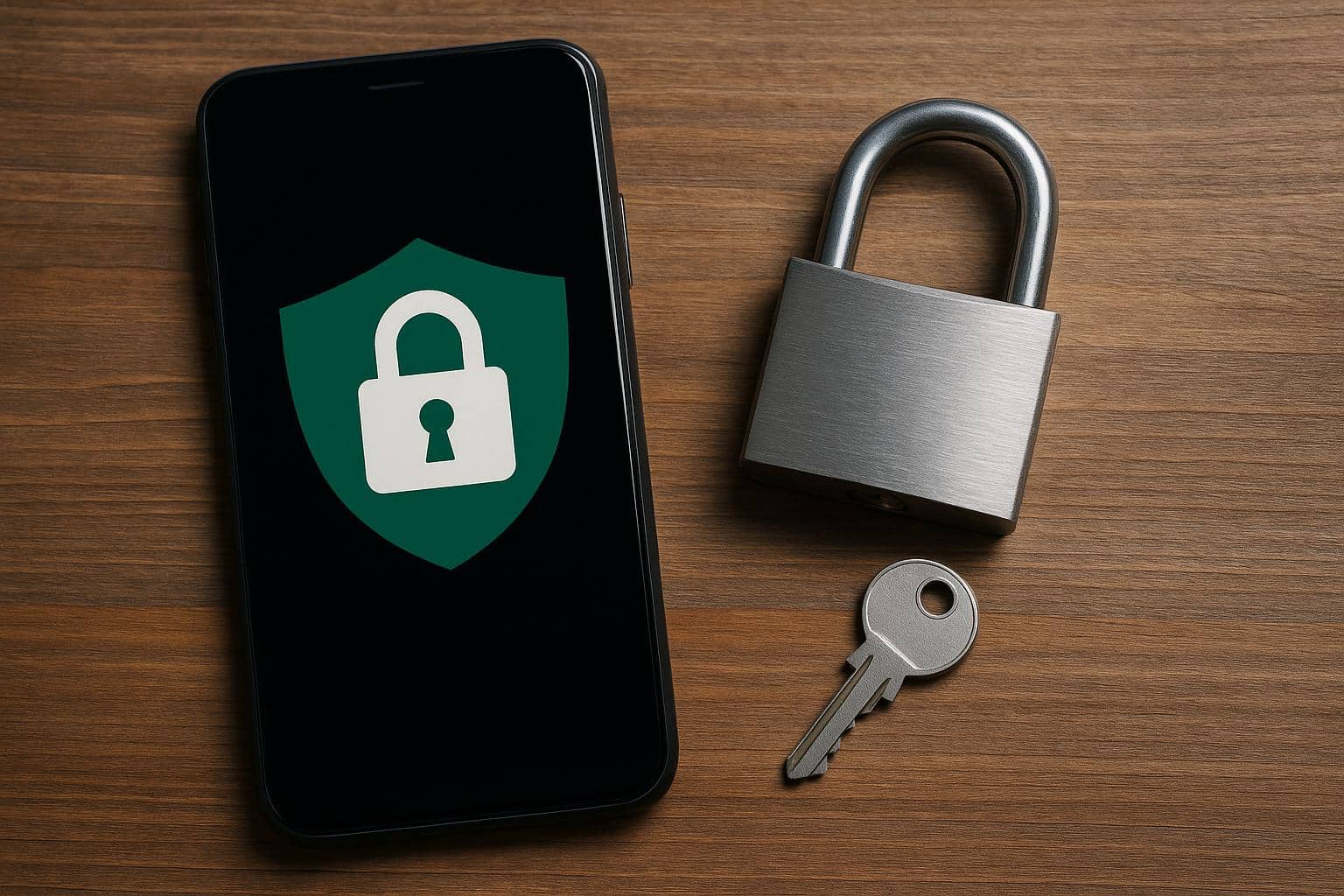
Smartphone with privacy settings icons representing tips to secure new gadget privacy

You’ve just received and unboxed your new gadget, and it’s quite exciting! As part of the initial setup, make sure to secure your network and your newly added device, as it could be the perfect target for hackers to get into your personal data through your internet at home. Here are some tips to lock down your privacy upon getting a new gadget.


Designate a Guest WiFi

Having a guest Wi-Fi in your Pinery Residences condo can help protect your main network. Every device that’s connected could be a potential door for hackers to enter. You have to get to the admin password and the IP address of the device to gain access to the router, then ensure SSID broadcast is enabled when you set up the Guest Network, and don’t select any options that allow devices or guests to access the local network.

Smartphone with privacy settings icons representing tips to secure new gadget privacy

Get your Device Software Up to Date

You need to check for the latest software to ensure that your device is entirely secure. If you are not sure if there is an updated version, you could go to Settings, then search for firmware or software updates. To save you time and make sure your gadget is always updated, you could toggle automatic updates on.

Create Strong Passwords

While setting up your new device, don’t skimp on creating a strong password and don’t settle for random, predictable ones. Brainstorm and try to come up with a unique combination that is hard to guess for the people outside who may be trying to get in. It is not advisable to use the birthday of a significant other or family member, or your own, as a password as well as other important dates.


Switch Off Location

Protect your privacy and security by hiding your location. Disable the feature by going to Settings, Privacy, and then Location Services. This turns off location sharing and stops location tracking and access to data by specific apps.

Activate 2FA or Two-Factor Authentication

Enabling two-step verification can add another layer of security to your gadget. You can opt to receive an email or text message with a code from a service or website that you will be visiting. This makes sure that your devices are protected and you can take immediate action when there are alerts.



Latest News
The 14-inch MacBook Pro with M5 Chip 16GB RAM/512GB is $250 Off
1 Min Read
Noise and Static on AirPods Pro 3 Still Unfixed
1 Min Read
New iMac with 24-inch OLED Display May be Brighter With 600 Nits
1 Min Read
The 15-inch M4 MacBook Air 256GB Is $250 Off
1 Min Read
Internal Kernel Debug Kit from Apple Reveals Tests for a MacBook with A15 Chip
1 Min Read
Apple Currently In Talks With Suppliers for Chip Assembly & Packaging of iPhones in India
1 Min Read
Apple Allows Easier Battery Replacement For M5 MacBook Pro with 14-inch Display
1 Min Read
The Apple Watch SE 3 44mm GPS is $50 Off
1 Min Read
20th Anniversary iPhone May Launch in Two Years
1 Min Read
Better Image Generation Capabilities and Apple Music Integration Coming to ChatGPT
1 Min Read
A20 Pro Chip Coming to Next Gen iPad Mini OLED
1 Min Read
Amazon has the AirTag 4 Pack Marked $29 off
1 Min Read

iLounge logo

iLounge is an independent resource for all things iPod, iPhone, iPad, and beyond. iPod, iPhone, iPad, iTunes, Apple TV, and the Apple logo are trademarks of Apple Inc.

This website is not affiliated with Apple Inc.
iLounge © 2001 - 2025. All Rights Reserved.
  • Contact Us
  • Submit News
  • About Us
  • Forums
  • Privacy Policy
  • Terms Of Use
Welcome Back!

Sign in to your account

Lost your password?








