
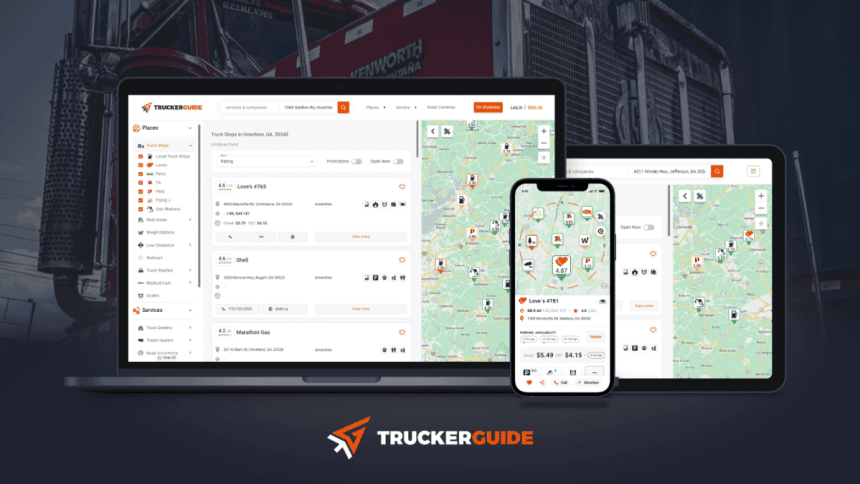
Imagine the open road stretching out before you, the hum of the engine your constant companion. You’re in control, but the road is unpredictable. Traffic, detours, and the time for searching for the perfect truck stop can turn your journey into a trouble game.
Enter the Trucker Guide —your new best friend on the highways. Tailored specifically for truckers, this app offers real-time updates and comprehensive listings that make your journey not just manageable, but enjoyable.
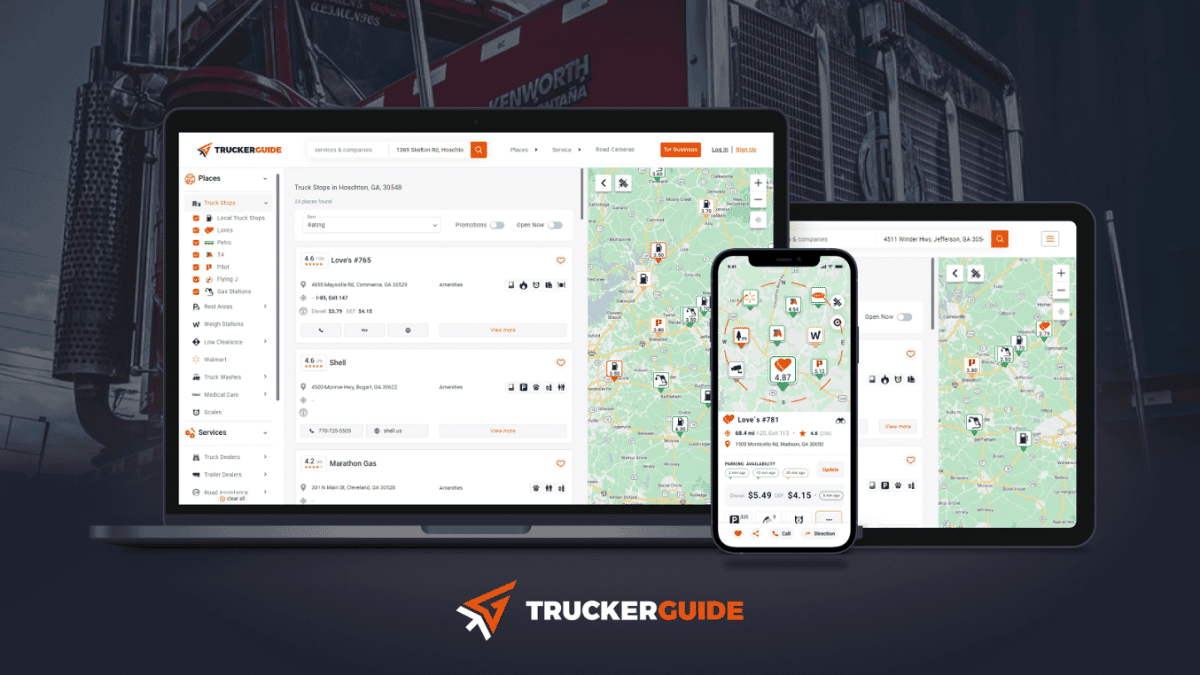
Let’s see what Trucker Guide can do for your trucking experience by focusing on its traffic camera and truck stop features.
Navigating Traffic with Ease
Traffic jams and road conditions can be major challenges for truck drivers. The Trucker Guide mitigates them by providing real-time updates through its traffic camera feature. Knowing what’s up ahead can save you from a lot of headaches.
- Stay Informed. The California traffic cameras feature offers live snapshots of traffic conditions across the state. This allows drivers to monitor road conditions and make informed decisions about their routes. The app integrates seamlessly with your Android device, offering a user-friendly interface that makes it easy to view live traffic feeds.
- Avoid Delays. By keeping an eye on real-time traffic updates, truckers can avoid congested areas and find alternative routes. This ensures timely deliveries and a smoother journey. For instance, if you notice a traffic jam forming ahead, you can quickly reroute to a less congested path, saving precious time.
- Enhance Safety. Access to live traffic feeds helps truckers stay alert to hazardous conditions like severe weather or road construction, enabling them to take proactive measures for safer travels. The cameras also provide visual updates on road incidents, allowing drivers to stay informed about any potential delays or dangers on their route.
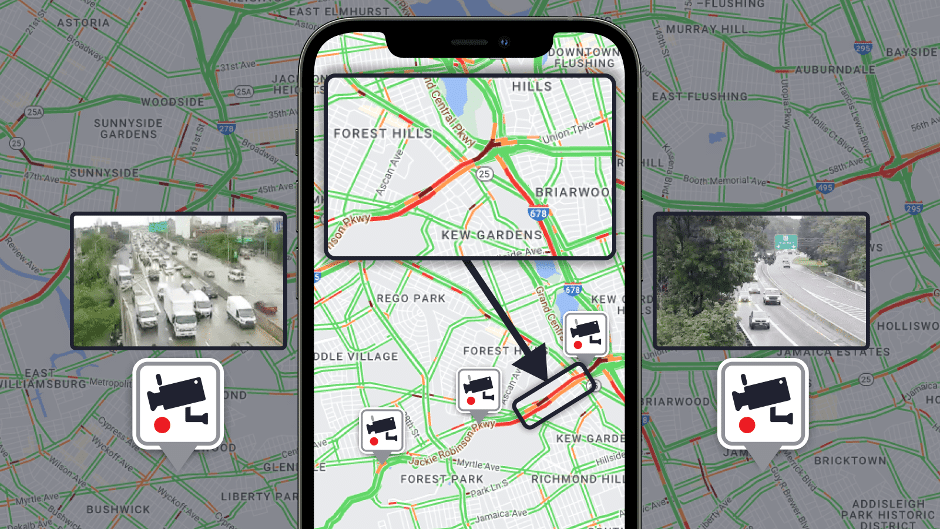
Using the California traffic cameras feature when planning your route can help ensure smoother and safer journeys, saving both time and fuel. This feature is especially beneficial in busy metropolitan areas where traffic conditions can change in the blink of an eye.
Finding the Best Truck Stops
Long hauls mean you need well-planned breaks at reliable truck stops. The Trucker Guide simplifies this process by offering comprehensive listings and amenities of truck stops. Knowing where to stop for rest and refueling can significantly impact your overall efficiency and well-being on the road.
- Detailed Information. Searching for the closest truck stop to me is easy with the Trucker Guide. It provides detailed information on amenities like showers, fuel stations, and dining options at each truck stop. Whether you need a quick refuel or a place to rest for the night, the app has got you covered with accurate and up-to-date information.
- Plan Efficient Stops. The interactive map allows truckers to plan their stops in advance, ensuring they find the best truck stops along their route. This feature is particularly useful for managing long hauls and adhering to driving regulations. By planning your stops ahead, you can optimize your driving schedule and ensure compliance with mandated rest periods.
- Diesel Fuel Prices. The app also provides up-to-date information on diesel fuel prices at various truck stops, helping truckers save on fuel costs by choosing the most economical options.
- Truck Parking Availability. Check for available parking spots at truck stops and rest areas. Real-time parking availability can save valuable time, especially in busy areas, ensuring you find a spot to rest without hassle.
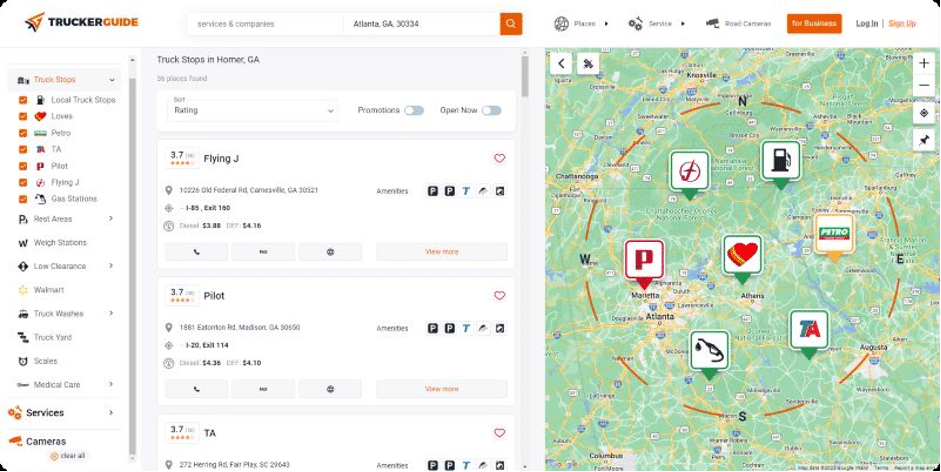
Knowing the closest truck stop to me can make your journey less stressful and more comfortable, particularly in unfamiliar areas. Whether you need a quick break or a full rest period, having reliable information at your fingertips is invaluable. The app’s user-friendly interface ensures you can easily access this information anytime, anywhere.
The Trucker Guide is an essential companion for truckers navigating the roads of the USA and Canada. With features like real-time traffic cameras, truck stop nearby listings, and more, it provides the information needed to make every journey safer and more efficient.











