
So, it’s decided! You are going to become a video blogger and share your own unique knowledge with the world. What kind of essential tools do you need to start off? If you have heard about unique talents who managed to gain mass subscribers with nothing except their personality and a smartphone, chalk it up to luck and forget. Today, the video content market is very saturated with really quality products, so if you want to gain views and subscribers, you’ll have to work and learn a lot in order to stand out. We don’t suggest that you hire a professional video production team like some YouTubers do, although this path exists. Our goal is to guide you through five most important and affordable gadgets every beginner must have for starting their own vlog whether it is a YouTube channel or an alternative (for example, if you want to create a video website free of charge).
1. Camera
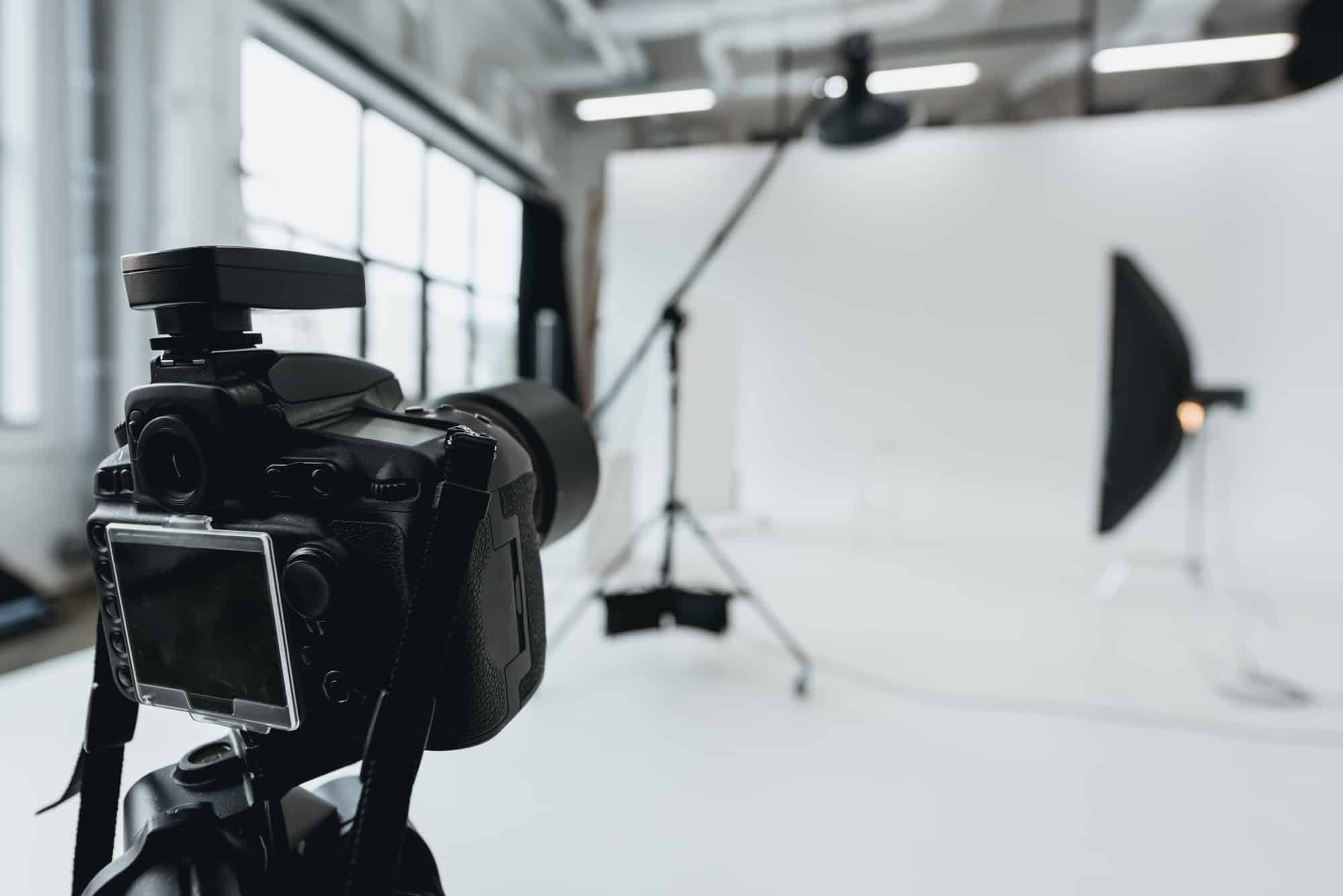
Logically, we start with a camera because no video is possible without it. As for the quality of the video, the best (and the most expensive) option is a DSLR camera. However, if you are on a budget, everything that can record high quality 1080p+ video will work for a start. It is more important to choose a camera based on the type of content you are going to create.
- Camcorder (like Sony HDRCX405 Camcorder) is a compact, affordable, lightweight, and versatile option for different kinds of videos – from home to on-the-go ones.
- Action camera (GoPro Hero6 is said to be the best in a row) – a lightweight, super compact, and waterproof camera created for shooting extreme and adventurous outdoor videos without compromising the quality (and even beating the counterparts with mind-blowing 4K videos).
- Webcam (Logitech C920 HD Pro) – a cheap, plug-and-play option that will work well for gamers or other vloggers who record videos while working on a computer.
- Mirrorless Camera (Panasonic Lumix GH4) is lighter and smaller than a DSLR (a plus when you record videos on the go) though able to rival the latter.
- DSLR (Canon EOS Rebel T5i) has become a choice of many YouTubers for its superior video recording quality. The price is hefty, but the professional growth opportunities are worth the money.
2. External microphone
Even the best 4K visual content won’t give you views and subscribers if your sound is a torment. Built-in microphones cameras have are miserable at suppressing the background noise, so you’ll need a good external microphone to ensure your audience hears you clearly in every possible environment. Your options are the following:
- USB microphone (if you can record near your computer) deals with the exterior noise pretty well for a relatively small price. Blue Yeti is the most popular among YouTube vloggers.
- Shotgun microphone (if your camera has a hot shoe) is a pro in capturing sounds in front of it cutting down everything on the sides and behind. Rode Microphones VideoMic Pro R is a good option for a camcorder, DSLR, or a mirrorless camera.
- Lapel mic aka lavalier mic (consider RODELink Digital Wireless System) is able to invisibly record top-notch audio from 300 feet away giving you freedom of movement.
3. Tripod and other camera holding/controlling devices
Tripods and camera stabilizers are needed not only for ensuring the stability of your videos, but also for making you less dependent on a camera operator. Here are the options you can choose from based on your needs:
- It is better to choose a sturdy and reliable tripod that is able to hold a DSLR and is safe for video recording outside (two great things you’ll want to try someday). iKan E-Image EG01A2 is one of the most compact in this range.
- Tabletop tripod. This small version is great if you record video at the table, countertop, etc. Some models (like, for example, JOBY GorillaPod) can adapt to various surfaces. Another plus is that such tripods can be used as a vlogging stick.
- Gimbal Stabilizer. Shaky videos are awful. This device balances your camera with built-in motors/weights to create a perfectly smooth video. You’ll need it if you plan to record while walking or use a super-lightweight GoPro action camera.
- Vlogging stick (consider Mpow Selfie Stick). It is cheaper than the above-mentioned versatile devices and works well for beginners who shoot videos with their smartphones.
- Remote shutter (wired or wireless) is good if you value the ability to start/stop/pause recording from a distance. Although they are usually developed for specific camera brands, they work for other brands as well.
4. Lighting
The right light is the key to creating stunning videos that look professional. With good lighting, even a budget camera will record better videos than a DSLR without it. Here is how you can control lighting in low light conditions:
- Ring light (works best for beauty channels) eliminates shadows from the face, makes colors brighter and the personality more visually appealing. LimoStudio 18″ Ring Light AGG1774 is among the vloggers’ favorites.
- Umbrella light (LimoStudio LMS103) is a cheap and portable option that provides soft light that is able to cover a large area and make the background brighter. For this purpose, it is often used in combo with a ring light, which highlights only a person.
- On-camera lighting (mounted on a camera) works best for videos involving people in poorly lit locations. iKan iLED-MA Micro Flood is a good and cheap option.
5. Video Editing software
As it is practically impossible to record a great video from the first take, all bloggers need editing software. There are many products on the market, and your choice will depend on the price (free or premium) and the set of features/frills your creativity demands. Free editors (Windows Movie Maker or iMovie for MAC OS) offer basic features that enable you to cut and paste clips and add text to your videos. If you want to have some fun with your videos and create something professional, you’ll have to fork out for a premium editing software like Adobe Premiere Pro (subscription) or Final Cut Pro (for MAC users; one-time payment).











