
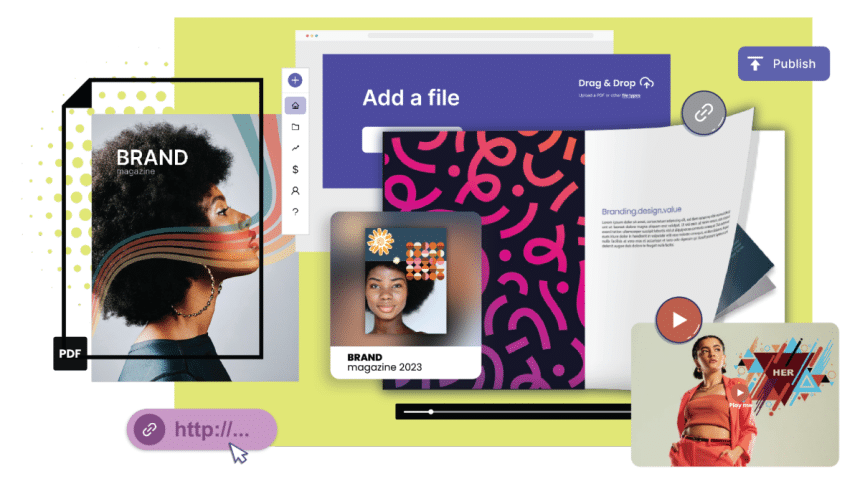
In today’s era, interactive PDFs have become a critical asset for engaging with audiences and improving communication. Whether you’re a marketer aiming to craft content or a business professional seeking to streamline your documents, mastering the art of using interactive PDFs can elevate your work to new levels. In this article, we will delve into the tools and techniques that can assist you in creating interactive PDFs that will captivate your audience.
1. Recognizing the Impact of Interactive PDFs
Interactive PDFs surpass static documents by integrating multimedia elements, navigation features, and interactivity. By utilizing these tools, businesses can make interactive PDFs easily and present information in a manner that captures readers’ attention and enriches their experience.
2. A Variety of Valuable Resources
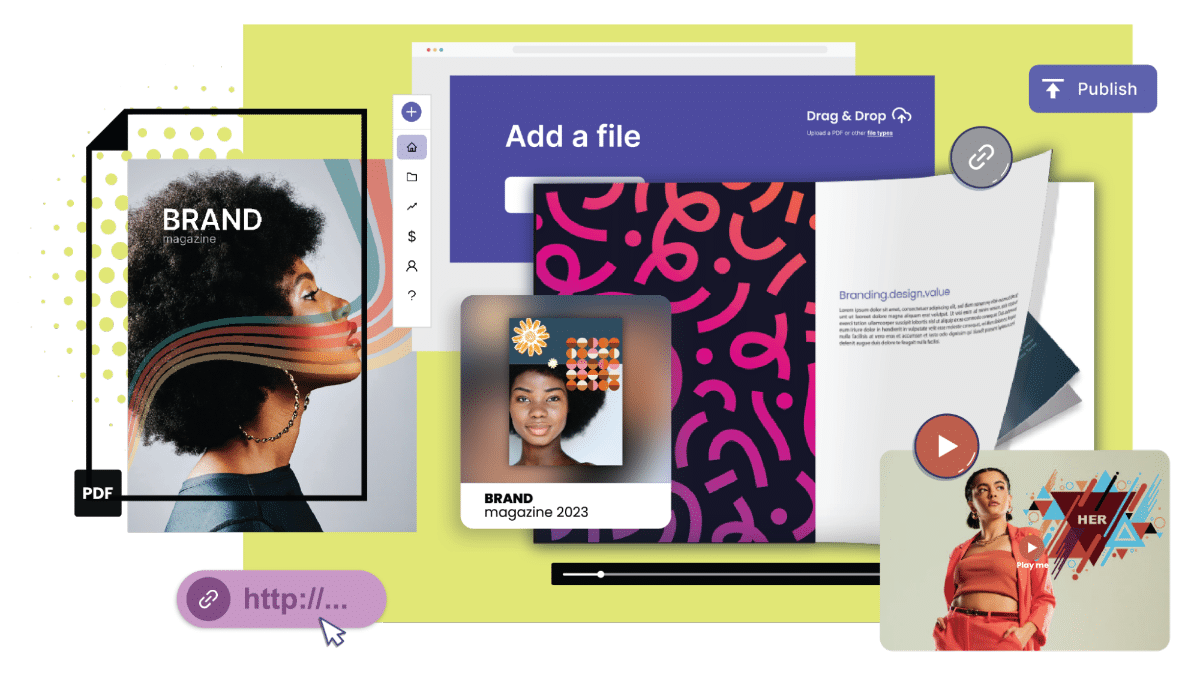
To develop interactive PDFs, having access to the appropriate tools is essential. Various software options are currently available in the market, offering a range of features to facilitate an efficient creation process for interactive PDFs. From Adobe InDesign’s functionalities to platforms like Canva and Lucidpress, there exists a tool catering to every user’s requirements and budget considerations.
3. Selecting the Appropriate Software
Although Adobe InDesign remains a popular option for designing PDFs due to its wide range of features, there are also other cost-effective alternatives available. Canva offers a drag-and-drop user interface with templates tailored for creating interactive PDFs. Lucidpress provides a platform that simplifies document creation through its easy-to-use interface.
4. Incorporating Multimedia Elements
Enhance the appeal of your PDFs by adding multimedia elements like videos, audio clips, and animations. These elements help bring your content to life and engage your audience effectively. Strategically using multimedia can emphasize points and demonstrate step-by-step processes.
5. Implementing Smart Navigation Techniques
Improve user experience in your PDF by incorporating navigation techniques such as clickable buttons, hyperlinks, and bookmarks. Easy-to-use navigation tools empower readers to navigate through your document easily, ensuring they can locate the required information quickly.
6. Including Social Sharing Features
Maximize the reach of your content by integrating social sharing options in your PDFs. Allow readers to effortlessly share a link to your document on their social media platforms, expanding the exposure of your content.
7. Interactive Forms and Form Fields
Enhance the engagement of your PDFs by incorporating forms to gather data or receive customer feedback. Whether it’s a contact form or a detailed survey, these interactive elements allow readers to input information directly into the PDF without the need for any additional tools or software.
8. Accessibility Considerations
When creating PDFs, it’s crucial to consider accessibility to provide a consistent experience for all users. Include text for images, captions for videos, use headings, and opt for fonts that are easy to read for individuals with visual impairments.
9. Testing and Feedback
Before finalizing your PDF project, it’s important to test its functionality across various devices and software platforms. Seek inputs from a focus group or colleagues to ensure that all components function smoothly and deliver the desired user experience.
10. Distributing Your Interactive PDF
Once you’ve fine-tuned your PDF creation, it’s time to share it with an audience. Utilize email marketing campaigns and social media platforms and embed your interactive PDF on your website so that potential customers can easily access and interact with your content.
11. Tracking User Engagement and Analytics
One of the biggest advantages of using interactive PDFs is the ability to monitor user behavior and gather analytics on engagement levels. By using tools like Google Analytics or third-party software, you can keep track of how people interact with your PDFs, gather data on all the different sections, and understand reader preferences. This data is invaluable for refining your content strategy, enhancing user engagement, and optimizing your PDFs.
Top Tips for Designing Interactive PDFs
To make the most of interactive PDFs, it’s crucial to follow the best design practices. Start by establishing a hierarchy with consistent fonts, colors, and layout across your document. Utilize space effectively to enhance readability and visual appeal. Consider factors like font size, color contrast, and button size to ensure that users of all ages and abilities can navigate your PDF smoothly.
Wrapping Up
Mastering the creation of interactive PDFs offers a range of opportunities for professionals in various fields. By leveraging the available tools, integrating multimedia elements, employing navigation techniques, and addressing accessibility considerations, you can craft engaging documents that capture your audience’s interest while effectively conveying information.











