
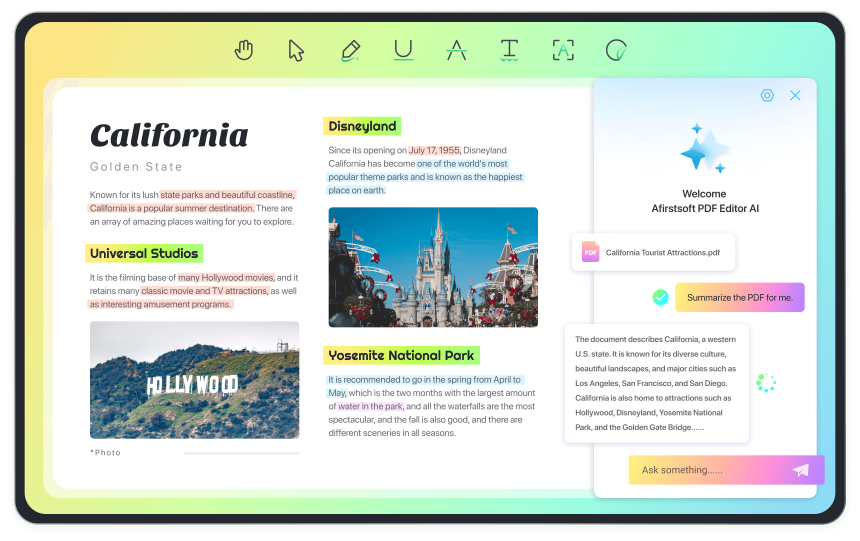
PDF readers are excellent choices for organizations dealing with heaps of paperwork. These tools can create a digital office by allowing you to share bulk documents with zero paperwork. Besides viewing documents, PDF tools can accomplish tasks like collaborative editing and file sharing. One of the best tools that can be handy is Afirstsoft PDF. It’s a simple-to-use desktop program that can edit, polish, and secure your PDF files. This program also uses AI technology to optimize and simplify your workflow. Continue reading to get all the details.
Key Features of Afirstsoft PDF
Afirstsoft PDF is a well-designed program packed with innovative features to simplify and maximize your PDF management processes. You can read, annotate, convert, and perform other vital PDF management tasks. Let’s look at the key features below:
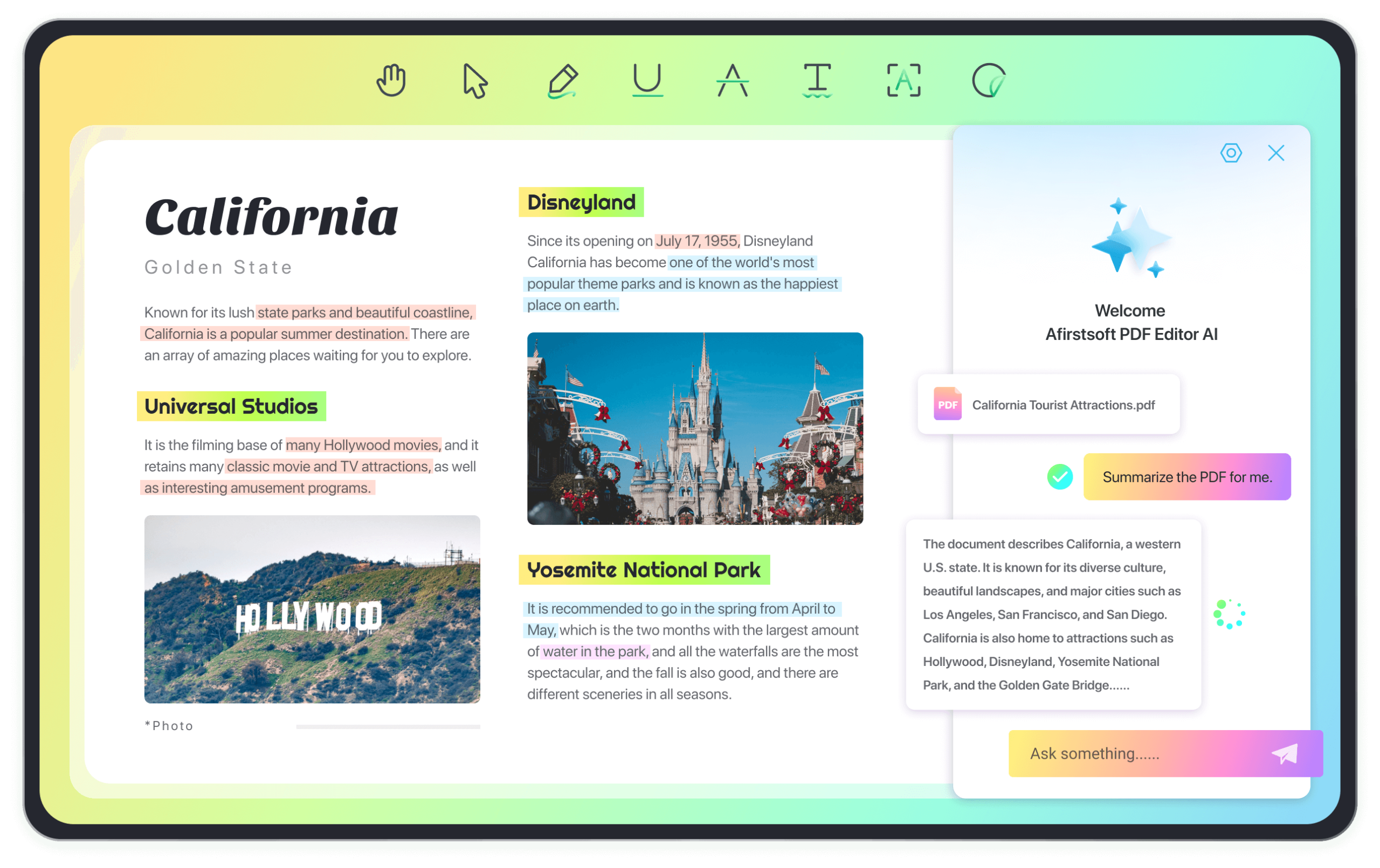
1. Edit and Sync PDFs Across Devices
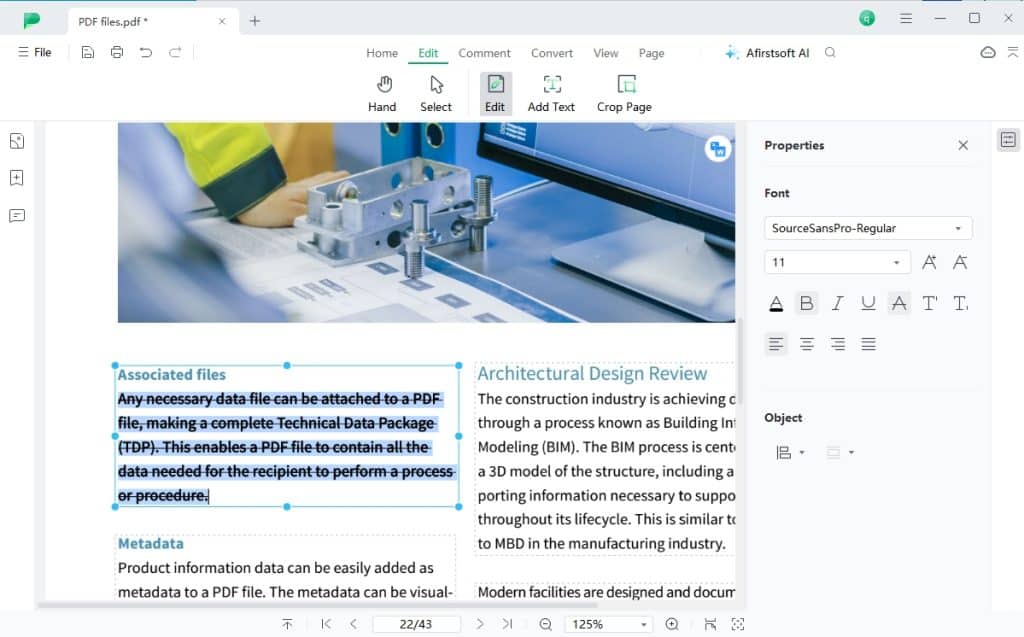
One of the primary functions of any PDF program is to edit documents. Afirstsoft PDF lets you edit your PDFs by adding or deleting texts and customizing the text with stylish fonts for more appealing looks. That’s not all. You can continue editing PDFs remotely using the Afirstsoft PDF Cloud feature. This cross-platform feature lets you sync PDF files on Mac, Windows, Android, and iOS for more convenient document access.
2. Read and Annotate PDFs
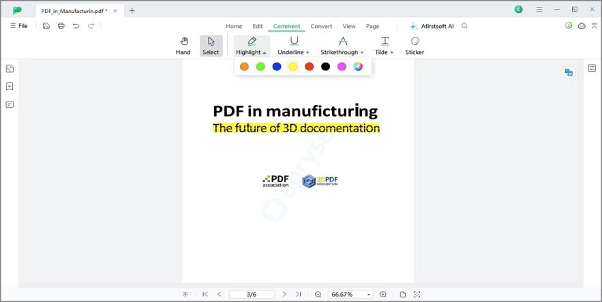
Afirstsoft PDF makes reading PDF documents a straightforward and fun experience. This program lets you control the PDF reading experience thanks to its intuitive page navigation and layout. You can read PDFs in a single-page view, two-page view, scrolling, or two-page scrolling mode. While reading, you can highlight, underline, and strikethrough important text. You can even add stickers to PDF.
3. Convert PDFs to Other Formats and Create PDFs
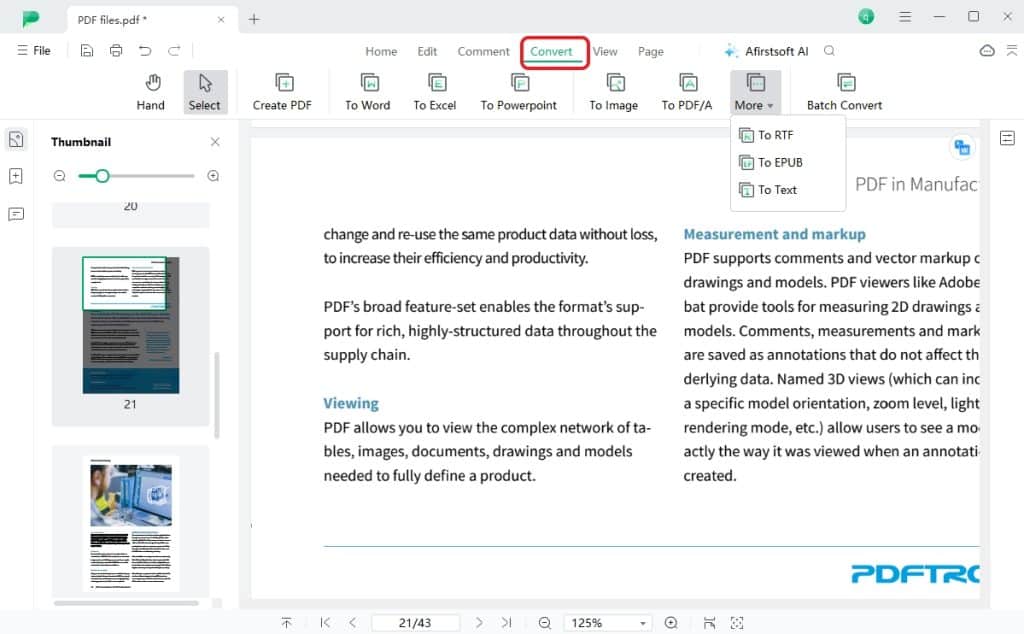
PDF conversion is vital for document accessibility and compatibility with various devices. With Afirstsoft PDF, you can convert PDF to a wide range of office files and image formats. On top of that, this PDF editing and management program can create PDF files from images and document formats.
Below are some of the supported conversion formats:
- Word
- Excel
- PPT
- PDF/A
- HTML
- RTF
- TXT
- JPG/JPEG
- PNG
- BMP
4. Perform OCR on PDFs

Afirstsoft PDF supports OCR (optical character recognition). This process can convert scanned documents and image texts into searchable and editable texts. It analyzes the image to recognize the text characters before converting it into machine-readable text. In return, this allows you to search and edit the text before converting it into PDF. It’s also worth noting that the OCR feature can scan and recognize 20+ text languages.
5. Analyze, Summarize, and Ask Questions with Afirstsoft AI
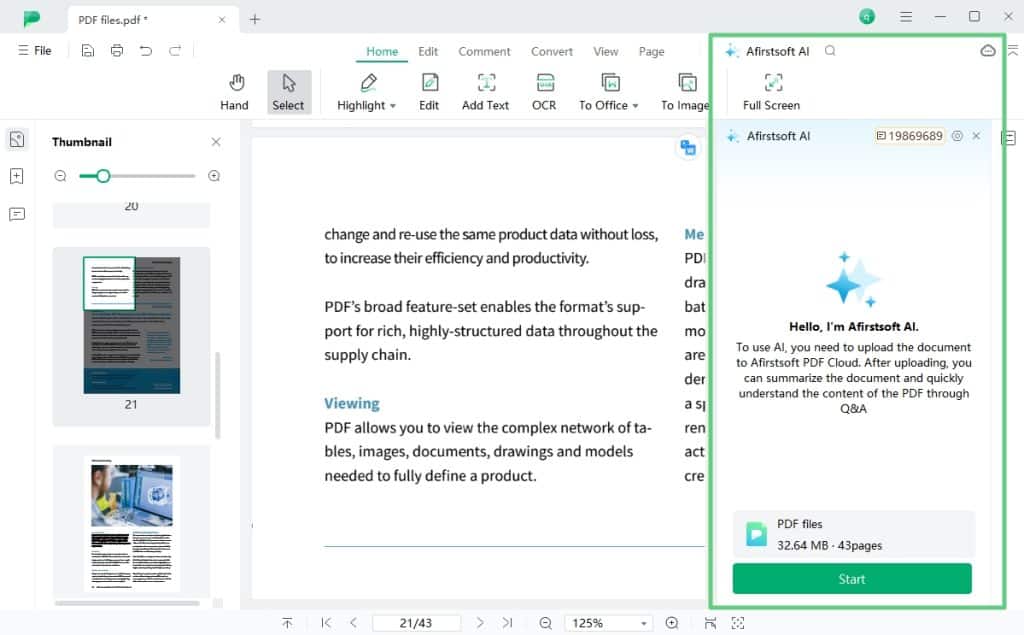
PDF editing is constantly evolving to become more straightforward and efficient. With Afirstsoft AI, you can enjoy all the benefits of AI-powered PDF editing processes. This revolutionary technology allows you to summarize PDFs and extract essential information to save you from lengthy and strenuous reading. You can also ask Afirstsoft AI any query about your PDF, which enhances your reading experience.
6. Organize PDF Pages

Afirstsoft PDF allows you to rearrange and organize your PDF pages with minimal effort. It has various features to sort and mix your PDF pages just how you want them. Organizing your PDF pages can make your presentation more organized and professional.
Below is what it can do:
- Delete pages: You can remove single or multiple unwanted PDF pages with a single mouse click.
- Extract pages: The page extraction feature lets you extract and merge pages without printing the whole document.
- Rotate pages: Afirstsoft PDF lets you streamline your workflow by rotating PDF pages for easy reading.
- Rearrange pages: You can rearrange and reorder PDF pages by merely dragging and dropping.
- Crop pages: Use the cropping feature to remove unwanted portions and margins of your PDF for a more professional look.
Highlights of Afirstsoft PDF
Let’s highlight some of Afirstsoft PDF’s shining points and why you should integrate this program into your PDF workflow.
1. Cross-Platform Support
Afirstsoft PDF offers convenient cross-platform PDF editing support. You can edit and manage your PDFs on Windows 10 64-bit or higher PCs and macOS 10.5+ systems. After editing and creating PDFs, you can sync your documents to the Afirstsoft Cloud service for remote editing on Android 9 and iOS 16 or newer devices. Note that a single account can support two desktops and two mobile phones.
2. Integrated with AI
You can take your PDF management service to the next level using Afirstsoft AI. This program includes an advanced AI system for chatting with your PDF document and asking questions. It can also summarize texts to extract essential information and explain hard-to-understand vocabularies. What’s more, this feature can translate PDFs into dozens of languages, making it more of your PDF editing assistant.
3. Cost Effective
Afirstsoft PDF is a fully functional professional-grade PDF editor and manager that won’t break your budget. Compared to the expensive Adobe Acrobat, Afirstsoft PDF costs 25% less in yearly subscriptions. This affordable price includes new features and free customer support around the clock. Did you know that Afirstsoft PDF has an exclusive 30% discount for new subscribers? Claim this offer today!
4. Regular Product Updates
Afirstsoft PDF is continuously adding new and improved PDF management features. You can update this desktop program to enjoy the latest PDF editing features and enhanced performance. Besides new features, Afirstsoft PDF updates have bug fixes and advanced security patches. All updates are free for all accounts.
5. User-Friendly Interface
This product has a straightforward user interface with a good set of tools. The easy-to-understand dashboard makes navigating the program a breeze. You can clearly see the buttons for editing, converting, commenting, and other important PDF manipulation tasks. Let’s say you don’t need any prior PDF editing skills to use it.
Conclusion
Afirstsoft PDF is undoubtedly a sophisticated PDF editing tool that offers more for less. It goes well beyond PDF reading and viewing by providing a range of tools for editing and manipulating documents. The fact that it’s available on desktop and mobile systems makes it a more attractive option for PDF sharing and remote editing.











