
iLoungeiLounge
  • News
    • Apple
      • AirPods Pro
      • AirPlay
      • Apps
        • Apple Music
      • iCloud
      • iTunes
      • HealthKit
      • HomeKit
      • HomePod
      • iOS 13
      • Apple Pay
      • Apple TV
      • Siri
    • Rumors
    • Humor
    • Technology
      • CES
    • Daily Deals
    • Articles
    • Web Stories
  • iPhone
    • iPhone Accessories
  • iPad
  • iPod
    • iPod Accessories
  • Apple Watch
    • Apple Watch Accessories
  • Mac
    • MacBook Air
    • MacBook Pro
  • Reviews
    • App Reviews
  • How-to
    • Ask iLounge
Font ResizerAa
iLoungeiLounge
Font ResizerAa
Search
  • News
    • Apple
    • Rumors
    • Humor
    • Technology
    • Daily Deals
    • Articles
    • Web Stories
  • iPhone
    • iPhone Accessories
  • iPad
  • iPod
    • iPod Accessories
  • Apple Watch
    • Apple Watch Accessories
  • Mac
    • MacBook Air
    • MacBook Pro
  • Reviews
    • App Reviews
  • How-to
    • Ask iLounge
Follow US

Articles

Articles

Let’s dive into the best free Instagram analytics tools!

Last updated: Dec 20, 2019 7:39 pm UTC
By Lucy Bennett
Let’s dive into the best free Instagram analytics tools!

Instagram allows brands to obtain an engagement rate ten times higher than on any other platform! So even if the number of interactions seems high to you, tell yourself that it can always be better. The same goes for the growth of your community.


In order to identify good and bad practices, we recommend that you regularly scan your account. You will know the preferences of your community, your engagement rate, and the evolution of your followers. To accomplish that, here is a list of the best instagram analytics tools you can use!
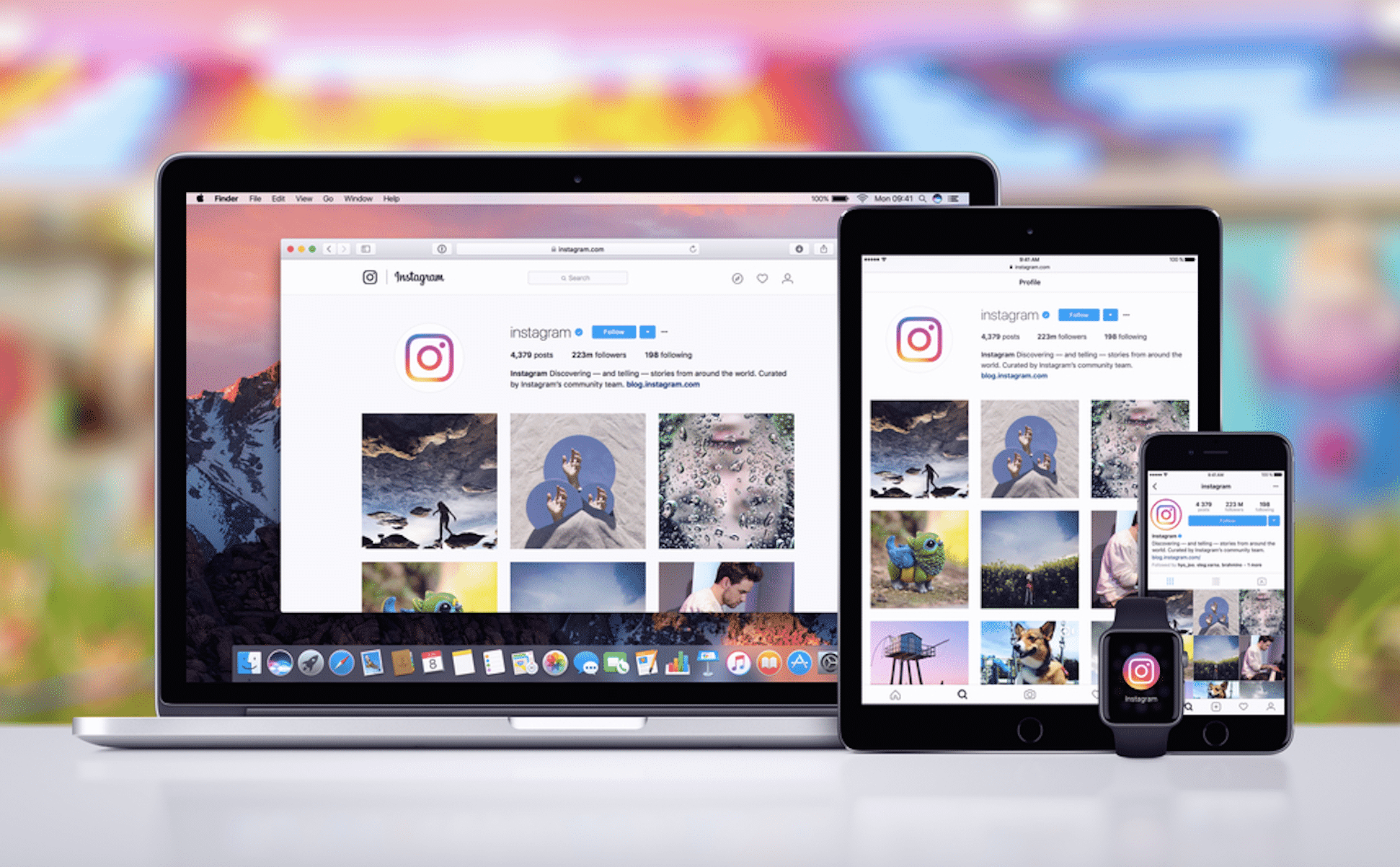
Let’s dive into the best free Instagram analytics tools!

Instagram Insights

“Insights” is the analytical tool integrated into Instagram. It should thus be your first “go to” analytics tool. It is reserved for users with a Business account. Note that if you haven’t yet opted for a professional account, it’s quick and free. Here is how to use it:


  • Go to the “Parameters” wheel at the top right;
  • Click on “Go to professional profile”;
  • Then proceed step by step to turn your profile into a professional account.

When you are done, you will see 4 bars appear next to your settings which represent your statistics. Instagram Insights grants you access to a few details, such as: number of subscribers , their demographic data (age, city, country, etc.), your weekly growth rate,your reach…

The tool also shows you the time periods during which your subscribers are connected to the platform, which helps you optimize your publication hours. Using the “Top Posts” tab, you can view the publications that have received the most interaction in the past 7 or 30 days. This helps determine the types of posts that your followers prefer, in order to adapt the content you share.


Websta

Websta aggregates all of the key data from your Instagram account. The tool offers you ways to optimize your content, thanks to the display of your most popular publications, the evolution of your posts and the distribution of connection times of your followers. The “Hot” section of Websta brings together the trendiest hashtags, the Top 100 accounts with the highest number of followers and the Top 10 profiles having published popular content.

Socialbakers

With Socialbakers, you analyze your profile and compare your results to those of your competitors. The reports, downloadable in PDF format, can be personalized. These help you discover your number of followers and its growth rate. You also get the location data of your subscribers. Last but not least, Socialbakers lets you discover your Top 5 publications that generated the highest engagement rate depending on the period selected.

Union Metrics

To access the Union Metrics tool, you must create an account on the site and identify yourself with your Instagram profile. Based on the report provided, you will be able to compare your publications and indicators with those of other accounts. The tool analyzes the number of interactions obtained by your content, the days and hours when your posts generate the most engagement, the number of comments and “likes” per publication, etc.



Latest News
The Apple Watch Series 11 46mm GPS Is $100 Off
1 Min Read
Clamshell Style iPhone Being Looked Into By Apple
1 Min Read
Foldable iPhones May Have the Largest Battery Ever
1 Min Read
Apple and TSMC’s 10-Year Collaboration May Be Ending
1 Min Read
The 13-inch M5 iPad Pro 256GB Wi-Fi Is $149 Off
1 Min Read
M5 Pro and M5 Max Chips for the MacBook Pro could Roll Out with macOS 26.3
1 Min Read
Mac Ordering Process Revamped
1 Min Read
Check Signed By Steve Wozniak and Steve Jobs Sold For $2.4 Million
1 Min Read
The Anker 140W 4-Port GaN USB-C Charger is $35 Off
1 Min Read
No iPhone Air 2 This Year, according to Latest Report
1 Min Read
New Report Corroborates Split iPhone Release Dates
1 Min Read
Apple Losing More Researchers As They Plan To Release 2 Siri Versions
1 Min Read

iLounge logo

iLounge is an independent resource for all things iPod, iPhone, iPad, and beyond. iPod, iPhone, iPad, iTunes, Apple TV, and the Apple logo are trademarks of Apple Inc.

This website is not affiliated with Apple Inc.
iLounge © 2001 - 2025. All Rights Reserved.
  • Contact Us
  • Submit News
  • About Us
  • Forums
  • Privacy Policy
  • Terms Of Use
Welcome Back!

Sign in to your account

Lost your password?








